
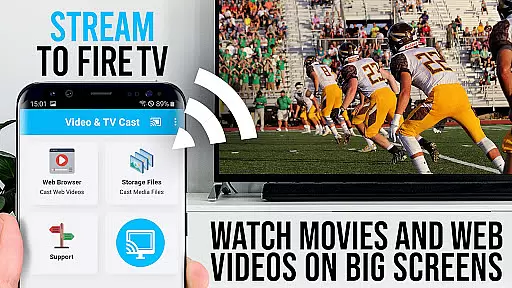
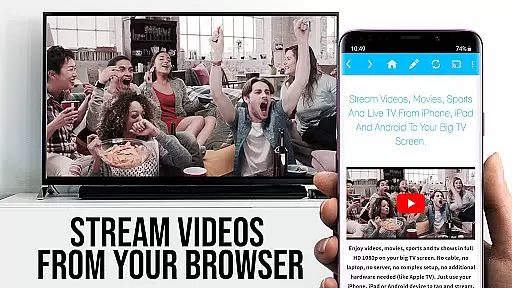
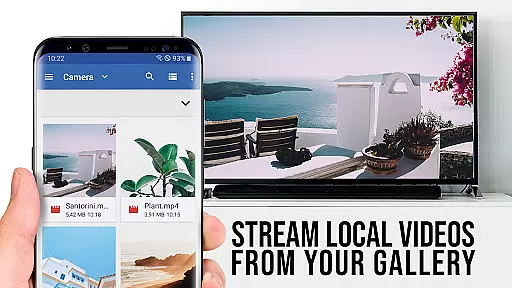
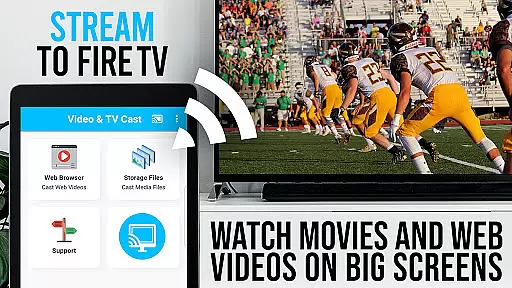
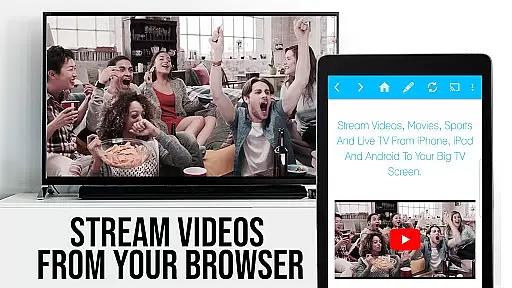
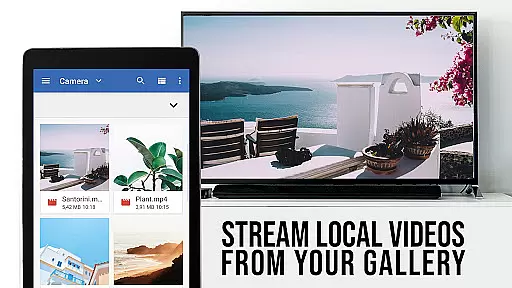
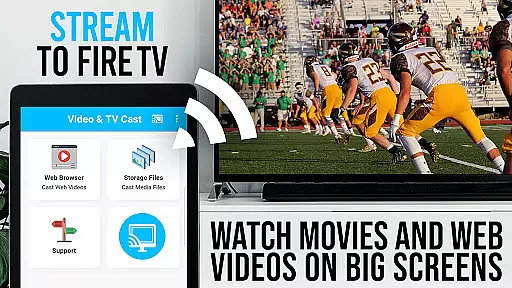
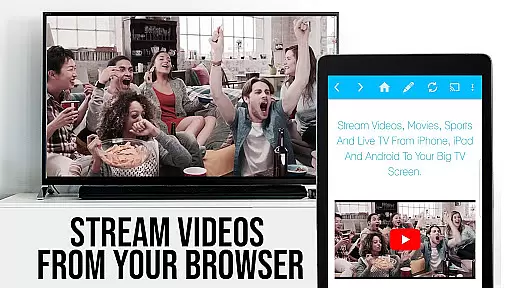
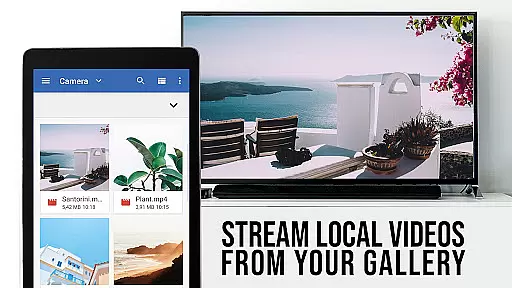
TV Cast Pro for Fire TV is the premier web video streaming solution that transforms your Fire TV into a versatile entertainment hub. Designed specifically for Amazon Fire TV and Fire TV Stick, this application enables seamless streaming of web videos, online movies, livestreams, and live-TV shows directly to your largest screen. Supporting formats like Mp4, m3u8, hls livestreams, and Full HD content over https, it eliminates the need for complex media servers. The PRO edition offers all premium features unlocked, providing users with advanced functionalities beyond the basic FREE version.
The app's intuitive interface allows effortless browsing and casting of any desired video content from the web to your Fire TV. With a single tap, you can send embedded videos from your favorite websites to your television screen. It also supports direct video file playback by entering or pasting URLs in the browser address bar. While it doesn't support DRM-protected content or full device mirroring, its specialized features cater to a streamlined and high-quality viewing experience on the big screen.
TV Cast Pro for Fire TV boasts an array of sophisticated features tailored for an enhanced streaming experience. One standout feature is the Remote Playbar, which provides advanced video control capabilities such as video scrubbing, forward, rewind, play, pause, and stop functions while browsing. This playbar syncs across all Android and iOS devices running Video & TV Cast, ensuring consistent control regardless of the device used.
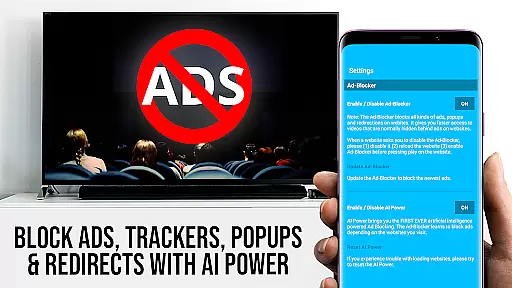
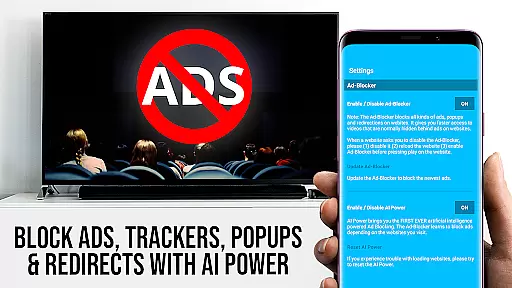
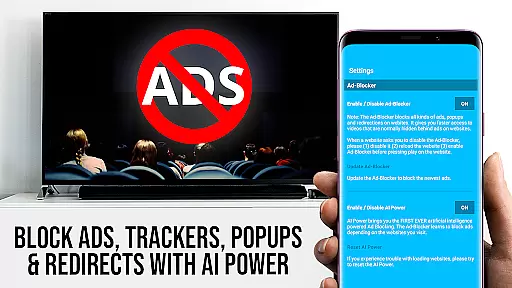
In addition to the Remote Playbar, the PRO version includes an Ad-Blocker that removes ads and popups on most visited websites, creating a distraction-free environment. Users can enable or disable this feature at their convenience within the settings. The app also supports extensive bookmark management, allowing users to save and organize numerous bookmarks either through the bookmarks menu or directly in the browser. Furthermore, the Desktop Mode feature changes the browser user-agent to mimic a desktop PC, loading desktop versions of websites instead of mobile ones, although it does not enable casting of Flash videos served in desktop mode.
Other notable features include the ability to set a personalized homepage post-purchase and minimal Android permissions for user safety. Unlike other apps, TV Cast Pro refrains from accessing identity data, accounts, device ID, phone status, GPS location, or contacts. These comprehensive features collectively enhance user convenience, privacy, and overall streaming quality, making TV Cast Pro a robust choice for discerning viewers.
TV Cast Pro for Fire TV offers extensive video format compatibility, ensuring users can enjoy a wide range of content without technical hindrances. The app supports popular formats like Mp4, m3u8, and HLS livestreams, making it versatile for different types of video content.
With the capability to handle videos over https and Full HD quality streams, this application caters to users who demand high-quality playback on their Amazon Fire TV or Fire TV Stick. This ensures that whether you're streaming web videos, online movies, or live TV shows, the experience is smooth and buffer-free.
The app simplifies streaming by allowing direct URL input for video files, which means users can paste links for their desired content and play it directly on the big screen. This straightforward approach eliminates the need for complex media servers or additional hardware.
By focusing on compatibility and ease of use, TV Cast Pro enhances the multimedia experience on Fire TV devices, granting access to a plethora of online content with just a few taps.
Although TV Cast Pro for Fire TV does not offer traditional AI-powered editing features found in video editing software, it provides advanced functionalities that enhance the viewing and streaming process akin to intelligent editing tools.
The Remote Playbar feature allows for sophisticated control over video playback, mimicking editing precision with options for scrubbing, forwarding, rewinding, playing, pausing, and stopping videos. This creates an interactive user experience similar to real-time video editing.
Including an Ad-Blocker as part of its premium features, the app smartly filters out ads and popups from websites, streamlining the viewing process. This function acts like an intelligent assistant, curating a cleaner and uninterrupted video stream.
While not altering video content itself, these 'editing' capabilities empower users to tailor their streaming experience with seamless navigation and control, thus elevating viewer engagement and satisfaction.
Seamless video casting
Advanced remote controls
Effective ad-blocking
Extensive bookmarking options
Enhanced privacy protection
No DRM content support
Limited to Fire TV devices
Desktop mode limitations
Requires stable Wi-Fi
Premium version cost

Auto video maker with music & exclusive filters. Video editing made simple.
 4.50
4.50
Video Downloader is an utility that can save videos and music from web sites
4.20
High-Quality USB Camera Viewer & HDMI Display
4.70
Connect EasyCap or UVC devices for recording and broadcast video/audio stream
3.60
#1 Torrent App on Android ** No Ads Ever + Battery Saver **
4.80
Cast movies, tv shows and live streams to Chromecast, Roku, DLNA, Fire TV & more
4.60
Livestream, news, & gaming content. Watch, chat, and upload. Join Rumble today!
3.80
Manage your YouTube channel on the go
4.40
convenient, safe and fast at Video Downloader & Player
4.60
Video Player - Unlimited features, 30 days money back guarantee.
4.60
Create photo video with music & template. AI video maker for stunning slideshow.
4.60
Support 1000+ Video Format, Subtitle Download, mp3 & Background Play, Cast On TV
4.60
Full HD Video mp3 Player, MP4 player play 1080p, File manager, Video Downloader
4.40
Create & edit videos with AI
4.30
VLC for Android is the best open source video and music player, fast and easy!
4.10
All format media Player, no need video converter any more!
4.00
Stream Web Videos to Chromecast, Samsung, LG, Sony, Roku, Fire TV, DLNA + more
4.00
Online Videos Player
3.90
Browser for Sony TV to stream web videos, online movies and live tv
3.20


User Reviews