

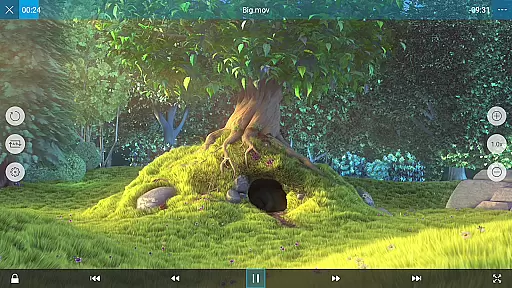
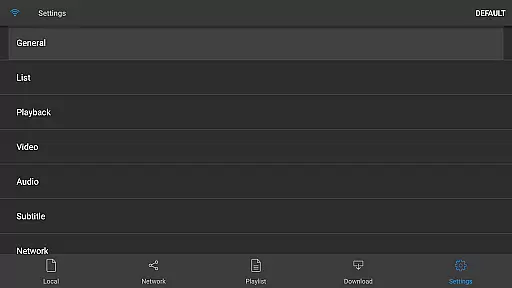
nPlayer is a versatile video player designed for seamless playback of various media formats without the need for prior conversion. Supporting an extensive range of video, audio, and subtitle files, it ensures you can enjoy your content on mobile devices with ease.
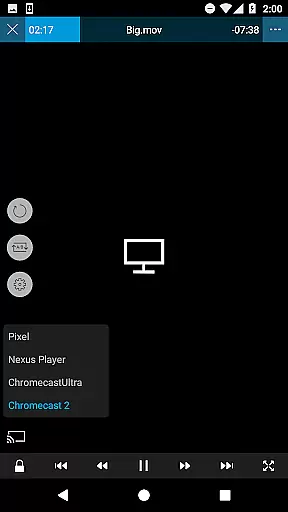
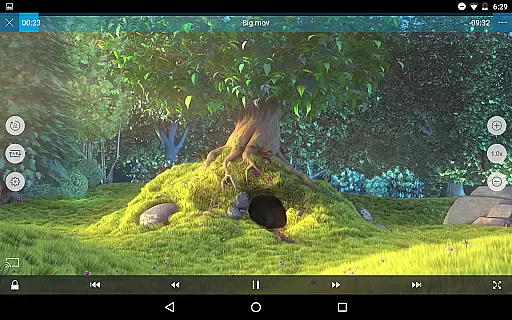
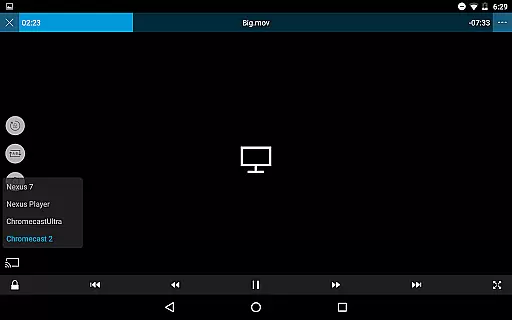
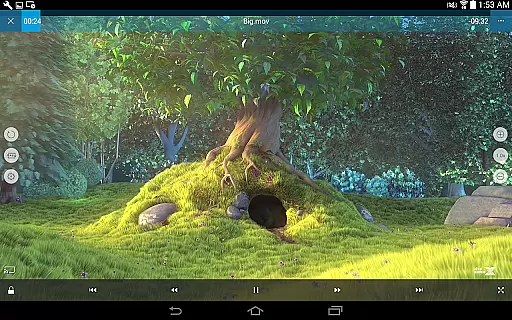
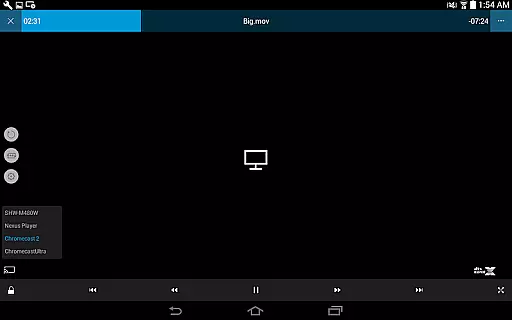
With intuitive touch controls, users can effortlessly adjust playback settings, manage subtitles, and control volume and brightness. nPlayer also offers advanced features like pop-up play, casting to Smart TVs, and HDMI output, making it an all-in-one solution for media enthusiasts.
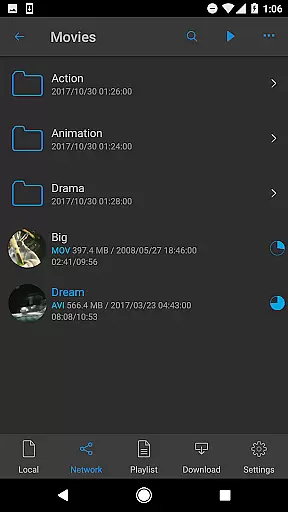
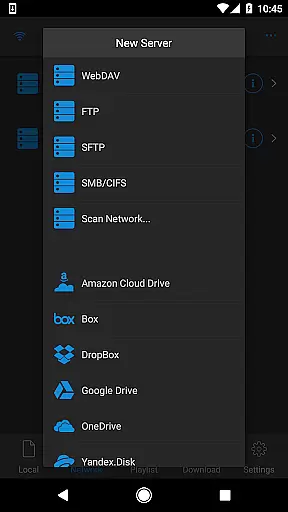
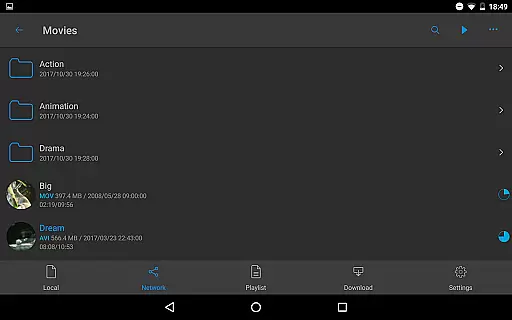
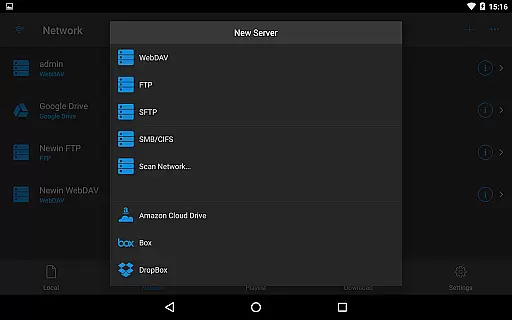
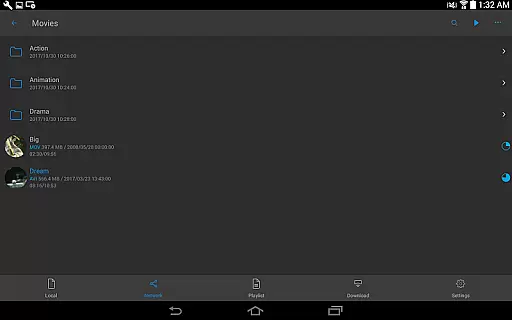
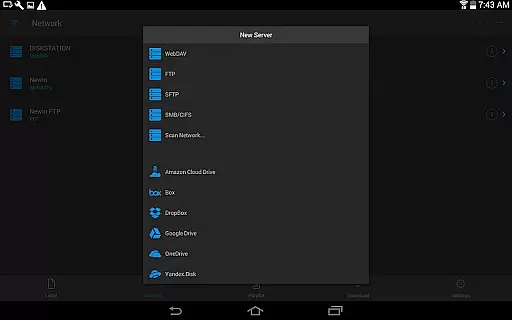
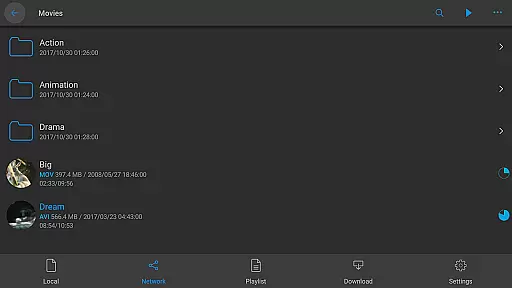
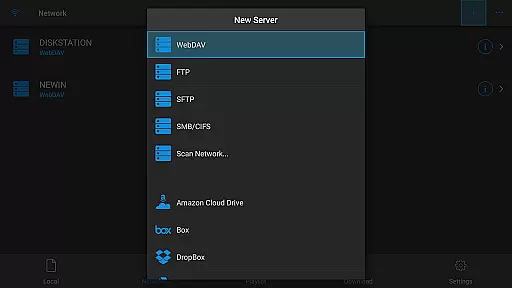
Ideal for those seeking a comprehensive media experience, nPlayer allows direct playback from cloud services and network protocols, enhancing accessibility and convenience for users who manage large media libraries.
nPlayer stands out with its ability to handle almost all video formats and codecs without file conversion. This includes popular formats like MP4, MOV, MKV, and more, alongside support for DTS audio codec (DTS HD).
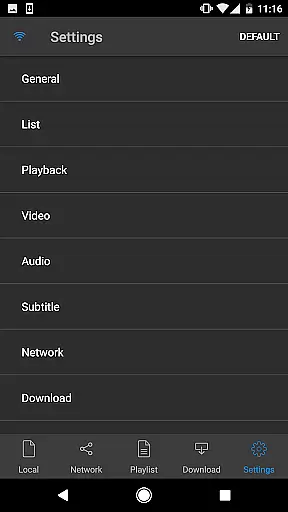
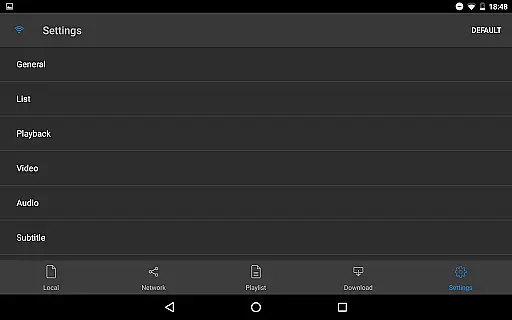
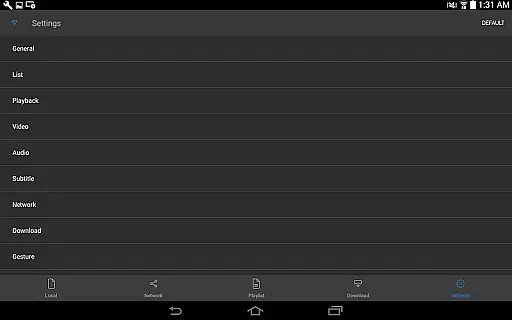
The app provides complete control over media playback with adjustable subtitle positioning, font sizes, and multi-track audio options. Users can also boost audio levels and choose from various external subtitle fonts for a personalized viewing experience.
Additionally, nPlayer supports network streaming protocols such as WebDAV, FTP, and cloud services like Google Drive and Dropbox. With features like pop-up play and casting to Smart TVs, it delivers a modern and flexible media consumption experience.
One of the standout features of nPlayer is its extensive video format compatibility, eliminating the need for users to convert files to MP4 for mobile playback. This Video Players & Editors app supports a wide array of video formats including MP4, MOV, MKV, AVI, WMV, and many more, ensuring that users can play almost any video file type without additional conversion efforts.
The application's support extends to various audio and subtitle file types as well, such as MP3, WAV, FLAC, SMI, SRT, and SSA. This comprehensive compatibility allows users to enjoy a fully integrated media experience with their preferred audio tracks and subtitles, regardless of the original file format.
By removing the barrier of format incompatibility, nPlayer provides a seamless viewing experience across different devices. Users can now focus on enjoying their content rather than worrying about technical limitations, making it an ideal choice for those seeking a versatile media player.
While nPlayer focuses primarily on video playback, it also offers some innovative AI-powered editing features that enhance the viewing experience. The app allows users to adjust playback position, move between subtitle positions, and modify subtitle location and font size with simple finger gestures. These intuitive controls provide a personalized and accessible editing experience.
In addition to basic playback adjustments, nPlayer supports advanced audio manipulation through its multi-track audio feature and audio boost functionality. Users can fine-tune their listening experience by selecting different audio tracks and adjusting volume levels to suit their preferences, creating a customized soundscape for each video.
The combination of these AI-powered editing tools with the app's comprehensive format support makes nPlayer a powerful solution for both casual viewers and media enthusiasts. By offering sophisticated control over video playback and subtitle management, the application empowers users to create their optimal viewing environment with minimal effort.
Wide format compatibility
Advanced subtitle options
Cloud service integration
Multi-track audio support
Convenient touch controls
Premium version cost
Complex for beginners
Limited free features
Occasional bugs
High system requirements

Video Player - Unlimited features, 30 days money back guarantee.
 4.60
4.60
All format media Player, no need video converter any more!
4.00
Capture images & record videos for USB Camera, Webcam, Microscopes, Endoscopes
3.80
Movie maker & video editing app with AI effects and green screen
4.30
Browser for Sony TV to stream web videos, online movies and live tv
3.20
Browser for Samsung TV to stream webvideos, online movies and livestreams in HD
4.10
Browser + Remote for Roku to stream webvideos, online movies and livestreams
4.60
Download Hub, easy and private way to download and enjoy your videos offline
4.80
Capture the moment and Cut
3.40
An easy-to-use and all-round screen recorder with audio
4.80
Download videos and play them offline
4.70
Search & download videos from net with all video downloader, auto-detect & safe.
4.60
Photo and Music Video Creator into Stunning Videos—Effortlessly
4.40
Full HD Video mp3 Player, MP4 player play 1080p, File manager, Video Downloader
4.40
Create & edit videos with AI
4.30
KMPlayer Plus (Divx Codec) officially support Divx codec.
4.30
VLC for Android is the best open source video and music player, fast and easy!
4.10
Explore the largest library of free GIFs, Stickers & Memes - or create your own!
3.90
Client application for NextPVR software
3.00


User Reviews