

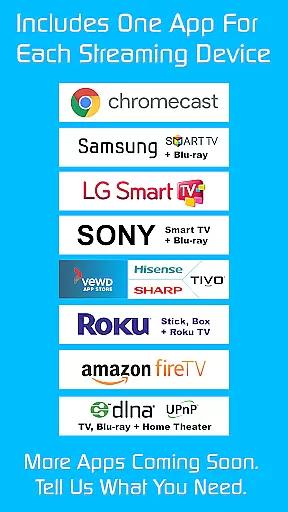
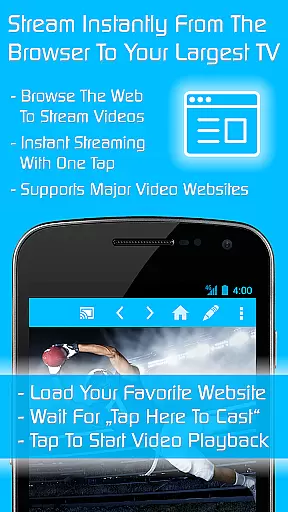
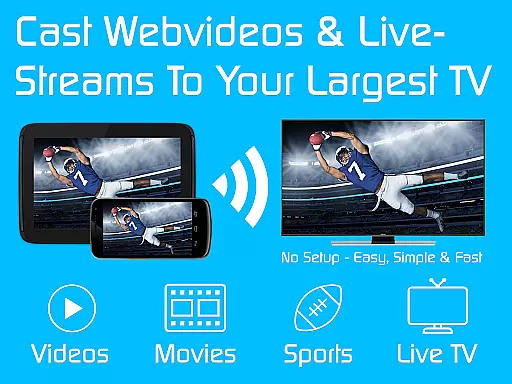
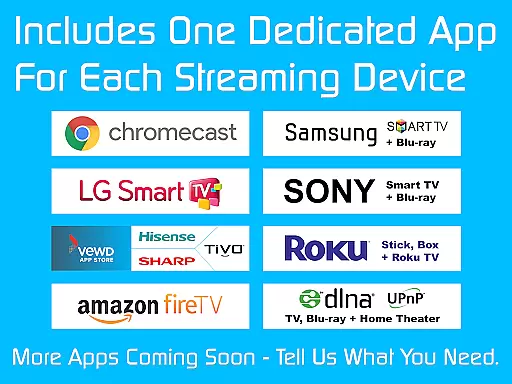
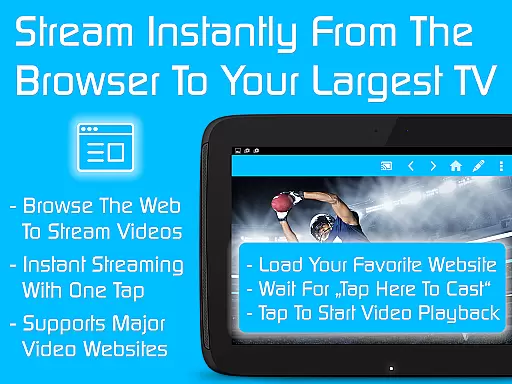
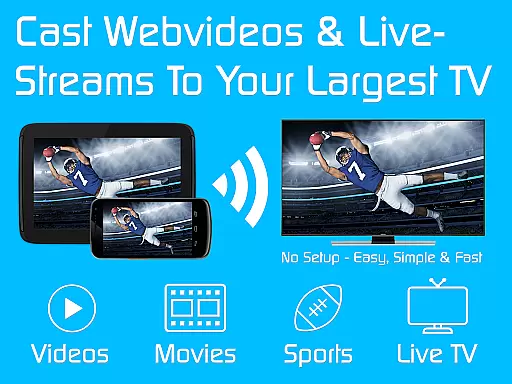
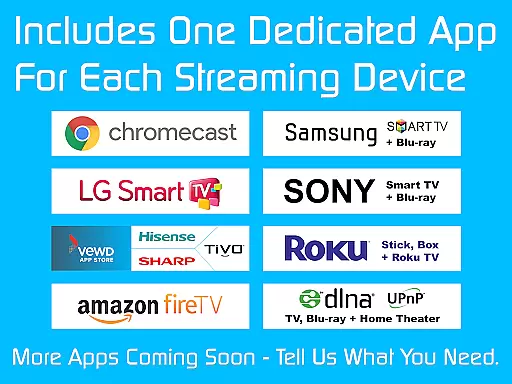
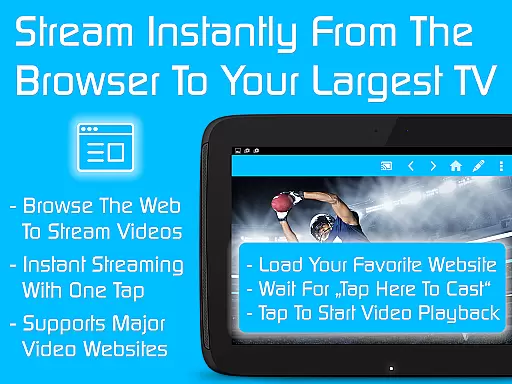
TV Cast is a versatile streaming browser app that allows users to stream and watch web videos, online movies, livestreams, and live TV shows on a variety of devices. Compatible with Chromecast, Samsung TV, LG TV, Sony TV, Hisense TV, Sharp TV, TiVo, Roku, Fire TV, DLNA, and Google Cast or Android TV-powered devices, it offers an extensive range of connectivity options. The Ultimate app serves as a license key that unlocks premium features across all free editions of Video & TV Cast apps on your Android device.
With more than 10 million users, TV Cast stands out by offering nine apps for the price of two, providing over a 70% discount. Once you download the Ultimate app, you can choose additional app editions that suit your needs, and premium features will be unlocked automatically as long as the Ultimate app remains installed. This makes it a cost-effective solution for enjoying uninterrupted entertainment across different platforms.
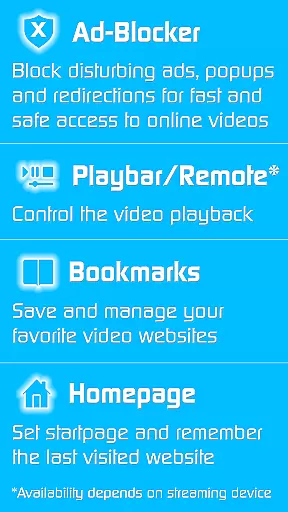
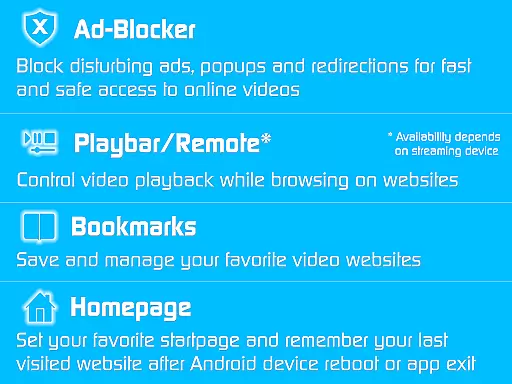
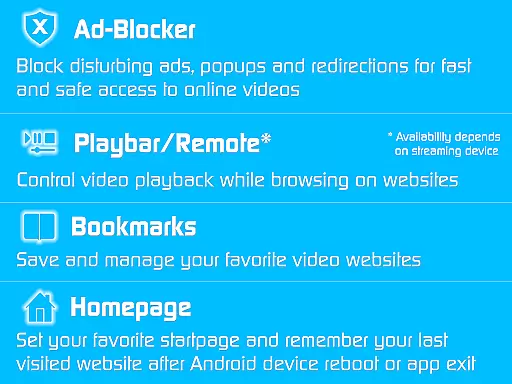
TV Cast boasts a rich set of features designed to enhance user experience. One notable feature is the Ad-Blocker, which eliminates all advertisements, pop-ups, and redirections from visited websites. Additionally, the Playbar/Remote function enables fast forward, rewind, and video scrubbing while browsing, although this depends on the capability of the streaming device being used.
Users can also customize their homepage, activate Desktop Mode to cloak their device as a desktop PC for better video link detection, and enjoy unlimited bookmarks for saving favorite sites and videos. These features collectively ensure a seamless and personalized streaming experience without sponsoring advertisements, making TV Cast a powerful tool for accessing multimedia content.
Video format compatibility is a crucial feature for any video player or editor, ensuring that users can access and stream content across various devices without technical limitations. TV Cast excels in this area by supporting an extensive range of formats, making it versatile for streaming web videos, online movies, livestreams, and live TV shows to multiple types of smart TVs and streaming devices.
The app's broad compatibility covers popular platforms such as Chromecast, Samsung TV, LG TV, Sony TV, Hisense TV, Sharp TV, TiVo, Roku, Fire TV, DLNA, and Google Cast-powered devices. This means you can enjoy your favorite content on virtually any modern television or media center without worrying about format restrictions.
By unlocking premium features through the Ultimate app, users gain access to enhanced functionalities that further improve cross-device compatibility. These include advanced streaming options and optimized playback settings tailored for different devices, ensuring smooth performance regardless of the target platform.
This comprehensive format support provides significant value to users who own multiple streaming devices or frequently switch between different TV brands. The peace of mind that comes with knowing any video will play seamlessly on your preferred device makes TV Cast an excellent choice for home entertainment enthusiasts.
While primarily known for its streaming capabilities, TV Cast also incorporates AI-powered editing features that enhance the user experience when interacting with video content. These intelligent tools help optimize video playback and provide smart solutions for common streaming challenges, making the viewing experience more enjoyable and efficient.
The app's AI technology includes an advanced ad-blocker that automatically detects and removes advertisements, popups, and unwanted redirections from websites. This feature ensures uninterrupted viewing sessions by eliminating intrusive elements that typically disrupt the streaming experience. Additionally, the AI-powered playbar functions as a remote control, enabling precise fast-forward, rewind, and video scrubbing during playback.
Another notable AI-driven feature is the automatic device detection system, which intelligently adjusts video settings based on the capabilities of the connected streaming device. This ensures optimal video quality and performance across different platforms, while the desktop mode helps detect video links on websites that might otherwise be inaccessible on mobile devices.
These AI-powered enhancements demonstrate how TV Cast goes beyond basic streaming functionality to provide a more sophisticated and user-friendly experience. By incorporating artificial intelligence into its core features, the app offers users greater control over their viewing experience while minimizing common frustrations associated with online video consumption.
User-friendly interface
Wide device compatibility
Ad-free browsing
Customizable settings
Cost-effective bundle
Premium reverts if uninstalled
Limited refund window
Device-dependent features
Internet required
Occasional troubleshooting

Kodi media center, a free and open source cross-platform entertainment hub
 3.60
3.60
Fast, private downloading, video saving, social media
4.50
HD video maker with no watermark, no ads & vlog maker with music, PIP, text
4.50
VLC Remote lets you control your VLC Media Player on Mac, PC or Linux.
4.60
Seamlessly connect and control your smart devices, anytime, anywhere with ease.
4.60
IPTV Loader, loads your own Playlist. DOES NOT CONTAIN ANY LIST OR CHANNELS
4.60
Viddo: Generate Action Figure, AI Anime, AI kiss, AI hug Video from image & text
4.40
Video player with 4K & 1080P support, popup play, background play and subtitle.
4.20
Enjoy your favorite videos and channels with the official YouTube app.
3.90
GENRAL PRO - General Pro is the best video player that fully supports all formats.
4.70
All in one HD video downloader & player for multiple formats with full privacy
4.70
Download videos and play them offline
4.70
Add date and time watermark to photos and videos
4.50
VLC for Android is the best open source video and music player, fast and easy!
4.10
Online Videos Player
3.90
Cast to Smart TV, Fire TV. Cast video, photo - Fast & Stable!
3.90
All in one multi protocols stream receiver for AirPlay, Cast and DLNA.
3.60
Connect EasyCap or UVC devices for recording and broadcast video/audio stream
3.60
Powerful HD video player with support for all formats & subtitles.
4.1


User Reviews