

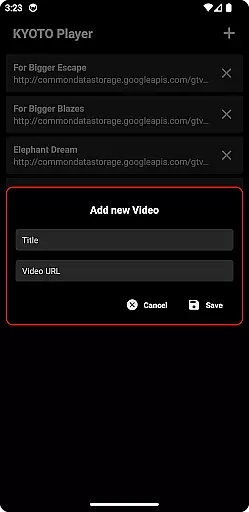

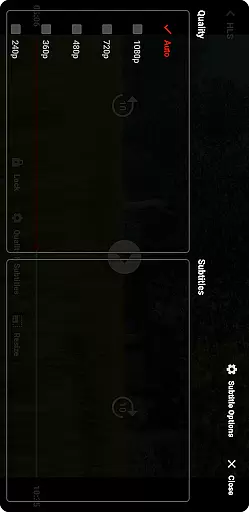

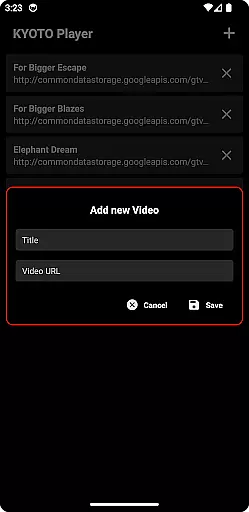

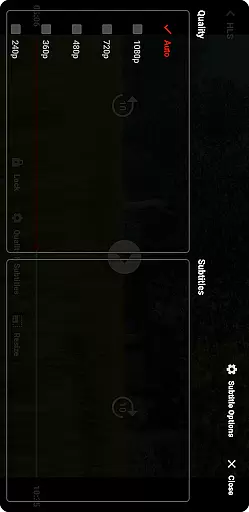

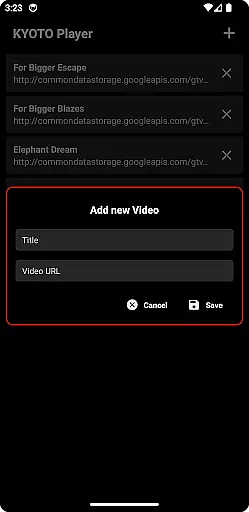

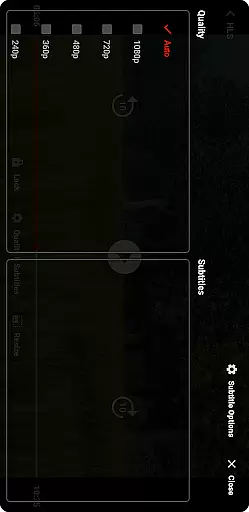
KYOTO Player is a versatile video player app designed for seamless playback of various online video formats. Supporting an extensive range of file types including MP4, HLS, DASH, and more, it ensures smooth streaming across devices.
The application's strength lies in its broad format compatibility, making it suitable for users who need to play videos in different formats without hassle. Whether you're watching casual content or professional media files, KYOTO Player provides a reliable viewing experience.
One of the standout features of KYOTO Player is its wide support for numerous video and audio formats such as WebM, MKV, OGG, and MPEG-TS. This flexibility allows users to enjoy their media without worrying about format restrictions.
In addition to its robust format support, the app offers intuitive playback controls and customization options. Users can easily adjust settings to enhance their viewing experience while benefiting from stable performance during long streaming sessions.
Video format compatibility is a crucial feature for any video player application. KYOTO Player excels in this area by supporting an extensive range of video formats including MP4, HLS, DASH, MP3, WebM, MKV, OGG, WAV, MPEG-TS, MPEG-PS, FLV, and more.
The importance of this feature lies in providing users with the flexibility to play videos without worrying about format restrictions. Whether you're watching locally stored files or streaming online content, KYOTO Player ensures seamless playback across different formats.
This app achieves comprehensive format support through advanced decoding technologies and regular updates to keep up with the latest standards. Users can enjoy their favorite videos without the hassle of converting files or dealing with unsupported formats.
With KYOTO Player's wide format compatibility, users gain the freedom to explore diverse content sources while enjoying consistent performance and reliability. This makes it an ideal choice for anyone seeking a versatile video playback solution.
While primarily a video player, KYOTO Player also incorporates AI-powered editing features that enhance the user experience. These intelligent tools utilize machine learning algorithms to optimize video playback settings based on content analysis and user preferences.
The AI-driven capabilities include automatic quality adjustment, smart subtitles generation, and content-aware playback speed optimization. These features work together to provide viewers with the best possible viewing experience tailored to their specific needs.
By implementing these advanced editing functions, KYOTO Player demonstrates its commitment to innovation in media consumption. The application continuously learns from user interactions to improve its performance and offer more personalized features over time.
Although not its primary focus, these AI-powered editing capabilities make KYOTO Player stand out among traditional video players. Users benefit from both reliable playback and intelligent enhancements that elevate their viewing sessions beyond basic functionality.
User-friendly interface
Wide format support
Smooth playback
Customizable settings
Regular updates
Limited advanced tools
No offline downloads
Ads in free version
Occasional bugs
High system requirements

Connect 2 UVC devices for recording and broadcast video/audio stream
 3.90
3.90
HD Video player all format, HD Videos, Cast & Subtitle. No annoying ads.
4.60
Video Trimmer, Video to MP3 Converter. Extract music from video, Easy & Fast.
4.80
Support 1000+ Video Format, Subtitle Download, mp3 & Background Play, Cast On TV
4.60
Video player with powerful streaming playback and various convenient features.
2.10
Find, download, and play torrents with the official BitTorrent® Pro app
4.70
Powerful video player with advanced hardware acceleration and subtitle supports
4.20
Photo editor & video maker with music and slideshows.
4.10
Make videos you’re proud to share with Edits, a video editor for creators.
4.70
A Simple app to download Video & Music from the Internet.
4.70
Browser for Fire TV to stream webvideos, online movies, livestreams in HD
4.40
AirMirror Receiver - Screen mirroring/cast web videos to Android TV by AirPlay.
4.40
Powerful Video Editor & Photo Editing App —— Quick Edits & Stunning Effects!
4.30
Powerful, professional, versatile teleprompter. Developed by an active film crew
4.00
Save photos and videos from social apps in one tap.
3.60
Browser for Sony TV to stream web videos, online movies and live tv
3.20
You can play SWF format file!
2.50
The essential companion to your Blue Iris PC software
2.50
Stream high quality video from your camera over NDI protocol
4.4


User Reviews