
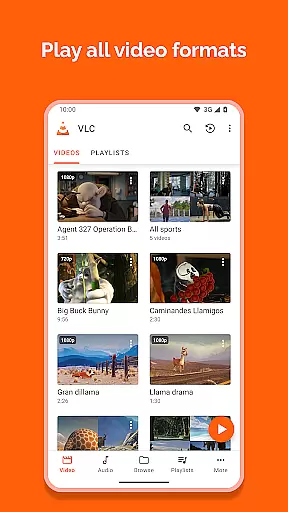
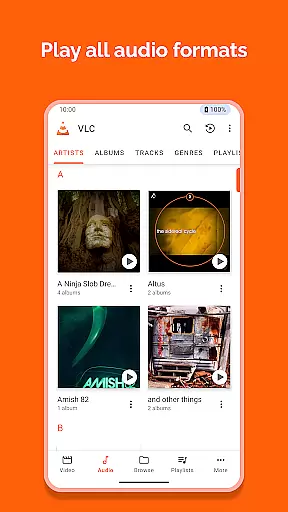
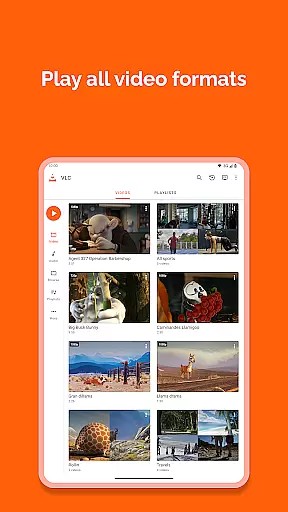
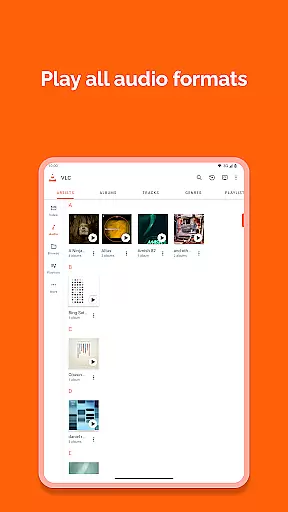
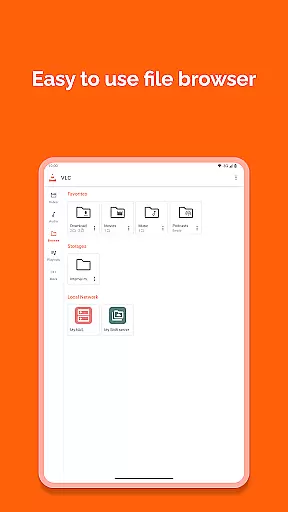
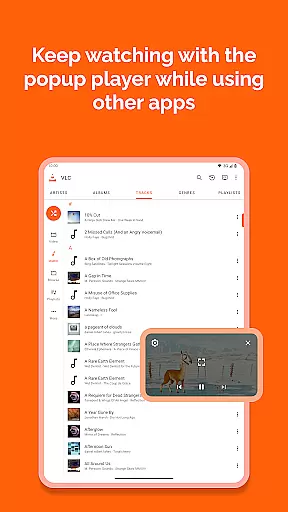
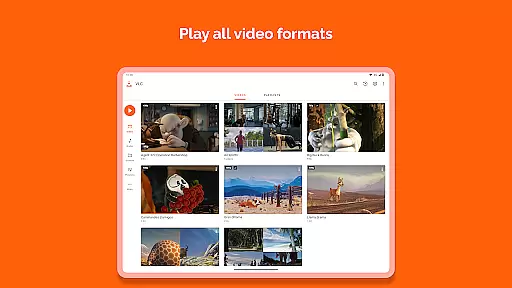
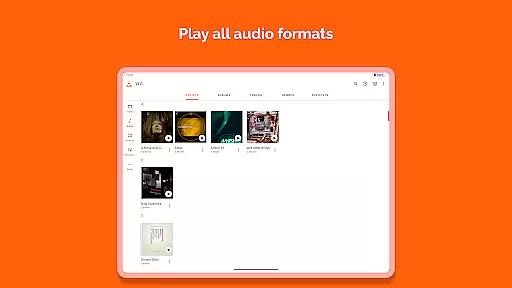
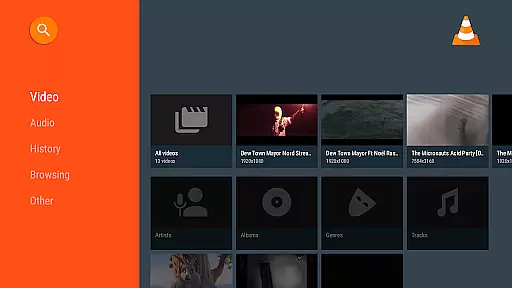
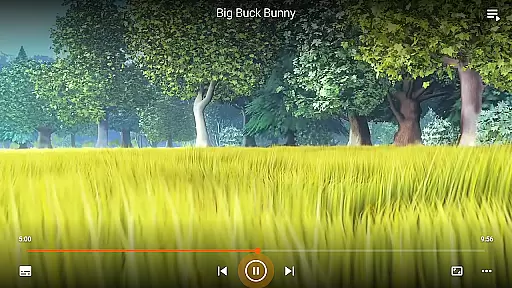
VLC for Android is a versatile, free, and open-source media player that supports an extensive range of video and audio formats. It mirrors the capabilities of its desktop counterpart, allowing users to play files from local storage, network streams, and even DVD ISOs.
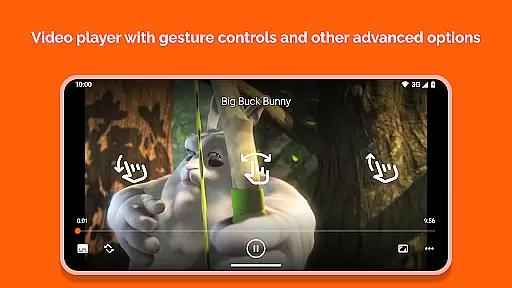
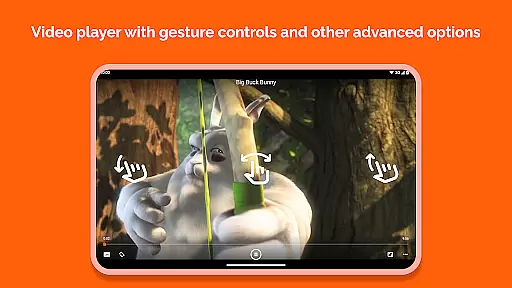
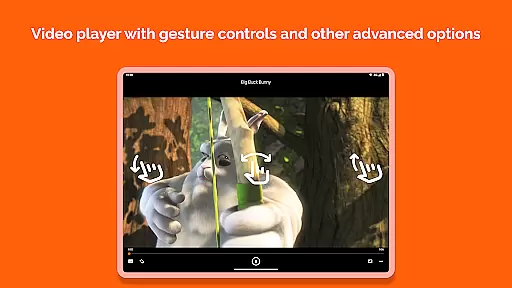
Designed with user-friendliness in mind, this app offers advanced functionalities such as multi-track audio support, auto-rotation, aspect-ratio adjustments, and gesture controls for volume and brightness. Its commitment to openness ensures no ads or in-app purchases disrupt your experience.
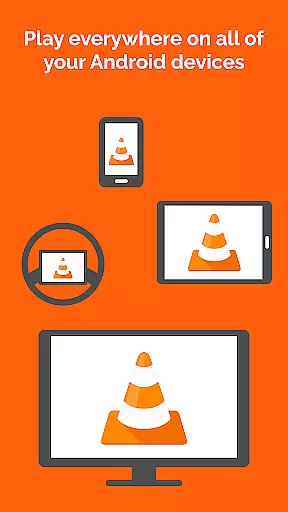
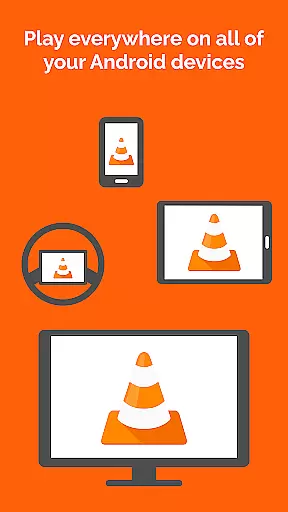
Whether you're commuting or relaxing at home, VLC for Android provides a seamless playback solution across various devices, making it an essential tool for multimedia enthusiasts who demand quality and flexibility.
VLC for Android stands out with its comprehensive feature set tailored for diverse multimedia needs. The application plays virtually any file format without requiring additional codec downloads, including support for adaptive streaming protocols.
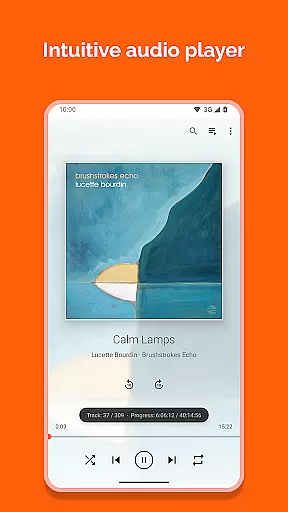
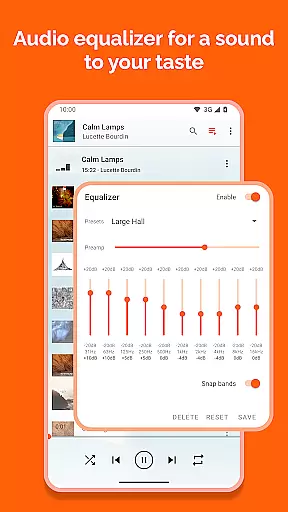
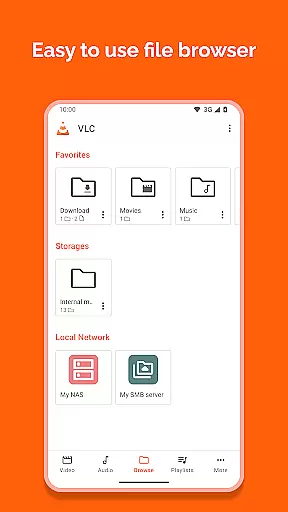
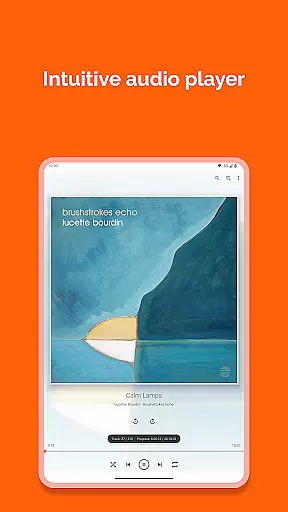
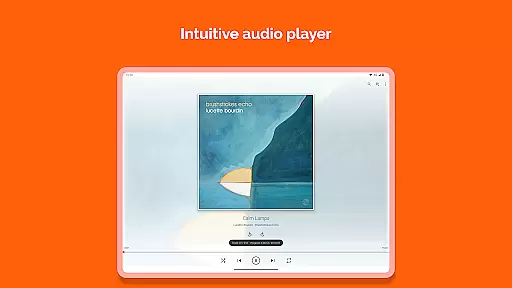
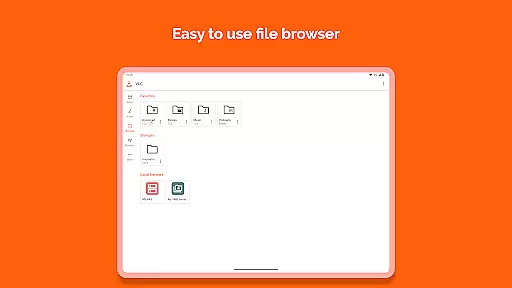
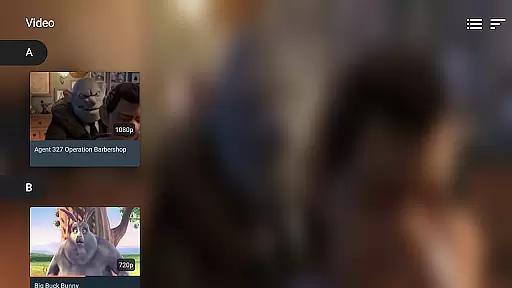
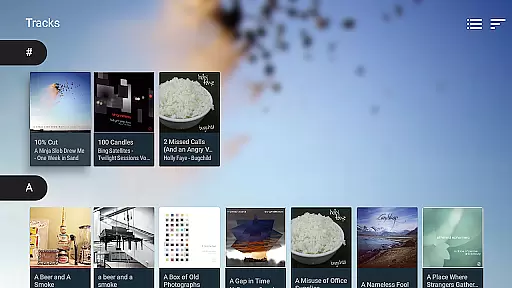
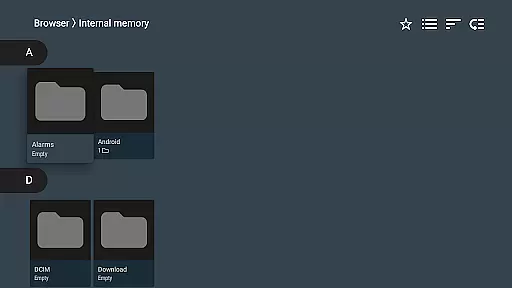
Its intuitive interface allows easy navigation through a complete media library, supporting both audio and video files. Users can enjoy enhanced playback options like subtitle synchronization, teletext, and closed captions. Advanced controls include multi-track audio switching and precise seeking through intuitive touch gestures.
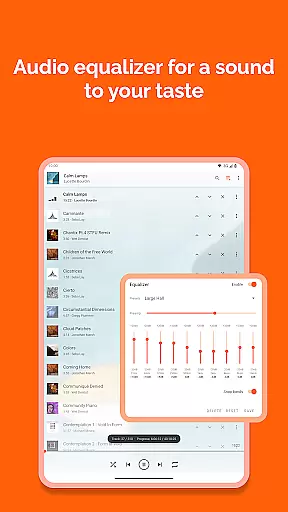
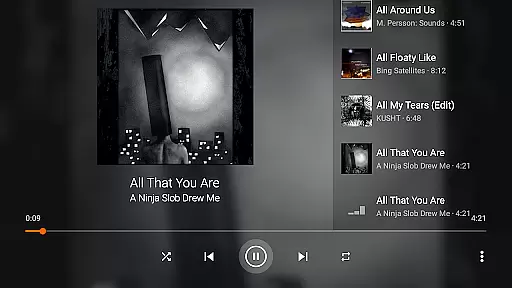
Additionally, VLC incorporates practical utilities such as a customizable widget for audio control, headset compatibility, and cover art display, ensuring a rich and engaging user experience on-the-go.
VLC for Android stands out in its exceptional video format compatibility, ensuring users can play virtually any multimedia file without the need for additional codecs or plugins. This universal support includes popular formats such as MKV, MP4, AVI, and more specialized ones like Ogg and FLAC.
The application's comprehensive codec library is built directly into the player, which means you won't have to search for or install separate components to enjoy your media files. Whether you're dealing with high-definition videos or lesser-known audio tracks, VLC has got you covered.
For users, this means unparalleled convenience and flexibility. You can seamlessly switch between different types of media without worrying about format restrictions. The app also supports advanced features like subtitles and closed captions across all formats, enhancing accessibility.
This level of compatibility not only simplifies the playback process but also ensures that VLC remains a reliable choice for diverse user needs, from casual viewers to tech-savvy enthusiasts who require support for niche formats.
While VLC for Android focuses primarily on video playback, it incorporates some intelligent features that enhance the viewing experience through AI-powered functionalities. Although it may not offer traditional video editing capabilities, its smart playback options act similarly to editing tools by allowing dynamic adjustments.
One notable feature is the automatic adjustment of video settings based on device orientation and aspect ratio. This allows users to enjoy optimized viewing experiences without manual tweaks. Additionally, gesture controls enable intuitive modifications of volume, brightness, and seeking positions, mimicking real-time 'editing' during playback.
These smart features ensure that users can tailor their experience effortlessly. For instance, multi-track audio and subtitle support allow customization of language preferences and commentary options, providing an adaptable viewing environment akin to post-production choices.
By integrating these intelligent playback enhancements, VLC delivers a versatile toolset that caters to modern viewing habits while maintaining its core commitment to accessibility and ease-of-use.
User-friendly interface
Extensive format support
No ads or in-app purchases
Advanced playback features
Regular updates
Occasional bugs
Complex settings
Limited customer support
Heavy on battery
Requires permissions

Your media, on your terms.
 4.10
4.10
Video Trimmer, Video to MP3 Converter. Extract music from video, Easy & Fast.
4.80
KMPlayer Plus (Divx Codec) officially support Divx codec.
4.30
AirMirror Receiver - Screen mirroring/cast web videos to Android TV by AirPlay.
4.40
An easy-to-use and all-round screen recorder with audio
4.80
Video Downloader, Multiple Resolution Options, Video Player
4.50
Mix with Virtual DJ directly from your phone or tablet !
3.10
Browser for Sony TV to stream web videos, online movies and live tv
3.20
Connect EasyCap or UVC devices for recording and broadcast video/audio stream
3.60
Download Hub, easy and private way to download and enjoy your videos offline
4.80
Pro video editor app for Instagram, edit video with song, AI, effect & slowmo.
4.80
GENRAL PRO - General Pro is the best video player that fully supports all formats.
4.70
Fast & Private HD Video Downloader with Built-in Proxy Browser and Video Player.
4.50
KineMaster, Your Ultimate Video Editor!
4.40
Fast video downloader & private browser. Save HD clips to watch offline.
4.40
Viddo: Generate Action Figure, AI Anime, AI kiss, AI hug Video from image & text
4.40
Movie maker & video editing app with AI effects and green screen
4.30
Explore the largest library of free GIFs, Stickers & Memes - or create your own!
3.90
Live TV, anywhere in your home
3.80


User Reviews