
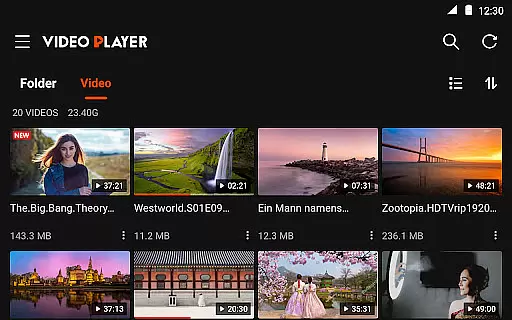
Video Player All Format HD is a versatile video player designed for Android devices, offering support for all major video formats including MKV, MP4, AVI, and more. With its compact size and rich feature set, this app provides an exceptional video playback experience in resolutions up to 4K and 1080p.
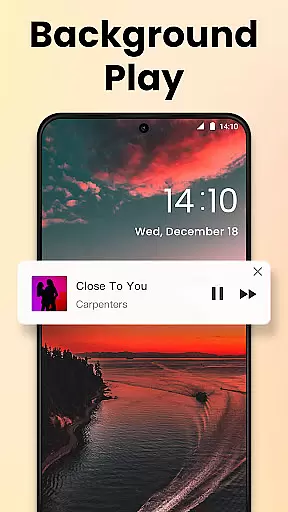
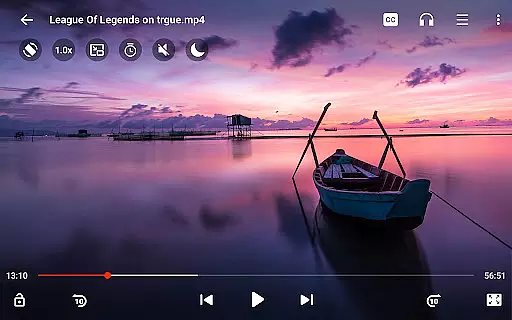
The application stands out with its advanced functionalities such as popup play for multitasking, speed control for customized playback rates, and background play for audio listening with the screen off. These features make it an ideal choice for users seeking a powerful yet lightweight media player that enhances their viewing experience across various scenarios.
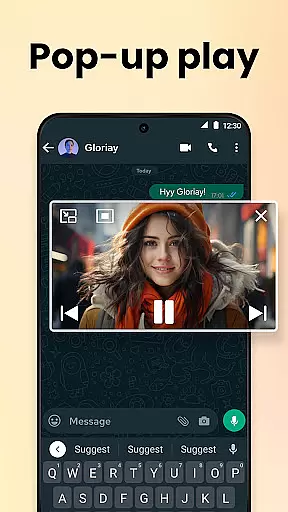
Video Player All Format HD distinguishes itself through a comprehensive suite of features tailored for diverse user needs. The app supports all popular video formats, ensuring compatibility with virtually any media file you may encounter. Its popup play functionality allows seamless multitasking by enabling video playback in a floating window, perfect for staying entertained while engaging in other activities.
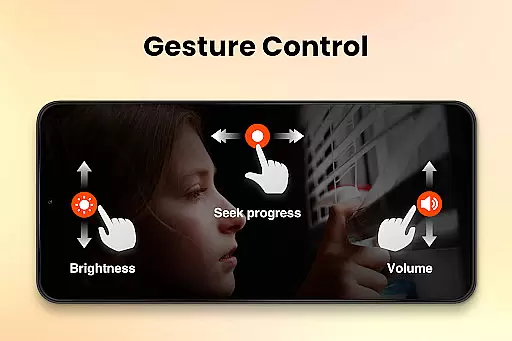
Another standout feature is the adjustable playback speed, which ranges from 0.5x to 2x, catering to those who wish to watch content at slower or faster speeds. Additionally, the background play option transforms videos into audio tracks, allowing users to listen without needing to keep the screen on. These capabilities, combined with intuitive gesture controls and a robust equalizer, deliver a superior multimedia experience that prioritizes both convenience and quality.
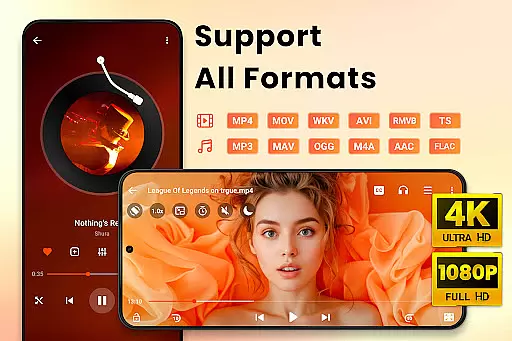
Video Player All Format HD demonstrates exceptional versatility in video format support, ensuring users can enjoy all types of video content without compatibility concerns. The app supports an extensive range of formats including MKV, MP4, M4V, AVI, MOV, 3GP, FLV, WMV, RMVB, and TS.
The comprehensive format support allows users to play high-definition videos up to 4K and 1080p without the need for additional codecs or conversion tools. This makes it a one-stop solution for all video playback needs on Android devices.
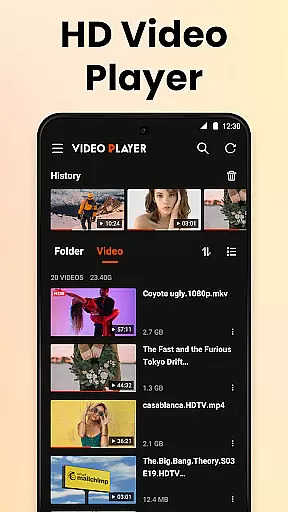
With automatic detection of video files and folders across both internal storage and SD cards, users experience seamless access to their media library. This feature simplifies media management and enhances the overall user experience by providing instant access to a diverse collection of video files.
While Video Player All Format HD focuses primarily on video playback, it incorporates several features that enhance the viewing experience through intelligent functionalities. One such feature is speed control, allowing users to adjust playback from 0.5x to 2x, catering to various viewing preferences and purposes.
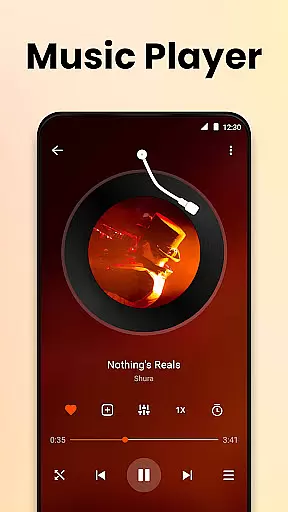
The inclusion of a five-band equalizer with bass boost demonstrates the app's commitment to delivering superior audio quality alongside its video capabilities. Users can customize their listening experience, making it ideal for different types of media content and personal preferences.
Additional smart features include gesture controls for 10-second forward/backward skipping, night mode for comfortable late-night viewing, and background play functionality. These AI-powered enhancements collectively create a more intuitive and personalized video playback experience while maintaining the app's lightweight nature and efficient performance.
User-friendly interface
Wide format compatibility
Efficient performance
Customizable playback
Lightweight design
Limited editing tools
No cloud integration
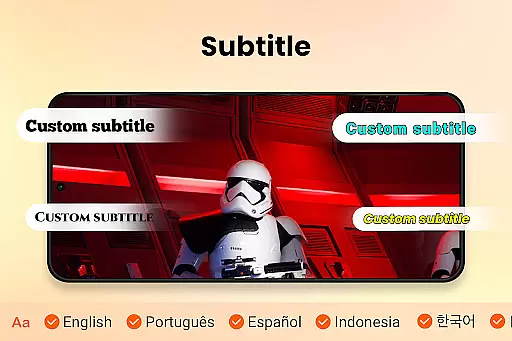
Basic subtitle support
Few social features
Occasional bugs

Auto video maker with music & exclusive filters. Video editing made simple.
 4.50
4.50
Client application for NextPVR software
3.00
1)AirPlay/DLNA Mirroring/Streaming, up to 4 connections; 2)Samba/NAS/DMS Player.
4.00
Pro video editor app for Instagram, edit video with song, AI, effect & slowmo.
4.80
Explore the largest library of free GIFs, Stickers & Memes - or create your own!
3.90
Play and download HD videos from all sources — fast, simple, and all-in-one.
4.2
Web Browser for LG TV to stream webvideos, online movies and livestreams in HD
4.20
VLC for Android is the best open source video and music player, fast and easy!
4.10
Capture the moment and Cut
3.40
Video Trimmer, Video to MP3 Converter. Extract music from video, Easy & Fast.
4.80
#1 Torrent App on Android ** No Ads Ever + Battery Saver **
4.80
High-Quality USB Camera Viewer & HDMI Display
4.70
Fast, private downloading, video saving, social media
4.50
Add date and time watermark to photos and videos
4.50
Download website videos fast&privacy
4.40
This app was created to edit the metadata of music files.
4.20
AI Video Editor:AI Music, Text to Video,Text to Speech,Auto Caption,Video Effect
4.00
The essential companion to your Blue Iris PC software
2.50
The smartest M3U IPTV Player your playlists have ever seen.
4.1


User Reviews