
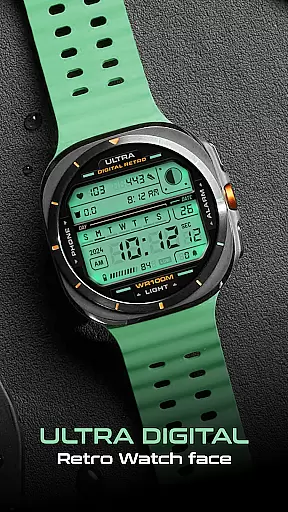
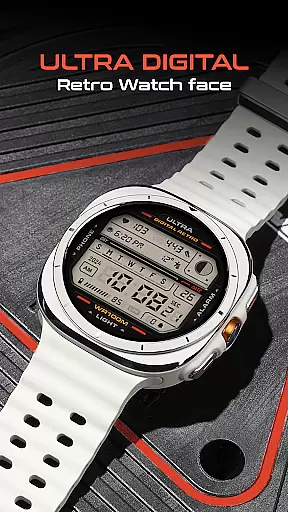
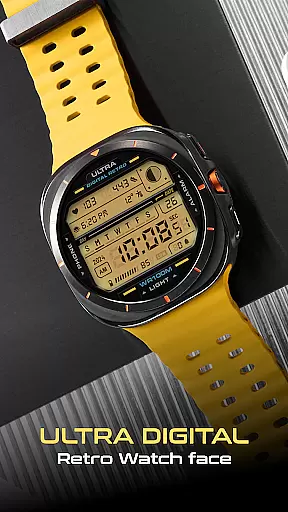
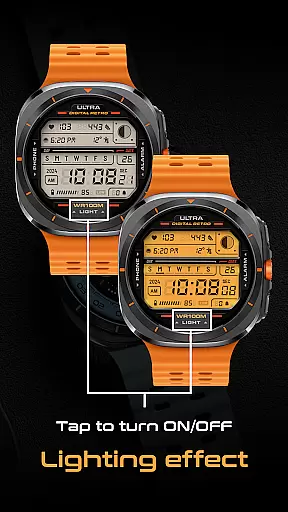
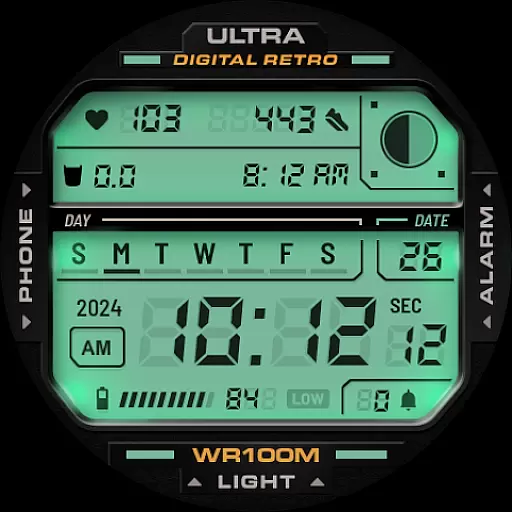
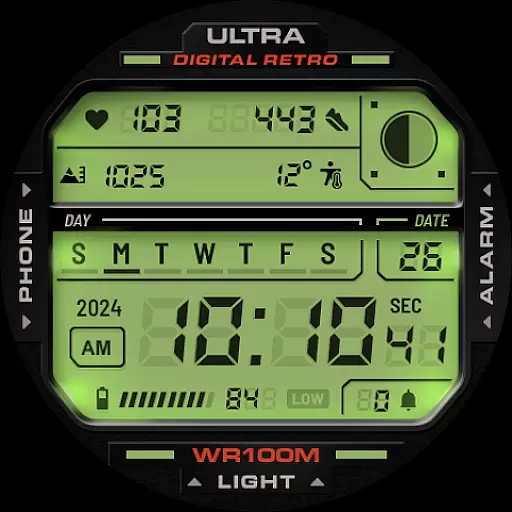
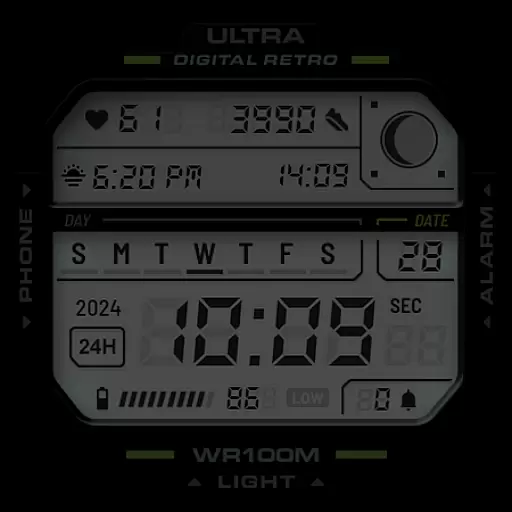
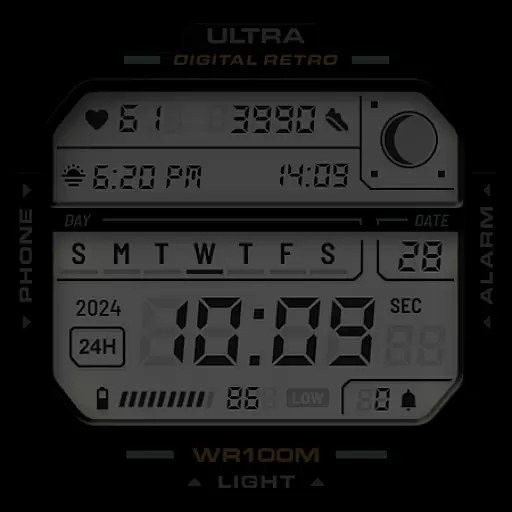
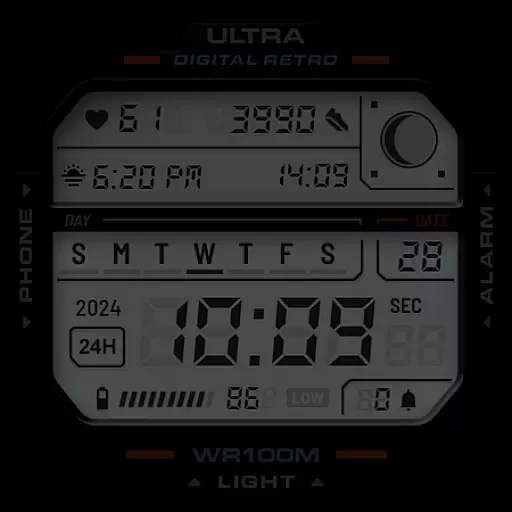
ULTRA Digital Retro watch face brings a nostalgic digital aesthetic to your Wear OS smartwatch. This versatile watch face features multiple LCD lighting colors, customizable detail options, and unique lighting effects that can be toggled on and off by tapping the bottom of the screen.
Beyond its stylish appearance, the watch face delivers essential functionality including time display in 12h/24h format, day and date indicators, battery level monitoring, step counting, heart rate tracking, moon phases, and notification counters. With compatibility across Samsung Galaxy Watch7, Ultra, Pixel Watch 3, and other WearOS devices supporting Google's Watch Face Format, it offers both form and function for tech-savvy users.
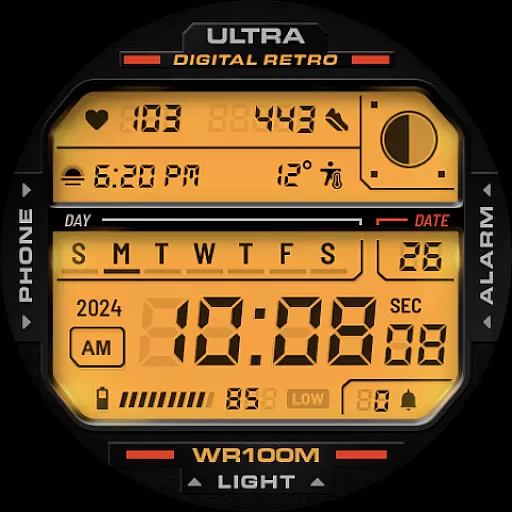
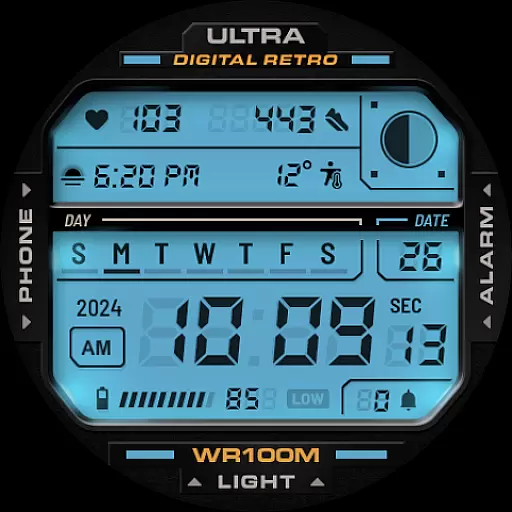
The ULTRA Digital Retro watch face stands out with its comprehensive feature set designed for both practicality and personalization. Users can choose from multiple LCD lighting colors through the CUSTOMIZE menu, allowing them to match their watch face with their personal style or mood.
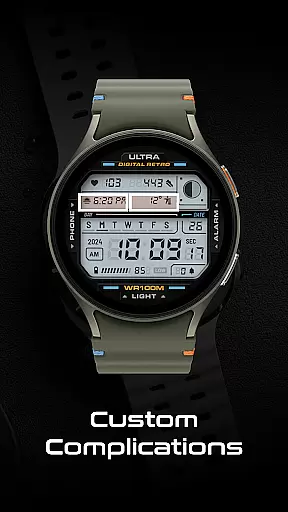
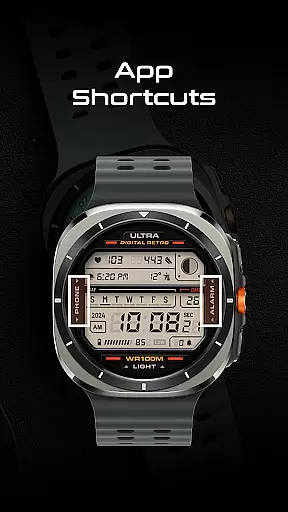
Two customizable complications provide quick access to preferred information, while app shortcuts enable direct access to Phone and Alarm functions through simple taps on corresponding icons. Additional features include year display, heart rate monitor, step counter, and moon phase tracking, making this watch face a perfect blend of vintage aesthetics and modern technology.
These features collectively create a personalized and functional experience, catering to users who value both design and utility in their wearable technology.
Companion app integration is essential for a seamless smartwatch experience. ULTRA Digital Retro watch face offers robust companion app support, allowing users to customize their watch face directly from the paired smartphone application.
The app provides an intuitive interface where users can modify various display elements such as lighting effects and LCD colors. This ensures that personal preferences are easily set, enhancing user engagement with the wearable device.
Through the companion app, users gain access to multiple customization options including detail colors, complications, and app shortcuts. These features collectively contribute to a tailored and functional watch face that meets individual needs.
By leveraging the companion app's capabilities, users enjoy a synchronized and efficient way to manage their smartwatch settings, ensuring both style and utility are optimized without hassle.
Ensuring broad Wear OS and device compatibility is crucial for maximizing user accessibility. ULTRA Digital Retro watch face is designed to work seamlessly with a range of popular devices including Samsung Galaxy Watch7, Ultra, and Pixel Watch 3.
This compatibility extends to any WearOS watches supporting Google's Watch Face Format, making it versatile across different hardware platforms. Such extensive support guarantees that users can enjoy consistent performance regardless of their specific device model.
Key functionalities like the unique lighting mode, customizable complications, and app shortcuts are preserved across all compatible devices. This uniformity ensures that no matter which device you use, the core experience remains intact and reliable.
With this wide-reaching compatibility, users benefit from a cohesive ecosystem where they can switch devices without losing access to their preferred watch face features, thus maintaining both convenience and satisfaction.
Highly customizable
Versatile color options
Unique lighting mode
Comprehensive feature set
Cross-device compatibility
Limited to Wear OS
No advanced widgets
Premium customization
Basic complications
Notification limits

A customizable Christmas watch face for Wear OS with a countdown.
 4.20
4.20
Wear Os Watch Face - Animated Snow Effect & Christmas Lights
4.0
Wear Os Watch Face - Animated Snow - Sesonal for Christmas & Winter
4.3
Embrace the festive spirit with our Christmas Countdown watchface for Wear OS
4.10
A heartwarming Christmas scene featuring a cute image of Santa and Rudolf
4.3
3 Complications. All shadow on/off. 30 Themes color palette...
4.0
The most customizable hybrid watch face. For Wear OS 5.0, API 34+ and later
4.70
A modern hybrid informative watch face for Wear OS designed by BALLOZI
4.80
A digital watch face that celebrates Christmas.
4.00
Christmas Theme Watch Face for Wear Os
5.00
Hyperlocal rain alerts by MyRadar using patent-pending technology, radar & more
4.80
Easy Voice Recorder is your everyday companion to record important moments.
4.70
Hybrid watch face for Wear OS with customizable complications by Matteo Dini MD
4.70
Walking app for weight loss: walk & step tracker, pedometer, indoor treadmill
4.60
Watch face for Wear OS.
4.20
"PER27 Galaxy Digital" is a digital Wear OS watch face designed by PERSONA
4.10
Connect, create, and collaborate with Gmail, part of Google Workspace.
4.10
A Wintery Snow Globe on Your Wrist; now celebrating Christmas!
4.5
Simple Analog-Digital Watchface For Wear OS 3.0 and Up Smartwatches
4.0


User Reviews