
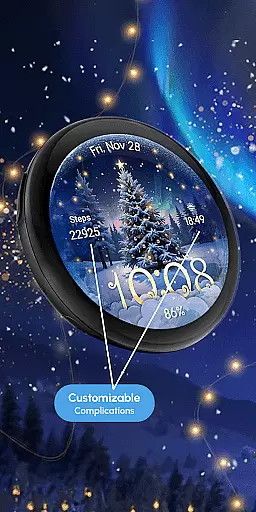
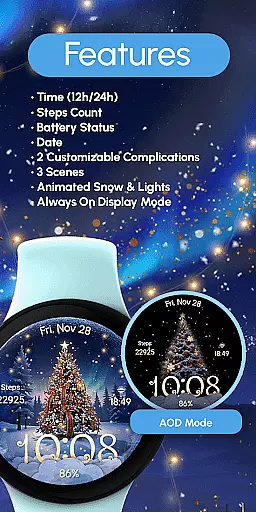
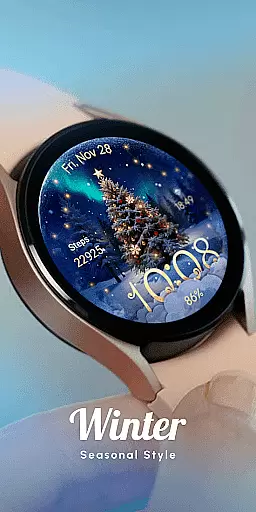
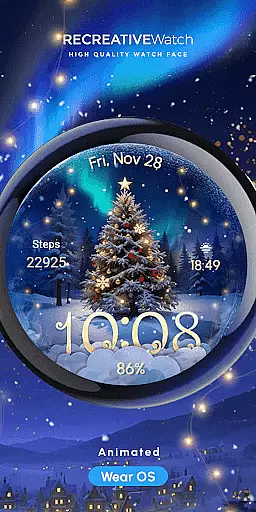
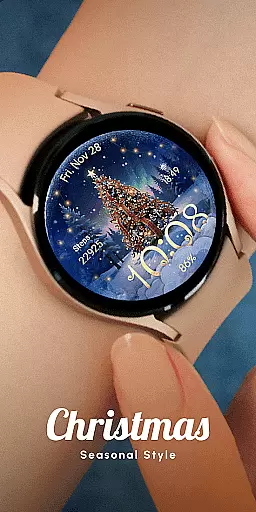
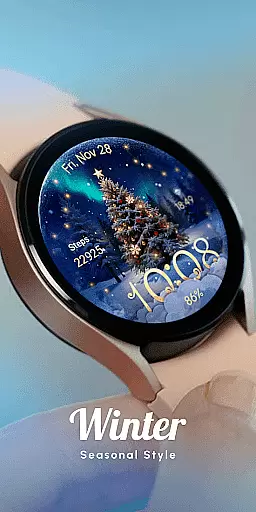
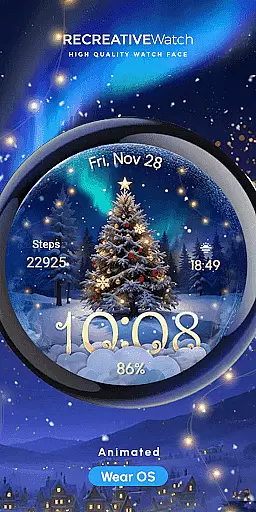
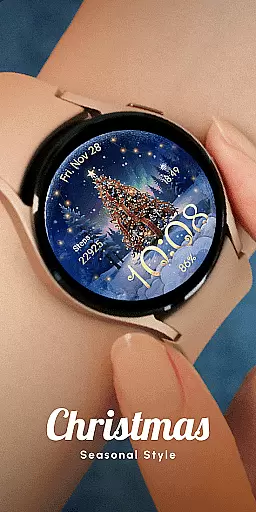
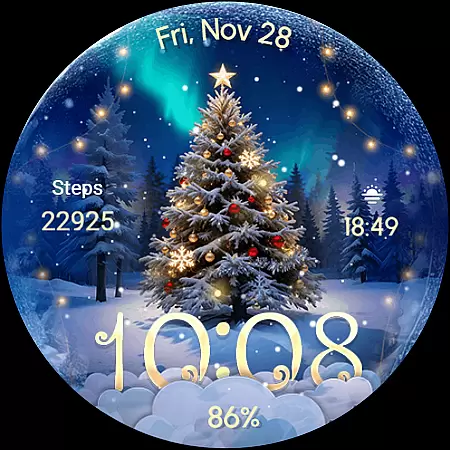
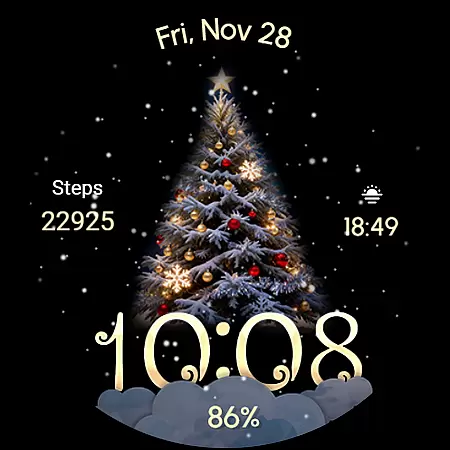
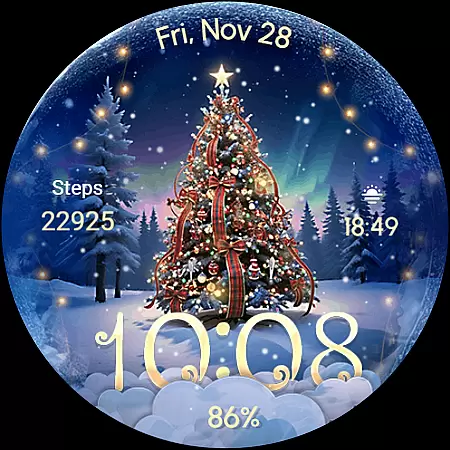
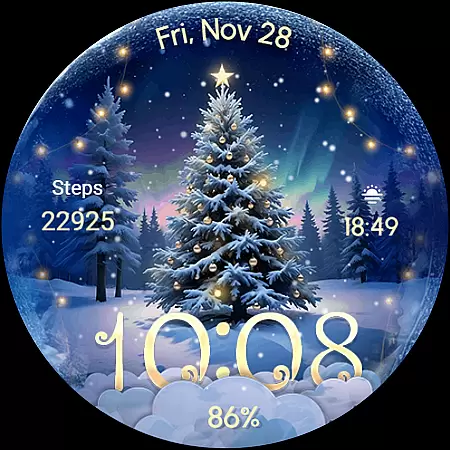
ReS71 - Northern Christmas is a captivating Wear OS watch face that brings the magic of the holiday season to your smartwatch. Featuring an enchanting Christmas tree at the North Pole, this app creates a festive atmosphere with animated holiday lights and a serene snow effect. Designed specifically for wearable devices, it offers users a unique way to celebrate the season right on their wrists.
The watch face provides essential functionalities including 12/24hr digital time display, date, battery status, and two customizable complications. With three distinct scenes to choose from, users can personalize their experience while enjoying features like Always ON Display. This application is optimized for API level 33+ devices, ensuring compatibility with Google Pixel watches and Galaxy Watch series among other Wear OS models.
Perfect for those who wish to carry the spirit of Christmas wherever they go, ReS71 - Northern Christmas combines practicality with seasonal cheer. Its visually appealing design and functional elements make it an ideal choice for anyone looking to add a touch of festivity to their daily routine.
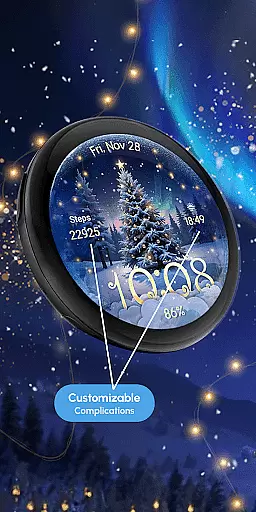
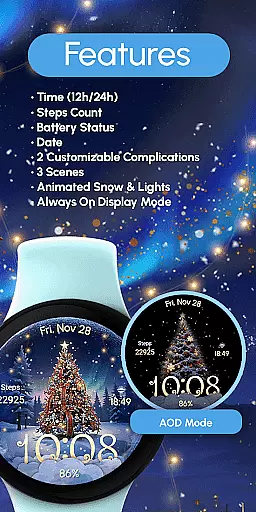
ReS71 - Northern Christmas stands out with its rich set of features designed to enhance user experience during the holiday season. The watch face displays 12/24hr digital time, date, and battery status, keeping you informed while adding a festive touch to your smartwatch. Two customizable complications allow users to tailor information according to their preferences, making it both practical and personal.
One of the key highlights is the inclusion of three different scenes, each offering a unique visual experience. Users can enjoy animated snowfall and glowing lights that create a magical ambiance reminiscent of a winter wonderland. The Always ON Display feature ensures these delightful visuals are always visible without needing to wake the device. These thoughtful additions not only improve aesthetics but also maintain usability throughout the day.
Customization options further enhance user engagement by allowing adjustments through simple touch interactions. By touching and holding the display, users can access customization modes where they can modify fields with desired data. This flexibility in personalization makes ReS71 - Northern Christmas more than just a watch face; it becomes a canvas for expressing individual style while celebrating the joyous season.
Companion app integration is essential for Wear OS watch faces like ReS71 - Northern Christmas. This feature ensures seamless synchronization between the watch face and its companion app on your smartphone.
The ReS71 watch face offers a comprehensive companion app that allows users to customize various aspects of the watch face. Through this integration, users can easily adjust settings such as time format, date display, battery indicators, and complications directly from their smartphones.
By utilizing the companion app, users gain access to additional customization options not available directly on the watch. This includes selecting from three different scenes, enabling animated snow and lights, and configuring the always-on display feature.
This level of integration enhances user experience by providing convenient control over the watch face's appearance and functionality, ensuring that users can personalize their wearable device to suit their preferences while maintaining optimal performance.
Device compatibility is crucial for Wear OS applications like ReS71 - Northern Christmas. This watch face is designed to work seamlessly with a range of devices, ensuring broad accessibility for users.
ReS71 is compatible with API level 33+ devices, including popular models such as Google Pixel watches and Samsung Galaxy Watch series (4, 5, 6, 7). This wide compatibility ensures that most Wear OS users can enjoy the magical Christmas theme regardless of their specific device model.
The watch face takes advantage of modern Wear OS features while maintaining backward compatibility with older devices. This approach allows users to experience advanced functionalities like customizable complications and always-on display without sacrificing performance on supported devices.
For optimal battery performance, users are advised to disable the always-on display mode. This demonstrates how the application balances feature-rich design with practical considerations for device limitations, providing an enhanced experience across various compatible devices.
Holiday-themed design
Animated effects
Customizable complications
Always ON Display
Multiple scene options
Battery consumption
Limited device support
No automatic application
Requires manual setup
Seasonal limitation

WTW M17 is a premium and luxurious hybrid watch face
 4.70
4.70
Watch the sharpness of the sky on your wrist..
3.70
Contemporary digital watch face with five complications
4.2
Sleek, highly customizable watch face inspired by Galaxy Watch Circle Dashboard.
4.5
Digital, flexibly customizable watch face. For Wear OS 5.0, API 34+ and later.
5.00
Nutrition, Macro tracker: Food, fitness & healthy diet tracking for weight loss
4.60
The ultimate destination for kids ages 3-8 to explore the Marvel Universe!
4.30
Control your Samsung Smart TVs, appliances, and SmartThings-compatible devices
4.60
Spam call blocker and caller ID for automatic call protection!
4.40
Christmas - Festive - Christmas Village - Winter - Christmas lights
5.00
Diet tracker for weight loss - track calories, food and macros. Simple and easy!
4.70
The most customizable minimal watch face. For Wear OS 5.0, API 34+ and later
4.70
The most customizable hybrid watch face. For Wear OS 5.0, API 34+ and later
4.70
To-Do List: daily schedule planner, task organizer, to do reminder app, calendar
4.60
Retro digital watch face with customizable colors and a unique lighting effect
4.60
sleep, alarm, snoring, stress, healing, focus, sound therapy, circadian rhythm
4.10
Christmas is near, let's count together the days left until Santa comes
4.5
A Wintery Snow Globe on Your Wrist; now celebrating Christmas!
4.3
Hybrid Vibrant Health Watch Face for Wear OS
4.3


User Reviews