
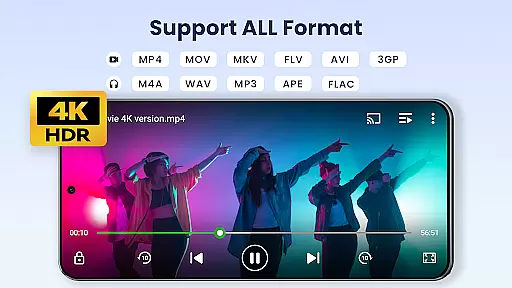

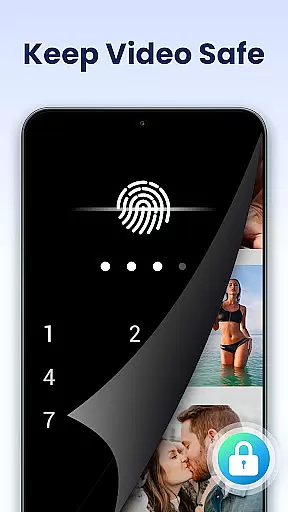
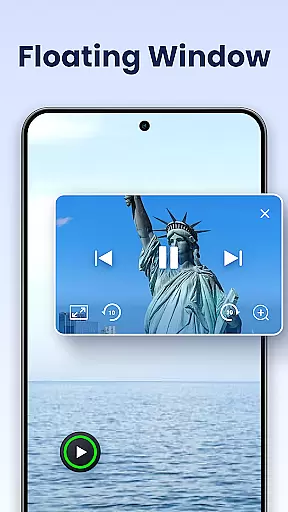
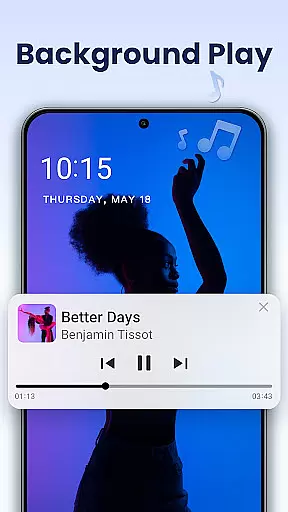
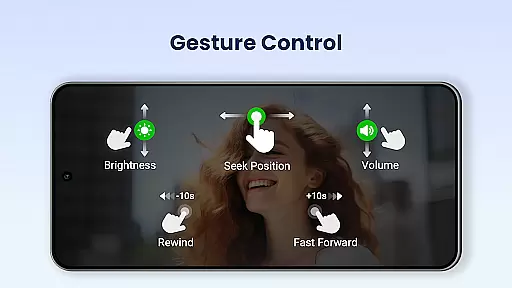
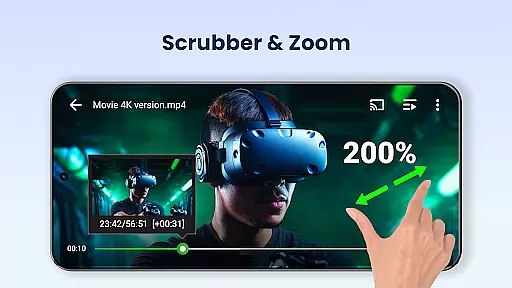
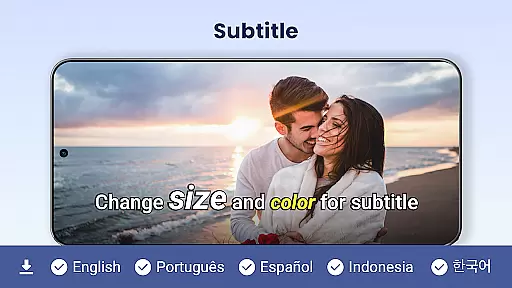
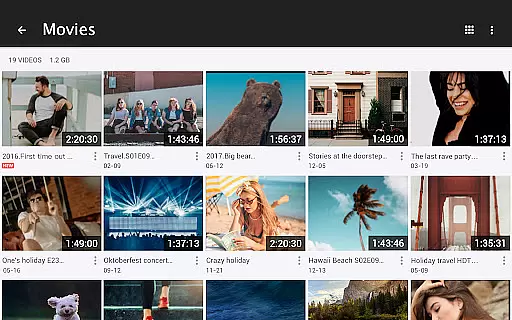
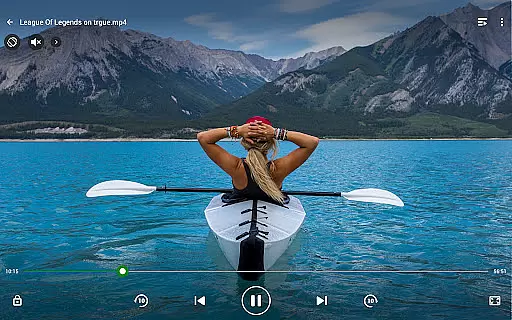
Video Player All Format is a versatile and professional video playback tool designed for both Android tablets and phones. This application supports all video formats including MKV, MP4, AVI, and more, ensuring high-definition playback even in 4K resolution. One of its standout features is the private folder option, which allows users to password-protect their private videos, thus safeguarding them from unauthorized access or deletion.
In addition to its core functionality, Video Player All Format offers advanced features such as hardware acceleration, Chromecast support for casting videos to TV, subtitle downloader, pop-up window playback, split screen mode, background play, night mode, quick mute, and playback speed control. These features collectively enhance user experience by providing convenience, privacy, and customization options that cater to individual preferences.
This app is particularly useful for users who require a reliable video player capable of handling various file types and resolutions. Whether you're a casual viewer or someone who frequently handles multimedia files, Video Player All Format ensures smooth playback and easy management of your video library, making it an essential tool for enjoying media content on your mobile device.
Video Player All Format stands out due to its comprehensive feature set tailored for diverse user needs. The app's ability to play all video formats, ranging from common ones like MP4 to less common formats such as RMVB, ensures compatibility across different file types. Its ultra HD video player capability supports 4K resolution, delivering crisp and clear visuals that enhance the viewing experience.
Beyond basic playback, the app includes innovative functionalities such as floating video player, which allows multitasking by enabling pop-up video playback that can be resized and moved around the screen. Additionally, the background video player feature lets users listen to videos like audio files, adding flexibility to how content is consumed. The inclusion of night mode, quick mute, and adjustable playback speed further enriches user interaction with the app.
For those managing extensive video libraries, the automatic identification of all video files on the device and SD card simplifies organization. Easy sharing and management options, combined with multi-playback settings like auto-rotation and aspect ratio adjustment, make this app a powerful tool for both casual and power users alike. Overall, Video Player All Format delivers a robust and customizable video playback solution.
Video Player All Format stands out as a versatile video playback tool that supports an extensive range of video formats, making it highly adaptable to user needs.
The application is capable of playing virtually all video file types including MKV, MP4, AVI, and more, even extending to high-resolution formats like 4K and ultra HD. This ensures that no matter the source or quality of your video files, this player can handle them with ease.
For users, this means unparalleled flexibility in managing their media libraries without worrying about format compatibility issues. Whether you're watching on an Android phone or tablet, you'll experience smooth, high-definition playback every time.
This comprehensive format support not only enhances user convenience but also positions Video Player All Format as one of the most inclusive video players available for Android devices.
While Video Player All Format primarily focuses on video playback, it incorporates several intelligent features that enhance the viewing experience through smart functionalities.
One notable feature is its automatic detection and organization of all video files on both internal storage and SD cards. This simplifies media management by presenting a well-organized library ready for instant playback.
Additionally, advanced playback options such as speed control from 0.5 to 2.0, night mode, and quick mute demonstrate the app's integration of AI elements to improve usability. These features allow users to customize their viewing experience according to personal preferences and environmental conditions.
By combining traditional video playback capabilities with these smart enhancements, Video Player All Format delivers a sophisticated viewing experience that caters to modern digital lifestyles.
User-friendly interface
Comprehensive format support
Advanced privacy features
High-definition playback
Flexible playback options
Occasional bugs reported
Ads in free version
Limited customer support
Heavy on battery
Interface not intuitive for beginners

Cast Videos from Web Browser, IPTV to Roku, Chromecast, DLNA, Smart TV +more
 4.60
4.60
Powerful HD video player with support for all formats & subtitles.
4.1
Support 1000+ Video Format, Subtitle Download, mp3 & Background Play, Cast On TV
4.60
IPTV Player - Watch live TV from m3m & m3u8 playlist, stream IPTV on mobile
3.30
Fast & Private Video Downloader App. Save all videos easily from the Internet.
4.40
AI Video Editor:AI Music, Text to Video,Text to Speech,Auto Caption,Video Effect
4.00
Fast & Private HD Video Downloader with Built-in Proxy Browser and Video Player.
4.50
Fast private browser with secure, seamless access & supported video downloads!
4.00
Viddo: Generate Action Figure, AI Anime, AI kiss, AI hug Video from image & text
4.40
A Simple app to download Video & Music from the Internet.
4.70
VLC Remote lets you control your VLC Media Player on Mac, PC or Linux.
4.60
Your media, on your terms.
4.10
1)AirPlay/DLNA Mirroring/Streaming, up to 4 connections; 2)Samba/NAS/DMS Player.
4.00
Connect 2 UVC devices for recording and broadcast video/audio stream
3.90
Kodi media center, a free and open source cross-platform entertainment hub
3.60
Save photos and videos from social apps in one tap.
3.60
All in one multi protocols stream receiver for AirPlay, Cast and DLNA.
3.60
Watch full episodes of your favorite Cartoon Network and Cartoonito shows!
3.50
This app is an emulator of some specific IPTV boxes
3.50


User Reviews