
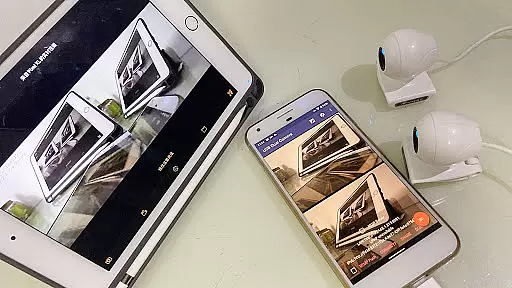
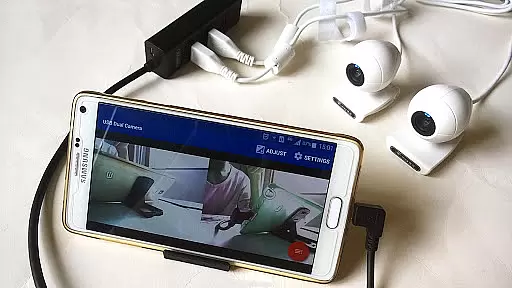
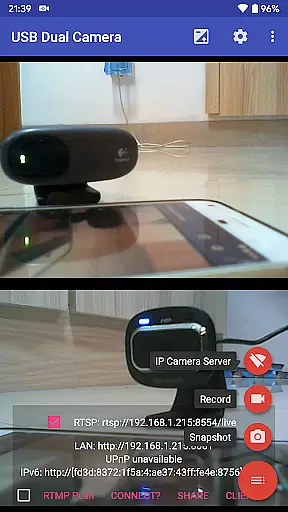
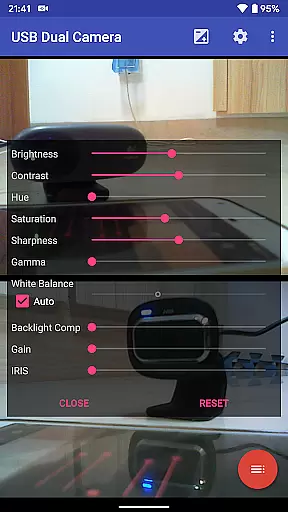
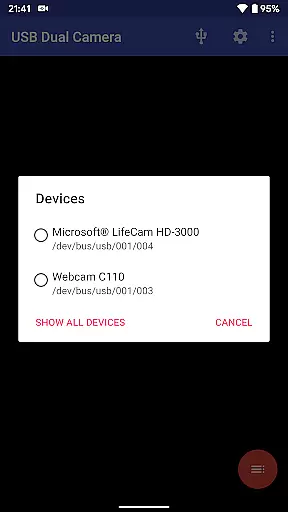

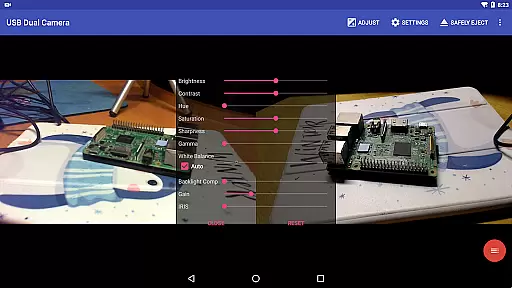
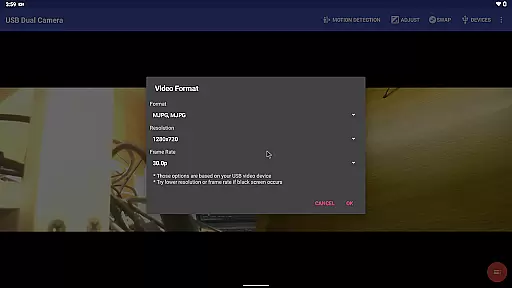
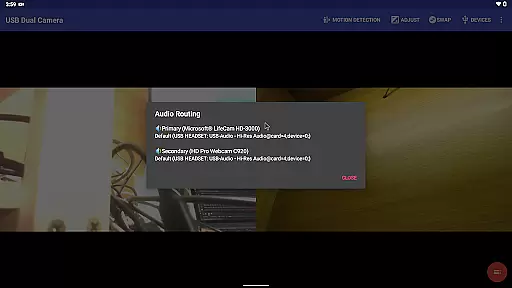
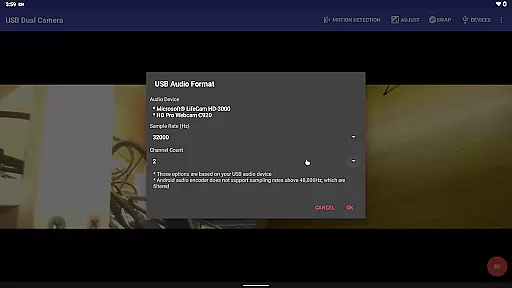
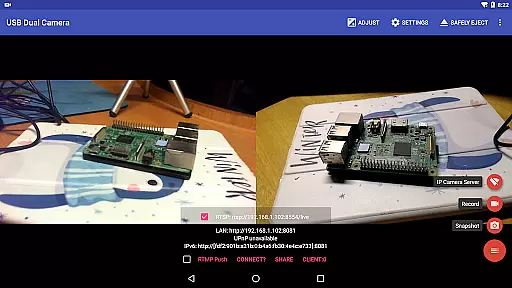
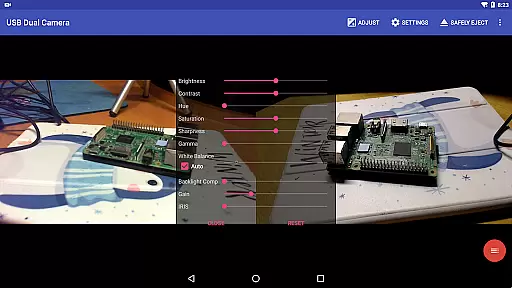
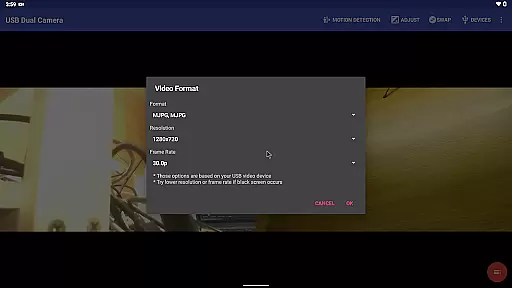
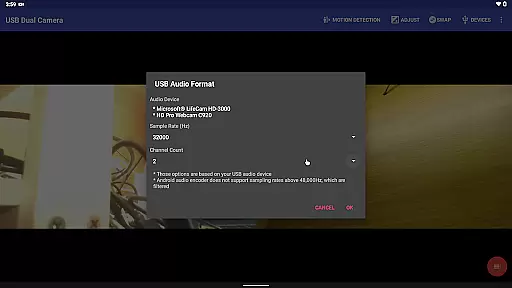
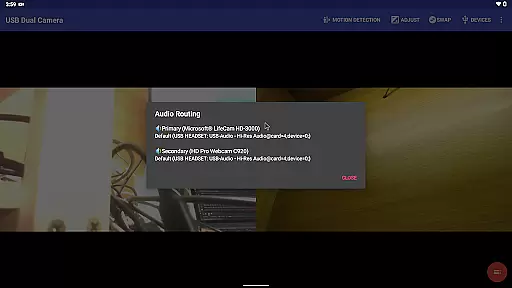
USB Dual Camera Pro is a versatile video application that allows Android devices to connect to two USB WebCams or video capture cards simultaneously via USB-OTG. The app supports UVC WebCams with microphones and UVC video grabbers with audio input, enabling high-quality video recording up to 4K resolution through HDMI. It also facilitates the use of non-UVC devices like USB Endoscopes, ensuring broad compatibility. Users can record videos, capture snapshots, and even turn their phones into wireless IP cameras with built-in RTSP and HTTP servers for security monitoring.
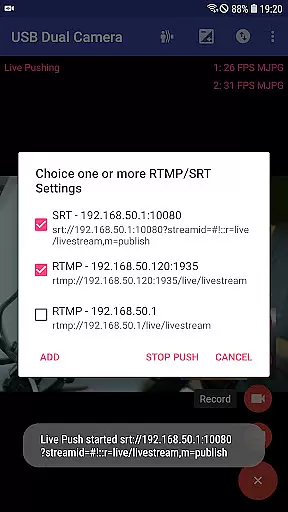
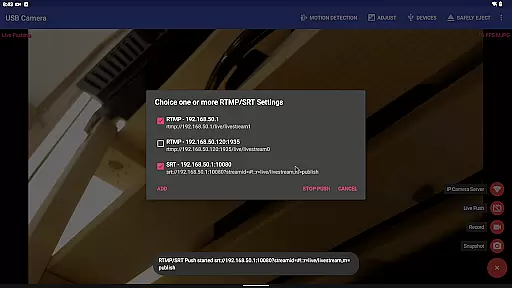
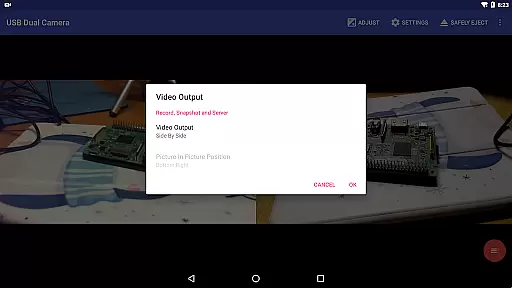
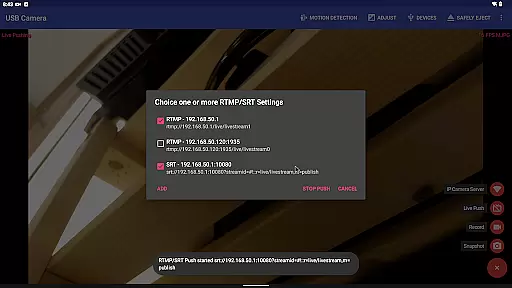
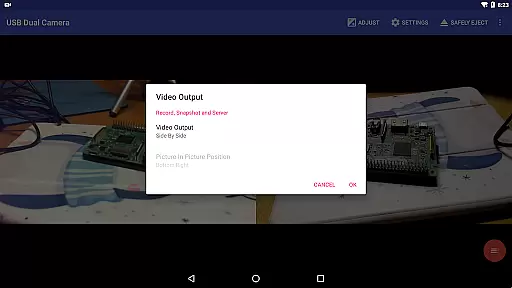
The app's standout feature is its ability to push video and audio to RTMP/SRT live media servers, making it ideal for network live broadcasts. With support for rtmps security protocols and SRT protocols, users can stream to multiple media servers simultaneously. Additionally, the app can mix USB audio with built-in microphones or system audio, overlay internal camera/screen video onto external camera video, and record dual mp4 files synchronously when connected to two USB WebCams. This makes it perfect for creating full Side-by-Side (SBS) 3D videos and mixing audio automatically if both cameras have audio input.
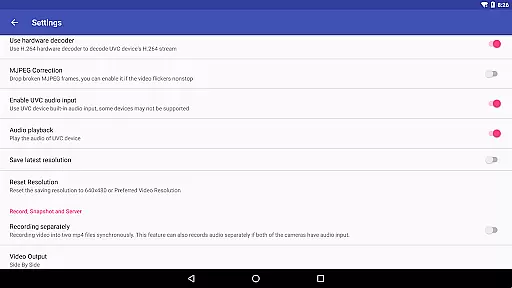
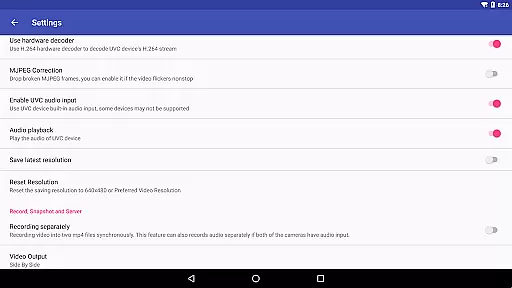
USB Dual Camera Pro is not just limited to video recording; it also offers advanced features such as adding timestamps, GPS, speed, and other info on video frames during recording. The loop-recording function ensures continuous recording by auto-segmenting and auto-deleting old video archives when storage is insufficient. Ideal for use as a dash cam, the app supports seamless switching between foreground and background without interrupting recording. Furthermore, it supports motion detection-based auto video recording and FTP server uploads with email notifications, enhancing its utility for security purposes.
USB Dual Camera Pro boasts an array of sophisticated features tailored for professional video recording and streaming. One of its primary capabilities is supporting simultaneous connections to two USB WebCams or video capture cards via USB-OTG, allowing users to record high-resolution videos up to 4K. The app requires MJPEG or H.264, H.265, HEVC formats when using two cameras at once, ensuring smooth performance. It also supports Windows Hello Cameras and IR Cameras, expanding its usability across different devices.
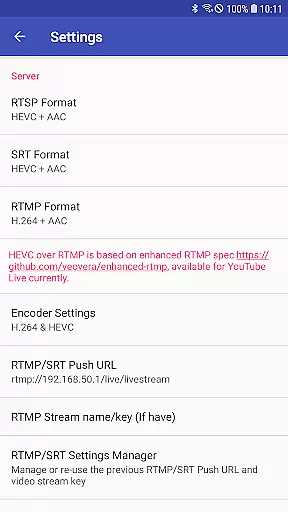
A key highlight is its ability to transform an Android device into a wireless IP camera through built-in RTSP and HTTP servers, facilitating security monitoring with bi-directional audio support. This feature enables users to view live feeds using their browsers or dedicated IP Camera apps. Moreover, the app excels in live broadcasting by pushing video and audio to RTMP/SRT live media servers. It supports rtmps security protocols and SRT protocols, allowing simultaneous streaming to multiple servers. The inclusion of HEVC/AV1 over RTMP makes it compatible with platforms like YouTube Live.
Additional noteworthy features include the ability to mix USB audio with built-in microphones or system audio, overlay internal camera/screen video onto external camera video, and record dual mp4 files synchronously. These functions are complemented by advanced options such as adding timestamps, GPS, speed, and other metadata on video frames during recording. The loop-recording feature ensures uninterrupted recording by managing storage efficiently, while motion detection-based auto-recording and FTP server uploads enhance its security applications. Overall, USB Dual Camera Pro delivers a comprehensive suite of tools for both casual and professional video needs.
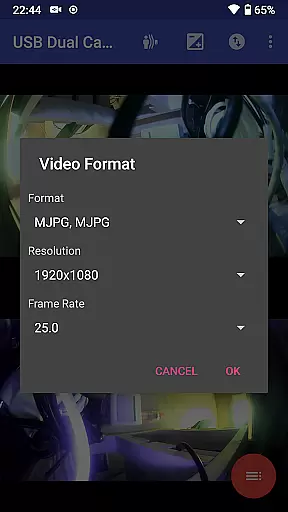
USB Dual Camera Pro demonstrates exceptional versatility in video format compatibility, ensuring smooth performance across various codecs and resolutions. The app supports MJPEG, H.264, H.265, HEVC, and even AV1 formats, catering to a wide range of user needs.
This flexibility allows users to connect up to two USB webcams or video capture devices simultaneously, with each camera capable of streaming in different formats. For instance, while using 4K resolution via HDMI, the application maintains stability whether the video is progressive or interlaced.
The importance of this feature becomes evident when considering specific use cases. Users engaging in professional video production can seamlessly switch between formats based on their project requirements. Those utilizing the app for security monitoring benefit from the ability to maintain high-quality streams without worrying about format limitations.
Practical benefits include enhanced device compatibility and future-proofing. By supporting the latest codecs like AV1, which requires Android 10 or above, the app ensures that users can take advantage of cutting-edge technology while maintaining backward compatibility with older devices and formats.
While primarily focused on video capture, USB Dual Camera Pro incorporates several AI-powered features that enhance the video editing experience. The application's intelligent system automatically mixes audio from multiple sources, including USB audio, built-in microphones, and system audio, creating professional-grade soundtracks without manual intervention.
The app's AI capabilities extend to video processing as well. It can intelligently overlay timestamp, GPS data, and speed information onto video frames during recording. This feature proves particularly valuable for security monitoring and dashcam applications, where contextual information is crucial for video analysis.
Another significant AI-driven function is the automatic motion detection system. This smart feature triggers video recording based on detected movement and can automatically upload footage to an FTP server while notifying users via email. Such automation streamlines security monitoring processes and reduces storage requirements by capturing only relevant footage.
The application also demonstrates intelligent resource management through its seamless background operation capability. The AI system optimizes processing power and memory usage, allowing users to switch between foreground and background modes without interrupting recordings or compromising video quality.
User-friendly interface
High-quality video support
Versatile connectivity options
Advanced live streaming capabilities
Comprehensive security features
Requires good power supply
Complex setup for beginners
Limited third-party app integration
Higher system requirements
Premium pricing

The smartest M3U IPTV Player your playlists have ever seen.
 4.1
4.1
Auto video maker with music & exclusive filters. Video editing made simple.
4.50
Cast to Chromecast, Xbox, Fire Stick, Roku, DLNA, Smart TV & No Feature Limited!
4.50
Capture images & record videos for USB Camera, Webcam, Microscopes, Endoscopes
3.80
High-Quality USB Camera Viewer & HDMI Display
4.70
Download videos easily & play them all in one smart, powerful video manager.
3.40
Powerful Video Editor & Photo Editing App —— Quick Edits & Stunning Effects!
4.30
Download videos and play them offline
4.70
Browser for Samsung TV to stream webvideos, online movies and livestreams in HD
4.10
Tik & Story Saver-Download ALL social media videos, photos & reels no watermark.
4.80
Screen recorder with audio to take live videos & Screenshot in high quality!
4.70
HD Video player all format, HD Videos, Cast & Subtitle. No annoying ads.
4.60
Full HD Video mp3 Player, MP4 player play 1080p, File manager, Video Downloader
4.40
Video player, file manager for all formats, 4K/HD media player supports subtitle
4.30
Create & edit videos with AI
4.30
All format media Player, no need video converter any more!
4.00
Online Videos Player
3.90
Kodi media center, a free and open source cross-platform entertainment hub
3.60
Powerful HD video player with support for all formats & subtitles.
4.3


User Reviews