
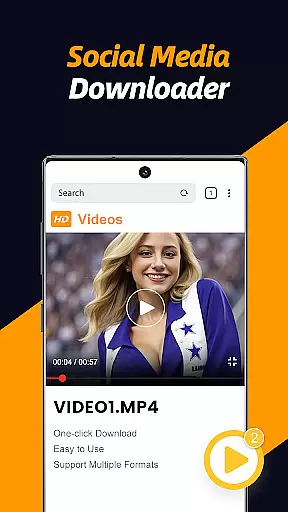
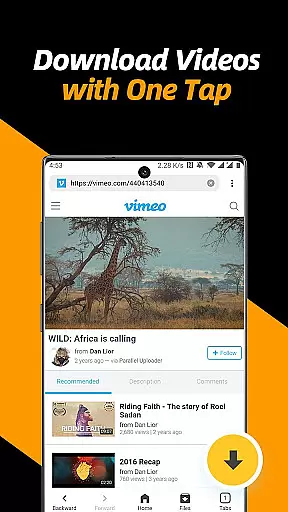
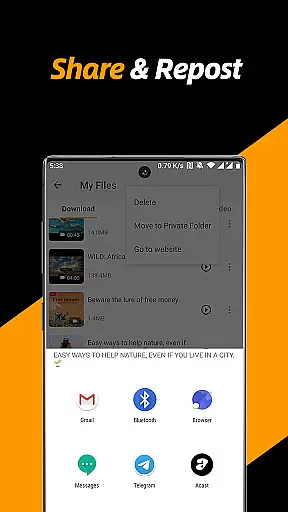
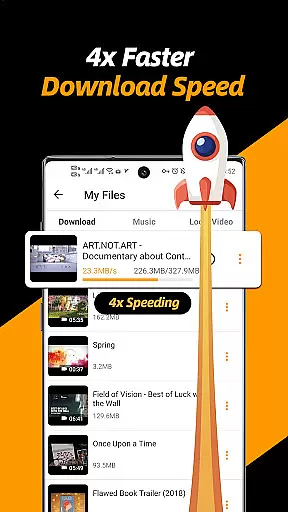
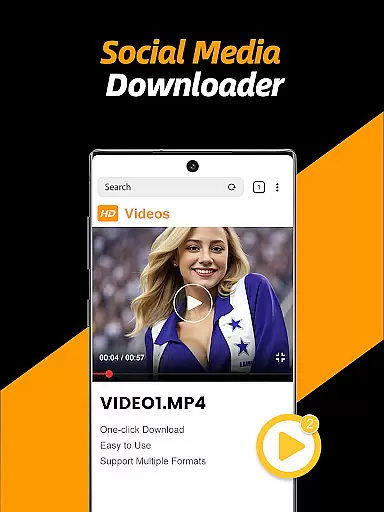
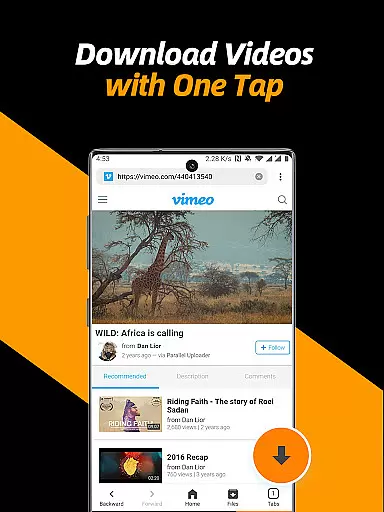
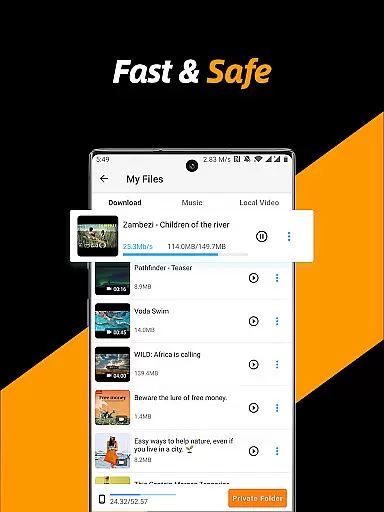
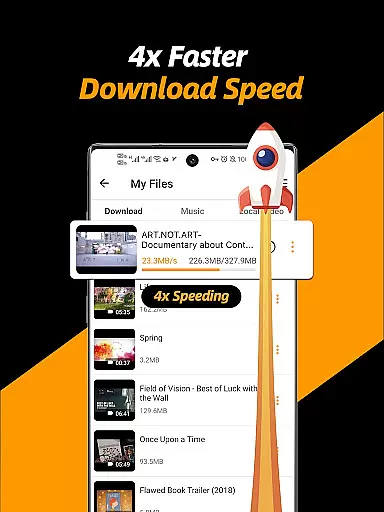
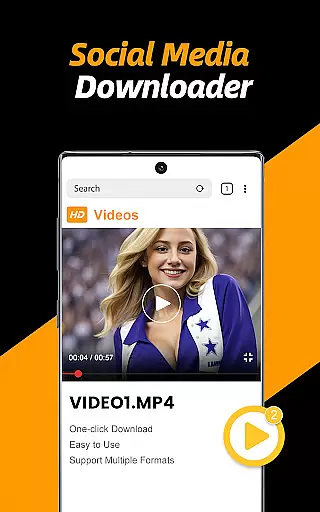
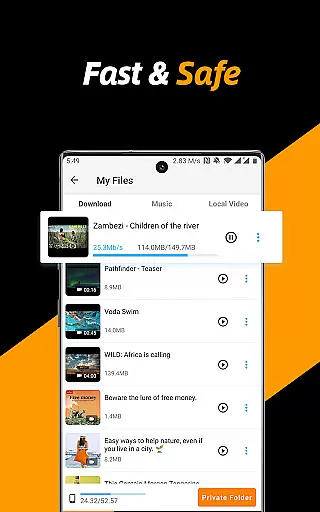
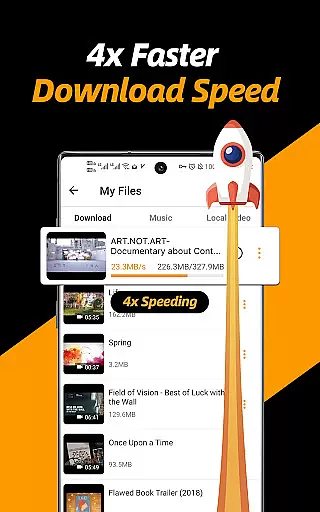
Video Downloader & Video Saver is a versatile tool designed for downloading and managing video content across various social media platforms. With its 4x faster download speed, users can efficiently save HD videos and images while enjoying absolute security of their files.
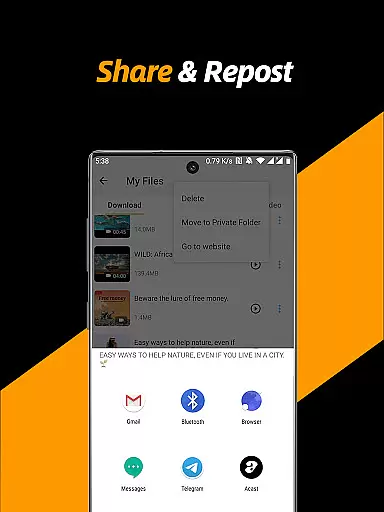
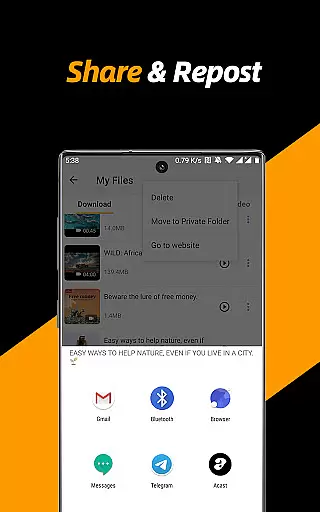
This app stands out by offering an all-in-one solution for video downloading, file management, and sharing capabilities. Whether you're looking to repost content or organize your downloaded media, this app caters to all needs with ease and efficiency.
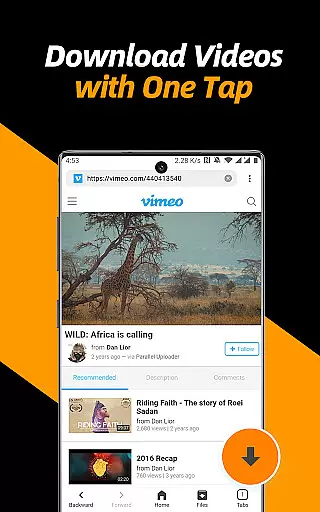
Ideal for users who require quick access to their favorite content offline, the app's built-in browser and file manager make it easy to download, play, and share videos from any website. This makes it perfect for those who want to back up social media videos or enjoy them on the go.
The Video Downloader & Video Saver app boasts several key features that enhance the user experience. It supports multi-threading downloads, which accelerates video downloads significantly, and allows users to select different resolutions to optimize storage space or enjoy HD quality.
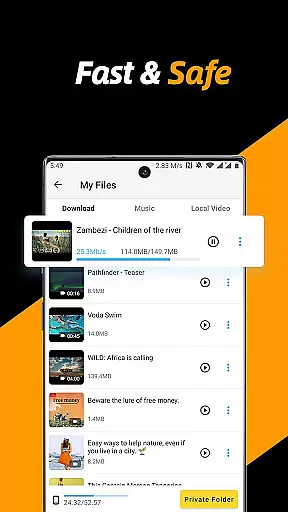
One of the standout functionalities is the ability to download multiple files simultaneously and manage downloads in the background. The built-in file manager lets users pause, resume, rename, play, share, and delete files effortlessly, providing comprehensive control over their media library.
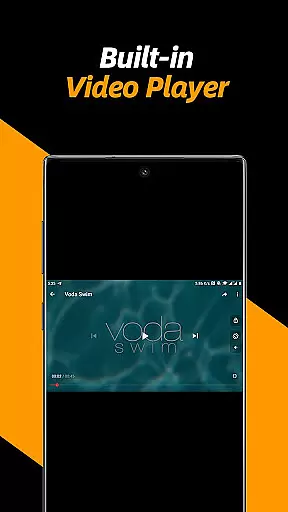
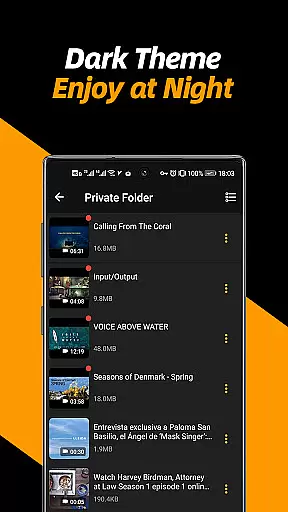
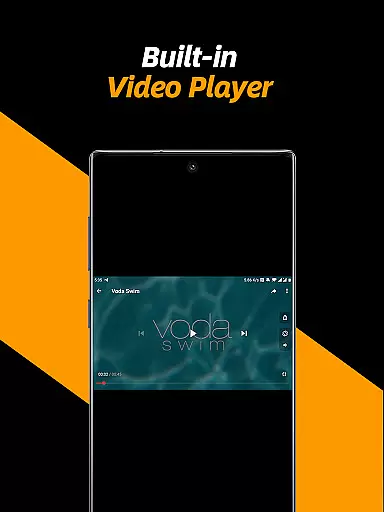
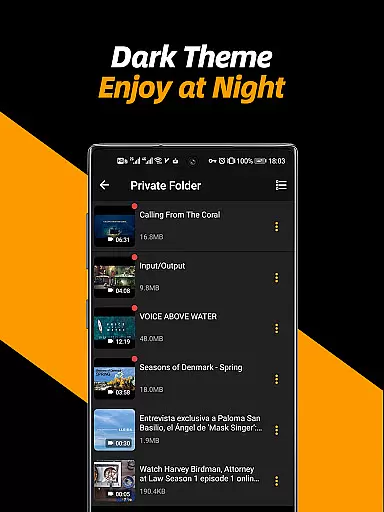
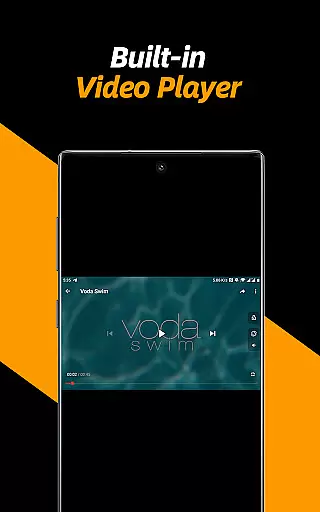
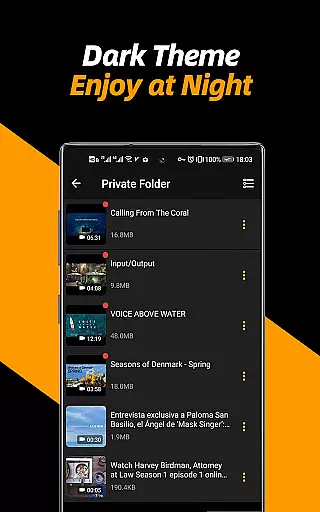
Privacy is also a priority, with a private folder feature that secures personal content behind a password. Additionally, the app includes a video player with adjustable playback speed and repeat mode, as well as the option to convert videos into audio files, making it a complete multimedia solution.
Video format compatibility is a crucial feature for any video player and editor, ensuring that users can enjoy a wide range of video content without worrying about format restrictions. The Video Downloader & Video Saver app excels in this area by supporting all video formats available on the internet.
This application allows users to download and save videos in their original formats or convert them into other preferred formats. Whether it's MP4, AVI, MOV, or any other popular video format, this app ensures seamless playback and management.
Users benefit from having the flexibility to choose specific formats based on their device capabilities or personal preferences. This versatility makes it easier to share videos across different platforms and devices without compatibility issues.
The comprehensive format support also extends to audio extraction, allowing users to convert videos into audio files effortlessly. This feature enhances the overall utility of the app, making it not just a downloader but also a versatile media converter.
AI-powered editing features represent the cutting-edge advancement in video players and editors, providing users with intelligent tools to enhance their video content automatically. The Video Downloader & Video Saver app incorporates several AI-driven functionalities that simplify and elevate the video editing process.
One notable feature is the automatic detection and enhancement of video quality. Using sophisticated algorithms, the app can analyze video content and apply necessary adjustments to improve clarity, color balance, and overall visual appeal.
Additionally, the app offers smart trimming and cropping options. Users can quickly edit their videos by removing unwanted sections or adjusting aspect ratios to fit various social media platforms, all guided by AI suggestions.
Another advantage is the ability to adjust playback speed and enable repeat modes intelligently. These features allow users to customize viewing experiences according to their preferences, whether they need slow-motion effects or looped presentations for tutorials and demonstrations.
User-friendly interface
Fast download speeds
Multi-threading support
HD video downloads
Private folder feature
No YouTube support
Limited format options
Occasional bugs
Ads present
Requires permissions

The smartest M3U IPTV Player your playlists have ever seen.
 4.5
4.5
IPTV-Smarters Player Pro M3U - Watch Live Stream TV Channels with Chromecast
4.00
1)AirPlay/DLNA Mirroring/Streaming, up to 4 connections; 2)Samba/NAS/DMS Player.
4.00
Stream Web Videos to Chromecast, Samsung, LG, Sony, Roku, Fire TV, DLNA + more
4.00
GENRAL PRO - General Pro is the best video player that fully supports all formats.
4.70
IPTV Player - Watch live TV from m3m & m3u8 playlist, stream IPTV on mobile
3.30
Make your own Animations, Video and Photo Edits, Visual Effects, and more!
4.00
Enjoy your favorite videos and channels with the official YouTube app.
3.90
Make videos you’re proud to share with Edits, a video editor for creators.
4.70
Browser + Remote for Roku to stream webvideos, online movies and livestreams
4.60
Support 1000+ Video Format, Subtitle Download, mp3 & Background Play, Cast On TV
4.60
Cast to Chromecast, Xbox, Fire Stick, Roku, DLNA, Smart TV & No Feature Limited!
4.50
KineMaster, Your Ultimate Video Editor!
4.40
KMPlayer Plus (Divx Codec) officially support Divx codec.
4.30
Powerful Video Editor & Photo Editing App —— Quick Edits & Stunning Effects!
4.30
Powerful video player with advanced hardware acceleration and subtitle supports
4.20
All format media Player, no need video converter any more!
4.00
Live TV, anywhere in your home
3.80
Stream high quality video from your camera over NDI protocol
4.4


User Reviews