
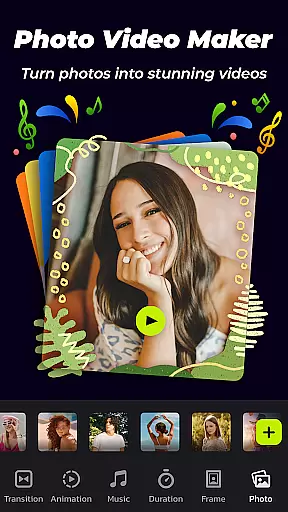
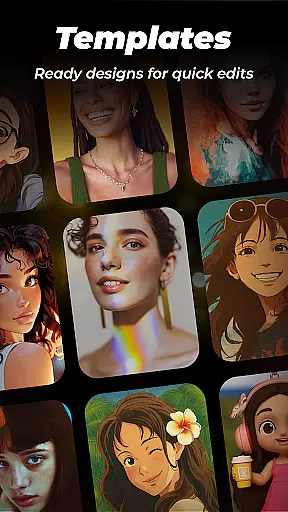
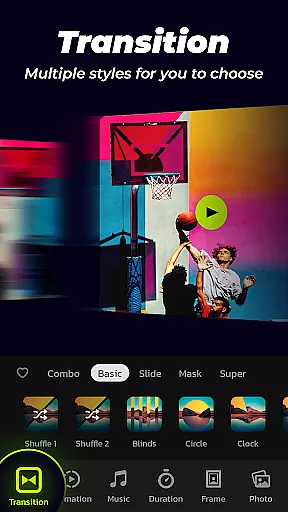
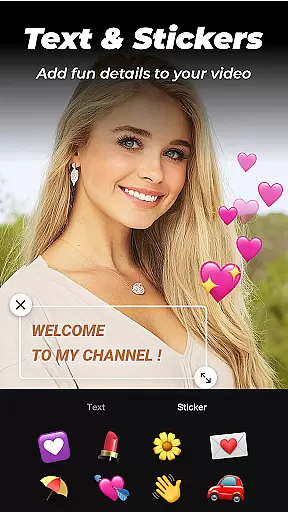
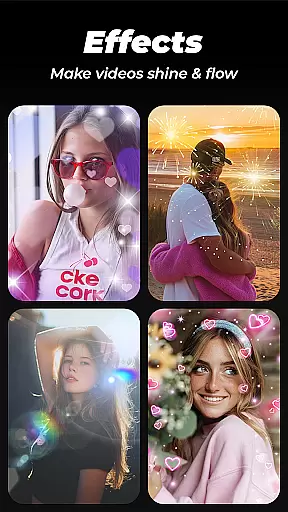
Photo Video Maker with Music - InSlide is a versatile video editing tool designed for creating engaging photo slideshows, music albums, and presentations. This app stands out with its user-friendly interface that allows users to add music, transitions, animations, and frames to their projects. Whether you're looking to revitalize dull photos or design visually stunning slideshows, InSlide provides the necessary tools to professionalize your creations.
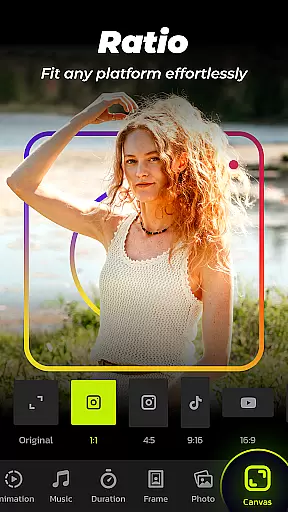
The app offers abundant well-organized content libraries that are continuously updated, ensuring users have access to the latest features and styles. With support for various aspect ratios and resolutions ranging from 480P to 2K, it caters to different sharing platforms like YouTube, TikTok, and Instagram. Its powerful customization options enable users to tailor their videos precisely, making it an ideal choice for both casual creators and professionals alike.
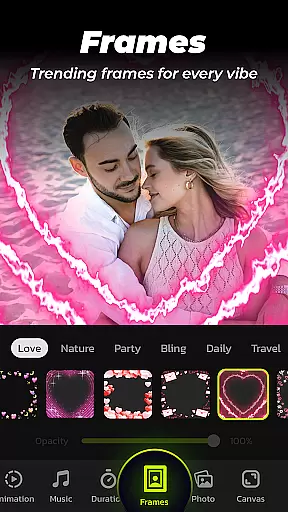
InSlide boasts a comprehensive set of features that make video creation seamless and enjoyable. One of its standout capabilities is the one-click transition effect, which simplifies the process of optimizing visual effects without manual selection hassles. The app also includes a diverse collection of categorized frames and themes such as family, lovers, and travel, allowing users to enhance their slideshows easily.
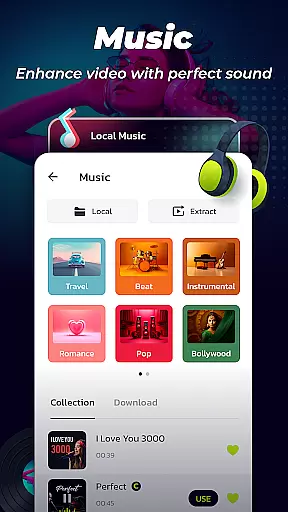
Additionally, InSlide supports adding music to slideshows with a wide range of online music styles including Pop, Bollywood, Love, and more. Users can upload their own tracks or choose from recommended songs like birthday tunes or Christmas carols. Customization extends to transition durations between photos, adjustable from 0.5 seconds to 8 seconds, ensuring smooth flow throughout the slideshow. These robust features collectively empower users to create high-quality, personalized videos efficiently.
Photo Video Maker with Music - InSlide stands out for its versatile video format compatibility, ensuring that users can work with a wide array of file types without any hitches. This feature is crucial for a seamless editing experience, allowing creators to import various formats effortlessly.
The app supports an extensive range of video resolutions from 480P to 2K, providing flexibility in project requirements and platform-specific needs. Whether it's for easy sharing on mobile devices or high-quality presentations on larger screens, users have the freedom to choose what suits them best.
Moreover, the ability to adjust the video aspect ratio makes it simple to tailor content for different social media platforms like YouTube, TikTok, and Instagram. This ensures that your creations look professional and visually appealing across all devices and channels.
By offering such comprehensive video format support, Photo Video Maker empowers users to focus on their creative process without being limited by technical constraints, thus enhancing both productivity and creative expression.
InSlide incorporates AI-powered editing features that significantly enhance the video creation process. These smart tools assist users in automating tedious tasks, such as applying transitions and effects, which would otherwise require manual intervention and expertise.
One standout feature is the one-click transition effect, which utilizes AI to analyze and apply the most suitable transitions between clips. This not only saves time but also ensures that the visual flow of the video remains smooth and professional-looking.
Additionally, the app offers intelligent customization options, such as automatic music synchronization and frame adjustments. These features adapt to the content dynamically, ensuring that every element of the video complements each other perfectly.
By leveraging AI technology, Photo Video Maker simplifies complex editing processes, making it accessible even to beginners while still offering advanced capabilities for seasoned editors. This blend of ease and sophistication results in a powerful yet user-friendly editing experience.
User-friendly interface
Extensive content library
Customizable transitions
High-resolution export options
Versatile aspect ratio adjustments
Limited advanced editing tools
Occasional bugs in older devices
Basic animation effects
No live customer support
Premium features require subscription

Auto video maker with music & exclusive filters. Video editing made simple.
 4.50
4.50
Client application for NextPVR software
3.00
Your media, on your terms.
4.10
Watch full episodes of your favorite Cartoon Network and Cartoonito shows!
3.50
Stream Web Videos to Chromecast, Samsung, LG, Sony, Roku, Fire TV, DLNA + more
4.00
Explore the largest library of free GIFs, Stickers & Memes - or create your own!
3.90
Play and download HD videos from all sources — fast, simple, and all-in-one.
4.3
Make your own Animations, Video and Photo Edits, Visual Effects, and more!
4.00
Browser for Sony TV to stream web videos, online movies and live tv
3.20
Tik & Story Saver-Download ALL social media videos, photos & reels no watermark.
4.80
VLC Remote lets you control your VLC Media Player on Mac, PC or Linux.
4.60
Browser + Remote for Roku to stream webvideos, online movies and livestreams
4.60
Add date and time watermark to photos and videos
4.50
AirMirror Receiver - Screen mirroring/cast web videos to Android TV by AirPlay.
4.40
Video player, file manager for all formats, 4K/HD media player supports subtitle
4.30
KMPlayer Plus (Divx Codec) officially support Divx codec.
4.30
All in one multi protocols stream receiver for AirPlay, Cast and DLNA.
3.60
A full editing room to accompany your Insta360 cameras and handheld gimbals.
3.30
Mix with Virtual DJ directly from your phone or tablet !
3.10


User Reviews