


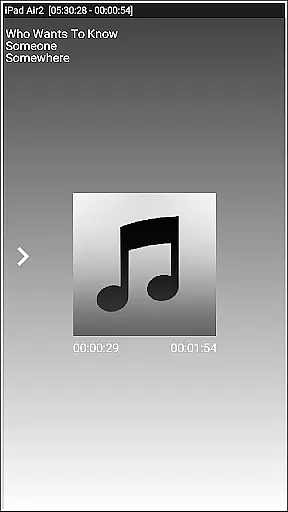


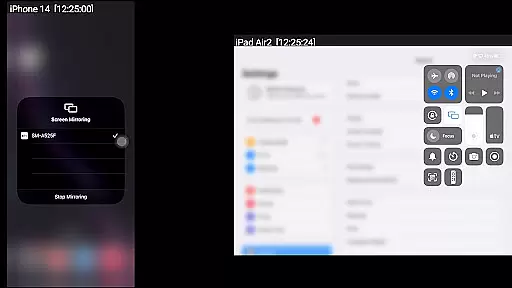
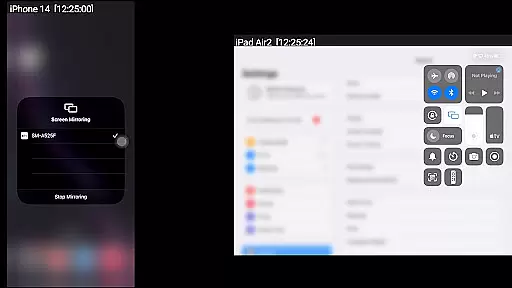
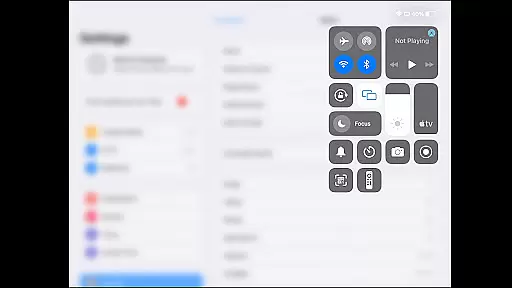
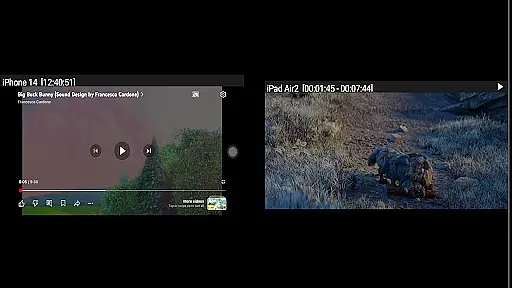
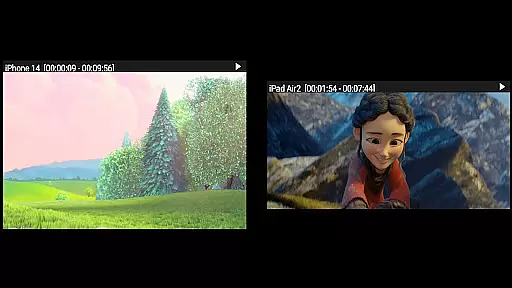

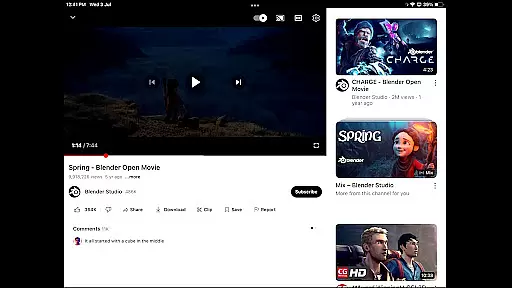
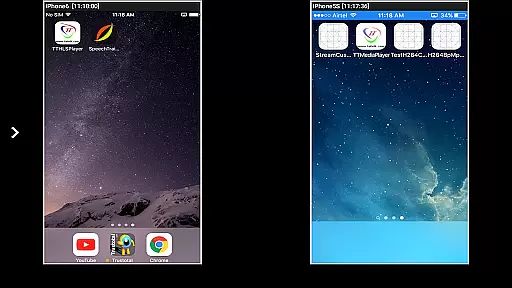

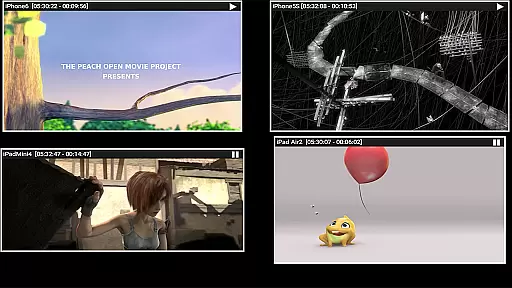
AirMirror is a specialized receiver application designed for Android devices, enabling seamless screen mirroring and casting from Apple devices such as iPhones, iPads, MacBooks, and iMacs. This app allows users to mirror screens, play back media content, and even cast YouTube videos from Apple devices onto an Android device within the same local network.
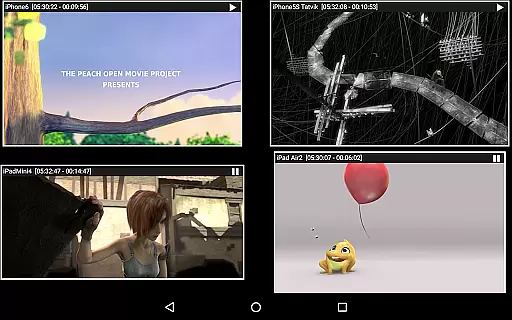
With support for iOS versions 9 to 15, AirMirror facilitates simultaneous connections from up to four Apple devices. Its intuitive interface includes features like passcode protection to prevent unauthorized sharing, adjustable mirroring windows, and Bluetooth Low Energy advertising for cross-subnet device discovery. These capabilities make it an ideal tool for presentations, collaborative work, or entertainment purposes.
The app's ability to display photos, videos, and even game screens enhances shared experiences with family, friends, or business partners. By providing a reliable and versatile solution for screen sharing, AirMirror bridges the gap between Apple and Android ecosystems, offering significant value in both personal and professional settings.
AirMirror stands out with its robust feature set tailored for efficient screen mirroring and media sharing. One of its key strengths is the ability to simultaneously connect and mirror content from up to four Apple devices, making it suitable for group presentations or collaborative sessions. The app supports iOS versions 9 through 15, ensuring compatibility with a wide range of Apple products.
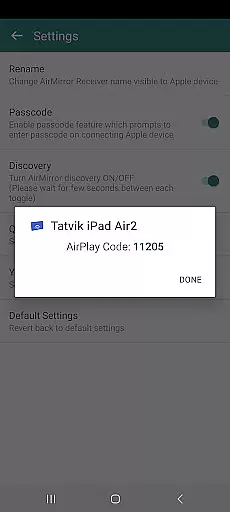
Users can enjoy flexible control over their mirrored content by resizing and moving the casting window within the app view. For enhanced security, AirMirror offers a passcode feature that restricts unauthorized access during screen sharing sessions. Additionally, its support for Bluetooth Low Energy advertising enables device discovery across different subnets, expanding its usability in diverse network environments.
Another notable feature is the app's capability to play back media content, including photos, videos, and YouTube links, directly from Apple devices. While it doesn't support DRM-protected content, its ability to handle free YouTube content and other media files makes it a valuable tool for sharing visual content in meetings, classrooms, or social gatherings.
Video format compatibility is a crucial feature for any video player or editor, ensuring that users can access and work with a wide range of video formats without the need for conversion. AirMirror supports screen mirroring and casting from Apple devices to Android, including playback of media content such as audio, video, and photos.
This application facilitates the mirroring of screens from iOS devices, supporting versions 9 to 15, and allows simultaneous casting from up to four Apple devices. This means you can enjoy YouTube videos, slideshow presentations, and even live gameplay from your Apple device on an Android screen, provided the content is not DRM protected.
Users benefit from this compatibility by being able to share their Apple device screens with family, friends, or colleagues, making it ideal for presentations, entertainment, or collaborative work. The ability to resize and move the mirroring window within the app view adds flexibility to how content is displayed.
AirMirror's support for Bluetooth Low Energy based advertising extends its functionality across different subnets, enhancing connectivity options. However, it's important to note limitations with DRM-protected content like Netflix or paid videos from iTunes and Google Movies, which cannot be mirrored using this app.
AI-powered editing features are transforming the landscape of video players and editors by introducing intelligent tools that simplify complex tasks. While AirMirror primarily focuses on screen mirroring and casting capabilities, it incorporates certain smart functionalities that enhance user experience during media sharing sessions.
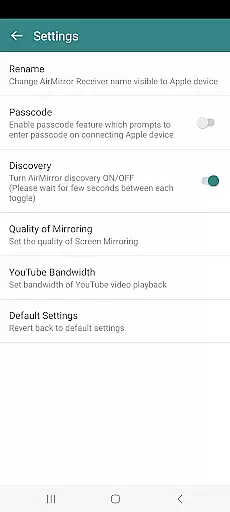
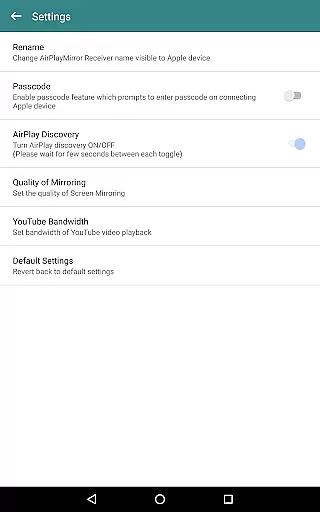
The application enables users to mirror or cast their Apple device screens onto an Android device seamlessly. It includes practical features such as passcode protection to restrict unauthorized sharing, ensuring privacy and security during screen sharing activities. Additionally, users can control the quality of mirroring and manage YouTube bandwidth settings through the appu2019s settings menu.
For those looking to share game screens while playing on their Apple devices, AirMirror offers a dynamic solution. By touching the mirroring window in the app for about two seconds, users can disconnect devices and mute/unmute the mirroring/casting, providing interactive control over shared content.
Although AirMirror may not offer traditional AI-driven video editing tools found in dedicated editors, its intelligent handling of networked screen sharing and adaptive playback controls represent a form of AI enhancement tailored for real-time content sharing scenarios.
User-friendly interface
Multi-device support
Passcode protection
Flexible window control
Cross-subnet discovery
No DRM content support
Limited live TV capability
iOS version restrictions
Network dependency
Occasional latency

Video player, file manager for all formats, 4K/HD media player supports subtitle
 4.30
4.30
A full editing room to accompany your Insta360 cameras and handheld gimbals.
3.30
Kodi media center, a free and open source cross-platform entertainment hub
3.60
You can play SWF format file!
2.50
Video Player - Unlimited features, 30 days money back guarantee.
4.60
Snaptubè Video Downloader app allows to download videos and music in Snaptube. .
4.60
Powerful HD video player with support for all formats & subtitles.
4.5
Download videos easily & play them all in one smart, powerful video manager.
3.40
Powerful Video Editor & Photo Editing App —— Quick Edits & Stunning Effects!
4.30
Tik & Story Saver-Download ALL social media videos, photos & reels no watermark.
4.80
GENRAL PRO - General Pro is the best video player that fully supports all formats.
4.70
Screen recorder with audio to take live videos & Screenshot in high quality!
4.70
Watch a large amount of high-definition short drama content
4.60
Browser for Fire TV to stream webvideos, online movies, livestreams in HD
4.40
KMPlayer Plus (Divx Codec) officially support Divx codec.
4.30
Video Downloader is an utility that can save videos and music from web sites
4.20
Powerful video player with advanced hardware acceleration and subtitle supports
4.20
Powerful, professional, versatile teleprompter. Developed by an active film crew
4.00
Stream Web Videos to Chromecast, Samsung, LG, Sony, Roku, Fire TV, DLNA + more
4.00


User Reviews