
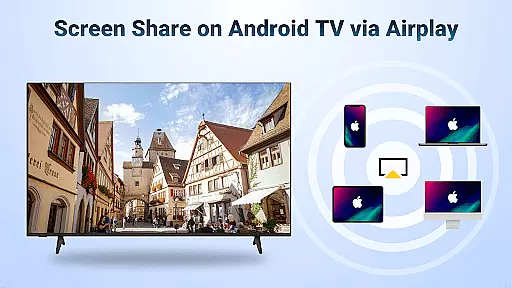
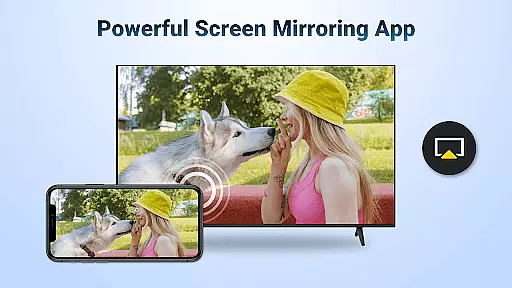
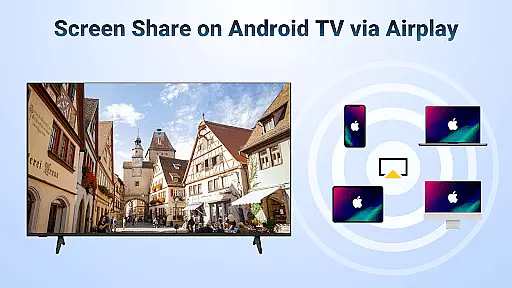

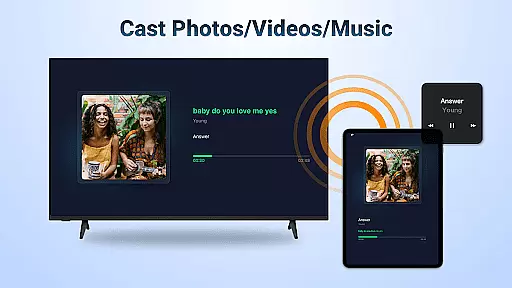

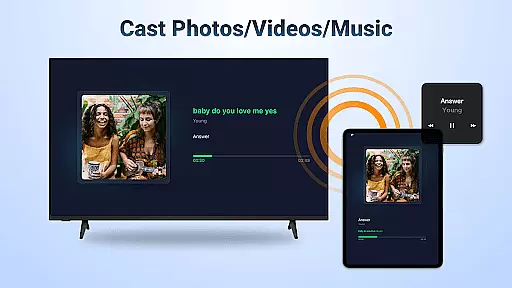
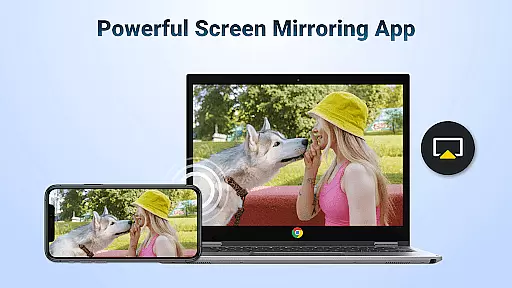
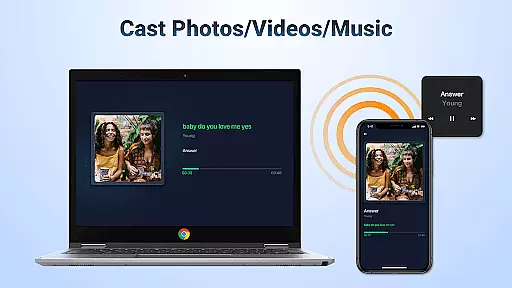
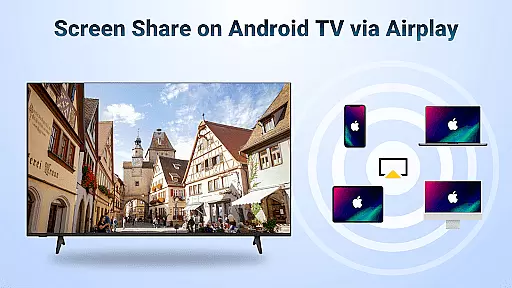

AirMirror is a specialized wireless streaming application that allows users to mirror and cast content from Apple devices to Android TV over WiFi. This innovative solution eliminates the need for additional converters or frequent device switching, making cross-platform sharing more seamless than ever.
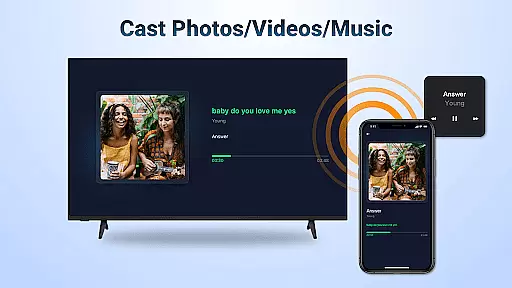
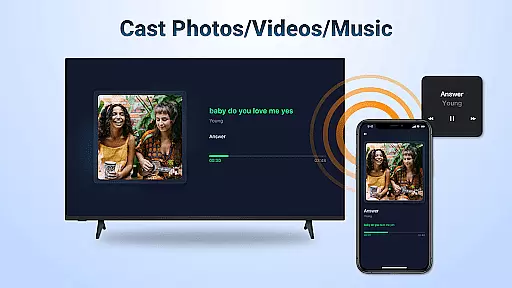
The app supports screen mirroring of photos, web videos, and audio, enabling users to share teaching materials, business presentations, multiplayer games, travel photos, fitness videos, music, and movies directly on a larger TV display. Its compatibility with AirPlay-enabled devices ensures smooth and fast streaming while maintaining excellent sound and video quality.
With its user-friendly interface and stable connectivity, AirMirror is ideal for both personal entertainment and professional settings, enhancing the way users interact with their digital content on a bigger screen.
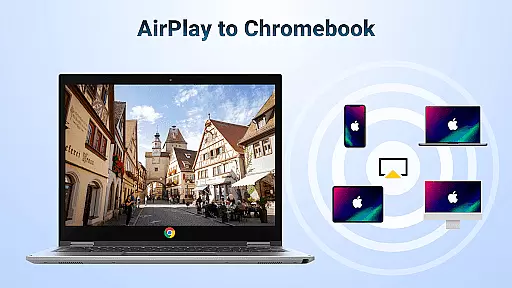
AirMirror offers a comprehensive set of features designed to enhance wireless streaming and screen sharing. One of its standout capabilities is supporting AirPlay-enabled devices, allowing users to stream audio, video, and photos effortlessly from platforms like iTunes and iOS devices to Android TV.
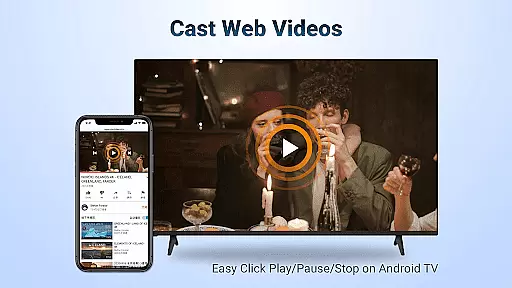
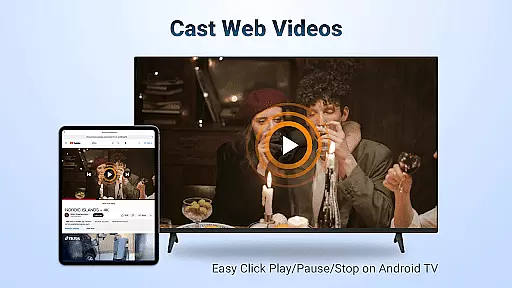
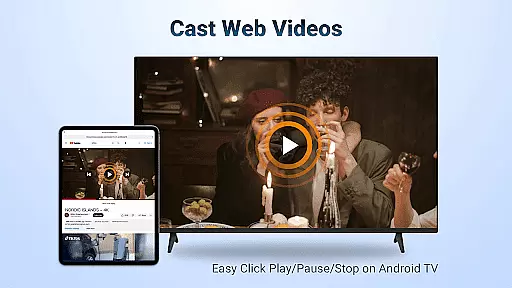
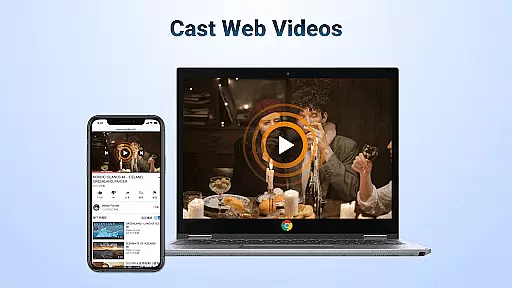
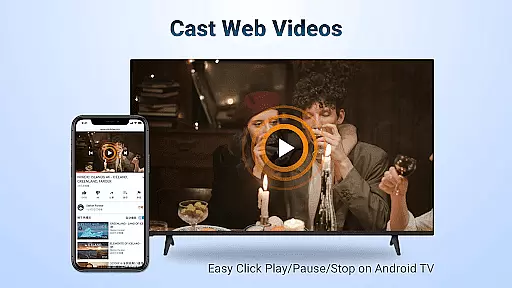
The app provides smooth and super-fast casting of web videos, giving users control options such as Play, Pause, and Stop directly on the receiving end. It also supports orientation switching between landscape and portrait modes, ensuring an optimal viewing experience regardless of content format.
Additionally, AirMirror emphasizes simplicity and stability in connectivity, minimizing connection issues through reliable mirroring technology. While it does not support DRM-protected content like Netflix or paid videos, its ability to handle a wide range of non-protected media makes it a versatile tool for sharing various types of content wirelessly.
One of the core strengths of AirMirror: TV Cast via AirPlay lies in its exceptional video format compatibility. This feature ensures that users can stream a wide range of audio, video, and photo content from AirPlay-enabled devices without worrying about format restrictions.
The application supports seamless casting of web videos, music, and other media where DRM restrictions allow. This flexibility enables users to enjoy content from various sources, including iTunes and iOS devices, directly on Android TV with minimal latency.
With AirMirror, users can control playback functions such as Play, Pause, and Stop directly on the receiving end. The app also allows switching between landscape and portrait orientations, providing an adaptable viewing experience tailored to different types of content.
This level of format compatibility significantly enhances user convenience, eliminating the need for additional converters or frequent device switching between Apple and Android ecosystems.
AirMirror: TV Cast via AirPlay incorporates basic AI-powered features that enhance the streaming and mirroring experience. While not a traditional video editor, the application uses intelligent algorithms to ensure smooth and fast content streaming across devices.
The AI functionality primarily focuses on maintaining stable connectivity and high-quality mirroring. It automatically adjusts streaming parameters based on network conditions, ensuring optimal performance during screen sharing sessions.
These intelligent features extend to various use cases, from business presentations to multiplayer gaming sessions. Users can share teaching content, display presentations on big TV screens, or enjoy multiplayer games with friends through seamless screen mirroring.
The implementation of these AI-powered capabilities results in simple yet stable mirroring and screen casting, making it accessible for users of all technical levels while maintaining professional-grade streaming quality.
User-friendly interface
Stable screen mirroring
Wide device compatibility
Excellent sound quality
Fast video streaming
No DRM content support
WiFi dependency required
Limited to AirPlay devices
Occasional connectivity
Issues with certain formats

Online Videos Player
 3.90
3.90
Kodi media center, a free and open source cross-platform entertainment hub
3.60
Video Trimmer, Video to MP3 Converter. Extract music from video, Easy & Fast.
4.80
All format media Player, no need video converter any more!
4.00
Download website videos fast&privacy
4.40
All in one HD video downloader & player for multiple formats with full privacy
4.70
Watch IPTV on your Android device
4.60
Browser for Fire TV to stream webvideos, online movies, livestreams in HD
4.40
AI Video Editor with Music, Filter, Slideshow, Effect, Merge & Trim Video.
4.80
Play ALL formats in 4K & HD. Video downloader, MP3 player, Chromecast & more.
4.80
Download videos and play them offline
4.70
Watch a large amount of high-definition short drama content
4.60
Search & download videos from net with all video downloader, auto-detect & safe.
4.60
Photo and Music Video Creator into Stunning Videos—Effortlessly
4.40
Fast video downloader & private browser. Save HD clips to watch offline.
4.40
Powerful video player with advanced hardware acceleration and subtitle supports
4.20
VLC for Android is the best open source video and music player, fast and easy!
4.10
Connect 2 UVC devices for recording and broadcast video/audio stream
3.90
Explore the largest library of free GIFs, Stickers & Memes - or create your own!
3.90


User Reviews