
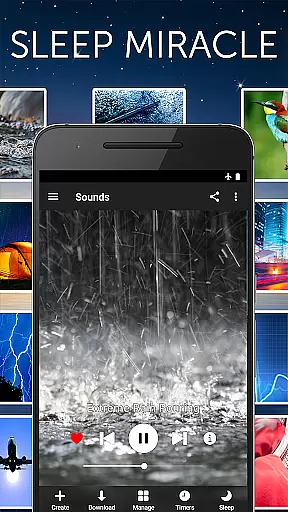
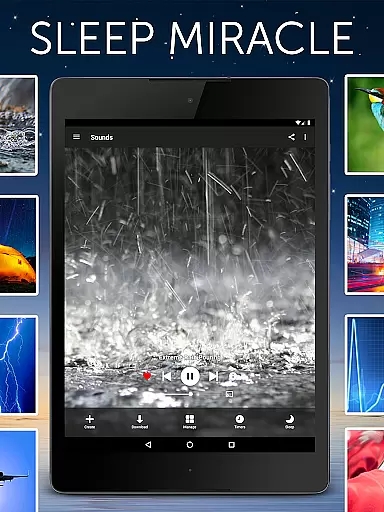


White Noise Pro is an advanced health and fitness application designed to improve sleep quality through environmental soundscapes. The app offers over 50 high-definition ambient sounds that help users relax during the day and achieve deeper, uninterrupted sleep at night. These sounds include natural noises like rain and ocean waves, mechanical sounds such as fans, and specialized color noises like white and pink noise.
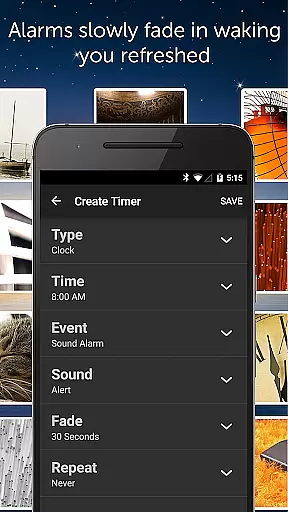
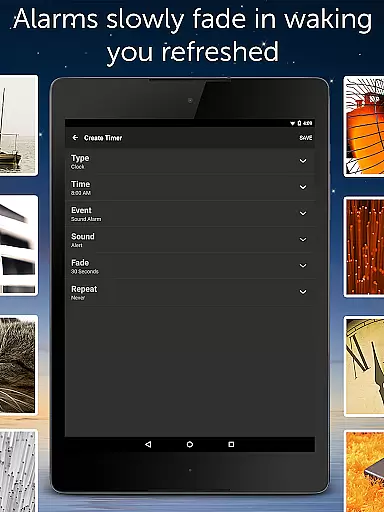
The app's standout feature is its ability to mask unwanted background noises that disrupt sleep. By generating sounds across a wide frequency range, White Noise Pro effectively blocks distractions like dripping faucets or distant sirens. This functionality proves particularly beneficial for individuals struggling with insomnia, frequent travelers needing quick naps, and parents dealing with restless newborns. The app also includes advanced features such as binaural beat generation, custom sound creation tools, and a sophisticated alarm system that gently wakes users with fading audio transitions.
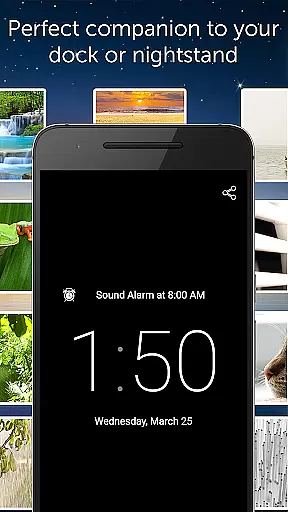
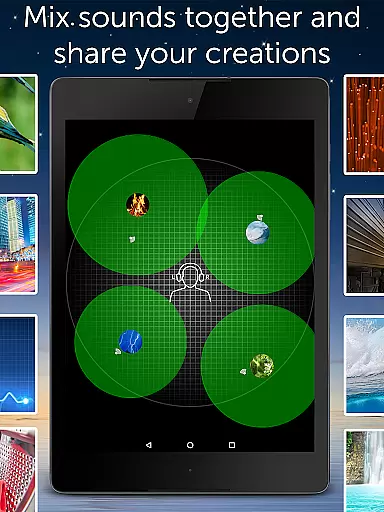
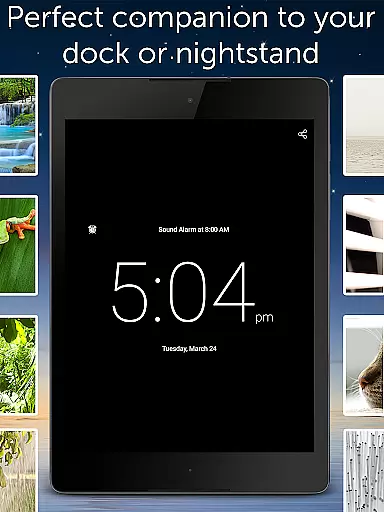
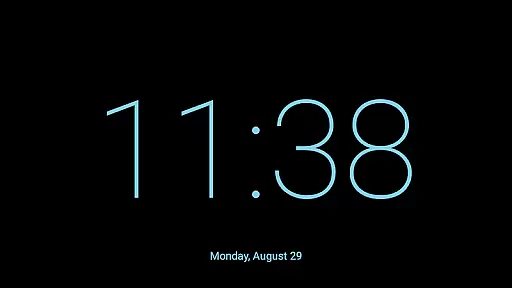
White Noise Pro serves as an essential tool for anyone seeking better sleep hygiene and stress management. Its comprehensive feature set extends beyond basic sound playback, offering users the ability to create personalized soundscapes by mixing multiple tracks with precise control over volume, balance, and pitch. The inclusion of a full-screen digital clock, background audio support, and Chromecast integration makes it a versatile solution for various sleep environments and scenarios.
White Noise Pro distinguishes itself through its extensive array of professional-grade features. The application comes equipped with more than 50 exclusive HD stereo sounds, providing users with a diverse selection of audio environments. Unlike other sleep applications, White Noise Pro includes powerful generator tools that enable users to create custom color noises, binaural beats, and specific tones tailored to their personal preferences.
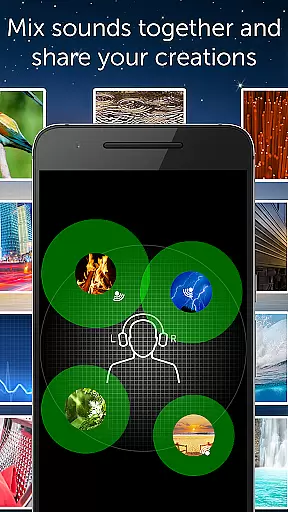
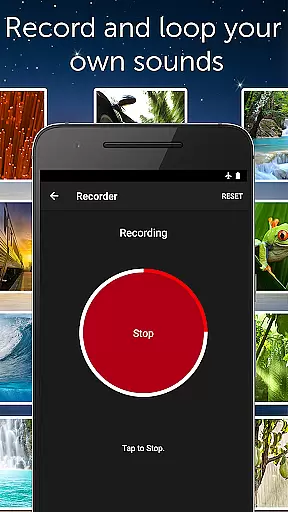
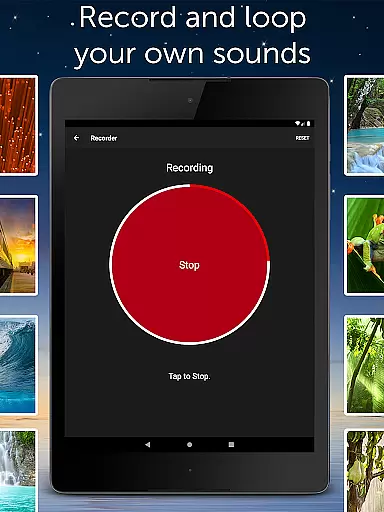
A key innovation is the app's advanced soundscape creation system. Users can mix multiple sounds simultaneously while independently adjusting each track's volume, balance, pitch, and variance. This level of customization allows for the creation of unique audio environments that precisely match individual sleep requirements. The inclusion of recording capabilities enables users to capture and loop their own sounds, while the White Noise Market integration provides access to an expanding library of additional audio resources.
The application's technical sophistication extends to its implementation of professional-grade sleep tools. These include an advanced alarm system with customizable fade-in and fade-out options, support for music alarms on modern Android devices, and comprehensive settings for optimizing playback performance. Additional practical features such as background audio support, widget controls, and Chromecast compatibility ensure seamless integration into users' existing technology ecosystems while maintaining uninterrupted audio delivery throughout the night.
Personalized planning in White Noise Pro refers to the app's ability to cater soundscapes and relaxation strategies tailored to individual needs. This feature is crucial for users seeking a customizable solution to their sleep or relaxation requirements.
The application offers over 50 HD stereo sounds, enabling users to mix multiple noises with adjustable volume, balance, pitch, and variance. This level of customization ensures that each user can create a unique auditory environment that suits their personal preferences and needs.
Users benefit from personalized planning by experiencing improved sleep quality and stress reduction. The adaptability of the soundscapes means that whether it's for sleeping, studying, or relaxing, the perfect soundscape is just a few adjustments away.
This feature underscores the app's commitment to providing a versatile tool for health and wellness, allowing users to tailor their experience precisely as they desire, which enhances the overall effectiveness of the relaxation and sleep aid process.
Progress visualization in White Noise Pro involves tracking and displaying the user's journey towards better sleep and relaxation through innovative features. Understanding one's progress is essential for motivation and making necessary adjustments.
While White Noise Pro focuses primarily on sound delivery, it integrates progress visualization subtly through its advanced alarm and timer system. This system allows users to set alarms that fade audio in and out, promoting a natural wake-up process.
By visualizing progress through consistent use and improved sleep patterns, users gain insights into the effectiveness of different sounds and mixes. This feedback loop empowers users to refine their sound choices and optimize their relaxation or sleep strategy.
Ultimately, progress visualization within White Noise Pro provides tangible evidence of improvement over time, encouraging continued use and fine-tuning of personalized soundscapes for the best possible outcomes in relaxation and sleep quality.
Extensive sound library
Custom soundscape creation
Advanced sleep tools
Professional audio quality
No advertisements
Premium price point
Complex interface
Requires learning
Large storage needs
Limited iOS features

Create powerful subliminal audio with custom affirmations and background music.
 4.00
4.00
Optimization for TRT & Enhanced Athletes
4.4
A brain game that moves you
4.70
Protect your healthy sleep
4.80
3D Body Measurement System
3.60
Blood Pressure Log, HRV & Heartbeat Tracker. Pulse Checker.
4.40
Track sleep cycle, relax with white noise, sleep sounds & smart alarm clock
3.80
Point, scan, and unlock truth in every bite.
4.50
Pedometer that gives you sweatcoins for steps. It pays to walk!
4.10
Medbridge GO gets you moving - get back to doing what you love, faster!
4.90
Your AI pet BFF. Talk, play, and beat anxiety in this calming game.
4.60
Personal Measurements - Track your gains!
4.50
Relax. Sleep Better. Feel Better.
4.50
Relax to calm sounds, white noise, music, guided meditation and bedtime stories
4.40
The most accurate heart rate app to monitor and track your heart rate & pulse.
4.40
Download MadMuscles to start your positive body transformation!
4.30
This is an application that serves as a companion app for smart watch.
4.20
Histamine intolerance, low FODMAP diet and irritable bowel syndrome (IBS)
4.00
Find Paid Clinical Trials In Your Area
3.70


User Reviews