
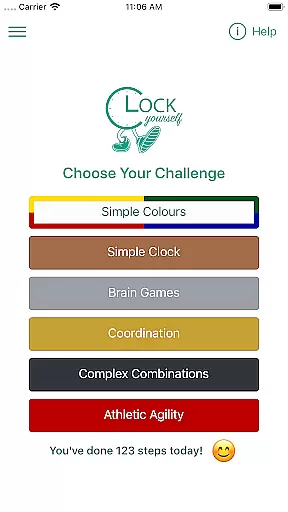
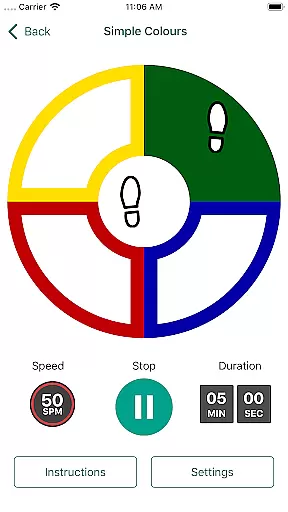
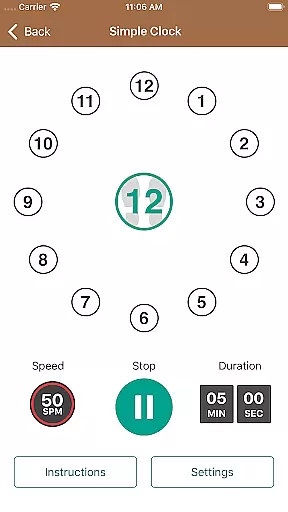
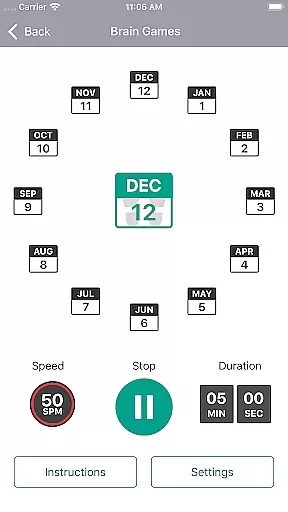
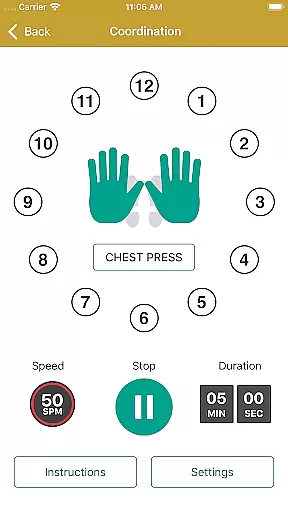
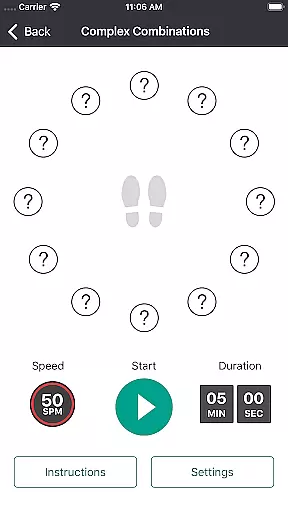
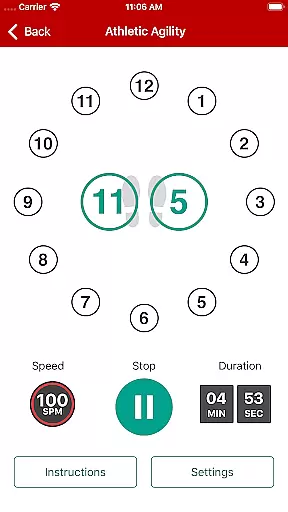
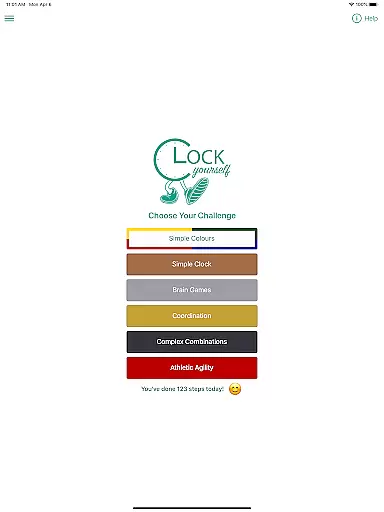
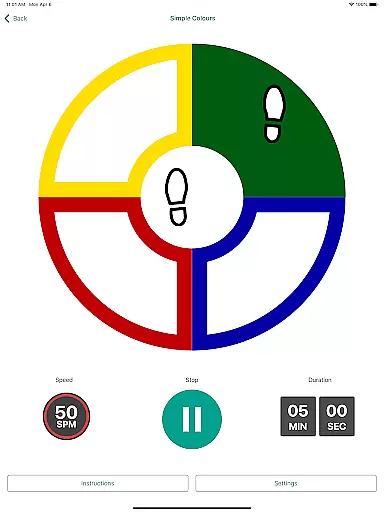
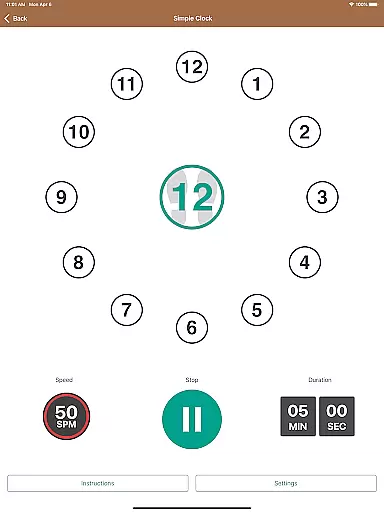
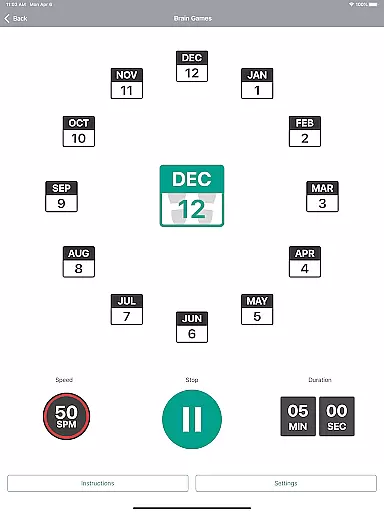
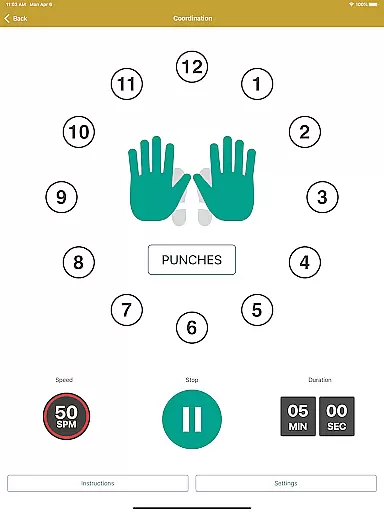
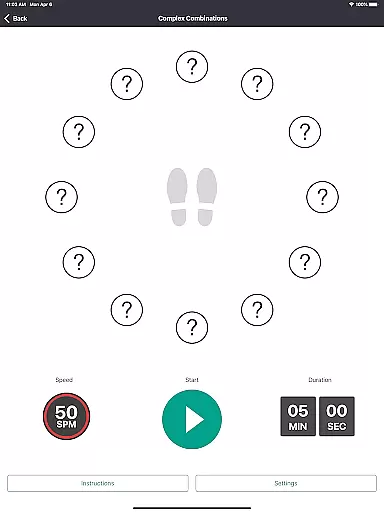
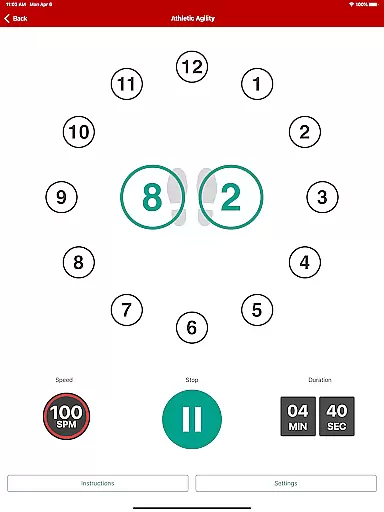
Clock Yourself is an innovative fitness app that challenges users to think on their feet by combining physical exercise with cognitive stimulation. The app presents various challenges that engage both the body and brain, making it suitable for all fitness levels and abilities. Whether you're an athlete looking to improve agility or someone recovering from injury, Clock Yourself offers versatile exercise options that can be adapted to individual needs.
Developed by Australian physiotherapist Meg Lowry and software developer Dave Wallace, this evidence-based app draws from neurological rehabilitation principles. It features a portable design that works offline and doesn't require any special equipment. With its affordable one-time purchase model and lack of recurring subscriptions, Clock Yourself makes professional-grade exercise accessible to everyone at home.
Clock Yourself stands out with its unique combination of physical and cognitive training elements. The app presents users with various stepping challenges on an imaginary clock face beneath their feet, stimulating different areas of the brain while improving physical coordination. These exercises can be modified for different ability levels, from basic stepping to advanced sport-specific drills.
The app's versatility extends to its adjustable difficulty levels and multilingual support. Users can control both stepping speed and cognitive complexity, while audio prompts are available in six languages including Mandarin, Japanese, French, German, Spanish, and Dutch. The offline functionality and activity log tracking further enhance the user experience, allowing for personalized progress monitoring without requiring constant internet access.
What truly sets Clock Yourself apart is its evidence-based approach to fall prevention through volitional step training. This method helps users develop faster reaction times in all directions, potentially reducing fall risks. The app's development involved input from people with various abilities, ensuring an inclusive design that maintains professional rehabilitation standards while remaining entertaining and engaging for casual users.
Personalized planning in fitness applications refers to the ability to tailor workout routines based on individual capabilities and goals. Clock Yourself offers a versatile platform where users can adjust both stepping speed and cognitive complexity, ensuring that each session is customized to their current level of fitness and mental agility.
The app's design allows users to modify exercises according to their physical abilities, whether they are athletes looking for sport-specific agility drills or individuals practicing with limited mobility using arm reaches or wheelchair movements. This flexibility ensures that every user experiences a personalized exercise regimen that evolves with their progress.
By incorporating evidence-based methods such as volitional step training, Clock Yourself promotes faster reaction times in all directions, which is crucial for fall prevention. Users benefit from an adaptive program that not only challenges them physically but also stimulates neuroplasticity, enhancing overall brain health.
Progress visualization is a critical feature in health and fitness apps, providing users with tangible representations of their achievements over time. Clock Yourself tracks various metrics such as steps taken and minutes exercised, offering insights into personal advancements through its activity log functionality.
With clear data visualization, users can easily monitor their improvement in speed, endurance, and cognitive performance across different challenges within the app. This visual feedback serves as motivation by highlighting milestones reached and areas needing further development.
Moreover, the ability to export activity logs via email allows for a detailed analysis of oneu2019s progress outside the app environment. By having access to this information, users gain a comprehensive understanding of their fitness journey, empowering them to set new goals and strive for continuous enhancement.
User-friendly interface
Versatile exercise options
Affordable one-time purchase
Offline functionality
Evidence-based methodology
Limited language support
No advanced analytics
Basic visual design
Manual log tracking
Steep learning curve

Home workouts for fitness & fast bodybuilding at home - no equipment needed.
 4.90
4.90
Create powerful subliminal audio with custom affirmations and background music.
4.00
Power-lifting, weightlifting and Wendler 531 app to track your workout program.
4.90
Insanity blocks of intense physical activity, short breaks of 30 seconds.
4.2
Pupillary distance PD with camera quick and easy, checking glasses frames on you
3.70
Your portable blood pressure tracker. Record, monitor, and analyze BP anytime.
4.30
Monitor, analyze, track, and convert blood sugar & help you control diabetes.
4.10
Your personal BP tracking companion, focus on helping you achieve wellness goal.
4.10
Dexcom G7 Continuous Glucose Monitoring
3.70
Easy to use step counter, calorie counter helps lose weight, count steps offline
4.80
The simplest way to track your 21 Day Program containers, exercises, and water.
4.50
Relax. Sleep Better. Feel Better.
4.50
Personal step counter for you, private and accurate
4.50
For Absolute Novices to Strength Training. Simple. Effective.
4.40
50 HD sounds to help you relax during the day and sleep great at night!
4.40
Looking to take control of your health? Our psychology-based programs can help.
4.10
Track sleep cycle, relax with white noise, sleep sounds & smart alarm clock
3.80
The app helps you address digestive symptoms based on the Fast Tract Diet.
3.50
A simple way to calculate peptide doses and also to convert different units.
4.3


User Reviews