
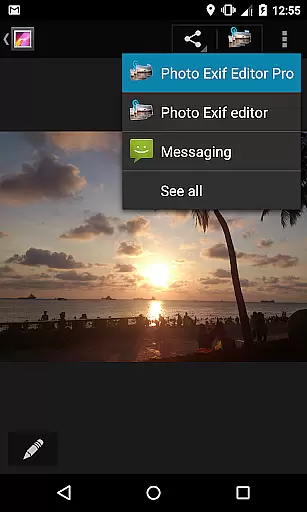
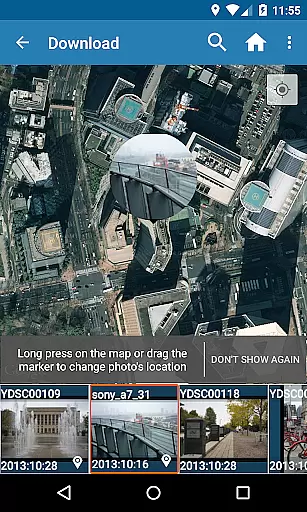
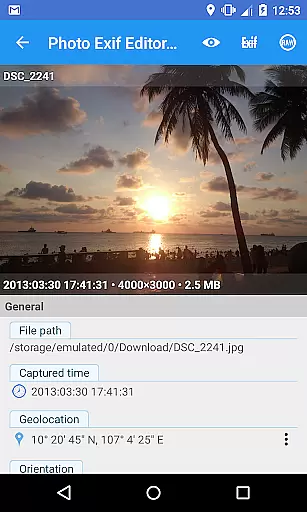
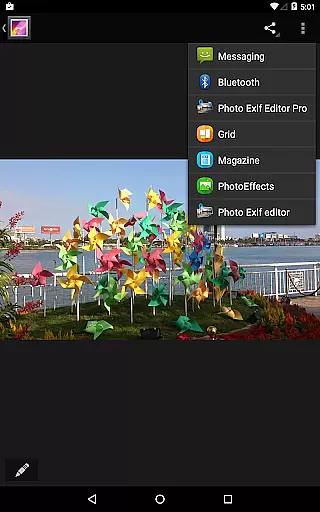
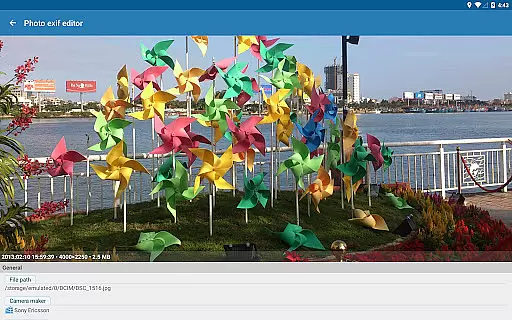
Photo Exif Editor Pro is a powerful tool for photographers and enthusiasts who need to manage the metadata of their images. This application allows users to view, edit, and modify Exif data with ease, providing essential information about each photo's settings and location.
The app features an intuitive interface that makes it simple to correct missing details or update existing information. Whether you're adjusting camera settings like aperture and shutter speed or adding GPS coordinates, Photo Exif Editor Pro ensures your photos are accurately documented. The pro version offers additional benefits such as ad-free usage and access to full raw data.
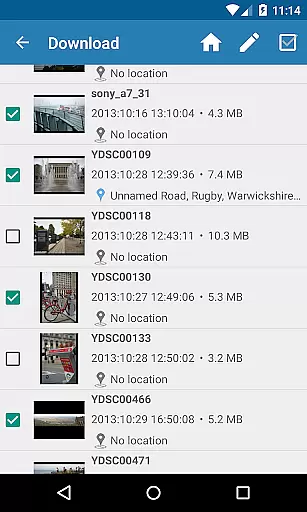
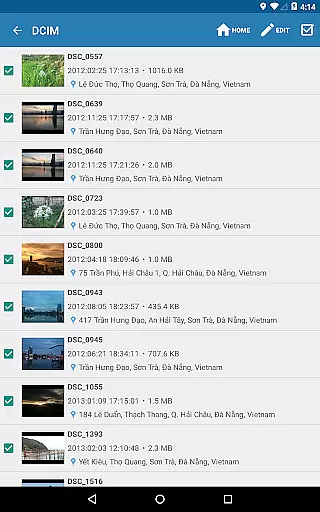
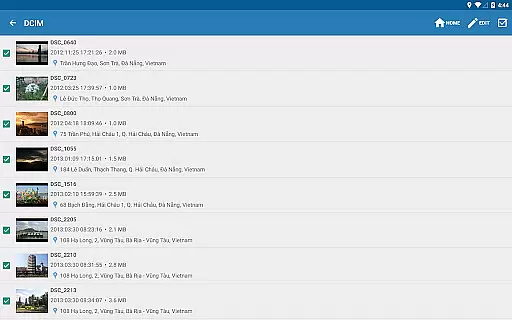
With its ability to handle various file formats including JPG, PNG, and RAW, this app is suitable for both amateur and professional use. It supports batch editing, making it efficient for managing large collections of images. This functionality is particularly valuable when organizing photoshoots or preparing images for publication.
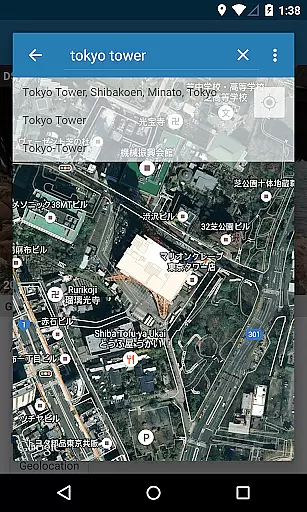
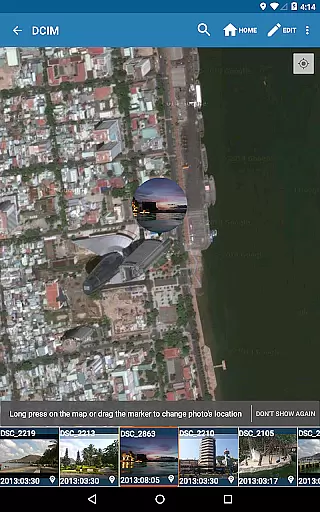
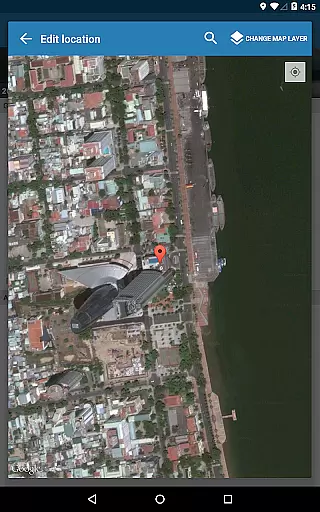
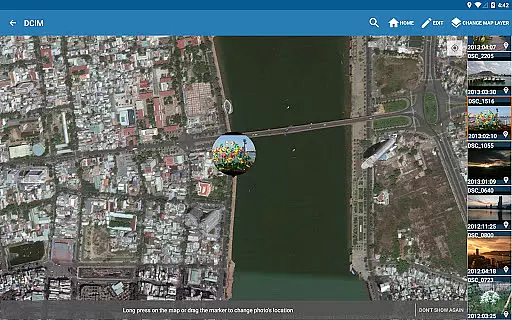
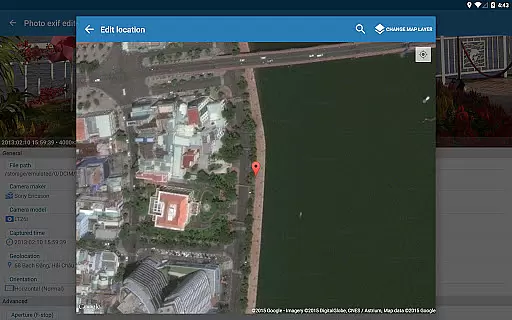
Photo Exif Editor Pro stands out with its comprehensive feature set tailored for detailed image management. One of its key capabilities is the ability to display the complete raw data of pictures, which is crucial for advanced editing and analysis. Users can also leverage Google Maps integration to add or correct location data, ensuring accurate geotagging.
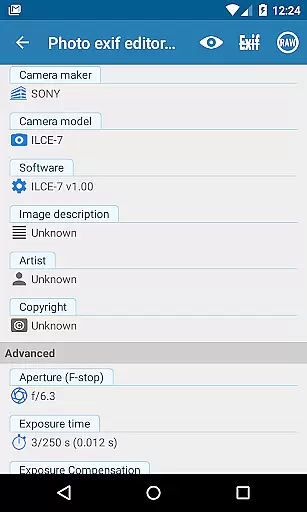
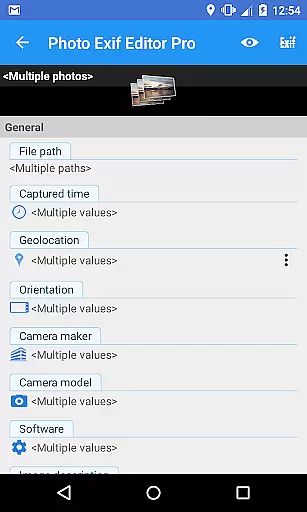
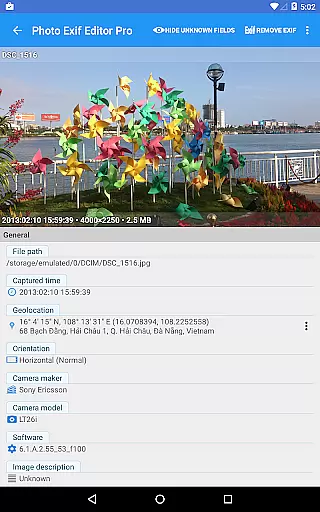
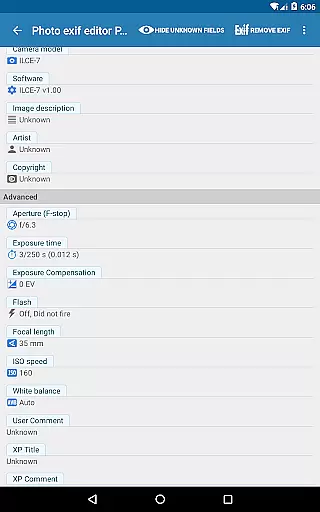
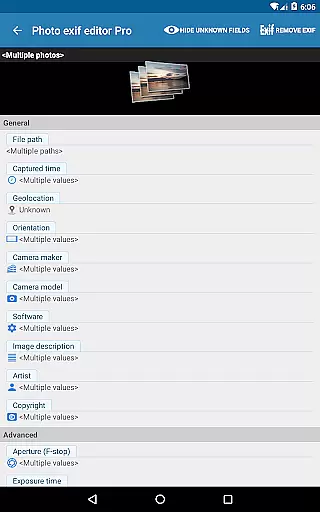
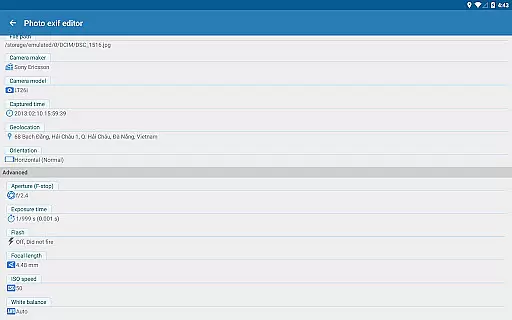
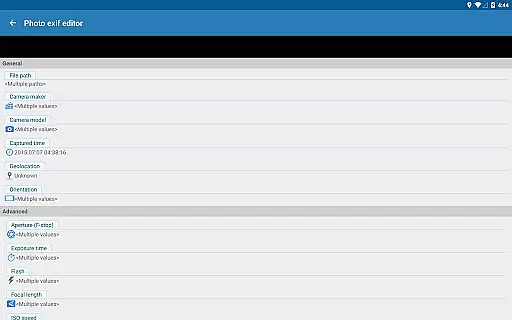
The app excels in batch processing, allowing users to edit multiple photos simultaneously. This saves significant time when working with extensive photo libraries. Additionally, it provides options to modify critical EXIF tags such as camera model, captured time, orientation, aperture, shutter speed, focal length, ISO speed, and white balance.
Another notable feature is its compatibility with various file types, including professional formats like RAW. The upcoming updates promise even more functionality by incorporating features from EXIF Pro - ExifTool for Android. These enhancements will make Photo Exif Editor Pro an indispensable tool for comprehensive media management across different platforms.
Real-time capture and preview functionality is essential for ensuring that photographers can accurately assess their images while shooting. Photo Exif Editor Pro provides users with the ability to view Exif data instantly, allowing them to make informed decisions about necessary adjustments.
This application's intuitive interface displays critical camera settings such as aperture, shutter speed, and ISO immediately after a photo is taken. This instant feedback empowers photographers to fine-tune their camera settings for optimal results without delay.
Furthermore, the app supports real-time GPS tagging, enabling users to embed precise location data into their photos as they capture them. This feature is particularly beneficial for professionals who need to document the exact whereabouts of their subjects.
By offering comprehensive Exif information in real time, Photo Exif Editor Pro enhances the photography workflow, making it an indispensable tool for both amateur enthusiasts and seasoned professionals looking to maximize their creative potential.
AI beauty and enhancement features are revolutionizing the way we process and perfect our photographs. Photo Exif Editor Pro incorporates advanced AI algorithms that ensure enhancements appear natural and true to life, preserving the authenticity of the original image.
The application allows users to modify various aspects of their photos, such as white balance, exposure, and color saturation, with precision that mimics professional editing software. These modifications are applied seamlessly, maintaining the integrity of the photograph's initial intent.
Additionally, batch editing capabilities enable photographers to apply consistent enhancements across multiple images simultaneously. This saves valuable time during post-processing and ensures uniformity in projects like photo essays or themed collections.
With its focus on delivering natural-looking enhancements, Photo Exif Editor Pro stands out as a powerful ally for photographers seeking efficient yet sophisticated tools to elevate their work without compromising on quality or realism.
User-friendly interface
Batch editing capability
Comprehensive EXIF tag support
Google Maps integration
No advertisements
Limited external SD card support
Advanced features may overwhelm beginners
Requires network connection for maps
Optional location permission needed
Some features pending future updates

Find time and duration of different sunlight phases at any location
 4.90
4.90
All-in-One Editor & AI Photo Enhancer, Collage, Cartoonify, Funny Stickers & BGS
4.10
Create AI Photos, Improve and restore quality of blurry, old or damaged pics.
4.20
Superimpose one photo on top of another using the original Superimpose app!
3.20
The #1 app for B&W film developing featuring an advanced darkroom timer.
4.10
GCamera allows all GCam features on all phone models! Better photos with GCamera
3.30
Use AI Video Generator to turn your words to ai generated videos.
4.50
Remote control the phone camera shutter from your smartwatch and take a picture
1.60
Discover How to Plan any Sun, Moon and Milky Way Photo You Imagine in Seconds
4.70
Photo prints, cards, & gifts at Walgreens. Easy ordering & fast local pickup !
4.80
Unblur, enhance & restore photos with powerful AI photo enhancer tools.
4.60
Movie camera, supports pro recording settings for filming. Try it and be amazed!
4.50
Trendy TikTok time warp scan funny filter app brings you unique photos & videos.
4.40
A reflected light meter with spot metering and incident light metering.
4.40
Natural Beauty, Selfie Retouch
4.30
Virtual makeup, hair filters & body tuner—edit from face to full body!
4.20
Photobooth mini FULL app will allow you to add more fun to your parties
4.00
Application for remote controlling DSLR
3.00
Professional video recording application with manual controls for filmmakers!
2.80


User Reviews