
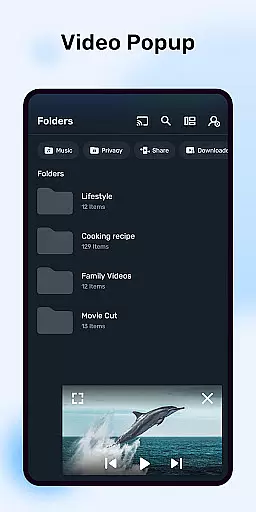
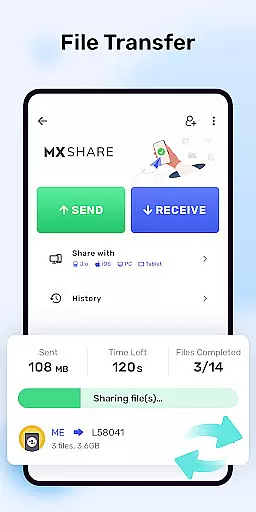


MX Player is a powerful video and music player designed for Android devices, offering advanced hardware acceleration and comprehensive subtitle support. With features like the HW+ decoder, it ensures smooth playback even for high-resolution videos.
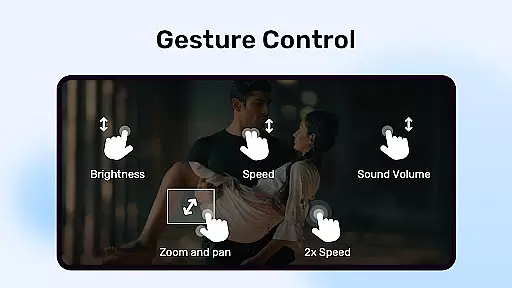
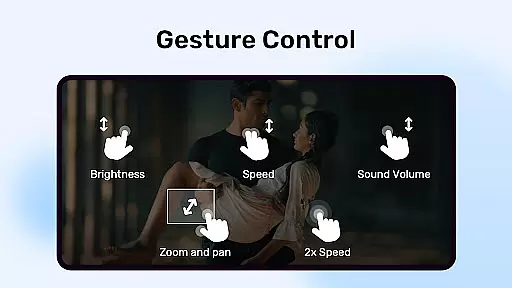
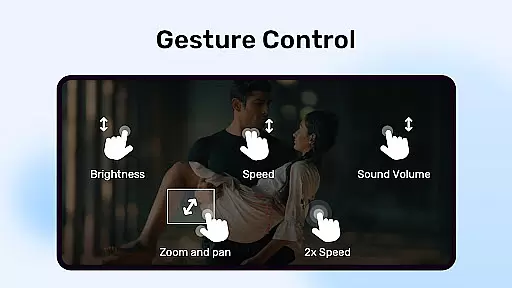
The app supports multi-core decoding, significantly improving performance on multi-core devices by up to 70% compared to single-core devices. It also includes user-friendly functionalities such as pinch-to-zoom, zoom and pan options, and intuitive subtitle gestures, making it versatile for various viewing preferences.
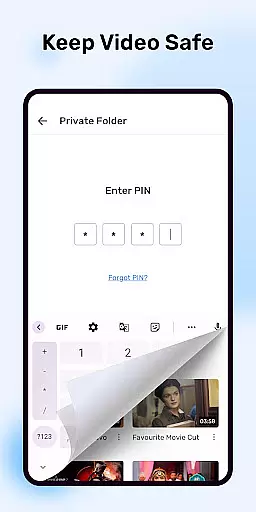
Additionally, MX Player provides unique privacy and parental control features, including a Privacy Folder to hide personal videos and a Kids Lock mode to keep children entertained without accessing other apps or making calls. This makes it an ideal choice for users seeking both performance and security in their media player.
MX Player stands out with its advanced hardware acceleration capabilities, utilizing the new HW+ decoder to enhance video playback performance across a wide range of formats. The inclusion of multi-core decoding further boosts efficiency, particularly on modern devices with multiple processing cores.
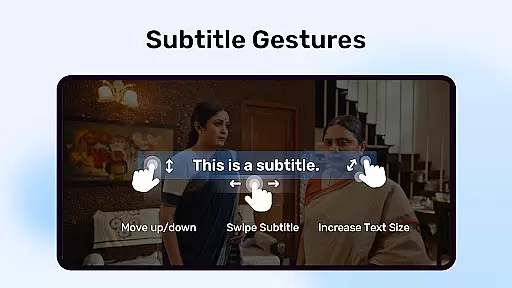
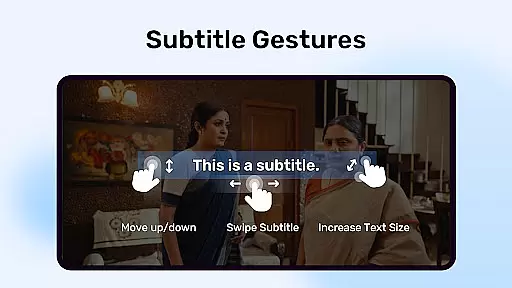
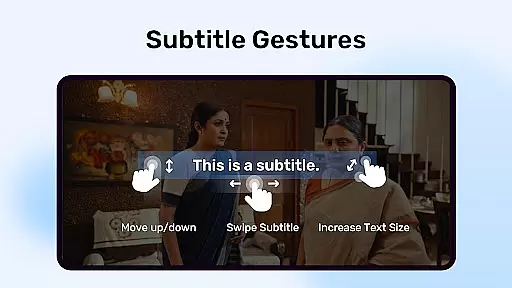
User experience is at the forefront of MX Player's design, featuring intuitive touch controls such as pinch-to-zoom and swipe-based zooming and panning. Subtitle handling is equally sophisticated, with gesture-based controls allowing users to navigate through subtitles effortlessly, adjust text size, and reposition subtitles on the screen.
Privacy and convenience are addressed through dedicated features like the Privacy Folder, which allows users to conceal sensitive content, and the Kids Lock function, ensuring safe entertainment for younger audiences. Furthermore, the app supports a broad array of subtitle formats, enhancing accessibility and customization options for global users.
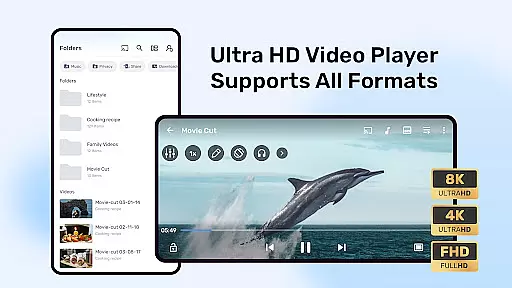
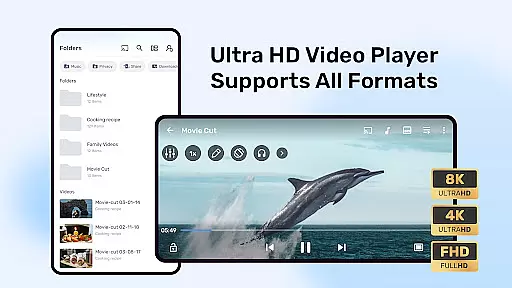
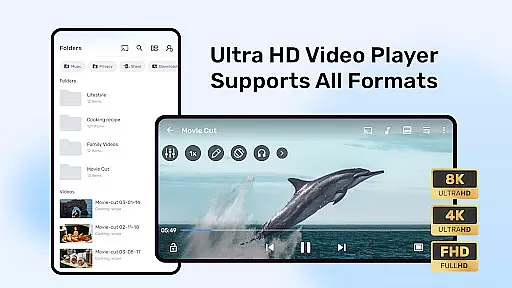
MX Player stands out with its extensive video format compatibility, ensuring users can play nearly any video file they encounter. The app supports a wide range of formats including but not limited to AVI, MKV, MP4, and FLV.
This versatility is powered by advanced hardware acceleration and multi-core decoding, which not only broadens the spectrum of playable formats but also enhances playback smoothness and efficiency. Users can enjoy high-definition videos without worrying about format incompatibility issues.
Additionally, MX Player's ability to download and store subtitles directly within the app further enriches the playback experience. This feature ensures that regardless of the video source or format, users can access and display subtitles seamlessly.
While primarily known for its playback capabilities, MX Player also incorporates AI-powered features that enhance user interaction and accessibility. Subtitle gestures, for instance, allow intuitive control over subtitle navigation and sizing through simple swipe and pinch actions.
The app's Kids Lock feature leverages device functionalities to create a secure viewing environment. By disabling certain device controls and preventing unintended app switching, it ensures children can enjoy videos safely without parental supervision.
Furthermore, privacy-focused options like the Privacy Folder demonstrate MX Player's commitment to user-centric design. This feature uses advanced algorithms to hide and protect sensitive content, providing peace of mind for users who wish to keep certain videos confidential.
Advanced hardware acceleration
Multi-core decoding support
Intuitive touch controls
Comprehensive subtitle support
Privacy-focused features
Occasional compatibility issues
Ads in free version
Complex permission requirements
Limited iOS availability
Resource-intensive on older devices

?100% FREE! Download & save videos? safely in this app. All formats supported.
 4.60
4.60
Video Trimmer, Video to MP3 Converter. Extract music from video, Easy & Fast.
4.80
Create photo video with music & template. AI video maker for stunning slideshow.
4.60
1)AirPlay/DLNA Mirroring/Streaming, up to 4 connections; 2)Samba/NAS/DMS Player.
4.00
Download website videos fast&privacy
4.40
IPTV Player - Watch live TV from m3m & m3u8 playlist, stream IPTV on mobile
3.30
Powerful Video Editor & Photo Editing App —— Quick Edits & Stunning Effects!
4.30
Browser for Sony TV to stream web videos, online movies and live tv
3.20
Video player with 4K & 1080P support, popup play, background play and subtitle.
4.20
Flud is a simple and beautiful BitTorrent client for Android.
4.80
All in one HD video downloader & player for multiple formats with full privacy
4.70
Cast Videos from Web Browser, IPTV to Roku, Chromecast, DLNA, Smart TV +more
4.60
Watch a large amount of high-definition short drama content
4.60
Browser + Remote for Roku to stream webvideos, online movies and livestreams
4.60
All format media Player, no need video converter any more!
4.00
AI Video Editor:AI Music, Text to Video,Text to Speech,Auto Caption,Video Effect
4.00
All in one multi protocols stream receiver for AirPlay, Cast and DLNA.
3.60
This app is an emulator of some specific IPTV boxes
3.50
Stream high quality video from your camera over NDI protocol
4.2


User Reviews