
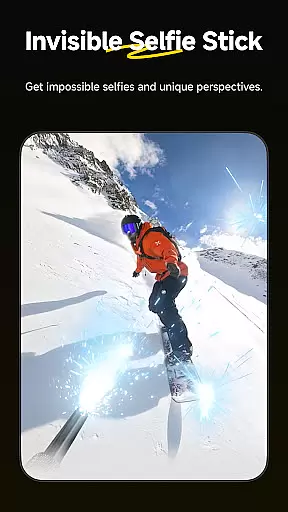
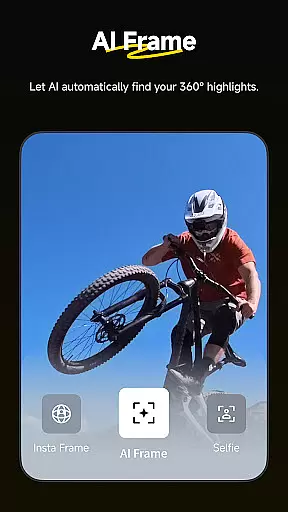
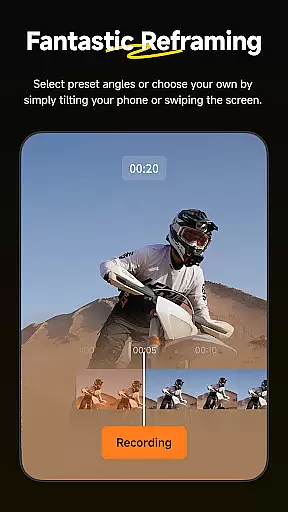
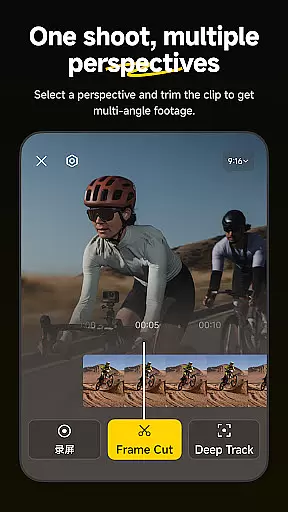
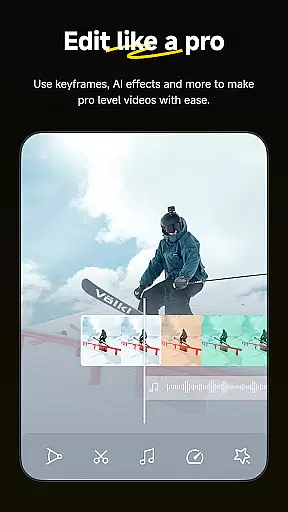
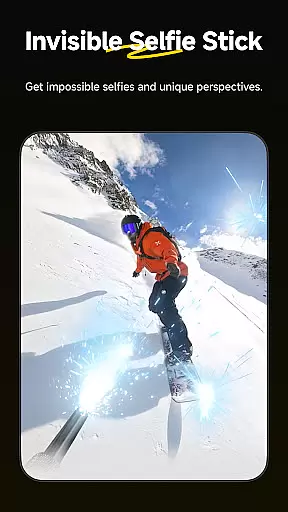
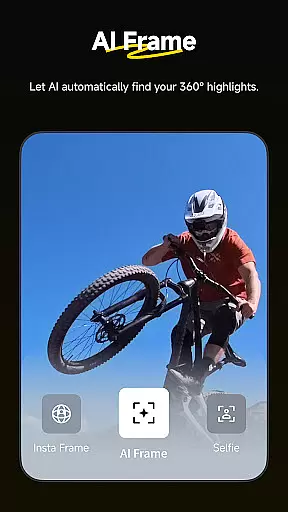
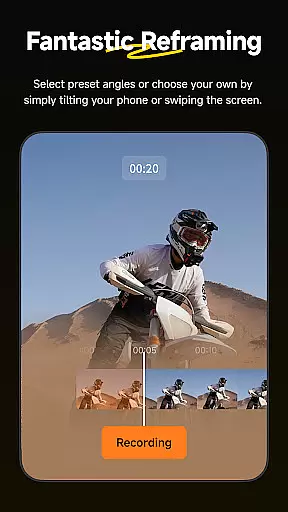
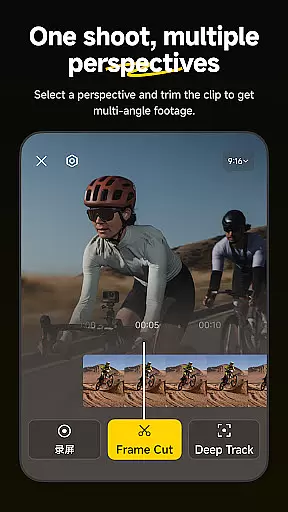
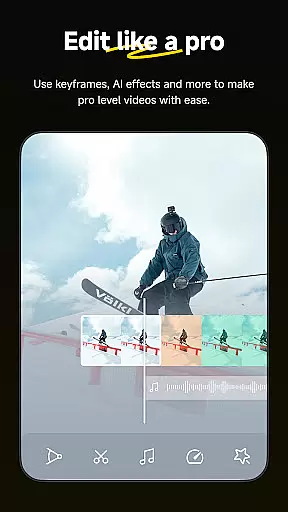
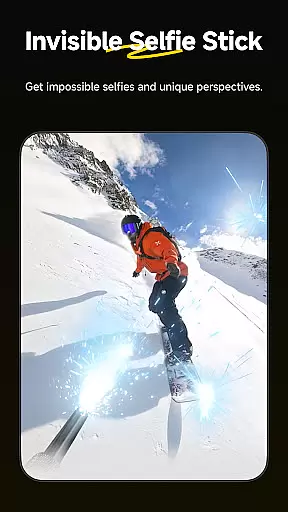
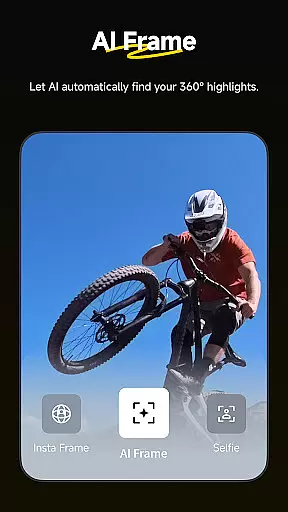
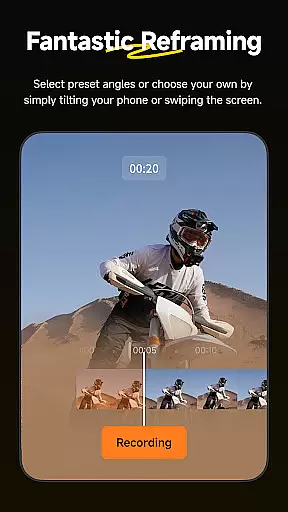
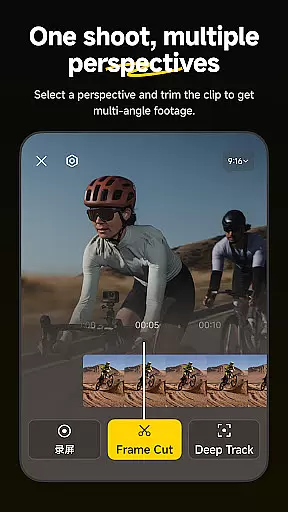
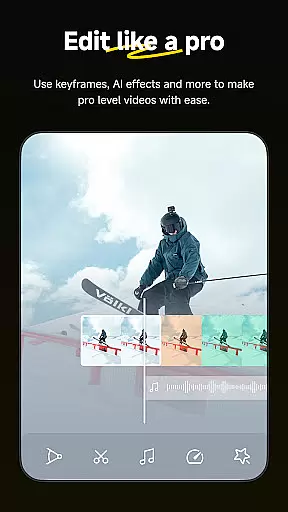
Insta360 is a powerful video editing and camera companion app designed for creators, athletes, and adventurers. It offers advanced AI-powered tools to streamline the editing process while working seamlessly with Insta360 cameras and handheld gimbals. The app provides features like auto-reframing, hyperlapses, and creative templates, making it easy to produce professional-quality videos directly from your phone.
With its intuitive interface, Insta360 allows users to manage files efficiently using an improved album layout, automatic subject detection, and customizable editing options. Whether you're reframing 360-degree footage or creating viral clips with AI templates, this app ensures that creativity knows no bounds. Additionally, download-free editing saves storage space while enabling on-the-go content creation.
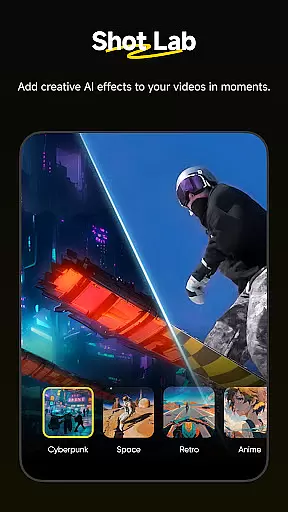
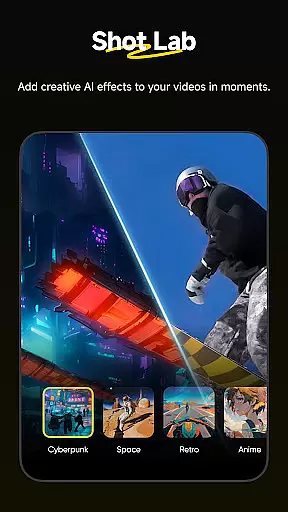
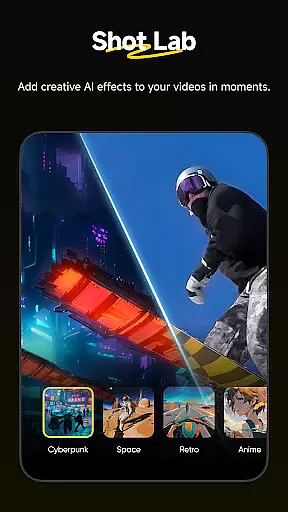
Insta360 stands out with its innovative Shot Lab, which includes over 25 AI-powered templates such as Nose Mode, Sky Swap, and Clone Trail. These tools allow users to create engaging social media content in just a few taps. The Deep Track feature ensures subjects remain centered in dynamic shots, whether it's a person, animal, or moving object.
Other notable features include hyperlapse creation, speed adjustments, and manual reframing controls for endless creative possibilities. The app also supports download-free editing, allowing users to edit and share videos without consuming device storage. With robust customer support, regular firmware updates, and integration with desktop software, Insta360 delivers a comprehensive ecosystem for modern creators.
Insta360 app stands out with its extensive video format compatibility, ensuring that creators can work with a wide array of file types without any hitches. The application supports formats ranging from standard MP4 to more specialized 360-degree video formats, making it versatile for various content creation needs.
The importance of this feature lies in its ability to save time and enhance workflow efficiency. Users are not required to convert files before editing, which streamlines the creative process. Whether you're handling footage from Insta360 cameras or other devices, the app ensures seamless integration and editing capabilities.
Furthermore, the app's compatibility extends to download-free editing, allowing creators to edit and share clips directly to social media without the need to download files onto their phones. This not only saves storage space but also enables on-the-go editing, providing flexibility and convenience for users who need to produce content quickly.
Overall, the robust video format compatibility of the Insta360 app empowers creators by offering them the tools needed to bring their visions to life, regardless of the source or type of video files they are working with.
At the heart of Insta360's appeal are its AI-powered editing features, designed to revolutionize how creators approach post-production. With functionalities like AI Edit, Shot Lab, and Deep Track, the app leverages artificial intelligence to simplify complex editing tasks, making professional-quality edits accessible even to novices.
AI Edit automates the reframing process, intelligently detecting subjects and action highlights to create engaging clips swiftly. Meanwhile, Shot Lab offers over 25 AI-driven templates such as Nose Mode and Clone Trail, enabling users to craft viral content with minimal effort. These tools democratize content creation, allowing anyone to produce standout videos.
Deep Track enhances this experience further by keeping subjects centered in shots with just a tap, whether it's a person, animal, or moving object. Such intuitive features ensure that users can focus on capturing moments rather than worrying about technicalities during filming.
By integrating advanced AI capabilities, Insta360 delivers an unparalleled user experience where creativity is amplified, and editing becomes an effortless part of the storytelling journey.
User-friendly interface
Advanced AI editing tools
Wide range of creative templates
Efficient file management system
Download-free editing capability
Requires compatible hardware
Occasional Wi-Fi connectivity issues
Limited offline functionality
Premium features may require subscription
Steep learning curve for beginners

Video Downloader is an utility that can save videos and music from web sites
 4.20
4.20
Cast to Chromecast, Xbox, Fire Stick, Roku, DLNA, Smart TV & No Feature Limited!
4.50
Stream high quality video from your camera over NDI protocol
4.4
All in one HD video downloader & player for multiple formats with full privacy
4.70
Powerful Video Editor & Photo Editing App —— Quick Edits & Stunning Effects!
4.30
Make your own Animations, Video and Photo Edits, Visual Effects, and more!
4.00
The essential companion to your Blue Iris PC software
2.50
Connect EasyCap or UVC devices for recording and broadcast video/audio stream
3.60
convenient, safe and fast at Video Downloader & Player
4.60
Play ALL formats in 4K & HD. Video downloader, MP3 player, Chromecast & more.
4.80
Pro video editor app for Instagram, edit video with song, AI, effect & slowmo.
4.80
Download Hub, easy and private way to download and enjoy your videos offline
4.80
GENRAL PRO - General Pro is the best video player that fully supports all formats.
4.70
A Simple app to download Video & Music from the Internet.
4.70
Screen recorder with audio to take live videos & Screenshot in high quality!
4.70
Fast & easy HD video downloader for all formats, support 4K playback & download.
4.60
Watch IPTV on your Android device
4.60
AirMirror Receiver - Screen mirroring/cast web videos to Android TV by AirPlay.
4.40
Play and download HD videos from all sources — fast, simple, and all-in-one.
4.2


User Reviews