

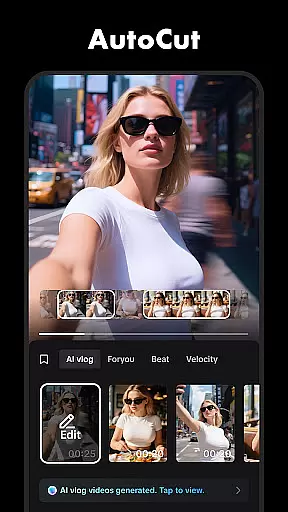




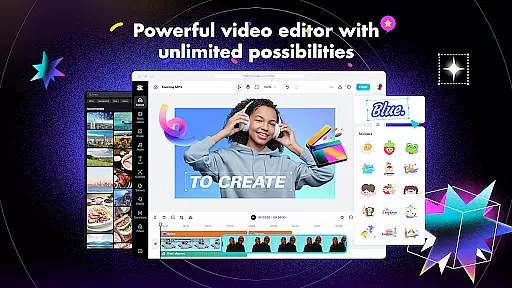
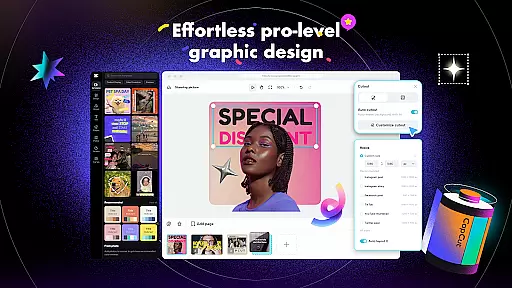
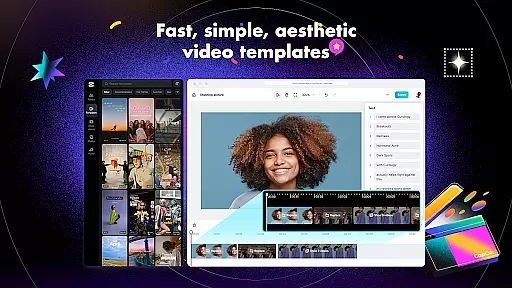
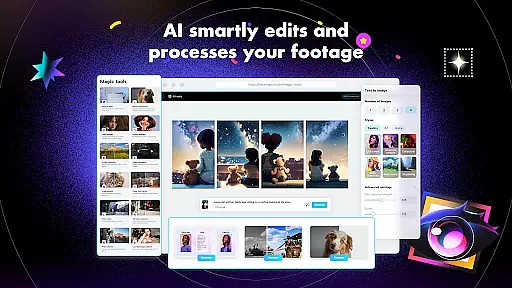
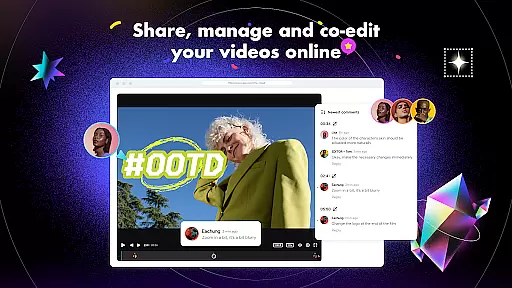
CapCut is a versatile video editing application that offers both basic and advanced tools for creating professional-quality videos. The app provides essential features such as trimming, splitting, and merging clips, along with more sophisticated options like keyframe animation, chroma key, and stabilization. With CapCut, users can easily adjust video speed, apply zoom effects, and add smooth transitions between scenes. These capabilities make it suitable for both beginners who need simple edits and experienced creators looking for more control over their projects.
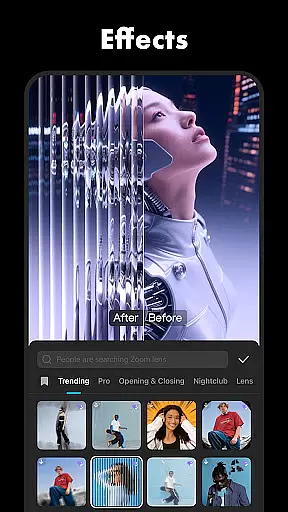
In addition to its core editing functions, CapCut includes intelligent features such as auto captions, text-to-speech in multiple languages, and background removal. The app also supports adding custom fonts, stickers, and trending effects that are updated weekly. Users can enhance their videos with diverse filters, sound effects, and music tracks. CapCut's user-friendly interface allows anyone to quickly create engaging content for platforms like TikTok, YouTube, and Instagram. Whether you're making a short social media clip or a longer cinematic piece, CapCut provides all the necessary tools in one convenient package.
CapCut stands out with its comprehensive set of video editing features designed to cater to different skill levels. For basic editing needs, the app offers standard functions including trimming, splitting, and merging video clips. Users can precisely control playback speed from 0.1x to 100x and apply speed curves for dynamic effects. The app also includes creative options like zoom animations and freeze frames to highlight key moments in videos. These fundamental tools provide everything needed for quick edits and simple projects.
For more advanced users, CapCut provides professional-grade features such as keyframe animation, which allows precise control over every aspect of video movement and transformation. The optical flow technology enables creating ultra-smooth slow-motion sequences while maintaining excellent video quality. Additionally, the chroma key feature lets users replace specific colors in their footage, perfect for green screen effects. CapCut's multi-track timeline makes organizing complex projects straightforward, and the built-in stabilization tool helps produce steady footage even from handheld shots. These advanced capabilities ensure that creators have all the tools they need for sophisticated video production.
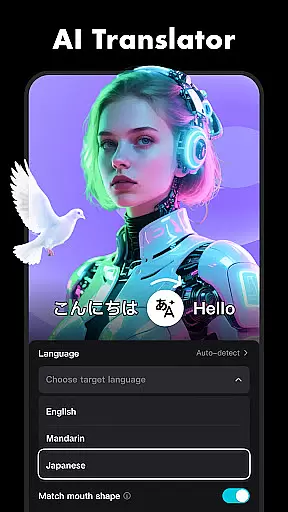
Beyond traditional editing functions, CapCut incorporates several intelligent features that streamline the content creation process. The auto caption generator automatically creates accurate subtitles using speech recognition technology. Text-to-speech functionality supports multiple languages and voice options, enabling users to add professional-sounding narration without additional equipment. The background removal tool simplifies creating clean, professional-looking visuals. These smart features, combined with CapCut's extensive library of effects, filters, and sound elements, empower users to produce high-quality videos efficiently and creatively.
CapCut stands out with its exceptional video format compatibility, ensuring that users can work with a wide range of file types without any hitches. The application supports popular formats such as MP4, AVI, MOV, and more, making it versatile for various user needs.
The app's adaptive conversion technology allows seamless importing and exporting of videos, maintaining high quality across different formats. This feature is crucial for content creators who need to adapt their videos for multiple platforms like TikTok, YouTube, and Instagram.
With CapCut's extensive format support, users can easily collaborate on projects without worrying about compatibility issues. Whether you're editing a vlog or a short film, the assurance of format flexibility enhances productivity and creative freedom.
CapCut incorporates advanced AI-powered editing features that revolutionize the video creation process. From auto captions that utilize speech recognition to generate accurate subtitles, to text-to-speech functionality in multiple languages, these tools streamline editing tasks.
The app's AI-driven background removal tool simplifies complex editing processes, allowing creators to focus on storytelling rather than technicalities. Additionally, intelligent features like motion tracking ensure that effects and elements follow subjects smoothly throughout the video.
These AI enhancements not only save time but also open up new creative possibilities. Users can produce professional-quality videos with minimal effort, making CapCut an ideal choice for both beginners and experienced editors seeking efficiency and innovation.
User-friendly interface
Advanced editing tools
Regular effect updates
Multi-language support
Professional export options
Limited free features
Occasional bugs
High system requirements
Ads in free version
Steep learning curve

A full editing room to accompany your Insta360 cameras and handheld gimbals.
 3.30
3.30
Save photos and videos from social apps in one tap.
3.60
Create photo video with music & template. AI video maker for stunning slideshow.
4.60
Full HD Video mp3 Player, MP4 player play 1080p, File manager, Video Downloader
4.40
Live TV, anywhere in your home
3.80
An easy-to-use and all-round screen recorder with audio
4.80
Seamlessly connect and control your smart devices, anytime, anywhere with ease.
4.60
Fast & easy HD video downloader for all formats, support 4K playback & download.
4.60
Web Browser for LG TV to stream webvideos, online movies and livestreams in HD
4.20
Flud is a simple and beautiful BitTorrent client for Android.
4.80
Browser + Remote for Roku to stream webvideos, online movies and livestreams
4.60
Auto video maker with music & exclusive filters. Video editing made simple.
4.50
Cast to Chromecast, Xbox, Fire Stick, Roku, DLNA, Smart TV & No Feature Limited!
4.50
HD video maker with no watermark, no ads & vlog maker with music, PIP, text
4.50
Fast video downloader & private browser. Save HD clips to watch offline.
4.40
Your media, on your terms.
4.10
Cast to Smart TV, Fire TV. Cast video, photo - Fast & Stable!
3.90
This app is an emulator of some specific IPTV boxes
3.50
The essential companion to your Blue Iris PC software
2.50


User Reviews