
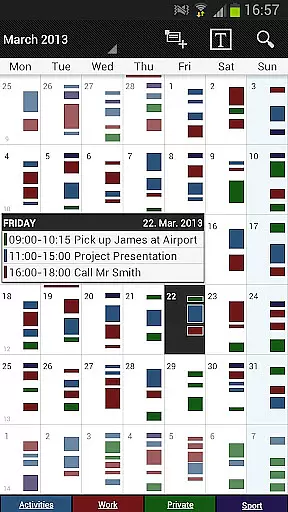
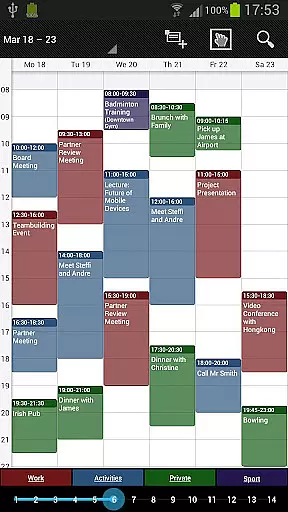
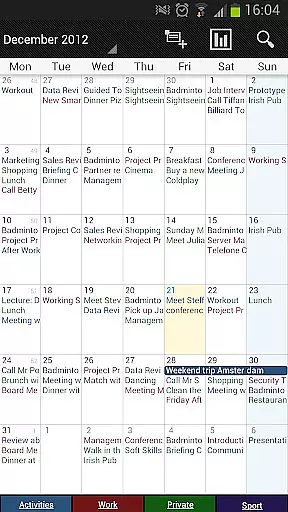
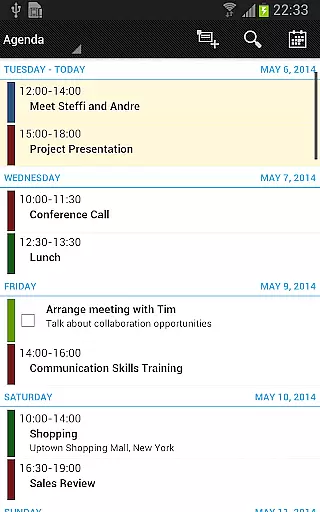
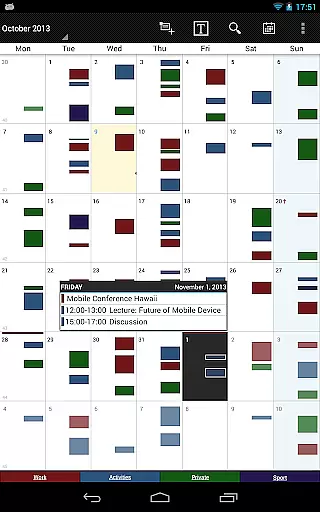
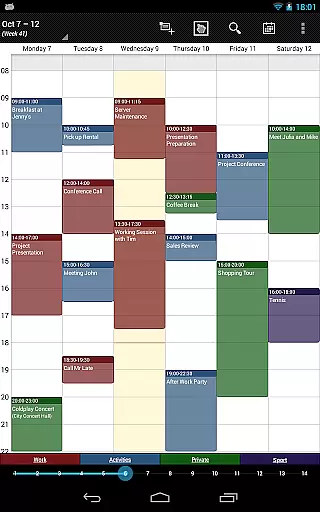
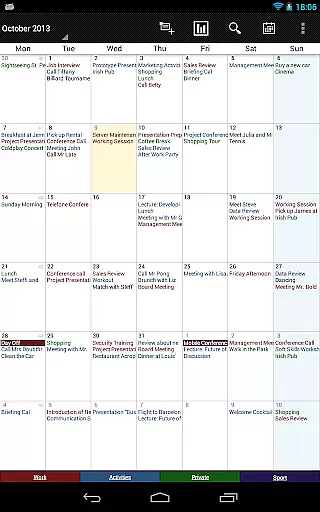
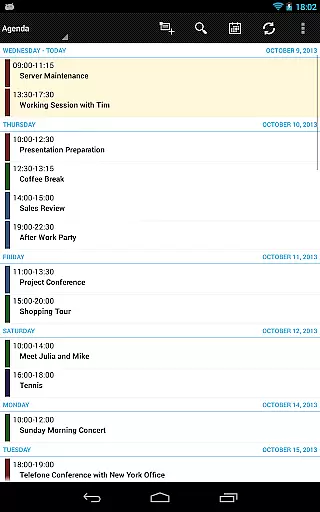
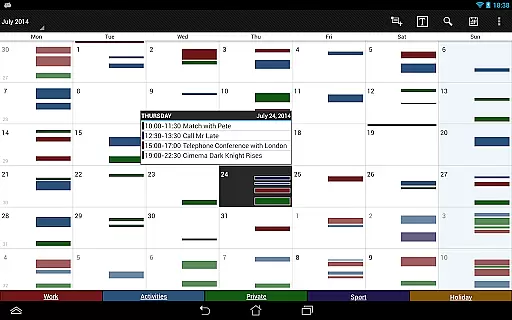
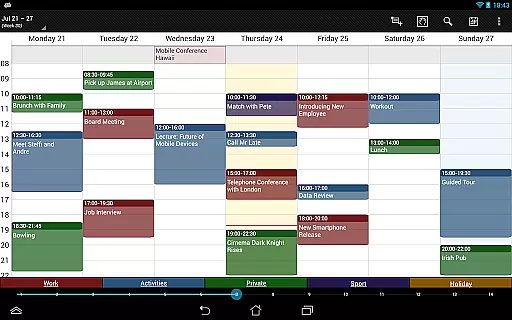
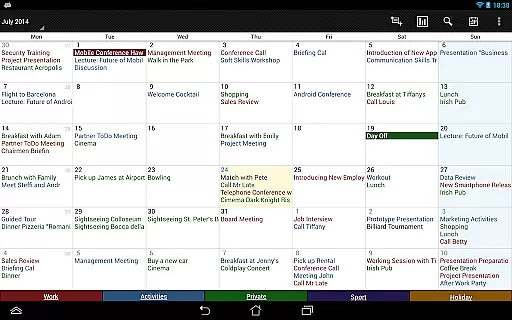

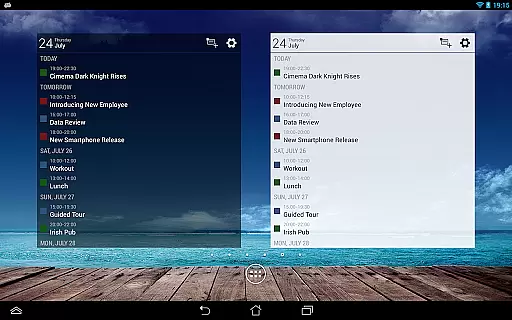
Business Calendar Pro is a comprehensive productivity tool designed for professionals who need an efficient way to manage their schedules. The app offers an intuitive interface that provides users with an excellent overview of their appointments while enabling them to create and manipulate events with ease.
One of the standout features of Business Calendar Pro is its Quick Day View, which allows users to quickly see all their events for the day at a glance. Additionally, the app's smooth scroll and zoom capabilities make navigating through your calendar a seamless experience. With powerful customization options down to the last detail, users can adapt views and widgets to suit their preferences, set individual reminders, and adjust font sizes for optimal readability.
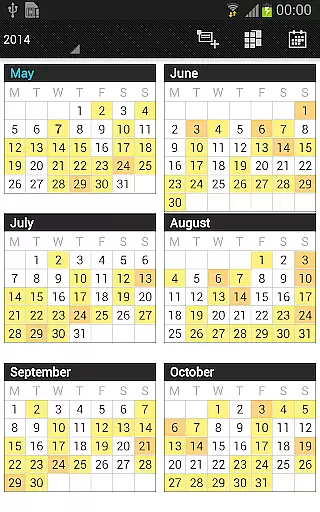
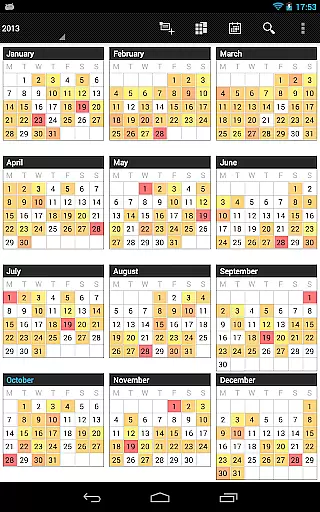
This app is particularly useful for those who require advanced functionality from their calendar, such as color-coded year views, multi-day views, and professional widgets. Whether you're managing personal tasks or coordinating team schedules, Business Calendar Pro delivers the tools necessary to keep you organized and on track.
Business Calendar Pro stands out with its extensive feature set tailored for power users. It includes a Quick Day View for fast daily overviews, a Favorite Bar for instant access to all calendars, and smooth scroll and zoom for intuitive interaction.
The app excels in customization, allowing users to adapt all views and widgets, set individual reminders with various options like vibration and sounds, and adjust font sizes. These features ensure that each user can tailor the app to their specific needs.
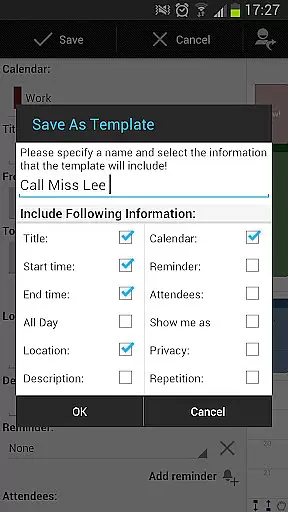
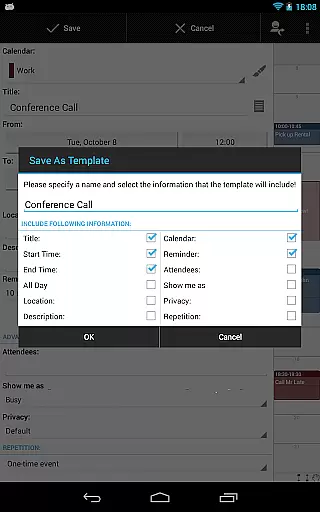
Additional pro features include managing contacts by linking them to events, customizable event templates, multi-selection for bulk editing, drag & drop functionality in multi-day views, and task management integration with Google Tasks and Toodledo. Advanced widgets and import/export capabilities further enhance its utility, making it an indispensable tool for regular mobile calendar users.
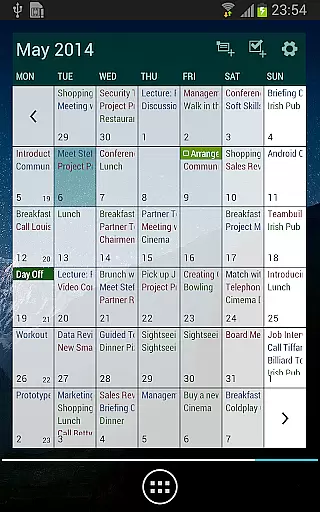
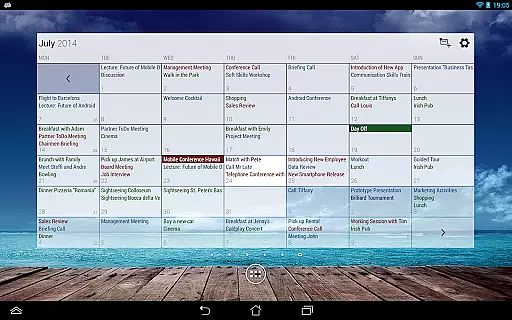
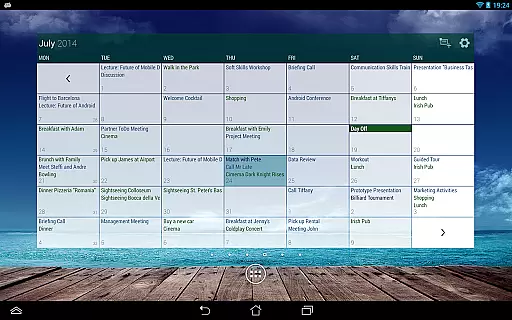
Business Calendar Pro excels in core task management by offering a comprehensive suite of tools designed to streamline your scheduling and event management. The app provides multiple views including month, week, day, agenda, and event views, ensuring you have a detailed overview of your tasks and appointments.
One standout feature is the Quick Day View, which allows users to swiftly see all events scheduled for the day. This functionality is complemented by smooth scroll and zoom capabilities, making navigation intuitive and efficient. Additionally, the app supports advanced recurrence options, enabling the creation of complex recurring events with ease.
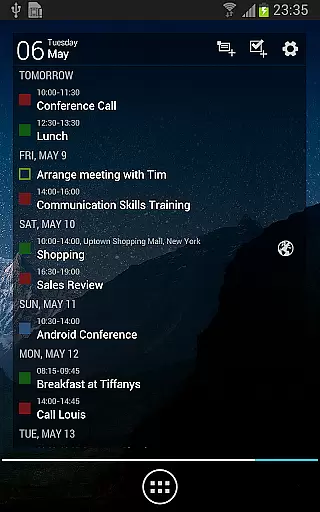
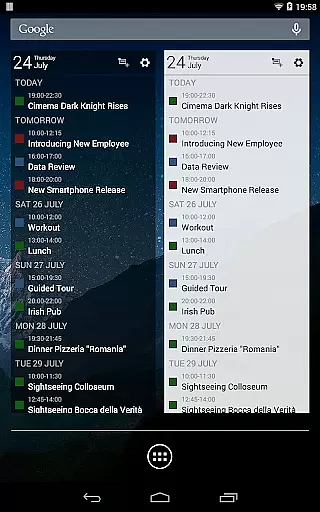
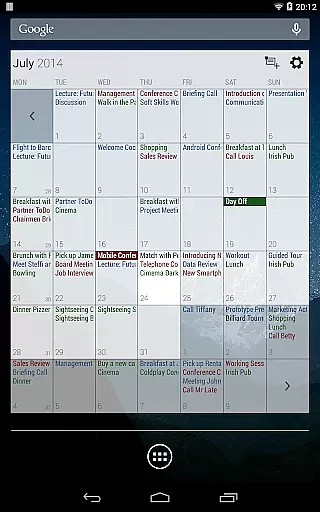
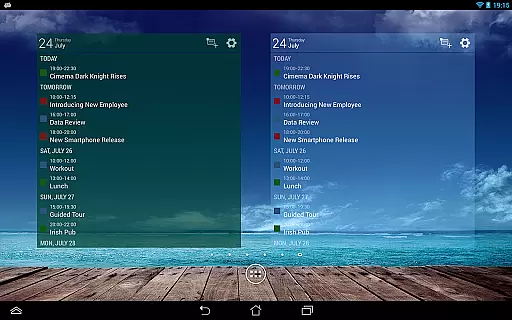
The inclusion of professional widgets enhances productivity further. These widgets offer at-a-glance information and quick access to different calendar views right from your home screen. With customizable reminders featuring vibration, sounds, repetitions, and LED notifications, staying on top of your tasks has never been easier.
Cross-device synchronization is a critical component of Business Calendar Pro, ensuring that your data remains consistent and up-to-date across all your devices. By leveraging Android's robust calendar synchronization capabilities, the app seamlessly syncs with popular services like Google Calendar, Microsoft Outlook, and Exchange.
This synchronization extends beyond just events; it also includes contacts linked to those events, providing a holistic view of your professional engagements. The ability to import and export calendars in .ics format adds another layer of flexibility, allowing for easy data transfer between different platforms or backup purposes.
Moreover, the app offers extensive customization options for its widgets, letting users tailor their experience to fit their specific needs. Whether adjusting colors, font sizes, or selecting individual calendars to display, these features ensure that your cross-device experience remains both reliable and personalized. Such meticulous attention to detail underscores the appu2019s commitment to delivering a seamless user experience.
User-friendly interface
Highly customizable
Advanced widget options
Comprehensive task management
Smooth navigation
Paid application
Complex for beginners
Limited free version
Occasional sync issues
Resource-intensive

 4.20
4.20
QuickBooks Workforce lets teams view pay info and track time in one place.
4.70
All in one sketching tool. Technical and General drawing. Online Maps support.
3.70
Planet Free VPN - The best Fast Unlimited and Secure VPN Without Logs
4.50
aCalendar+ makes your day, week and month
4.70
Activate Two Factor Authentication (2FA or Multi OTP), Password manager and more
4.10
Quickly and easily keep track of your work shifts
4.70
Access your phone's notifications, calls, apps, photos & texts on your PC
3.90
Seamlessly read, manage, and organize all your PDF files solution in one place
4.40
Multilingual translator for text, voice, and image translation!
4.90
Understand anything with a personalized AI research assistant
4.80
Direct Chat without saving contacts & Dual WA Account on Single Device
4.70
A beautiful digital clock with autostart and many other functions
4.70
Lightweight PDF, Word, Excel reader.
4.60
Share files & memories safely. Keep your photos and videos secure.
4.40
Font maker keyboard with your own handwriting
4.10
Intelligent AI Assistant
4.10
Wake up & get tasks done! Add alarms & reminders on the Clock Launcher.
4.00
* block pre-roll ads, pop-up and forced redirect ads * Samsung certification app
4.00


User Reviews