
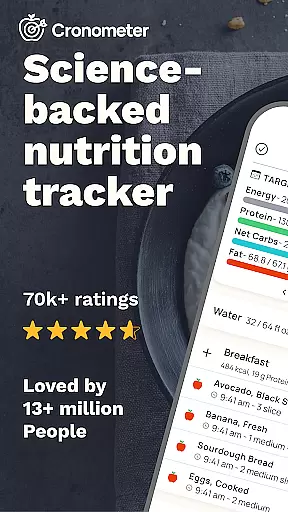
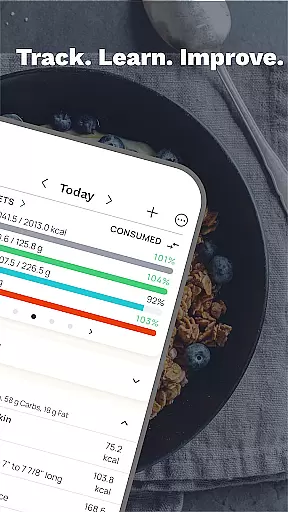
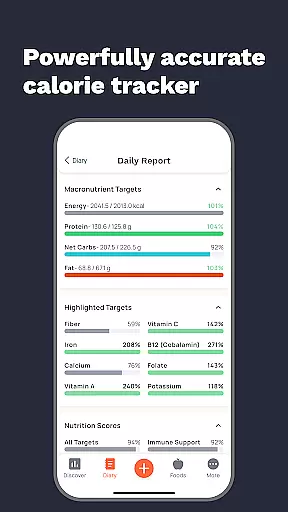
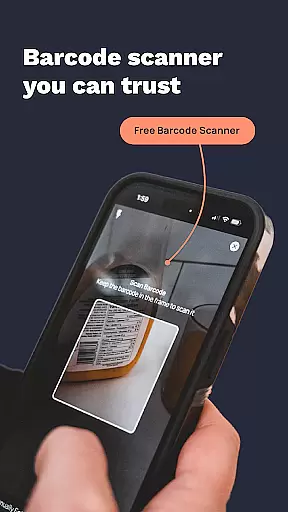
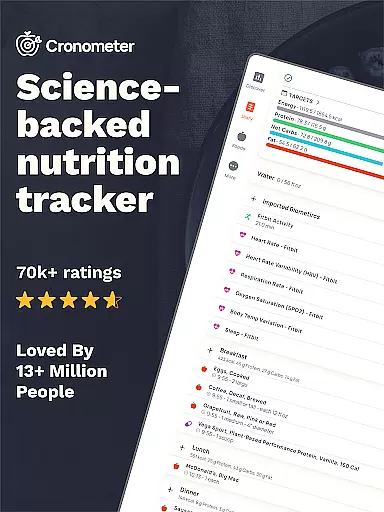
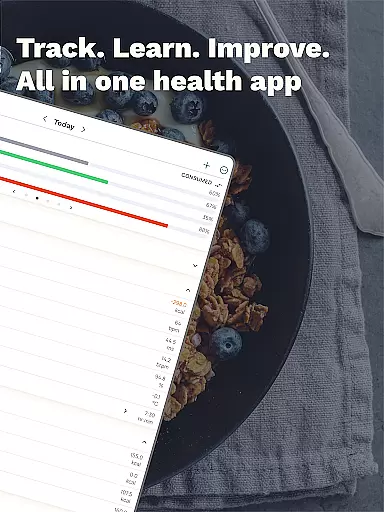
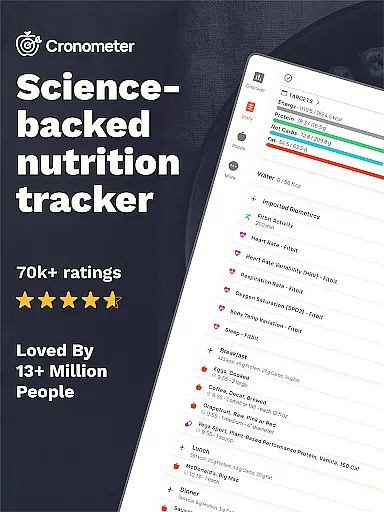
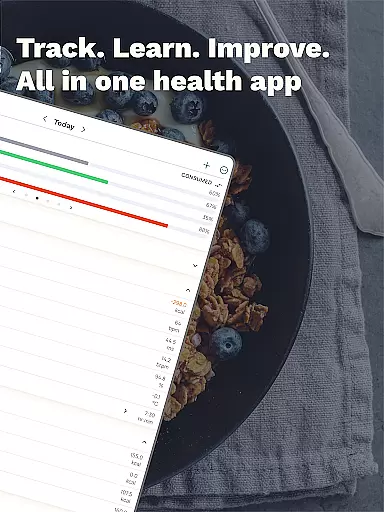
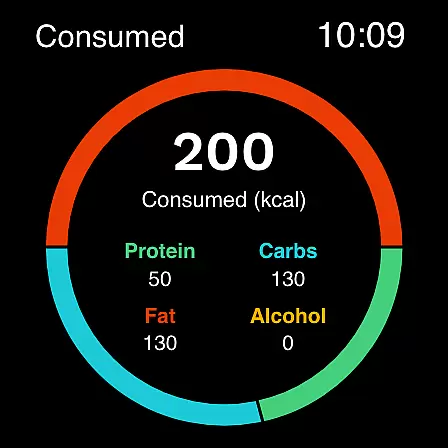
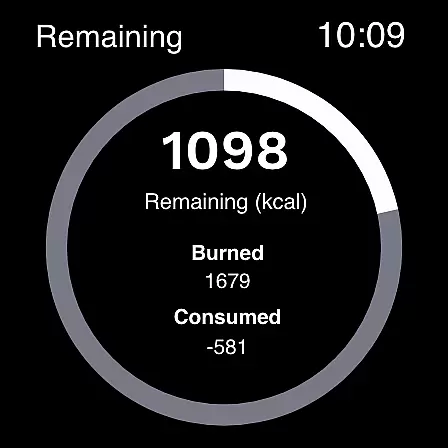
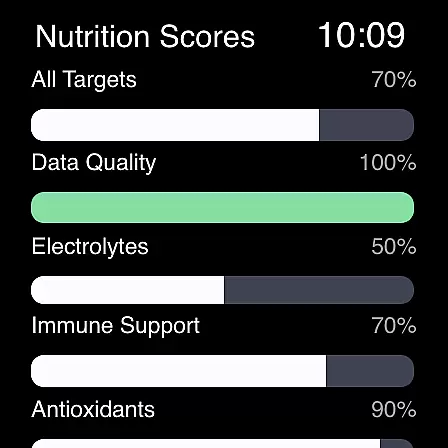
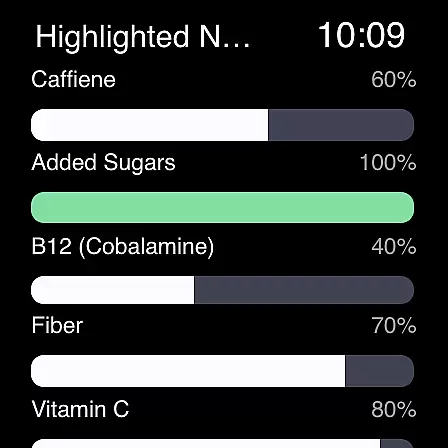
Cronometer is a comprehensive health and nutrition tracking app designed specifically for Android Wear devices. This calorie counter and macro tracker goes beyond basic food logging by providing users with verified nutrient data, AI-powered photo logging capabilities, and science-backed tools to support various health goals. Whether you're aiming for weight loss, muscle gain, or simply maintaining balanced eating habits, Cronometer offers precise tracking features that work seamlessly across your mobile device and wearable.
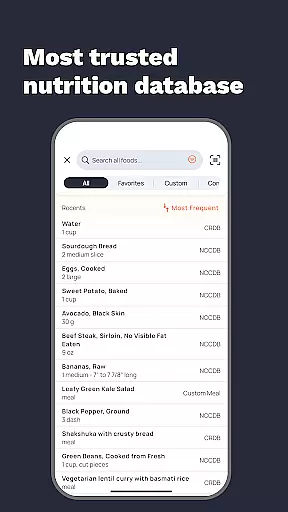
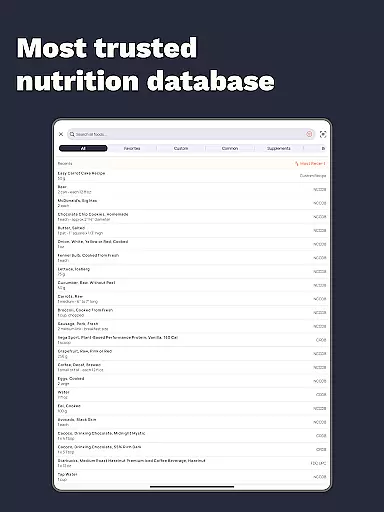
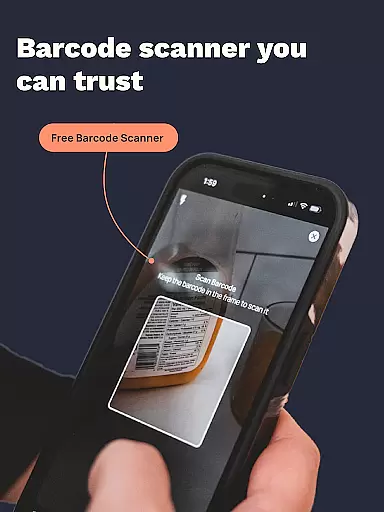
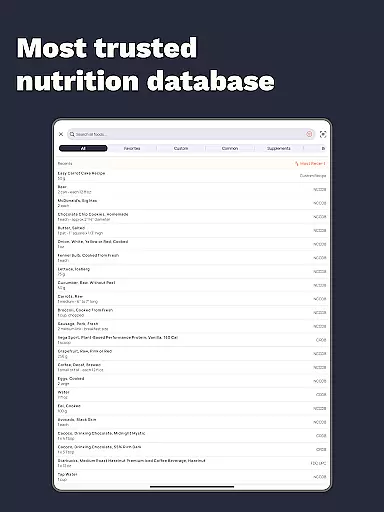
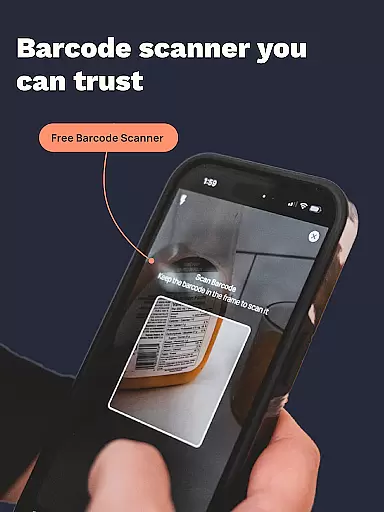
The app's standout feature is its extensive database of over 1.1 million lab-analyzed foods, ensuring unmatched accuracy in nutrition tracking. Its integration with wearable technology allows users to conveniently monitor their calories, macronutrients, micronutrients, hydration levels, sleep patterns, and fitness activities all from their wrist. The newly added photo logging function makes meal tracking faster and more efficient than ever before, while maintaining professional-grade accuracy through its connection with the NCC nutrient database.
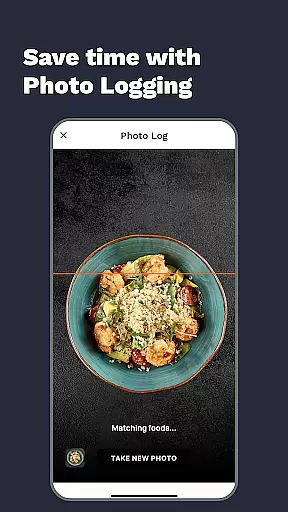
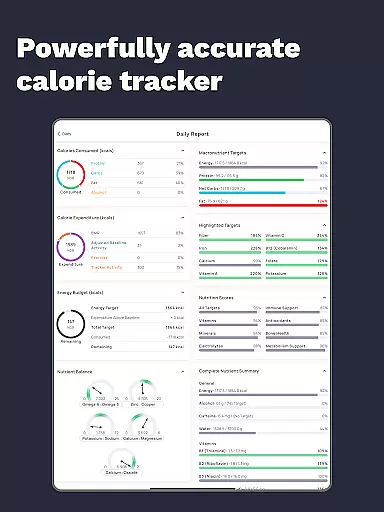
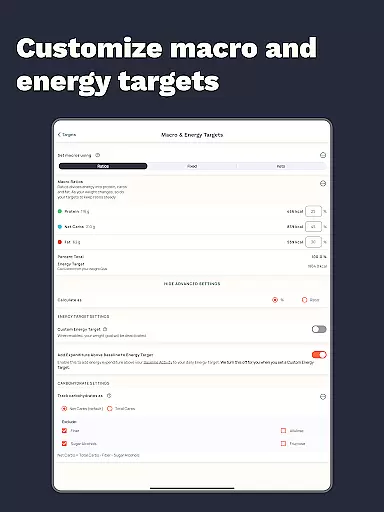
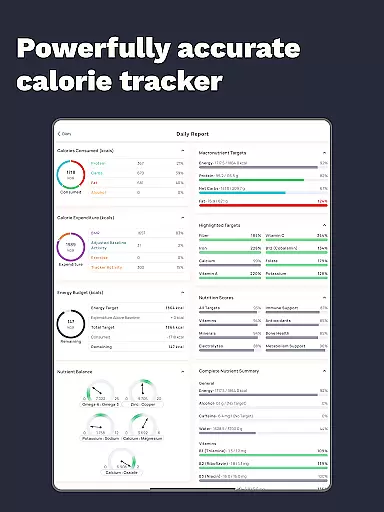
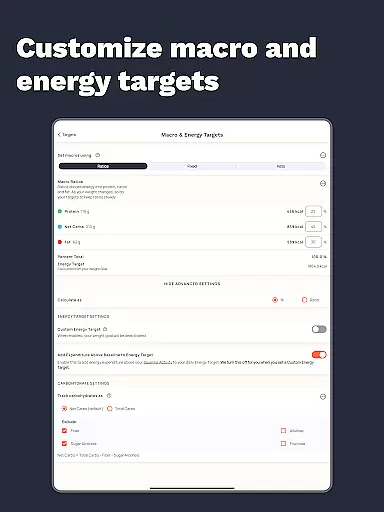
Cronometer distinguishes itself through its advanced tracking capabilities and integrations with popular health devices. The app's core functionality includes precise calorie counting, macro tracking, and detailed micronutrient analysis covering up to 84 essential nutrients. Its innovative AI-powered photo logging feature revolutionizes meal tracking by automatically identifying ingredients and estimating portions, while allowing users to fine-tune entries for maximum accuracy.
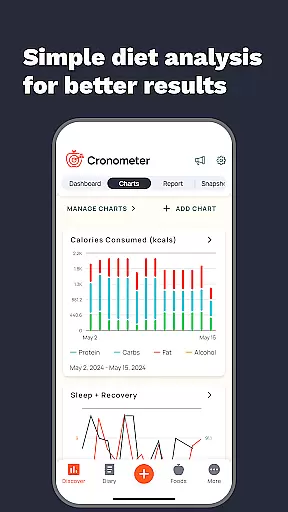
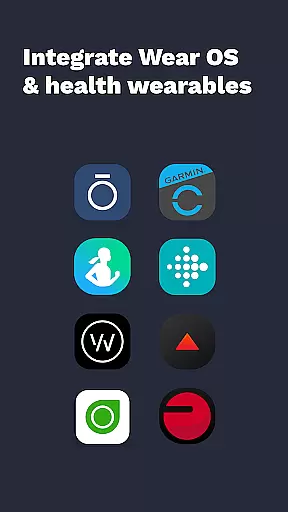
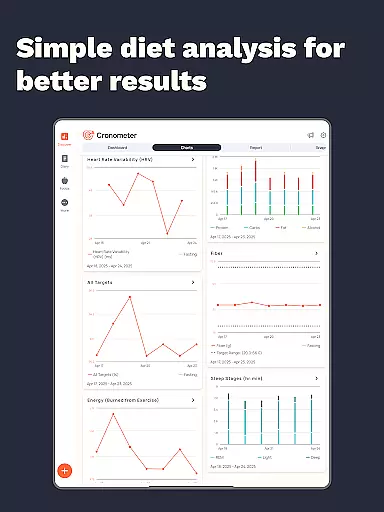
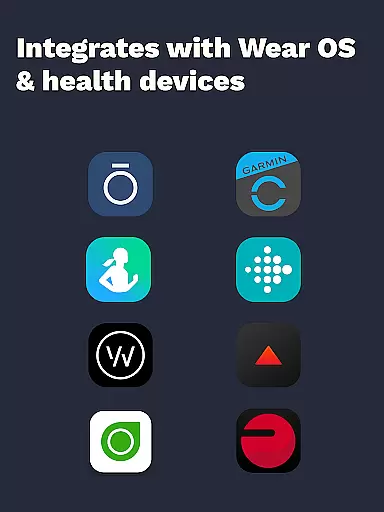
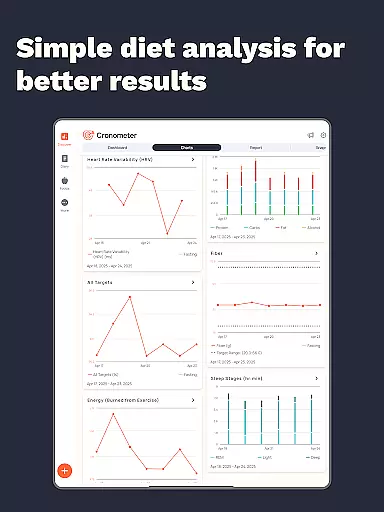
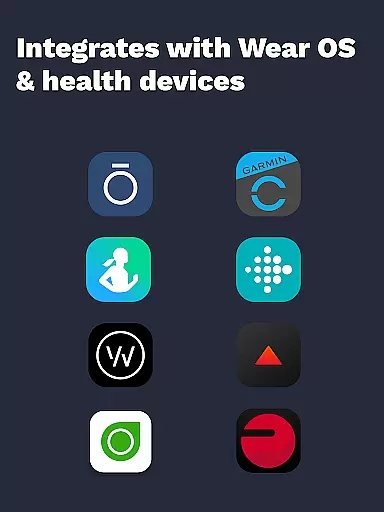
Beyond basic nutrition tracking, Cronometer offers a suite of premium features through its Gold subscription. These include custom biometric tracking, advanced nutrition scoring across eight key areas, and personalized food suggestions based on individual goals. The app's compatibility with various wearables like Fitbit, Garmin, Dexcom, and others creates a unified health monitoring system. Additional professional-grade tools such as nutrient analysis charts, printable reports for healthcare providers, and the ability to share custom recipes make Cronometer a versatile solution for both personal use and professional health monitoring.
Companion app integration is essential for users who want a seamless experience between their mobile devices and wearables. Cronometer excels in this area by ensuring that its Android Wear application works harmoniously with the main mobile app.
The synchronization between the Cronometer mobile app and its Wear OS counterpart allows users to track calories and macros directly from their watch. This means you can log your meals or check your nutrient intake without needing to take out your phone, offering unparalleled convenience.
Furthermore, the companion app retains all the core functionalities of the main app, such as photo logging and AI-powered meal identification. Users can snap a picture of their meal on the go, and the wearable app will sync this data with the mobile version, maintaining a consistent and up-to-date food diary across devices.
This level of integration ensures that whether you're at the gym, in a meeting, or on a run, your nutrition tracking remains uninterrupted and efficient, empowering you to maintain focus on your health goals.
Device compatibility is crucial for any app designed for wearable technology. Cronometer's Wear OS app offers extensive compatibility with various devices, ensuring that most users can benefit from its features regardless of their specific hardware.
The app is optimized to work smoothly with different versions of Wear OS, providing a reliable performance whether you're using a newer model or an older device. This backward compatibility ensures that users aren't forced to upgrade their hardware to enjoy the benefits of advanced nutrition tracking.
In addition to supporting multiple Wear OS devices, Cronometer also integrates with other popular health gadgets like Fitbit, Garmin, and Apple Watch. This cross-device support creates a unified ecosystem where all your health data is centralized and accessible through one platform.
By prioritizing broad device compatibility, Cronometer makes it easier for users to incorporate comprehensive nutrition tracking into their daily routines, enhancing overall wellness management without being limited by device restrictions.
Highly accurate nutrient database
Advanced AI photo logging
Comprehensive wearable integrations
Detailed micronutrient tracking
Professional-grade reporting tools
Premium features require subscription
Complex interface for beginners
Limited free version capabilities
Occasional syncing issues
Higher learning curve

Gym Log & Workout Tracker | Fitness Journal, Training & Weight Lifting Planner
 4.90
4.90
Watch face for Wear OS.
4.20
Stylish digital watch face for Wear OS devices with customizable features
4.3
Structured watch face with seven complications and modular UI elements
3.90
Kia Access makes getting your vehicle information easier than ever
4.60
Funny animated watch face for Thanksgiving
4.2
Minimalistic design modern digital watch face.
4.0
Hyper-Realistic Airplane Dashboard Watch Face With 10 Skins and Custom AOD
4.00
From periods to pregnancy & perimenopause, Flo helps you track it all. Try now.
4.70
Christmas - Festive - Christmas Village - Winter - Christmas lights
5.00
Hyperlocal rain alerts by MyRadar using patent-pending technology, radar & more
4.80
Stylish, Energizing and Modern Watch Face crafted by Dominus Mathias.
4.50
Digital watch face. For Wear OS devices.
4.40
Locate your family members by GPS phone location tracker everywhere and anytime
4.30
sleep, alarm, snoring, stress, healing, focus, sound therapy, circadian rhythm
4.10
Connect, create, and collaborate with Gmail, part of Google Workspace.
4.10
Animated Watch Face and Customizable with 24 Backgrounds. Perfect for Christmas!
3.90
an Analog Watch Face for winter season with freeze winter background for Wear OS
4.5
Hybrid Vibrant Health Watch Face for Wear OS
4.5


User Reviews