


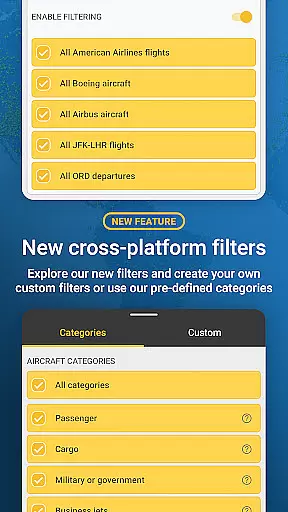
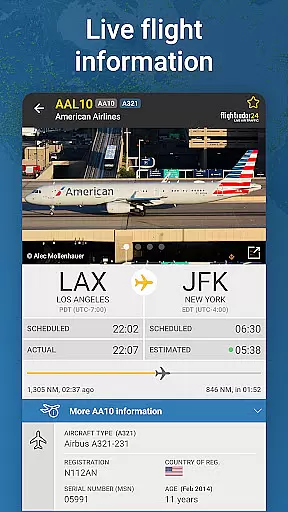


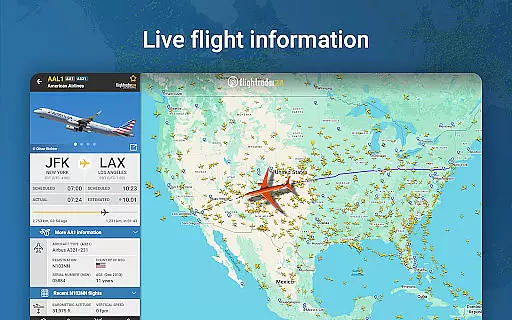
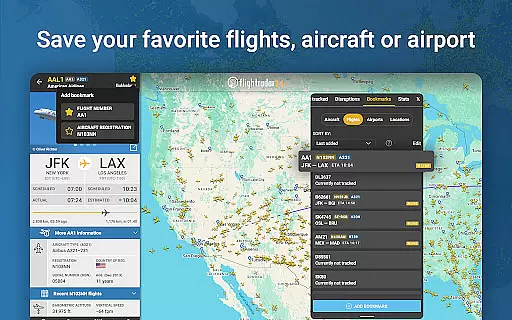


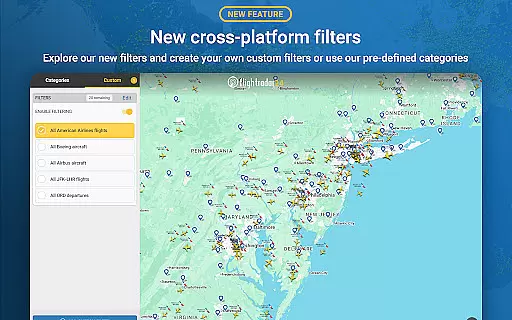
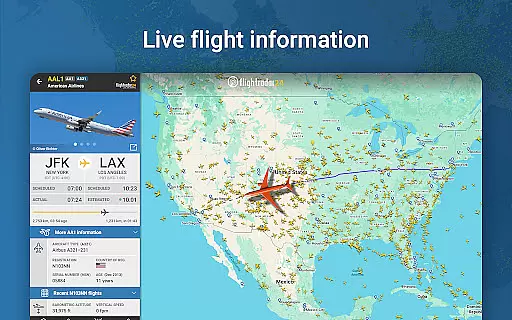
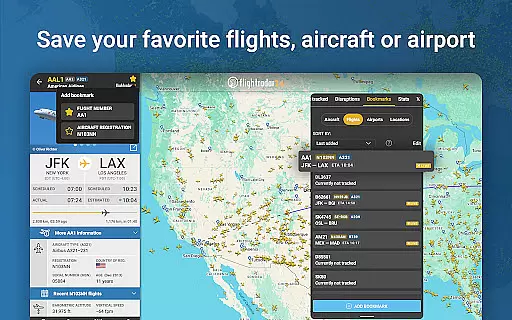


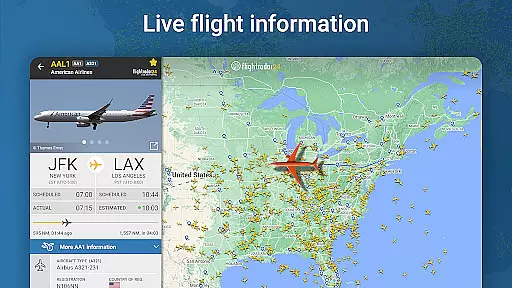

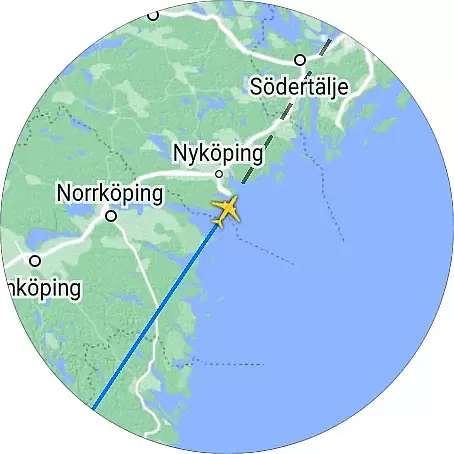
Flightradar24 Flight Tracker is the leading Android Wear application that transforms your smart device into a real-time flight monitoring tool. With over 50,000 ground stations globally, it provides live tracking of flights using ADS-B technology, supplemented by radar data in North America. The app offers users an interactive map to view aircraft movements, identify planes overhead, and access detailed flight information including route, speed, altitude, and aircraft images.
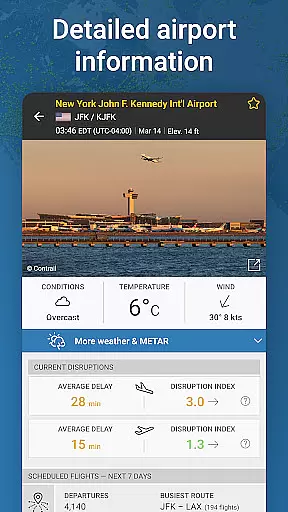
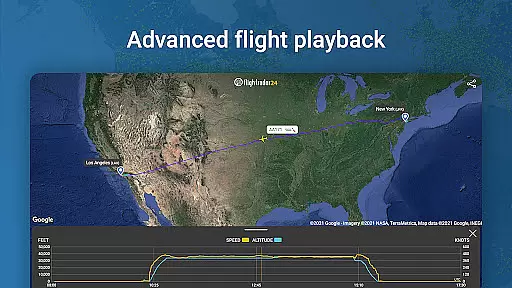
This versatile app also supports advanced features like 3D flight visualization, historical flight data playback, and comprehensive airport details. Its unique Wear OS integration allows users to conveniently track nearby aircraft on their smartwatches. Whether you're an aviation enthusiast or need to monitor specific flights, Flightradar24 delivers essential flight information directly to your wrist.
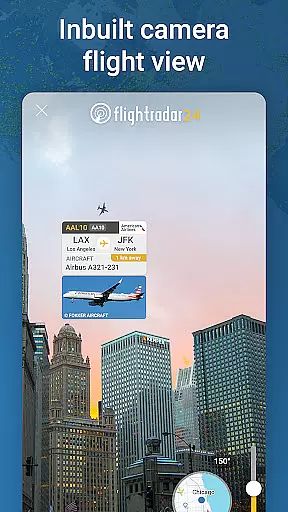
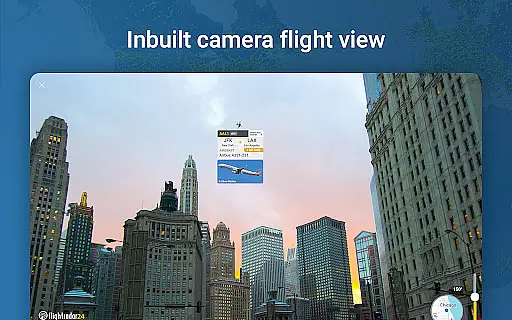
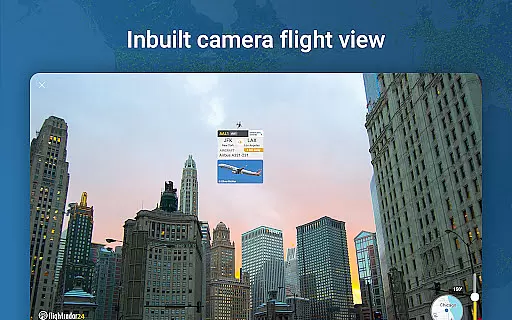
Flightradar24 stands out with its extensive feature set tailored for wearable devices. The app's core functionality includes real-time flight tracking through a network of ground stations that receive ADS-B signals from aircraft. Users can point their device at any plane in the sky to instantly retrieve detailed information about that flight, including aircraft type, speed, and destination.
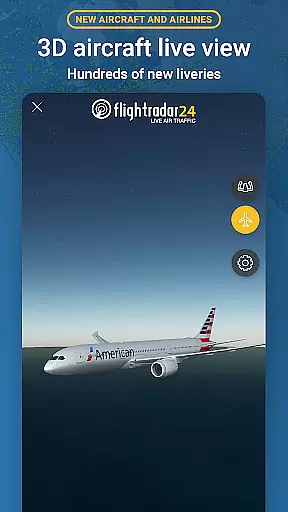
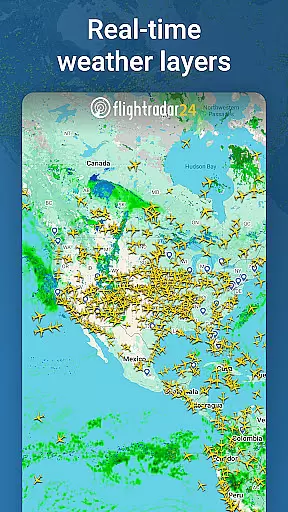
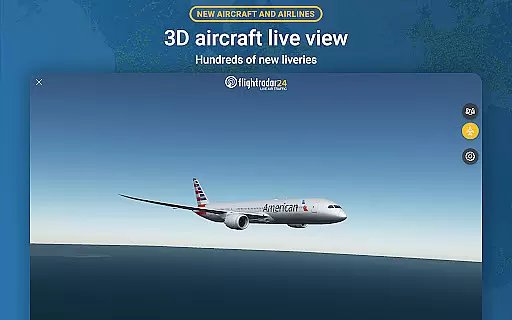
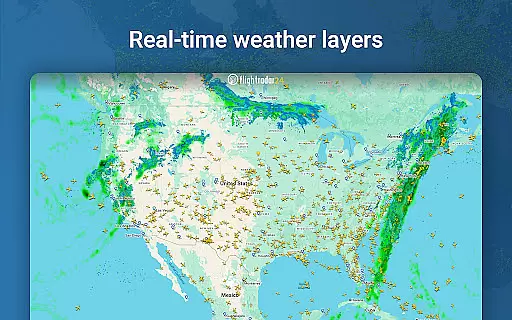
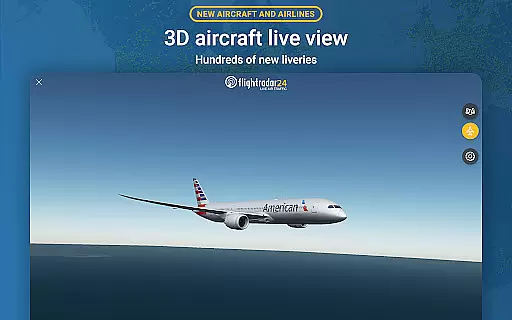
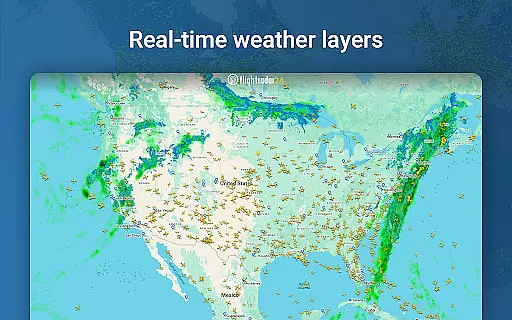
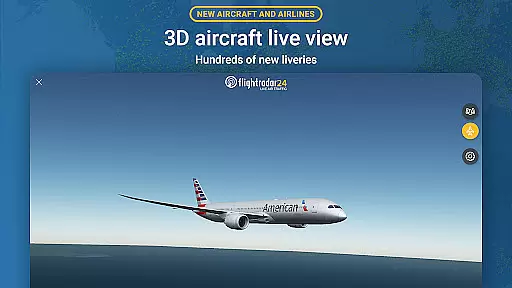
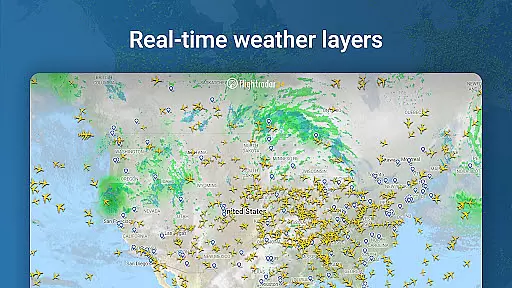
Advanced capabilities include 3D flight visualization showing pilot's view and aircraft liveries, while the historical data feature lets users review past flights. The Wear OS implementation provides quick access to nearby aircraft information, basic flight details, and map views directly from your wrist. Additional premium features available through Silver and Gold subscriptions offer enhanced data such as weather layers, ATC boundaries, and extended Mode S information.
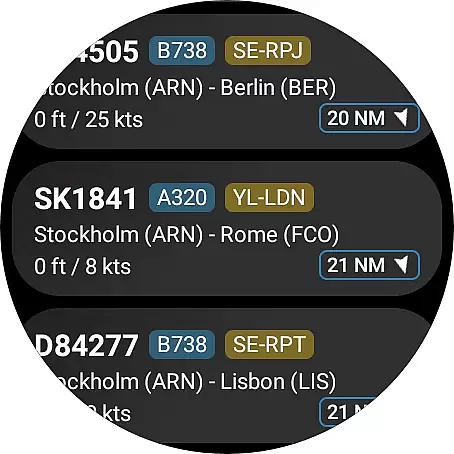
Companion app integration is essential for a seamless wearable experience. Flightradar24 Flight Tracker excels in this area by offering users the ability to view nearby aircraft directly on their Wear OS devices.
The app provides basic flight information such as flight number and route details, ensuring that users have access to critical data without needing to check their phones. This functionality enhances convenience and accessibility, particularly for users who are frequently on the move.
By tapping on an aircraft listing within the Wear OS interface, users can view the corresponding plane's location on the map. This feature maintains the same level of detail and accuracy found in the main application, delivering a consistent user experience across devices.
The synchronization between the main app and its Wear OS counterpart is reliable and real-time, allowing users to stay updated with live flight tracking information. This ensures that whether you're using your phone or smartwatch, the data remains current and relevant.
Device compatibility is crucial for ensuring that applications function correctly across various hardware platforms. Flightradar24 Flight Tracker offers robust support for Wear OS, making it accessible to a wide range of smartwatch users.
The app is optimized to run smoothly on Wear OS devices, providing a user-friendly interface that is easy to navigate even on smaller screens. This optimization ensures that users can efficiently interact with the app without experiencing lag or performance issues.
Flightradar24 takes advantage of the unique capabilities of Wear OS, such as health sensors and voice commands, to enhance the overall user experience. These integrations make the app not only functional but also intuitive and engaging for smartwatch users.
Whether you're using a newer model or an older version of Wear OS, Flightradar24 maintains compatibility, ensuring that all users can enjoy the benefits of live flight tracking regardless of their device type.
Real-time global coverage
Extensive flight details
Unique Wear OS support
Interactive 3D views
Comprehensive airport data
Premium features costly
Variable coverage areas
Basic version limited
Requires good internet
Some features region-locked

Wear Os Watch Face - Animated Snow Effect & Christmas Lights
 4.4
4.4
Christmas watch face. For Wear OS devices.
4.30
Embrace the holiday spirit with this magical animated watch face!
4.40
Animated Watch Face and Customizable with 24 Backgrounds. Perfect for Christmas!
3.90
Precision analog watch face with 7 complications and style options
4.2
Stylish digital watch face for Wear OS devices with customizable features
4.2
Fitness interactive virtual pet super fighter boy watch face
4.0
Nutrition, Macro tracker: Food, fitness & healthy diet tracking for weight loss
4.60
Fitbit is dedicated to helping people lead healthier, more active lives.
4.10
Beautiful, colorful and practical watch face. For Wear OS devices.
5.00
A modern hybrid informative watch face for Wear OS designed by BALLOZI
4.80
The most customizable minimal watch face. For Wear OS 5.0, API 34+ and later
4.70
Highly customizable hybrid watch face for Wear OS, perfect for everyday use.
4.60
Real-time results, stats, schedules and player profiles for all leagues
4.60
Retro digital watch face with customizable colors and a unique lighting effect
4.60
Beautiful artistic animated digital watch face, with a customizable layout!
4.40
A white realistic classic analog watch face with many customization options.
4.40
Locate your family members by GPS phone location tracker everywhere and anytime
4.30
Viewer for Wyze/Yi/Eufy/Arlo/ONVIF/RTSP/P2P IP cams w/ adv. features & DIY DVR
4.00


User Reviews