
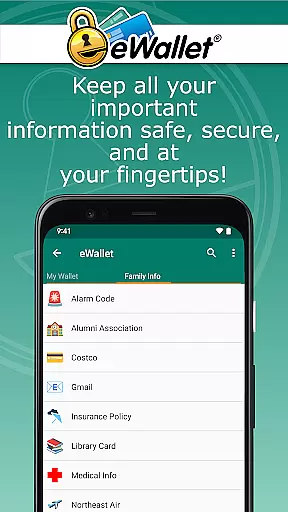
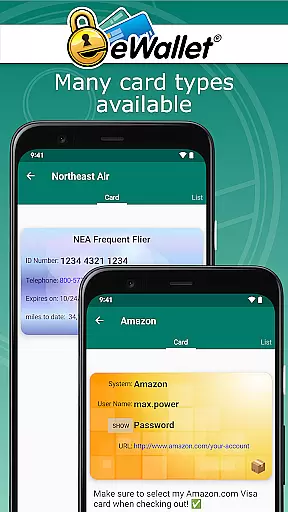
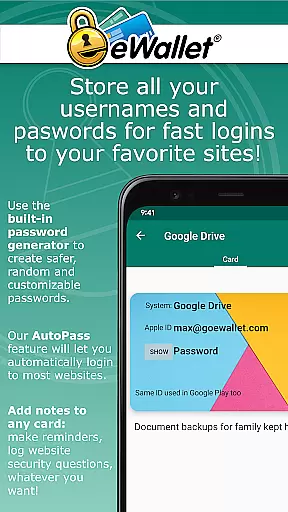
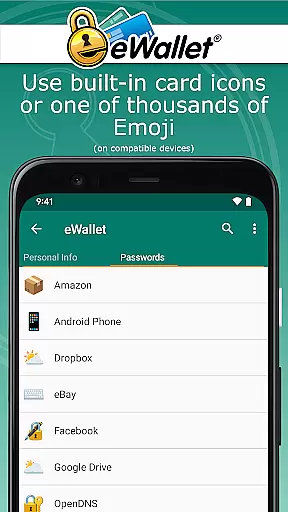
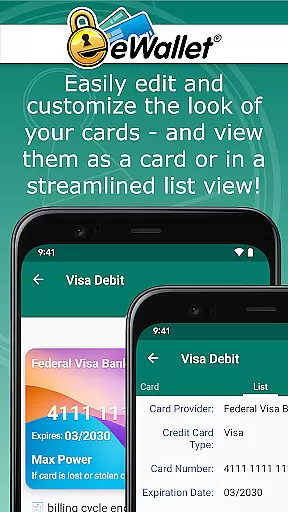
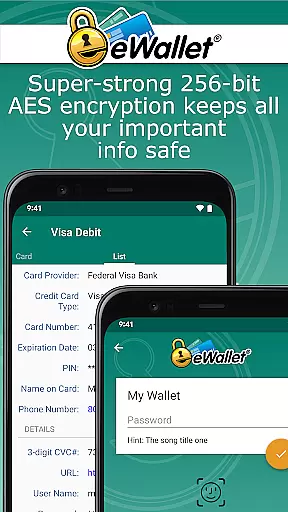
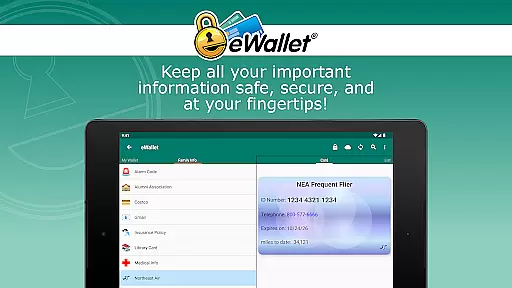
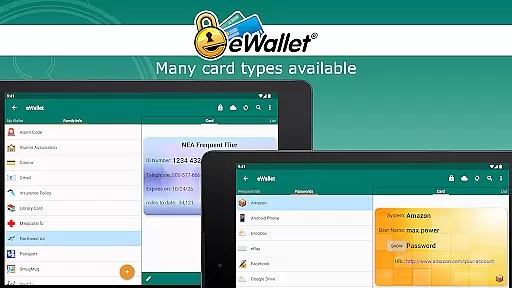
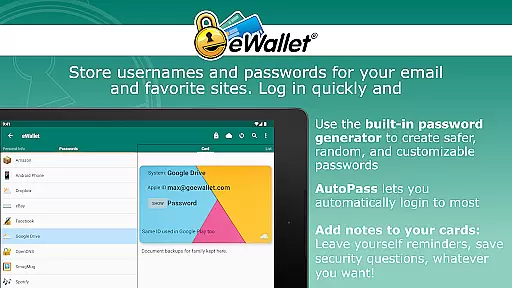
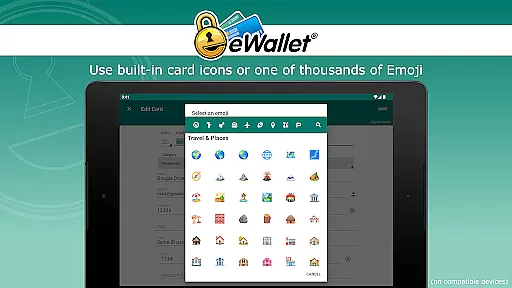
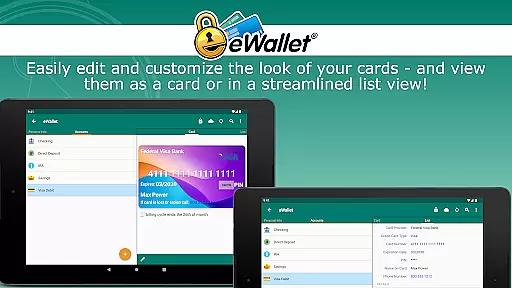
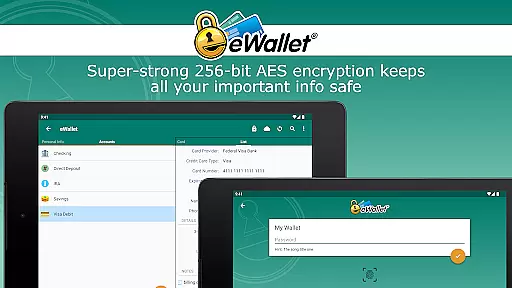
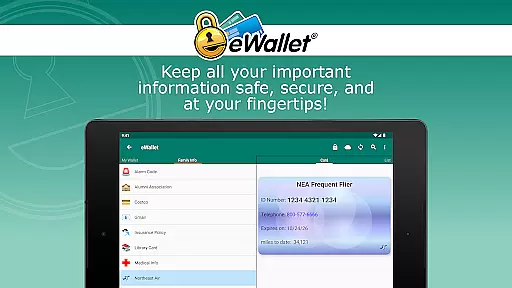
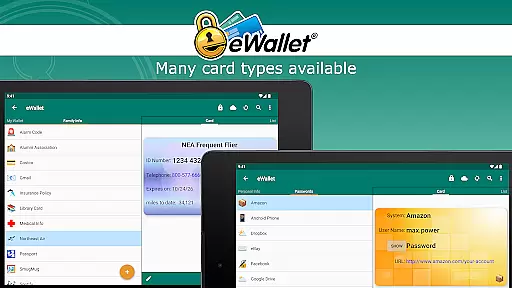
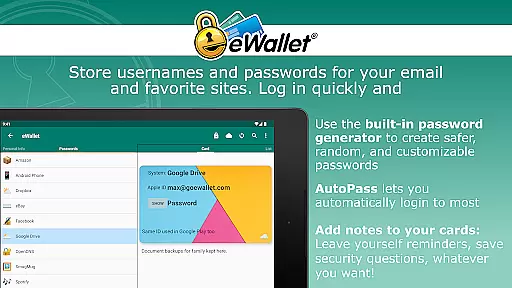
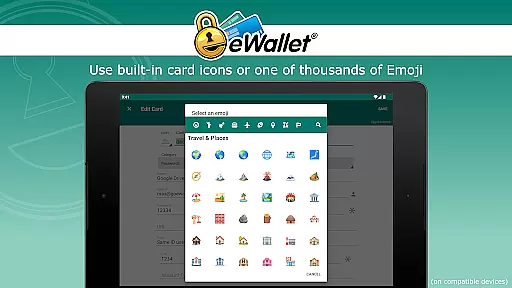
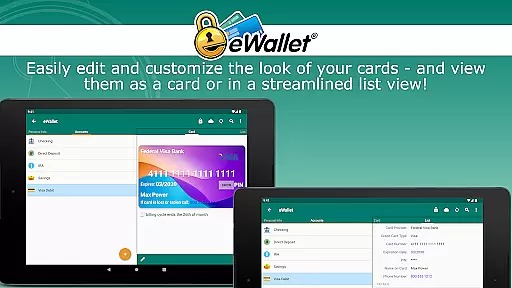
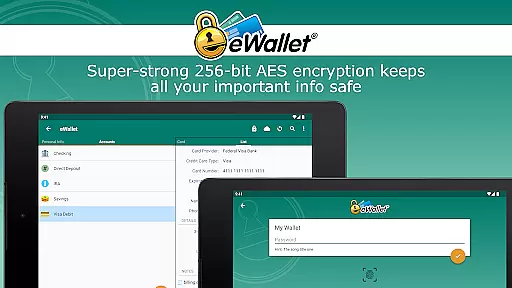
eWallet is a premier productivity app designed to securely manage your digital life. This robust password manager allows users to store sensitive information such as passwords, credit card details, and personal data behind military-grade 256-bit AES encryption. With the inclusion of updated Biometric features, you can conveniently unlock your wallet using fingerprint, iris scan, or facial recognition based on your device's capabilities.
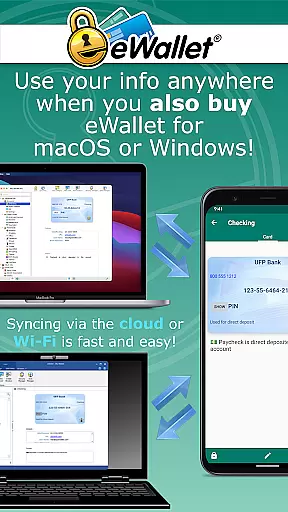
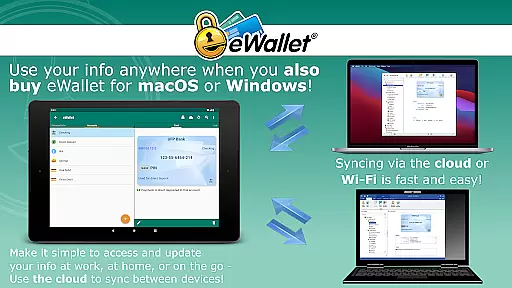
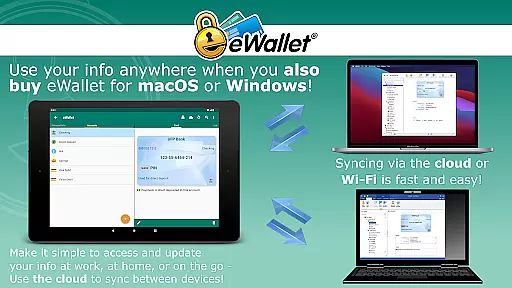
Designed for both Android smartphones and tablets, eWallet ensures that your critical data is always at your fingertips while maintaining top-notch security. The app supports cloud synchronization via Dropbox, Google Drive, or Microsoft OneDrive, as well as local Wi-Fi sync with its desktop counterparts for macOS and Windows (sold separately). Whether you're managing complex passwords or organizing personal information, eWallet provides a seamless and secure solution.
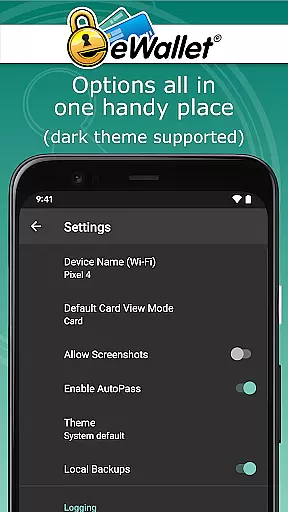
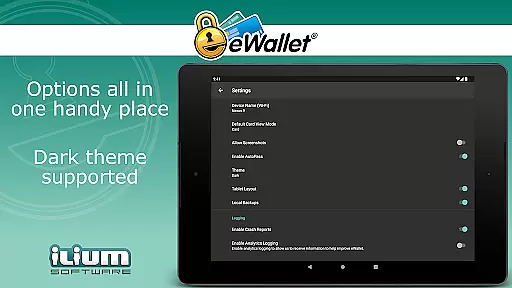
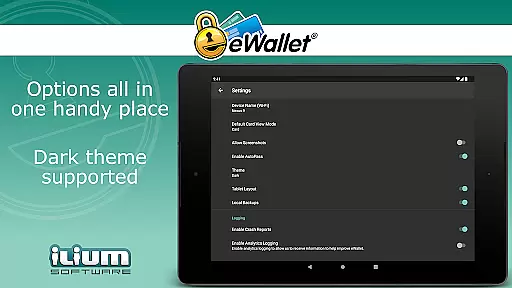
eWallet stands out with its comprehensive feature set tailored for secure and efficient personal data management. One of its key highlights is the support for Biometric authentication methods like fingerprint and facial recognition, ensuring quick yet secure access. The app also includes a Dark Theme for user comfort and a Random Password Generator to enhance your digital security effortlessly.
In addition to storing passwords, eWallet lets you save bank account details, insurance information, and more, all organized within customizable wallets. You can sync multiple wallets across devices via cloud services or Wi-Fi, and even auto-fill passwords using the built-in browser control. These features collectively ensure that your data remains not only secure but also easily accessible whenever needed.
In the realm of productivity applications, core task management is pivotal for organizing and prioritizing daily activities. eWallet excels in this area by offering users a comprehensive system to manage not just tasks, but also sensitive information such as passwords and financial details securely.
The app leverages military-grade 256-bit AES encryption to ensure that your digital life remains protected against unauthorized access. With features like random password generation and secure storage for bank account numbers and credit card details, eWallet provides an all-encompassing solution for managing personal data efficiently.
Users benefit from seamless synchronization options across Android devices and desktop computers via cloud services or Wi-Fi. This ensures that whether you're at home or on the go, your information is always up-to-date and accessible when needed, enhancing both convenience and security.
Cross-device synchronization is essential for maintaining consistency and accessibility of data across multiple platforms. eWallet addresses this need with reliable sync capabilities that allow users to keep their wallets updated on all their devices without hassle.
By supporting popular cloud services such as Dropbox, Google Drive, and Microsoft OneDrive, along with local Wi-Fi sync options, eWallet ensures that your encrypted data is consistently backed up and available wherever you are. This flexibility empowers users to choose the most suitable method for their lifestyle.
Moreover, the ability to create and sync multiple wallets between different devices adds another layer of utility, enabling users to compartmentalize various aspects of their digital lives while maintaining top-notch security standards throughout.
Top-notch security
User-friendly interface
Biometric login options
Cloud and Wi-Fi sync
Random password generator
No iOS compatibility
Separate desktop purchase
Limited free features
Subscription model
High system requirements

Professional calendar app for Google Calendar, MS Outlook & Exchange
 4.20
4.20
8 custom complications. Custom Time Fonts. Beautiful color schemes. A++ Design.
5.00
⏰ Finally a timer app which can run multiple timers simultaneously on your watch
3.90
All in One PDF Reader: Manage, Read and Edit your Documents
4.20
Make apps & sites with natural language prompts
4.10
Find and delete junk files & block unwanted notifications & manage files
3.70
The AI assistant that thinks with you - write, code, and solve complex tasks
4.60
Intelligent AI Assistant
4.10
Understand anything with a personalized AI research assistant
4.80
QuickBooks Workforce lets teams view pay info and track time in one place.
4.70
Stay on top of your to-dos with Google Tasks, part of Google Workspace.
4.60
Lightweight PDF, Word, Excel reader.
4.60
Access, manage and transfer files on Android, PC, Mac, NAS and cloud storages.
4.30
Total remote control for your Android device, PC and cloud services (IFTTT)!
4.20
Device's storage information in a simple and clear graphical form (infographics)
4.10
* block pre-roll ads, pop-up and forced redirect ads * Samsung certification app
4.00
Mega cloud explorer plugin for Solid Explorer
3.80
Make your handwriting beautiful, even more than pen on paper.
3.60
A comprehensive suite of tools designed specifically for Lactation Consultants
4.5


User Reviews