
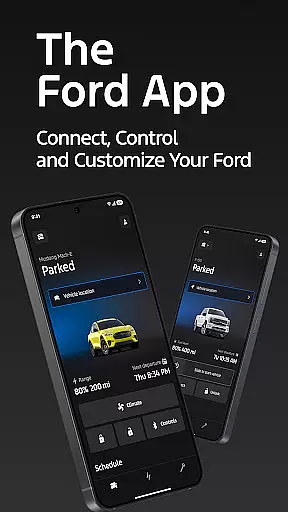
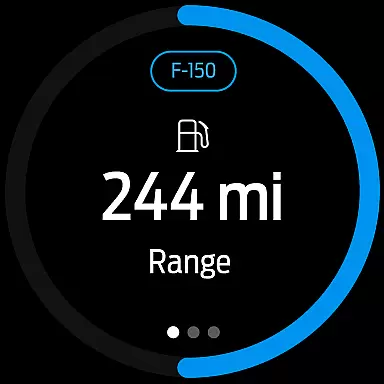
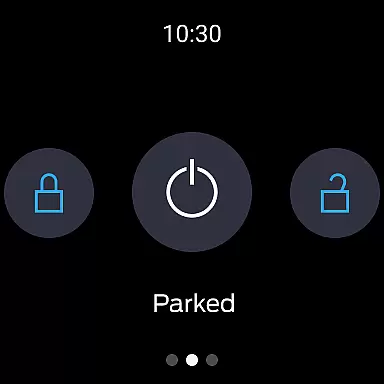
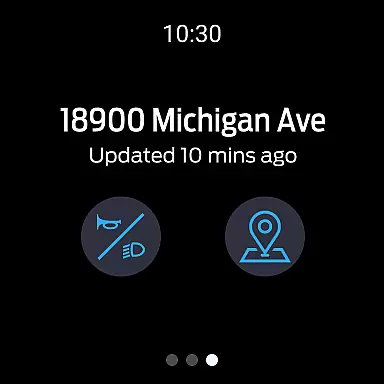
The Ford app is a comprehensive mobile solution designed to enhance the overall Ford vehicle ownership experience. This all-in-one application provides users with convenient access to essential vehicle controls and management features at no extra cost.
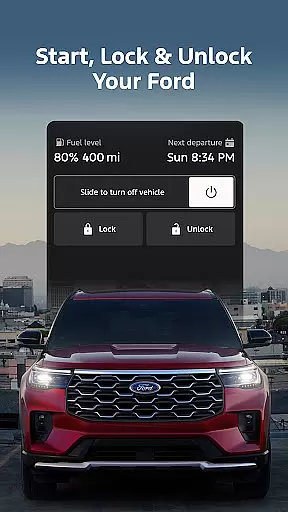
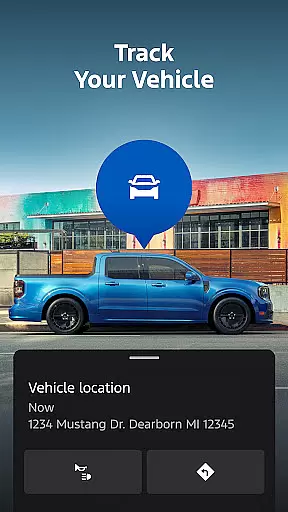
Key functionalities include remote start, lock and unlock capabilities, real-time vehicle statistics monitoring, and GPS tracking. The app also supports advanced features for electric vehicles and offers connected services management. These capabilities ensure users maintain complete control over their Ford vehicles through their Android Wear devices.
Ideal for modern drivers, the Ford app allows seamless vehicle management on-the-go. Whether you need to check your fuel level while traveling or locate your parked car in a crowded lot, this app delivers essential information directly to your smartwatch, making vehicle management more efficient and convenient than ever before.
The Ford app stands out with its extensive feature set tailored for both conventional and electric vehicles. Remote features enable users to start their engine, lock and unlock doors, and perform other essential functions directly from their Android Wear device.
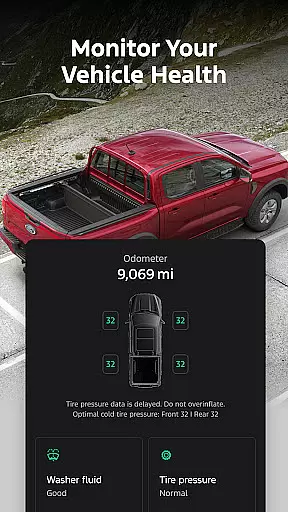
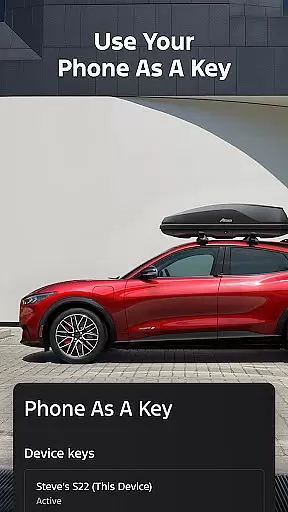
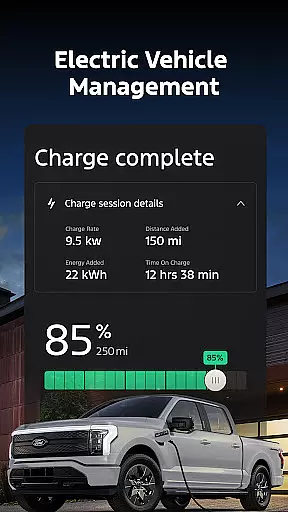
Vehicle management capabilities provide detailed insights into fuel or battery range status, maintenance schedules, and allow using Phone As A Key technology. Electric vehicle owners benefit from dedicated features showing charge levels, preconditioning options, and public charging station locations.
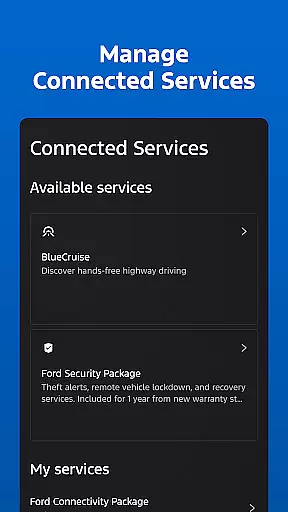
Advanced connectivity options include managing services like BlueCruise, scheduling maintenance appointments with preferred dealers, and controlling software update schedules. The integration with Wear OS smartwatches further enhances accessibility, allowing users to send commands and check vehicle status right from their wrist.
Companion app integration refers to the seamless connection between a primary application and its wearable counterpart. For Ford app users, this means being able to interact with their vehicle directly from a Wear OS smartwatch.
The Ford app offers an exceptional level of integration by allowing users to send commands and check vehicle status right from their wrist. This includes functionalities such as remote start, lock and unlock, which are essential for convenience and security.
By having these capabilities on a smartwatch, users benefit from quick access without needing to take out their smartphones. Whether it's starting the car before a meeting or ensuring it's locked after parking, the process is streamlined.
This integration enhances user experience by providing timely and accessible interactions, making vehicle management more efficient and in tune with modern lifestyles.
Wear OS/device compatibility ensures that an application functions optimally across various devices running on Wear OS. The Ford app excels in this area by offering full support for Wear OS smartwatches.
Users can enjoy consistent performance and reliability when using the Ford app on their smartwatches. This compatibility extends the appu2019s utility beyond smartphones, integrating vehicle control into daily wearables.
With comprehensive device compatibility, customers with different models of Wear OS watches can utilize all features without concern for performance discrepancies. This widens the potential user base and improves accessibility.
Ultimately, robust Wear OS compatibility means users can rely on the Ford app for critical tasks like GPS tracking and sending commands regardless of their chosen wearable device, enhancing overall satisfaction and utility.
User-friendly interface
Comprehensive vehicle control
Regular feature updates
Electric vehicle support
Wear OS integration
Limited vehicle compatibility
Requires active modem
Network dependency
Potential extra costs
Varied feature availability

"PER27 Galaxy Digital" is a digital Wear OS watch face designed by PERSONA
 4.10
4.10
Embrace the holiday spirit with this magical animated watch face!
4.40
A Wintery Snow Globe on Your Wrist; now celebrating Christmas!
4.2
Beautiful artistic animated digital watch face, with a customizable layout!
4.40
Authentic military-tactical design with ZULU time! Realistic and functional!
3.80
To-Do List: daily schedule planner, task organizer, to do reminder app, calendar
4.60
Minimalistic design modern digital watch face.
4.2
Hybrid watch face for Wear OS with customizable complications by Matteo Dini MD
4.70
A realistic hybrid watch face with many customization options.
4.60
WTW M17 is a premium and luxurious hybrid watch face
4.70
Kia Access makes getting your vehicle information easier than ever
4.60
Gym & home workout plans with strength training, exercise tracking, HIIT & more.
4.60
Simple, helpful messaging by Google
4.60
Stylish, Energizing and Modern Watch Face crafted by Dominus Mathias.
4.50
Your music, your playlists, and more—offline and unlimited.
4.20
Embrace the festive spirit with our Christmas Countdown watchface for Wear OS
4.10
Animated Watch Face and Customizable with 24 Backgrounds. Perfect for Christmas!
3.90
Structured watch face with seven complications and modular UI elements
3.90
Funny animated watch face for Thanksgiving
4.3


User Reviews