
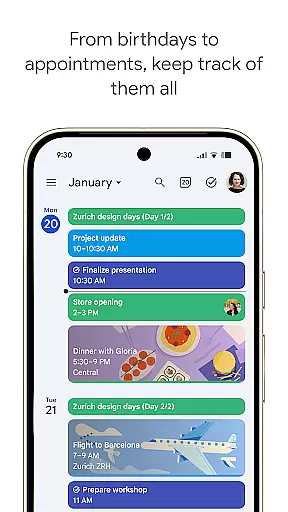
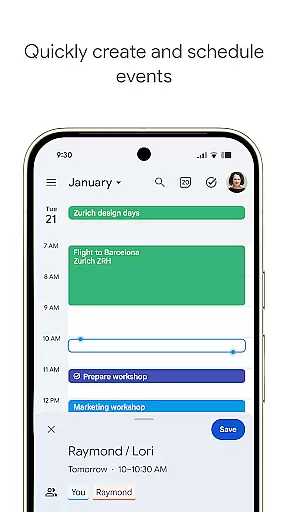
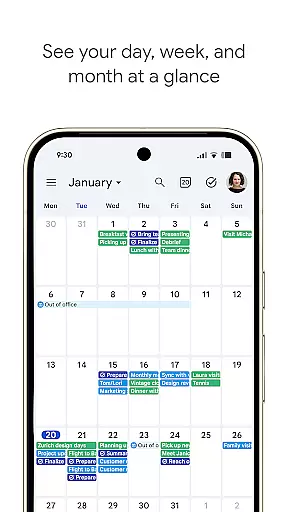
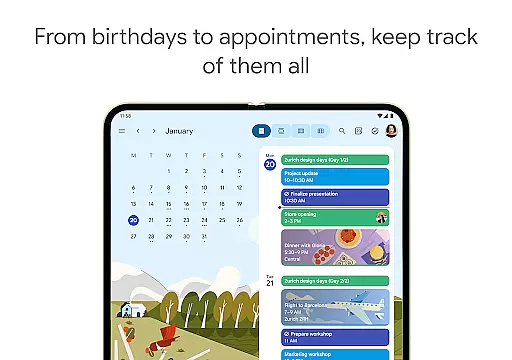
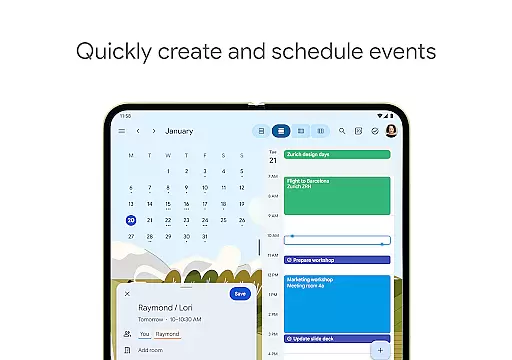
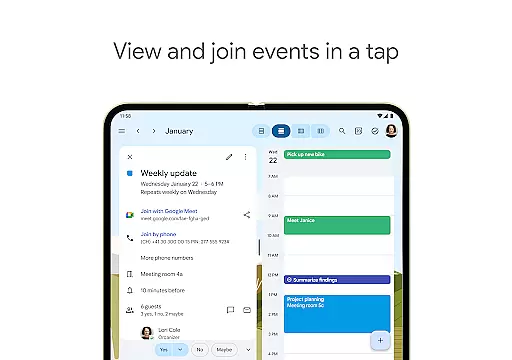
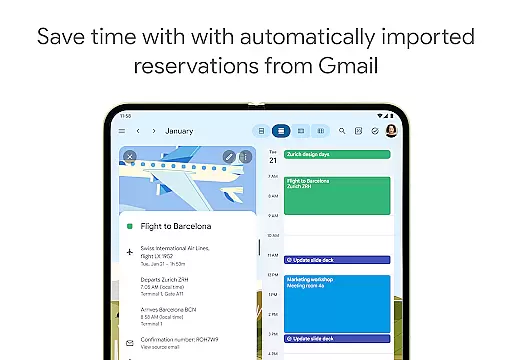
Google Calendar is the official calendar app designed for Android phones, tablets, and Wear OS devices. It helps users stay organized and plan their day efficiently through easy event creation, multiple calendar views, and integration with Gmail for automatic event addition. The app supports seamless transitions between devices when logged into the same Google account, making it versatile for both personal and professional use.
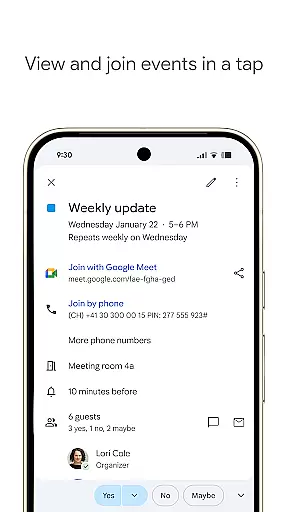
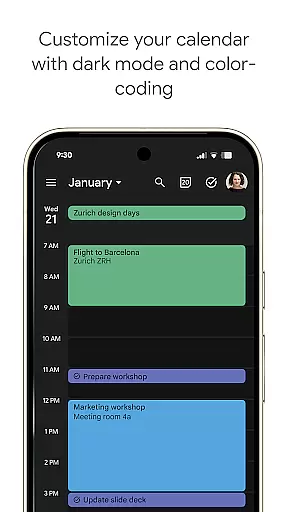
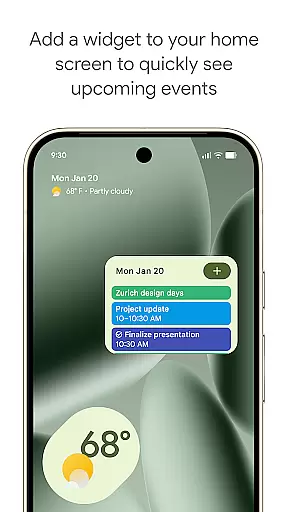
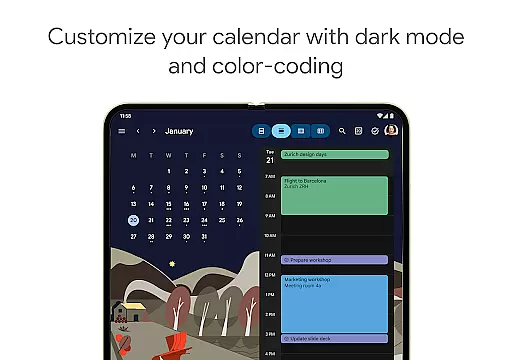
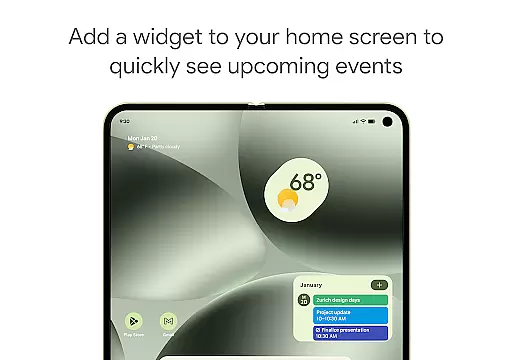
With features like shared calendars, customizable views, widgets, tasks, and dark mode, Google Calendar offers a personalized experience. It also integrates with Google Workspace, allowing teams to collaborate effectively by scheduling meetings, adding video calls, and attaching documents to events. This makes it an essential tool for hybrid work environments and team coordination.
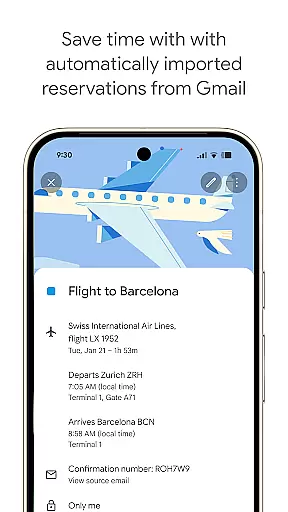
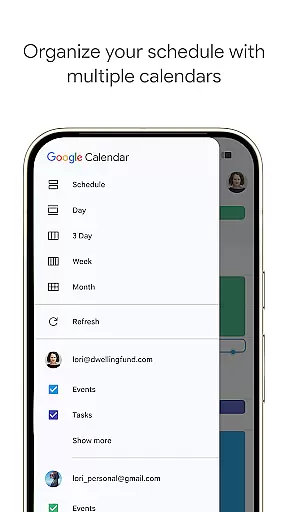
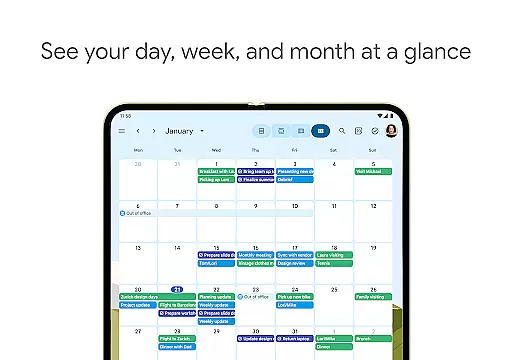
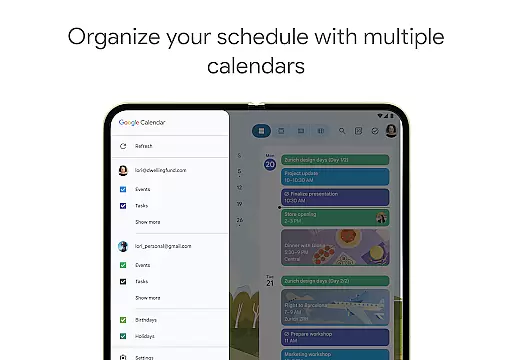
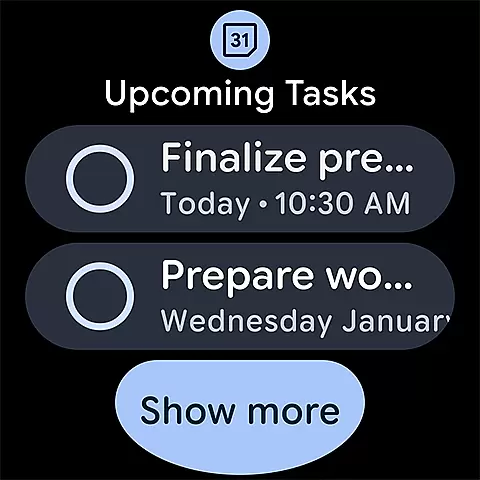
Google Calendar stands out with its automatic event addition from Gmail, including reservations and bookings. Users can view multiple calendars side-by-side, including Exchange, and switch between month, week, and day views effortlessly. The app provides task management alongside events, color-coded customization, and full-screen task lists, enhancing productivity.
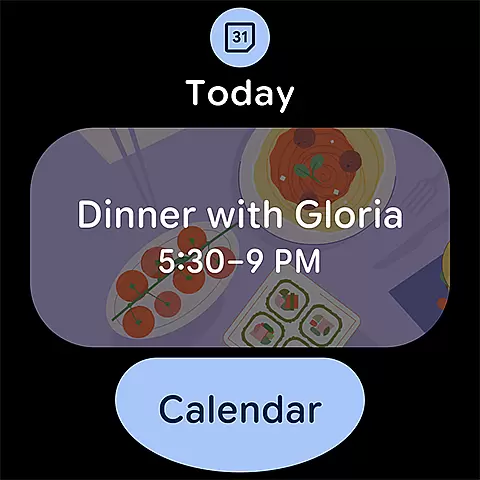
For professionals, Google Calendar integrates with Google Workspace, enabling features like booking pages, meeting availability checks, and working location indicators. It ensures enterprise-level privacy and security, making it reliable for business use. With support for Wear OS, users can track events on the go, thanks to tiles and complications that keep them updated wherever they are.
Companion app integration is a crucial feature for users who rely on multiple devices throughout their day. Google Calendar excels in this area by offering seamless synchronization across Android phones, tablets, and Wear OS devices. This ensures that your schedule remains consistent and up-to-date, regardless of the device you are using.
The integration works by logging into the same Google account on all your devices. Once connected, any changes made to your calendar, such as adding or modifying events, are instantly reflected across all platforms. This allows you to transition smoothly from working on your computer to checking your schedule on your phone or Wear OS device without missing a beat.
This level of integration provides significant benefits to users. It eliminates the need to manually update each device, saving time and reducing the risk of errors or missed appointments. Additionally, it enhances productivity by ensuring that you always have access to the most current version of your calendar, enabling you to stay organized and make the most of your day.
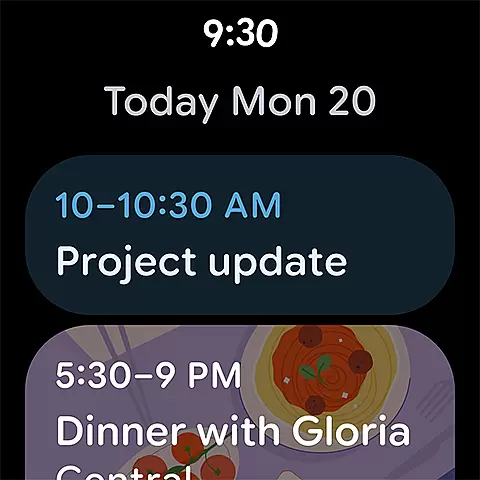
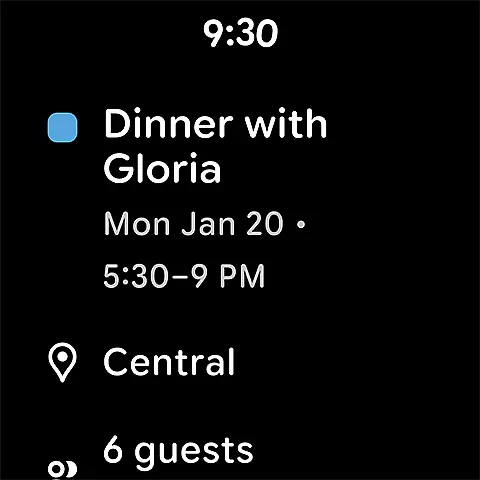
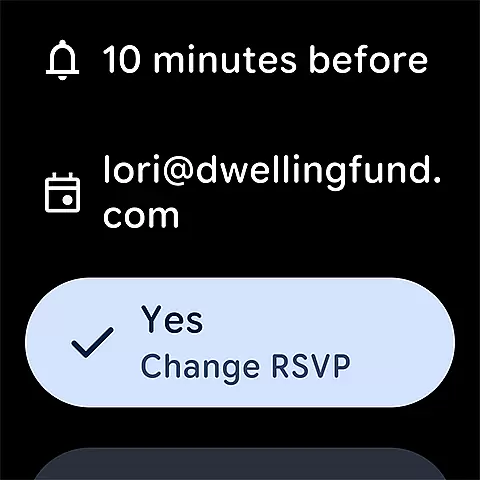
For users with Wear OS devices, compatibility with essential apps like Google Calendar is vital. Google Calendar offers robust support for Wear OS, allowing users to stay on top of their schedules directly from their smartwatches. This compatibility ensures that you can view upcoming events, receive notifications, and even manage tasks without needing to take out your phone.
The Wear OS version of Google Calendar supports features like tiles and complications, which provide quick access to your calendar at a glance. These features are designed to fit seamlessly into the Wear OS interface, offering a user-friendly experience that complements the device's design. Furthermore, the app's optimization for Wear OS ensures smooth performance and reliable functionality, even on smaller screens.
This compatibility significantly enhances the utility of Wear OS devices by extending the capabilities of Google Calendar to your wrist. It allows for greater convenience and accessibility, making it easier to manage your time effectively while on the go. Whether you're in a meeting or exercising, having your schedule readily available on your smartwatch helps you stay informed and prepared.
User-friendly interface
Seamless cross-device sync
Robust task management
Customizable views
Enterprise-level security
Limited offline functionality
Requires Google account
Occasional sync delays
No standalone desktop app
Basic free features

Wear Os Watch Face - Animated Snow Effect & Christmas Lights
 4.1
4.1
Snowflake Rose Gold Watch Face - Digital, modern, & sleek with GYRO effect.
4.10
Digital watch face with big numbers and many customization for Wear OS devices
4.40
Period, ovulation & pregnancy tracker. Fertility insights & menstrual calendar.
4.90
A modern hybrid informative watch face for Wear OS designed by BALLOZI
4.80
A white realistic classic analog watch face with many customization options.
4.40
Your music, your playlists, and more—offline and unlimited.
4.20
Fast and smart typing with Emojis, GIFs, and more
4.50
Track your active life in one place and share the journey with friends.
4.40
Real-time weather radar with temperatures, warnings, hurricanes, and widgets
4.80
The most customizable hybrid watch face. For Wear OS 5.0, API 34+ and later
4.70
Hybrid watch face for Wear OS with customizable complications by Matteo Dini MD
4.70
Simple, helpful messaging by Google
4.60
Digital watch face. For Wear OS devices.
4.40
The ultimate destination for kids ages 3-8 to explore the Marvel Universe!
4.30
Viewer for Wyze/Yi/Eufy/Arlo/ONVIF/RTSP/P2P IP cams w/ adv. features & DIY DVR
4.00
A full-featured Amazon Alexa voice assistant that can show you things.
3.70
Your local weather forecast, storm tracker, radar maps & live weather news
3.40
Wear Os Watch Face - Animated Snow - Sesonal for Christmas & Winter
4.2


User Reviews