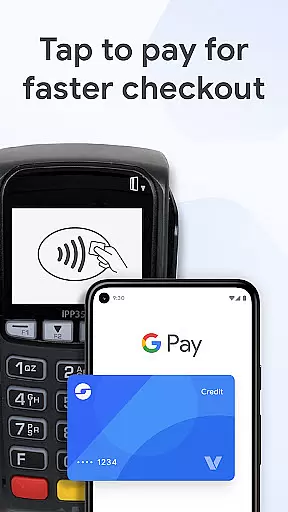
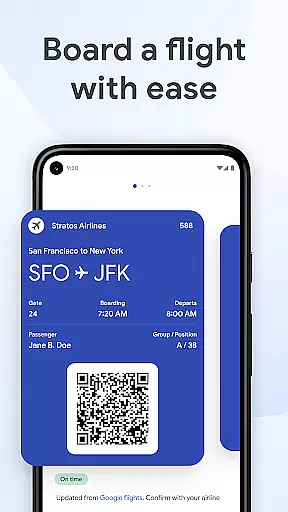
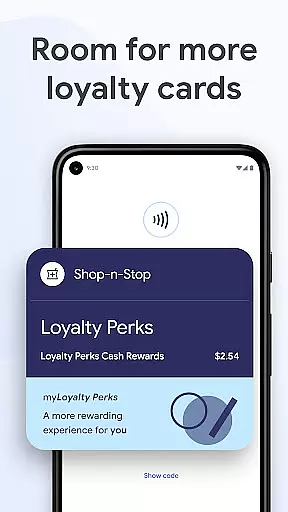
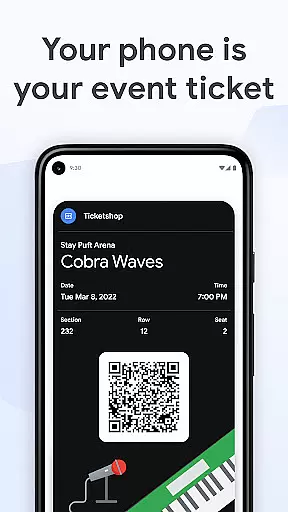
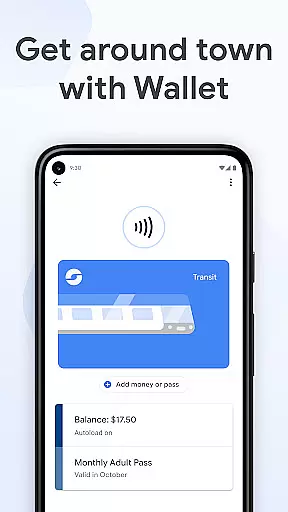
Google Wallet is a versatile digital wallet solution that allows users to conveniently store and access various essentials like payment cards, tickets, boarding passes, and even digital car keys. Designed for Android devices (Lollipop 5.0+), Wear OS, and Fitbit devices, it ensures fast and secure transactions wherever Google Pay is accepted.
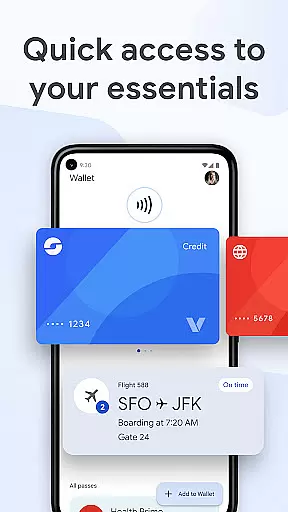
With its intuitive design, Google Wallet offers multiple ways to access your essentials quickly, including phone quick settings, the Wallet app, or Google Assistant. It also provides helpful suggestions based on context, such as notifying you of boarding passes on travel days. The app integrates seamlessly with other Google services, keeping your Calendar and Assistant updated while offering smart features like receipt tracking and location-based transaction details.
Security is at the core of Google Wallet, leveraging advanced Android security features like 2-Step Verification and remote data erasure. Whether you're paying at a store, boarding a flight, or unlocking your car, Google Wallet ensures your data stays protected while delivering a seamless user experience.
Google Wallet stands out with its robust set of features tailored for convenience and security. One of its key highlights is the ability to store multiple types of items in one place, including credit/debit cards, transit passes, event tickets, loyalty cards, and even digital IDs or car keys (US only). This versatility eliminates the need to carry physical cards or documents.
The app integrates deeply with the Android ecosystem, enabling instant access through Wear OS complications or quick settings on your phone. Its intelligent suggestion engine helps surface relevant items at the right time, such as displaying boarding passes during travel or loyalty cards when shopping. Additionally, Google Wallet syncs with Google services like Maps, Shopping, and Calendar to provide real-time updates on flights, events, and nearby deals.
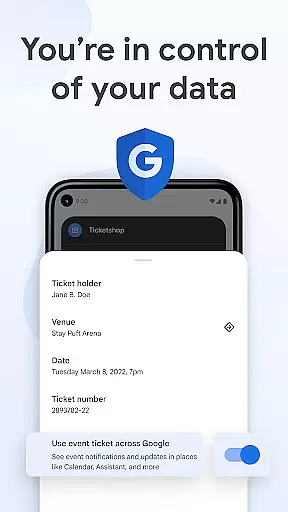
Security-wise, Google Wallet employs cutting-edge measures to safeguard user data. When tapping to pay, the app uses tokenization to protect card numbers, ensuring businesses never see your actual account details. Advanced privacy controls allow users to manage their shared information across Google products, giving them full control over their personal data.
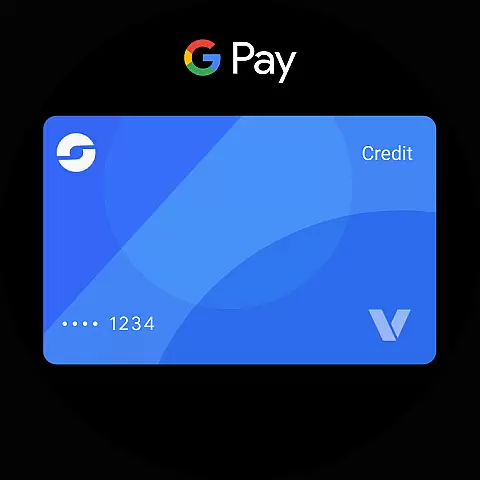
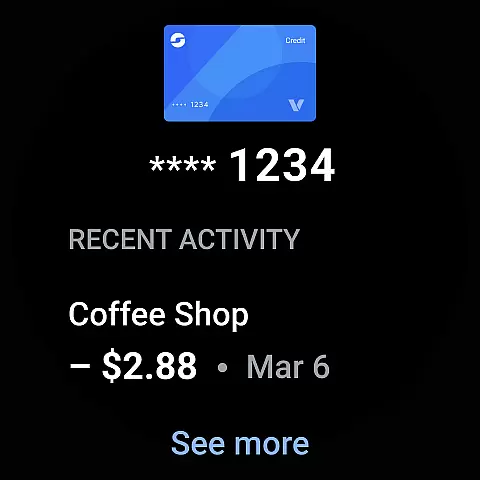
Google Wallet offers seamless companion app integration, ensuring that your essential items are always accessible on your Wear OS devices. This integration allows users to access their cards, passes, and tickets directly from the main watch face through complications.
The synchronization between the phone app and Wear OS guarantees that any updates made on one device are immediately reflected on the other. Whether adding a new card or using a pass, the transition is smooth and efficient, enhancing the overall user experience.
With this integration, users can enjoy the convenience of having their digital wallet available on their wrist, making transactions and accessing important documents quicker and easier than ever before.
Compatibility with Wear OS and other devices is a significant advantage of Google Wallet, supporting a wide range of Android phones (Lollipop 5.0+), Wear OS, and even Fitbit devices. This broad compatibility ensures that most users can take advantage of Google Wallet's features regardless of their device.
For users with Wear OS watches, Google Wallet provides instant access to essential items right from the watch face, streamlining the process of making payments or presenting tickets without needing to reach for a phone.
Despite the extensive compatibility, it's important to note that not all features may be available for supervised accounts. Users can learn more about these limitations and how they affect functionality by visiting the official support page.
Fast and secure payments
Multi-platform support
Intelligent suggestions
Deep Google integration
Advanced security features
Limited iOS compatibility
Not all features globally available
Requires internet connection
Occasional syncing issues
Dependent on third-party issuers

Wear Os Watch Face - Animated Snow Effect & Christmas Lights
 4.4
4.4
Beautiful, colorful and practical watch face. For Wear OS devices.
5.00
Sleek, highly customizable watch face inspired by Galaxy Watch Circle Dashboard.
4.1
Monitor health with the stress test and pulse checker in the heart rate app.
4.60
Gym & home workout plans with strength training, exercise tracking, HIIT & more.
4.60
Your music, your playlists, and more—offline and unlimited.
4.20
Fast and smart typing with Emojis, GIFs, and more
4.50
Your local weather forecast, storm tracker, radar maps & live weather news
3.40
Spam call blocker and caller ID for automatic call protection!
4.40
Rose gold watch face with festive lights & customizable features.
4.60
Kia Access makes getting your vehicle information easier than ever
4.60
Real-time results, stats, schedules and player profiles for all leagues
4.60
Christmas watch face. For Wear OS devices.
4.30
Locate your family members by GPS phone location tracker everywhere and anytime
4.30
Snowflake Rose Gold Watch Face - Digital, modern, & sleek with GYRO effect.
4.10
Viewer for Wyze/Yi/Eufy/Arlo/ONVIF/RTSP/P2P IP cams w/ adv. features & DIY DVR
4.00
Christmas and New Year - Themed Watchface
4.4
Christmas is near, let's count together the days left until Santa comes
4.1
Funny animated watch face for Thanksgiving
4.4


User Reviews