
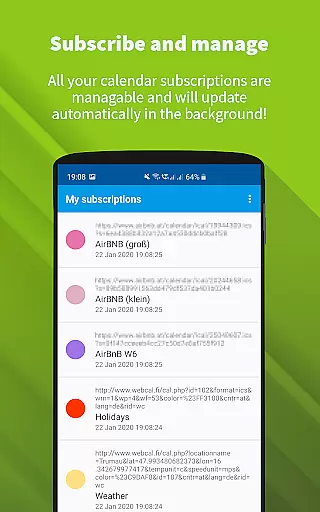
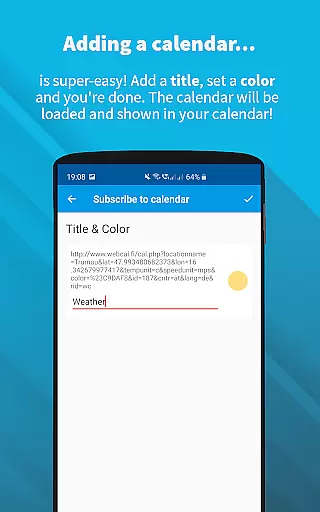
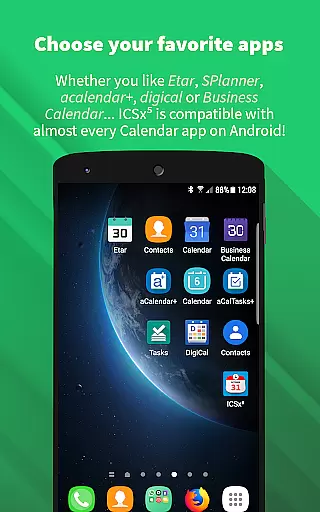
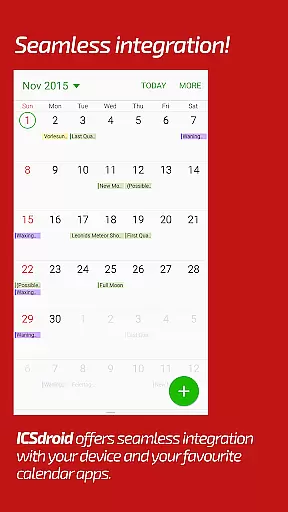
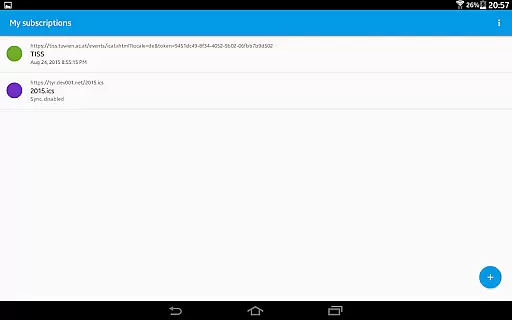
ICSx⁵ is a productivity app designed to help users manage external calendar files on their Android devices. This tool allows you to subscribe and add iCalendar/.ics files, syncing them one-way to your device. Whether it's high days, holidays, sports events, or academic schedules, ICSx⁵ imports these events and integrates them seamlessly into your preferred calendar app. The app uses advanced synchronization technology to ensure that you always have the latest version of any added calendar file, delivering all events perfectly to your device's calendar.
With features like Webcal feed subscription, local .ics file integration, and support for webcal:// URLs, ICSx⁵ offers versatile calendar management. It also provides seamless integration with other calendar apps, sync scheduling, and intelligent update checking to save bandwidth. Security and privacy are prioritized, as ICSx⁵ is open-source, ensuring no data is transferred except to the chosen server. No Google Calendar or account is required, making it an ideal choice for those seeking privacy-focused productivity tools.
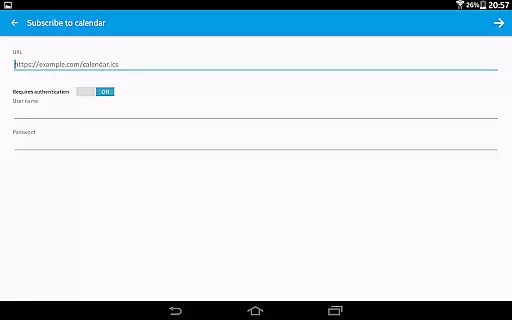
ICSx⁵ stands out with its comprehensive feature set tailored for efficient calendar management. One of its key features is the ability to subscribe to Webcal feeds, allowing synchronization at regular intervals, such as shared calendars from iCloud. Users can also pick .ics files from their local device and add these events to their calendar, providing flexibility in managing personal and shared schedules.
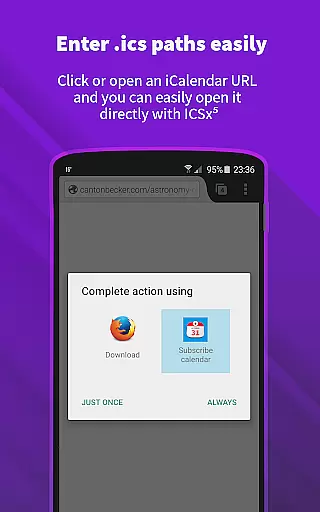
The app supports opening webcal:// and webcals:// URLs directly from the Android web browser, enhancing accessibility. With seamless integration into other calendar apps, users can maintain a unified calendar view. ICSx⁵ also allows setting a sync schedule and employs an intelligent update checker to optimize bandwidth usage. Security features include authentication and HTTPS support, ensuring safe data transmission. As an open-source app, ICSx⁵ guarantees transparency and privacy, making it a reliable choice for users who prioritize data security while managing their schedules efficiently.
Effective task management is essential for productivity applications, serving as the backbone for organizing and executing tasks efficiently. ICSxu2075 excels in this area by allowing users to subscribe to Webcal feeds and manage iCalendar/.ics files seamlessly. This means you can add high days, holidays, sports events, or academic schedules directly to your calendar with minimal effort.
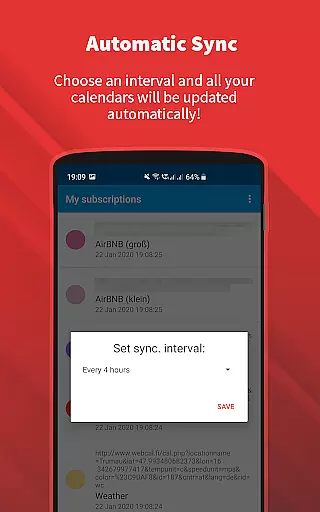
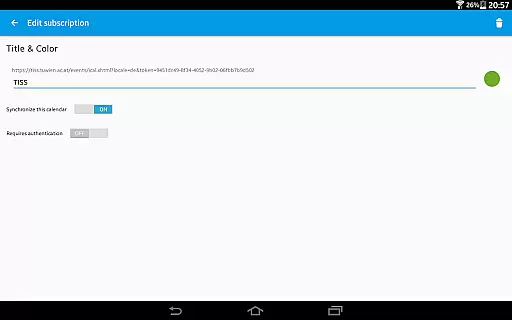
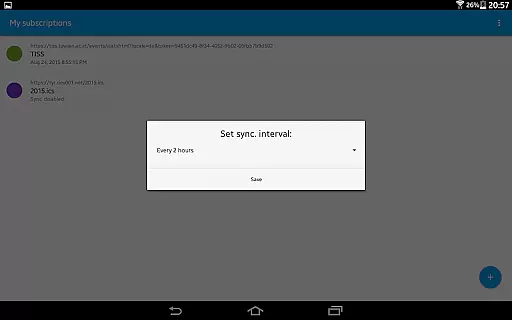
The app employs state-of-the-art synchronization technology, ensuring that your calendar always reflects the most current information. By setting a sync schedule, users can control how often the app checks for updates, thus maintaining an up-to-date calendar without manual intervention. This feature not only saves time but also reduces the risk of missing important events due to outdated information.
Furthermore, ICSxu2075 supports authentication and HTTPS, providing a secure way to manage your calendar data. The intelligent update checker optimizes bandwidth usage, making it efficient for both the user and the network. With these capabilities, ICSxu2075 ensures that all events are perfectly delivered to your device's calendar, integrating seamlessly into your daily routine.
Cross-device synchronization is crucial for users who rely on multiple devices to manage their schedules. ICSxu2075 addresses this need by offering reliable synchronization features that ensure your calendar data is consistent across all your devices. Whether you're using a smartphone, tablet, or any other Android device, you can trust that your calendar will always be up-to-date.
One of the standout features of ICSxu2075 is its ability to subscribe to Webcal feeds, such as shared calendars from iCloud. This one-way sync to your device guarantees that any changes made to the original calendar are reflected in your personal calendar without delay. Additionally, the app allows you to pick .ics files from your local device, adding another layer of flexibility to calendar management.
ICSxu2075 is developed by open-source enthusiasts who prioritize privacy and security. No data is transferred to external servers except the chosen one, ensuring that your information remains private and secure. This commitment to privacy, combined with the app's seamless integration into other calendar apps, makes ICSxu2075 a reliable choice for managing your schedule across multiple devices.
User-friendly interface
Advanced sync technology
Open-source and secure
Flexible calendar integration
Bandwidth optimization
Limited to Android
No iOS compatibility
One-way sync only
Requires manual setup
Advanced features may overwhelm beginners

QuickBooks Workforce lets teams view pay info and track time in one place.
 4.70
4.70
Take control of your clipboard with Clipper!
3.90
Create study competitions, track your hours, and stay consistent with friends
4.0
8 custom complications. Custom Time Fonts. Beautiful color schemes. A++ Design.
5.00
Find and delete junk files & block unwanted notifications & manage files
3.70
Activate Two Factor Authentication (2FA or Multi OTP), Password manager and more
4.10
A comprehensive suite of tools designed specifically for Lactation Consultants
4.2
This small app MUST BE INSTALLED after purchase, else license won't work
4.40
Seamlessly read, manage, and organize all your PDF files solution in one place
4.40
Simple notepad & memo. Take notes, to-do list, shopping list with reminders.
4.80
App lock - lock apps with fingerprint, password, pin or pattern, protect privacy
4.70
To do list widget with a notebook organizer, checklist, simple shopping list
4.60
Experience Reading - Night Mode for Documents
4.40
Access, manage and transfer files on Android, PC, Mac, NAS and cloud storages.
4.30
Total remote control for your Android device, PC and cloud services (IFTTT)!
4.20
Intelligent AI Assistant
4.10
Mega cloud explorer plugin for Solid Explorer
3.80
Make your handwriting beautiful, even more than pen on paper.
3.60
ID.me Authenticator is a simple and free Two Factor Authentication solution
3.50


User Reviews