
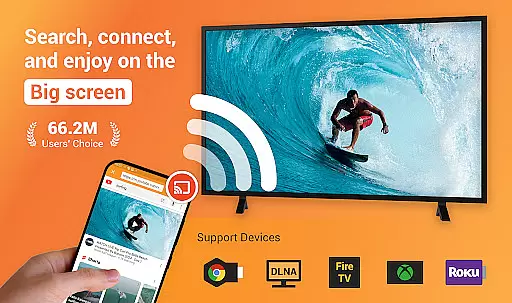
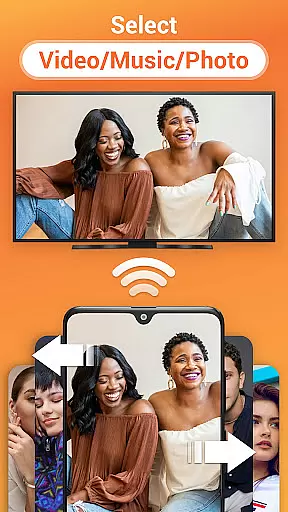
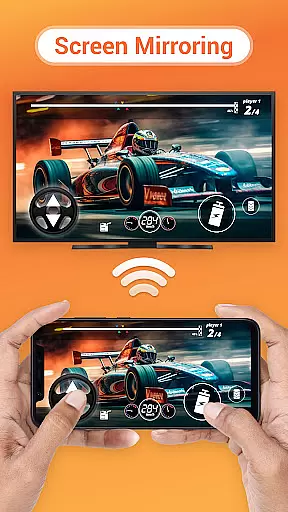

Cast to TV is a versatile media streaming application that allows users to cast online videos, live streams, local videos, music, and images to various devices including TVs, Chromecast, Roku, Amazon Fire Stick, Xbox, Apple TV, and other DLNA-enabled devices. The app serves as an all-in-one solution for streaming multimedia content from your mobile device or computer to larger screens, enhancing the viewing experience with minimal effort.
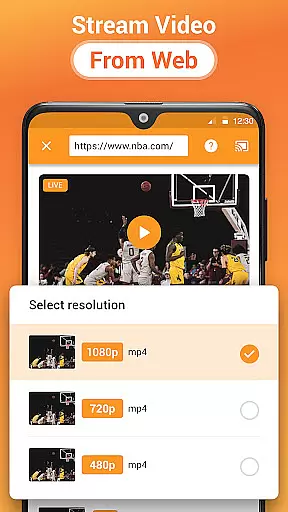
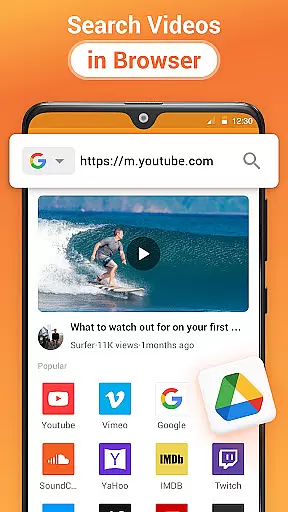
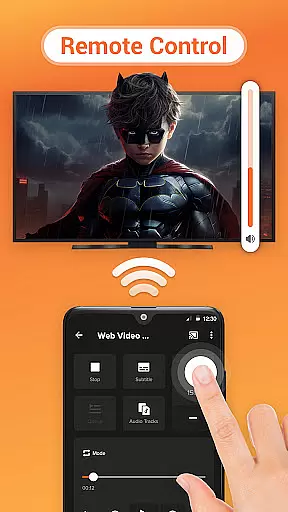
One of the standout features of Cast to TV is its user-friendly interface that lets you control your TV directly from your phone - play, pause, adjust volume, skip forward or backward, and switch between tracks effortlessly. Additionally, it includes a built-in browser for web video casting, making it easy to stream content from different websites directly to your TV. Whether you're looking to enjoy a movie night, share photos in a slideshow, or listen to music, Cast to TV provides a seamless experience across multiple platforms.
This app is particularly useful for users who want to enjoy high-quality media on bigger screens without the hassle of cables or complicated setups. It supports a wide range of formats and automatically detects media files on your device and SD card, ensuring that your content is always within reach. With its comprehensive compatibility and intuitive controls, Cast to TV is an excellent choice for anyone looking to enhance their home entertainment system.
Cast to TV offers a rich set of features designed to streamline the process of media streaming. One of its key functionalities is the ability to cast both online and local content, including videos, live streams, music, and images, to a variety of devices such as Chromecast, Roku, Amazon Fire TV, Xbox, Apple TV, and DLNA receivers. This versatility ensures that no matter what type of device you own, you can easily connect and start streaming your favorite content.
The app also includes advanced playback options like shuffle, loop, and repeat modes, giving users more control over how their media is presented. For those who prefer a personalized experience, Cast to TV allows you to create a Play Queue where you can add local videos and audio files. Moreover, the app's automatic device detection feature simplifies the connection process by searching for available cast devices and streaming devices on your network, saving you time and effort.
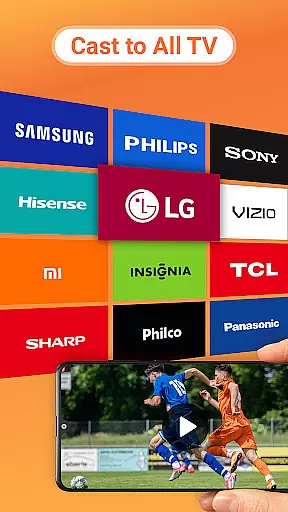
Another notable aspect of Cast to TV is its support for casting live sports and gaming streams, which is perfect for fans who don't want to miss any action. The app's compatibility with major smart TV brands like Samsung, LG, Sony, Hisense, Xiaomi, and Panasonic further extends its usability. By combining powerful functionality with ease of use, Cast to TV stands out as a top choice for anyone seeking a reliable and feature-rich media streaming solution.
Cast to TV, Chromecast & Roku stands out with its extensive video format compatibility, ensuring that users can cast virtually any local video file to their preferred streaming device without limitations. The app supports a wide array of formats, ranging from common ones like MP4 and AVI to more specialized codecs, making it versatile for different user needs.
The application automatically identifies video files on your device and SD Card, streamlining the casting process. This automatic detection feature not only simplifies media management but also enhances the overall user experience by reducing setup time and technical hassles.
Whether you're looking to stream personal recordings or professionally produced content, this app's broad format support ensures seamless playback on various devices including Chromecast, Roku, and smart TVs from brands like Samsung and LG. This flexibility empowers users to enjoy their favorite content without worrying about format restrictions.
While primarily focused on casting capabilities, Cast to TV incorporates AI-powered features that enhance the media streaming experience. Although not a traditional video editor, the app uses intelligent algorithms to optimize video playback across different devices and network conditions.
The built-in browser for web video casting demonstrates AI implementation through its ability to identify and process streaming content efficiently. This smart processing ensures minimal buffering and optimal resolution based on available bandwidth, providing viewers with the best possible quality.
Additionally, the app's adaptive streaming technology, powered by AI, automatically adjusts playback settings in real-time. This feature maintains smooth streaming even during network fluctuations, offering users uninterrupted entertainment while maintaining high-quality visual standards.
User-friendly interface
Wide device compatibility
Built-in web browser
Advanced playback options
Automatic media detection
Dependent on Wi-Fi stability
Limited format support
Occasional connectivity issues
No offline mode
Ads in free version

Video Player - Unlimited features, 30 days money back guarantee.
 4.60
4.60
Photo and Music Video Creator into Stunning Videos—Effortlessly
4.40
Capture images & record videos for USB Camera, Webcam, Microscopes, Endoscopes
3.80
High-Quality USB Camera Viewer & HDMI Display
4.70
Download videos and play them offline
4.70
#1 Torrent App on Android ** No Ads Ever + Battery Saver **
4.80
Browser for Fire TV to stream webvideos, online movies, livestreams in HD
4.40
Screen recorder with audio to take live videos & Screenshot in high quality!
4.70
Photo editor & video maker with music and slideshows.
4.10
Watch a large amount of high-definition short drama content
4.60
KineMaster, Your Ultimate Video Editor!
4.40
AirMirror Receiver - Screen mirroring/cast web videos to Android TV by AirPlay.
4.40
LumaFusion: The Ultimate Storytelling Experience for Video Editing
4.10
Fast private browser with secure, seamless access & supported video downloads!
4.00
Connect 2 UVC devices for recording and broadcast video/audio stream
3.90
Livestream, news, & gaming content. Watch, chat, and upload. Join Rumble today!
3.80
AirMirror is Receiver for Screen Mirroring and Casting from Apple Devices.
3.60
You can play SWF format file!
2.50
The smartest M3U IPTV Player your playlists have ever seen.
4.2


User Reviews