
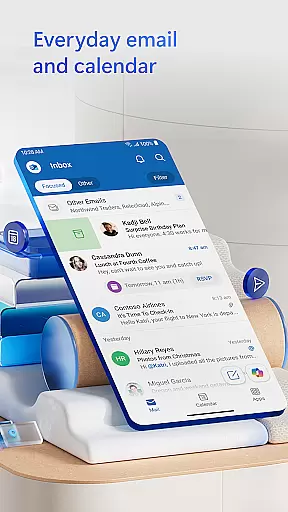
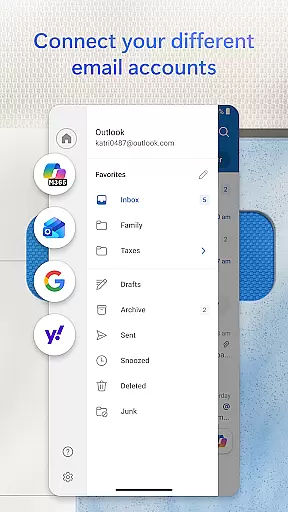
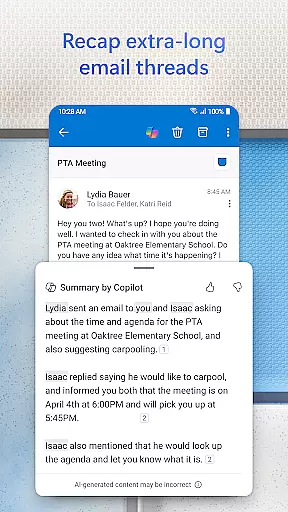
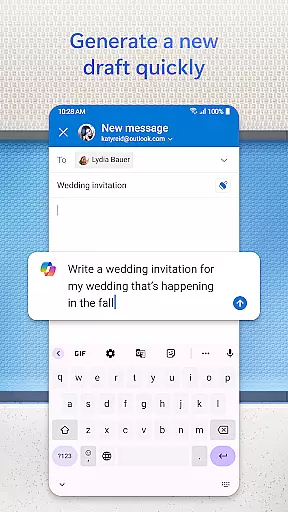
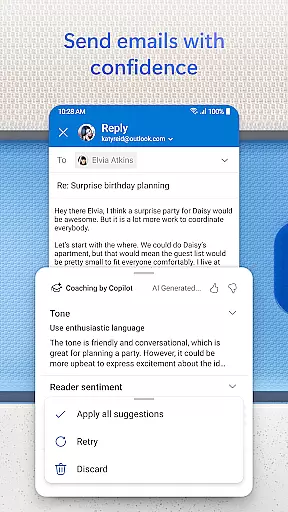
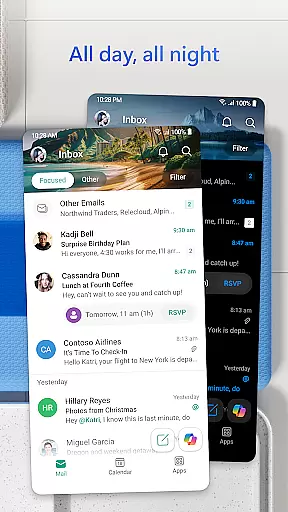


Microsoft Outlook is a comprehensive email and calendar app designed to streamline your busy life. It consolidates your emails, files, and calendar into one secure platform, ensuring you stay productive regardless of the source of your messages - be it work, school, or personal accounts. The app intelligently organizes your inbox, filtering emails into Focused and Other categories for easy access to critical communications.
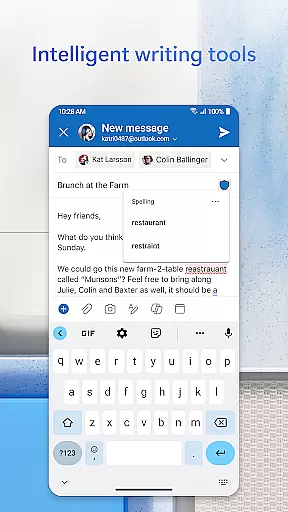
Outlook offers flexibility by supporting multiple account types including Microsoft Exchange, Gmail, Yahoo Mail, and iCloud, making it ideal for users who manage various email accounts on the go. With built-in intelligent editing tools, you can craft professional-quality emails with ease. The app also allows direct access to Word, Excel, and PowerPoint documents from your inbox, enhancing productivity.
Beyond email management, Outlook helps keep your day structured with features like multi-calendar views and swipe gestures for quick actions such as deleting or archiving. Its enterprise-grade security protects against phishing and spam, while integration with video calling services ensures seamless communication. Whether you need to flag important emails or join a Teams meeting, Outlook provides the tools to manage all aspects of your digital life efficiently.
Microsoft Outlook stands out with its robust feature set tailored for both personal and professional use. One of its key strengths is the unified inbox that brings together emails, contacts, and files from various providers like Gmail, Yahoo Mail, and iCloud, allowing free management of these accounts. This consolidation simplifies your digital workflow by providing quick access to recent attachments and cloud storage options such as OneDrive.
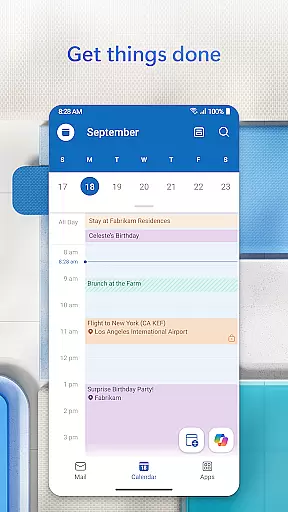
The app excels in planning and calendar management. Users can view multiple calendars side by side, which aids in efficient scheduling and time management. Integration with video conferencing tools like Teams, Zoom, and Skype means you can create and join online meetings directly from the app. Additionally, Outlook's RSVP functionality lets you respond to invites with personalized comments, keeping your weekly calendar and daily tasks well-organized.
Productivity is further enhanced through intelligent solutions embedded within Outlook. Features like grouped email conversations, voice search, and suggested replies help track discussions and retrieve information quickly. The Play My Emails feature allows hands-free catch-up, while automatic calendar updates with travel and delivery info save time. Security-wise, Outlook employs enterprise-grade measures to protect your data, including virus protection and encryption for sensitive emails, ensuring peace of mind for users.
Companion app integration is essential for users who want a seamless experience between their mobile devices and wearables. Microsoft Outlook excels in this area by offering a robust connection between its mobile app and Wear OS devices.
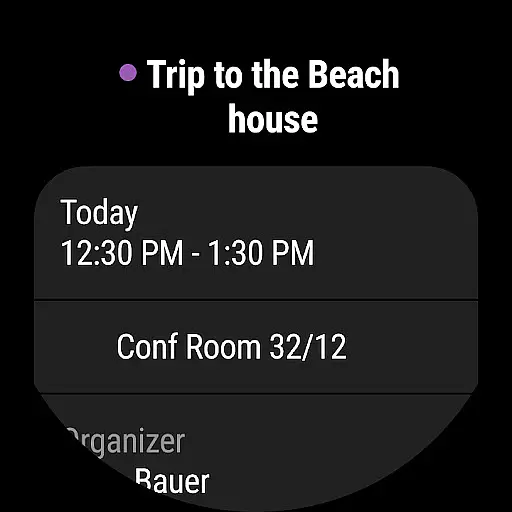
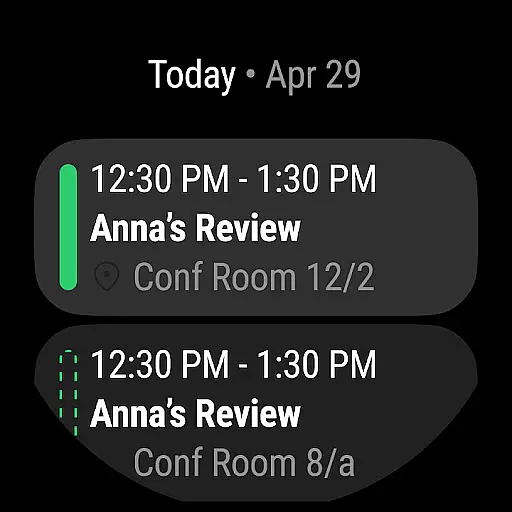
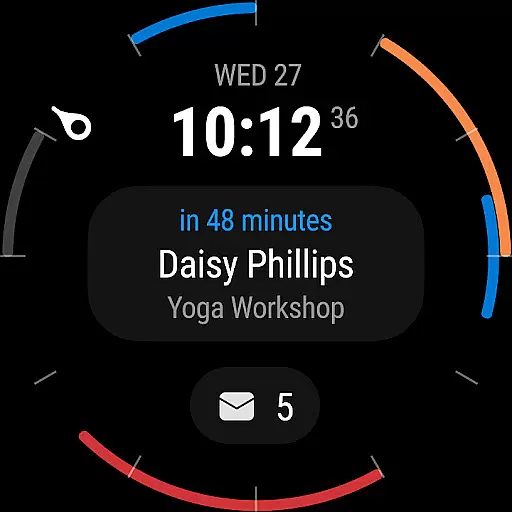
The Outlook companion app provides a complication and tile for Wear OS, allowing users to see their emails and events at a glance. This ensures that you are always informed about your schedule and important messages without needing to take out your phone.
By integrating with Wear OS, Outlook ensures that users can receive notifications, view calendar events, and even respond to emails directly from their smartwatch. This level of integration enhances productivity and keeps you connected no matter where you are.
Overall, the companion app integration offered by Microsoft Outlook significantly boosts the utility of both your mobile device and wearable, making it easier to stay on top of your busy schedule.
Device compatibility is crucial for ensuring that an application functions optimally across various platforms. Microsoft Outlook offers extensive compatibility with Wear OS devices, enhancing its usability for users who rely on smartwatches for quick access to information.
Outlook's compatibility extends to multiple email providers such as Microsoft Exchange, Microsoft 365, Gmail, Yahoo Mail, and iCloud. This broad support means that regardless of your email provider, you can manage your inbox, contacts, and calendar directly from your Wear OS device.
In addition to email management, Outlook also supports calendar functionalities on Wear OS. Users can view their schedules, receive meeting reminders, and even RSVP to invites directly from their smartwatch, ensuring they never miss an important event.
With its comprehensive Wear OS/device compatibility, Microsoft Outlook ensures that users have a consistent and reliable experience across all their devices, making it a versatile tool for managing both personal and professional communications.
User-friendly interface
Multi-account support
Integrated calendar
Advanced security
Productivity tools
Limited offline functionality
Occasional sync issues
Heavy on storage
Premium features require subscription
Complex setup for beginners

WTW M17 is a premium and luxurious hybrid watch face
 4.70
4.70
Current temperature, weather hourly, weather radar by the weather forecast app
4.40
Sleek, highly customizable watch face inspired by Galaxy Watch Circle Dashboard.
4.4
Structured watch face with seven complications and modular UI elements
3.90
Hyperlocal rain alerts by MyRadar using patent-pending technology, radar & more
4.80
The #1 source of faces for your smartwatch!
4.00
Real-time results, stats, schedules and player profiles for all leagues
4.60
Your music, your playlists, and more—offline and unlimited.
4.20
Start and succeed with PAP
4.10
Period, ovulation & pregnancy tracker. Fertility insights & menstrual calendar.
4.90
Your second brain for organizing your life: to-do, calendar, reminder.
4.70
The most customizable hybrid watch face. For Wear OS 5.0, API 34+ and later
4.70
Ideal for surviving in the wasteland left after nuclear fallout
4.50
Premium hybrid watch face with many customizations for Wear OS devices.
4.40
Christmas watch face. For Wear OS devices.
4.30
Wear Os Watch Face - Animated Snow Effect & Magic Spark - 6 Scenes
4.10
A digital watch face that celebrates Christmas.
4.00
Your local weather forecast, storm tracker, radar maps & live weather news
3.40
Analog watch face with 8 complications and expedition styling
4.1


User Reviews