
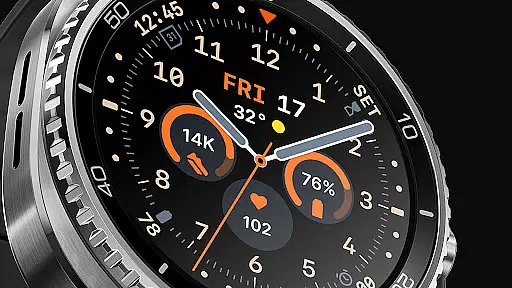
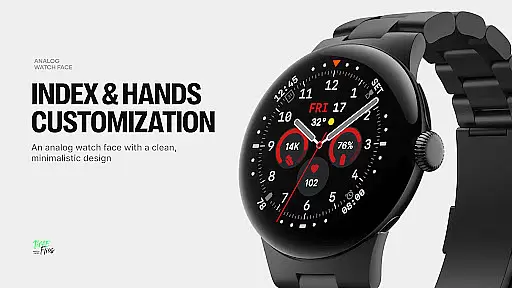
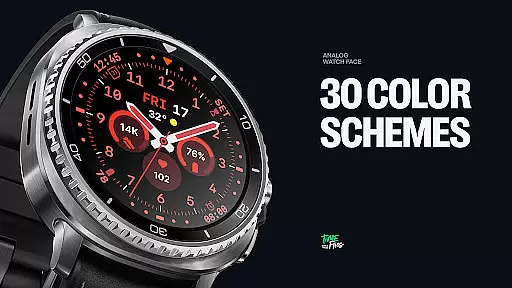
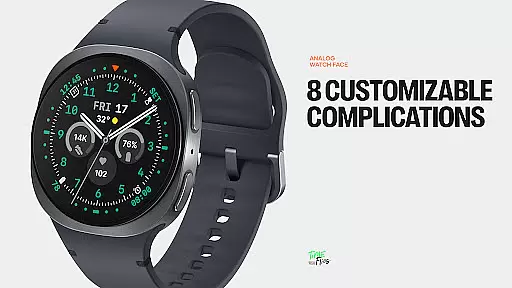
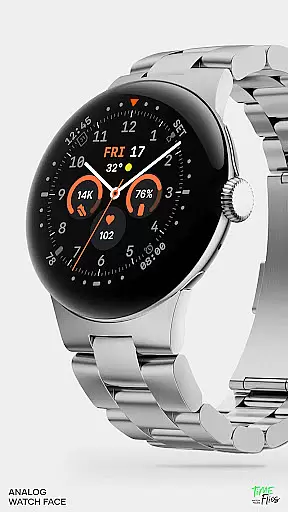
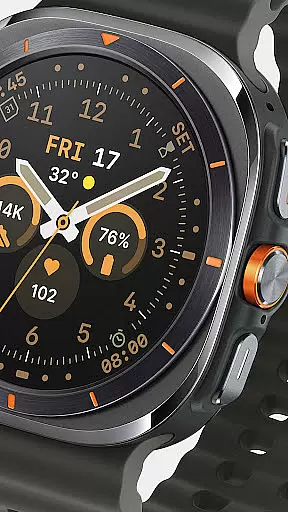
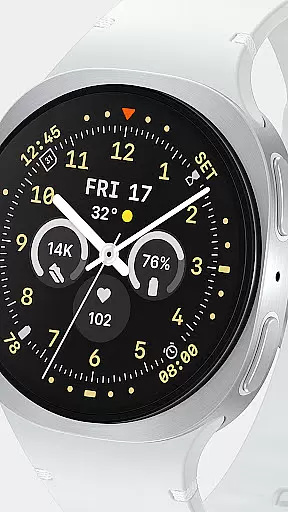
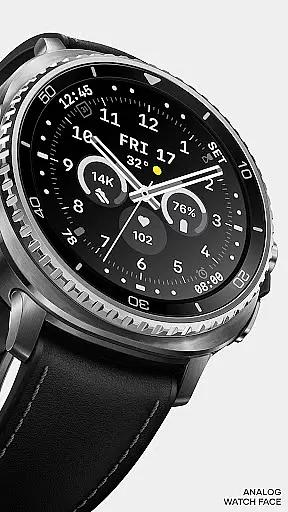
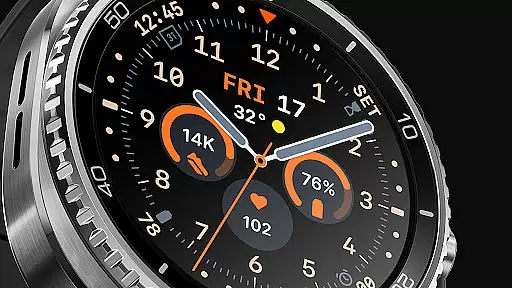
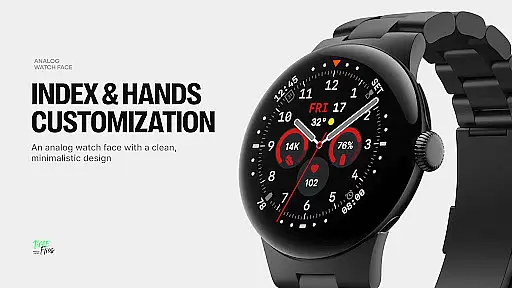
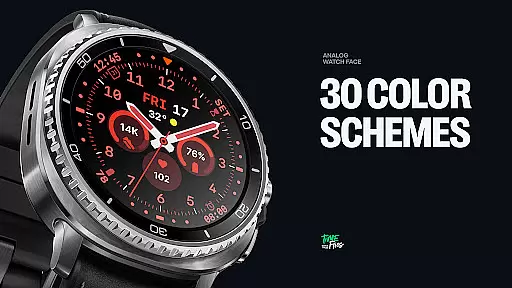
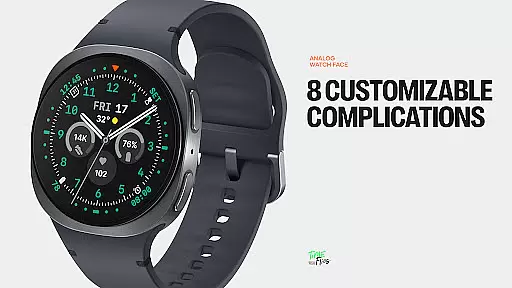
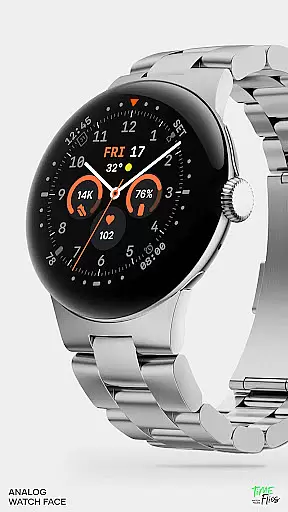
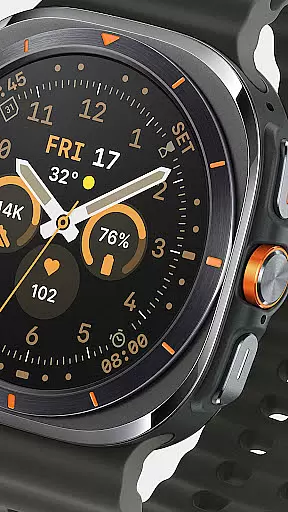
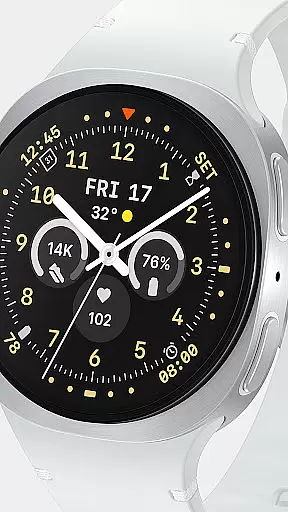
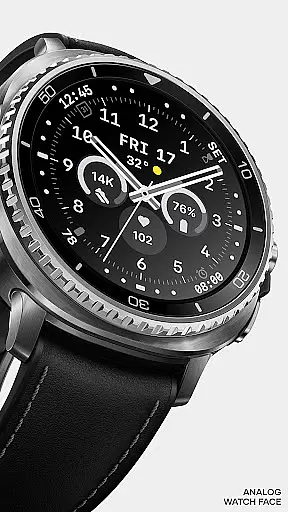
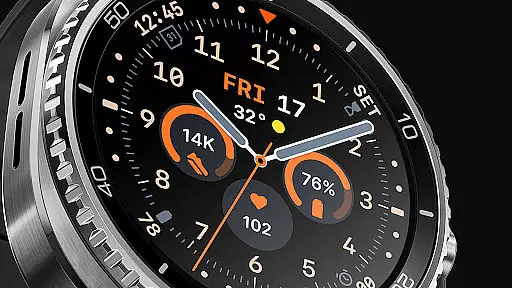
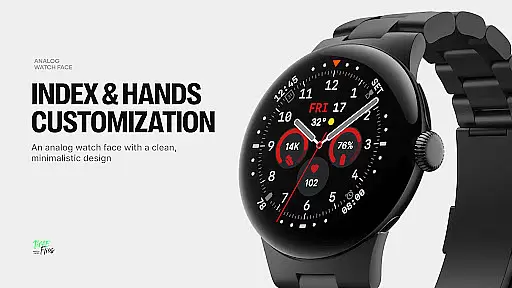
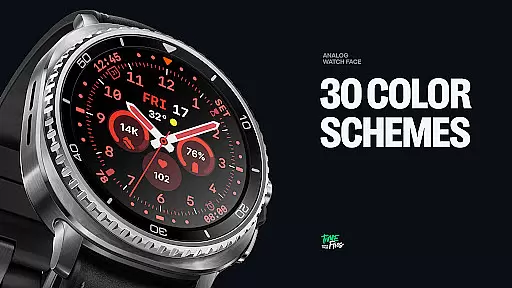
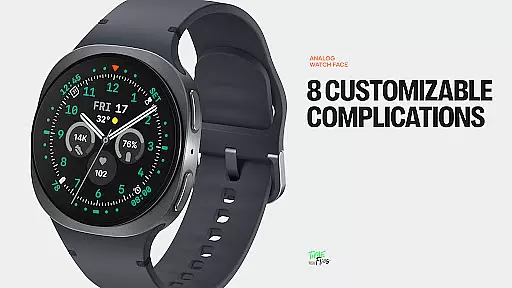
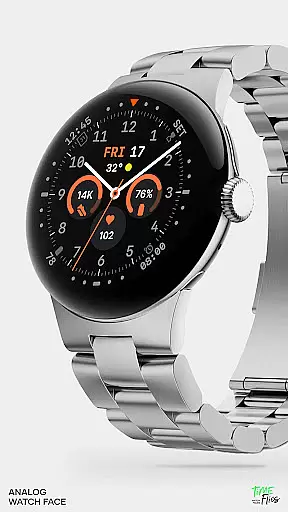
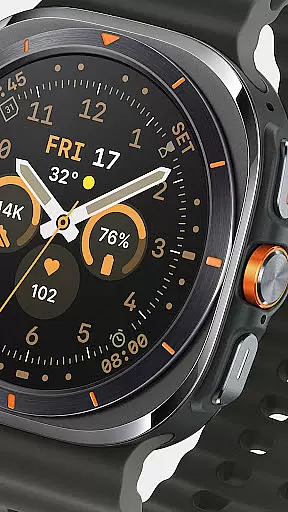
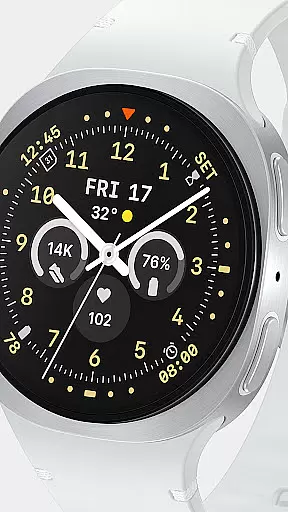
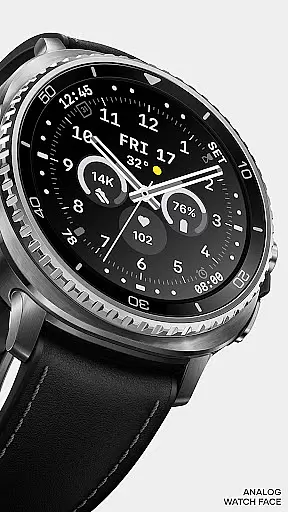
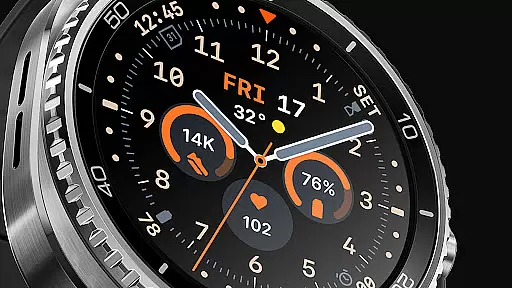
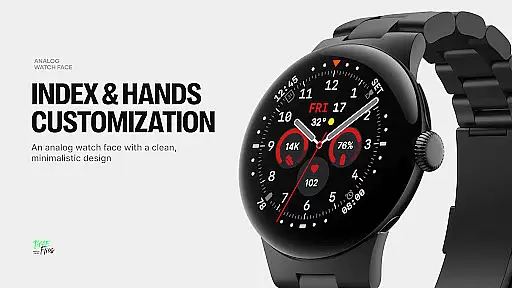
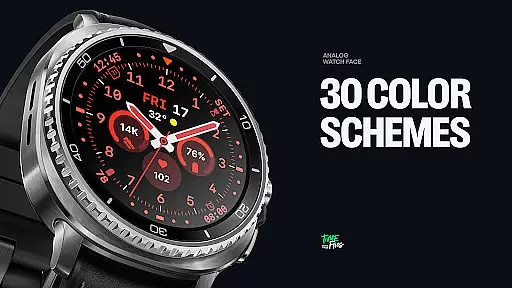
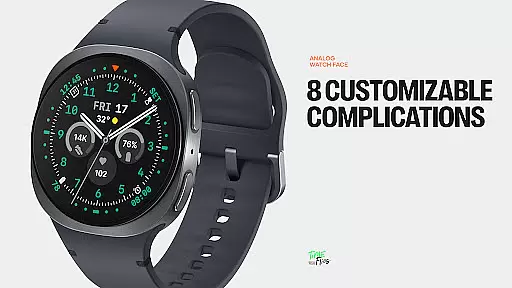
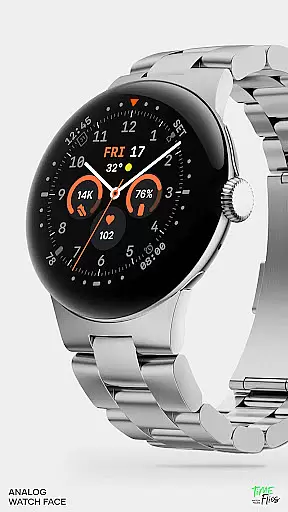
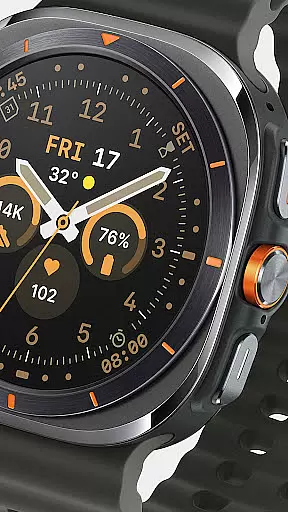
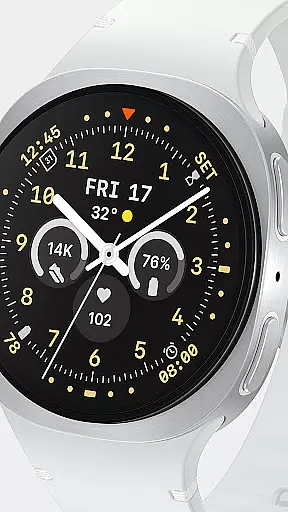
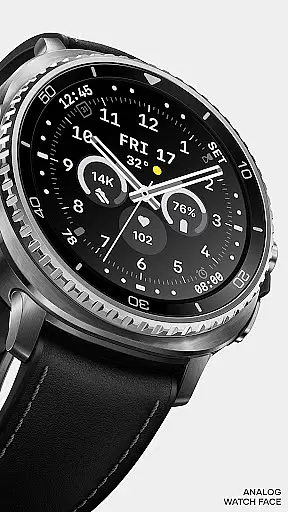
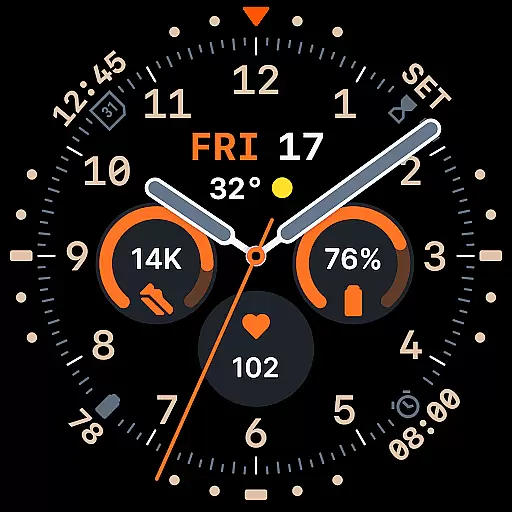
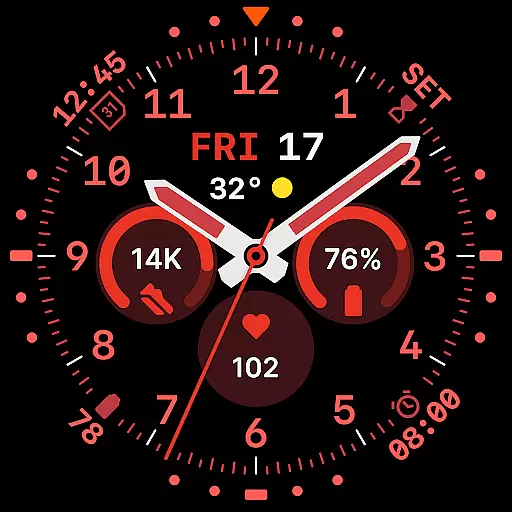
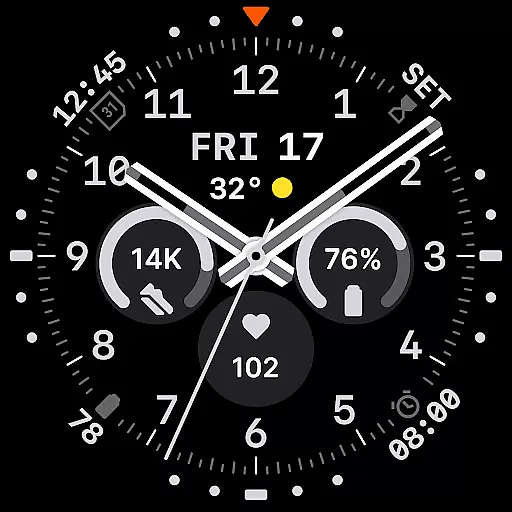
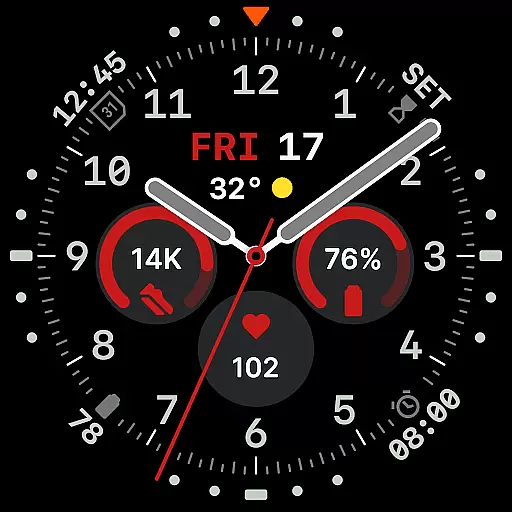
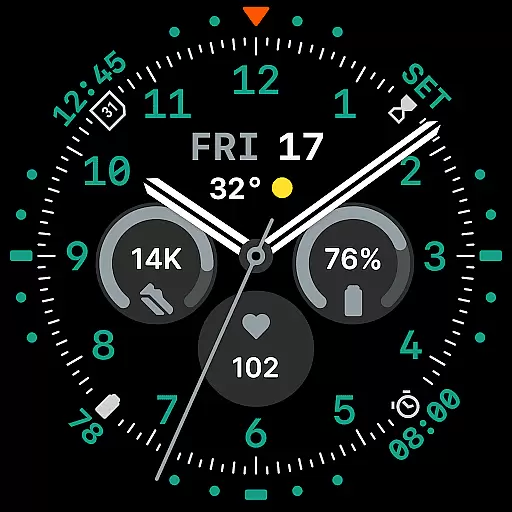
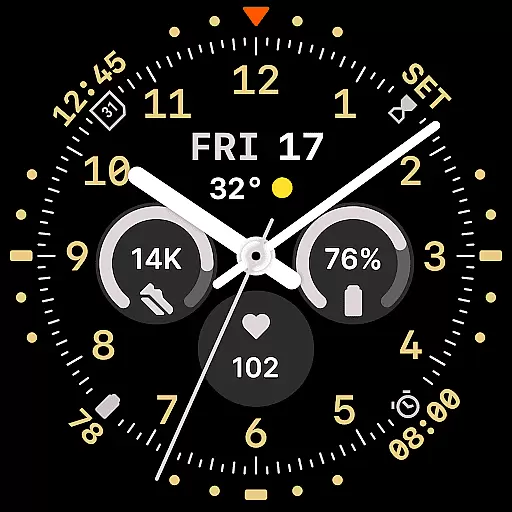
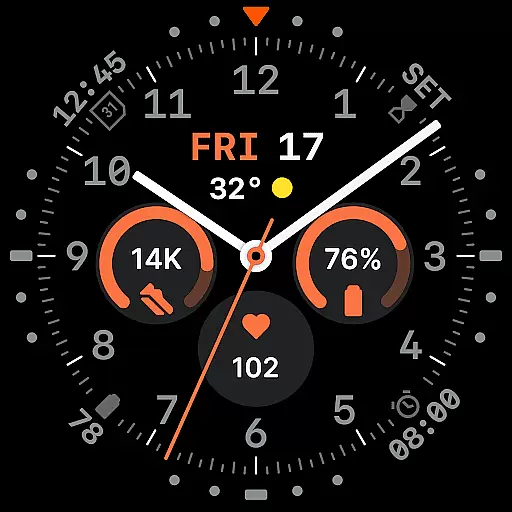
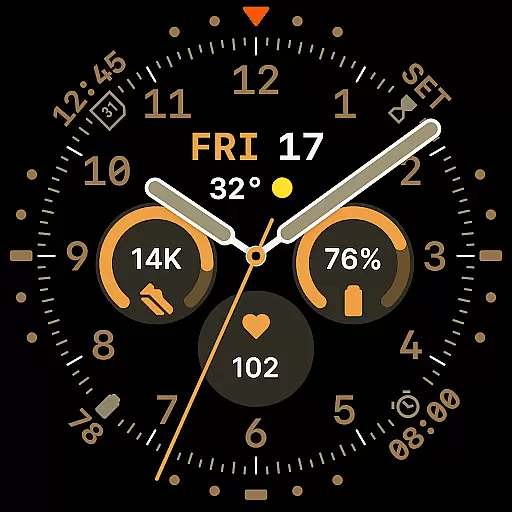
Way To Go Analog is a meticulously crafted Wear OS watch face that blends the charm of traditional field tools with modern digital functionality. Designed for adventurers and explorers, it offers a symmetrical layout with 8 customizable complications, ensuring both utility and clarity.
The time display features an integrated day and date window, complemented by 10 hand styles for optimal visibility. With 30 color schemes and 6 Always-on Display modes, users can tailor the watch face to their preferences while maintaining energy efficiency.
This watch face is ideal for those who appreciate classic design reimagined for the digital age, providing a perfect balance of aesthetics and practicality on their smartwatch.
Way To Go Analog stands out with its versatile design elements, including 8 customizable complications seamlessly integrated into the dial. The three central circular slots, a short-text complication below the hands, and four subtle placements around the dial ensure maximum readability without compromising symmetry.
With 10 distinctive hand styles and 30 color schemes, users can personalize their watch face to suit various conditions and preferences. The inclusion of six Always-on Display modes allows further customization, offering minimalist and dimmed settings to extend battery life.
Built using the energy-efficient Watch Face File Format, this design guarantees both visual precision and performance. An optional Android companion app enhances the experience by providing quick access to customization options directly from your phone.
Companion app integration is crucial for enhancing the functionality of Wear OS applications. Way To Go Analog offers an optional Android companion app that allows users to conveniently access customization features. This ensures quick adjustments to color schemes and complications directly from a smartphone.
The companion app provides a seamless connection between the watch face and mobile device. Users can easily modify settings without needing to interact directly with the watch interface. This level of integration significantly improves the overall user experience.
Through the companion app, users gain access to all 30 color schemes and can manage the 8 customizable complications spread across the dial. The ability to make these changes remotely adds a layer of convenience and flexibility. Such features ensure that personalization is both comprehensive and user-friendly.
Ensuring compatibility with Wear OS and various devices is essential for any smartwatch application. Way To Go Analog is designed to work seamlessly with Wear OS, providing a consistent experience across different devices. This compatibility guarantees that users can enjoy its features regardless of their specific hardware.
The application supports a wide range of devices, ensuring broad accessibility. By adhering to the energy-efficient Watch Face File Format, it maintains visual precision while optimizing performance. This approach helps in delivering a smooth experience on all supported devices.
Way To Go Analog's design includes 10 hand styles and 30 color schemes, which are compatible with various screen sizes and resolutions. Six Always-on Display modes further enhance device adaptability. These features collectively ensure that the application remains functional and visually appealing on any Wear OS device.
Highly customizable
Energy-efficient design
Symmetrical and readable layout
Variety of color schemes
Always-on Display options
Limited to Wear OS
Companion app not mandatory
Premium features may cost extra
Complex for beginners
Design may not appeal to all

Walking app for weight loss: walk & step tracker, pedometer, indoor treadmill
 4.60
4.60
WTW M17 is a premium and luxurious hybrid watch face
4.70
Christmas and New Year - Themed Watchface
4.1
an Analog Watch Face for winter season with freeze winter background for Wear OS
4.4
A heartwarming Christmas scene featuring a cute image of Santa and Rudolf
4.0
sleep, alarm, snoring, stress, healing, focus, sound therapy, circadian rhythm
4.10
Animated video-game inspired “secret agent” simulation, right on your wrist!
4.20
Fitbit is dedicated to helping people lead healthier, more active lives.
4.10
Start and succeed with PAP
4.10
A modern hybrid informative watch face for Wear OS designed by BALLOZI
4.80
Highly customizable hybrid watch face for Wear OS, perfect for everyday use.
4.60
Kia Access makes getting your vehicle information easier than ever
4.60
To-Do List: daily schedule planner, task organizer, to do reminder app, calendar
4.60
Real-time results, stats, schedules and player profiles for all leagues
4.60
A realistic hybrid watch face with many customization options.
4.60
Embrace the holiday spirit with this magical animated watch face!
4.40
Get helpful reminders, take progress photos and find answers to your questions.
3.90
Authentic military-tactical design with ZULU time! Realistic and functional!
3.80
Artistic Digital Watchface
4.1


User Reviews