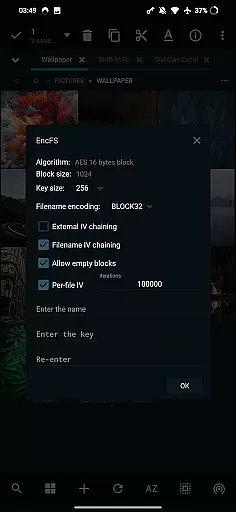
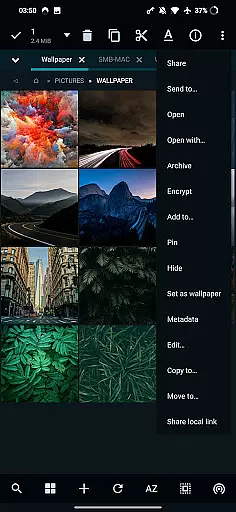
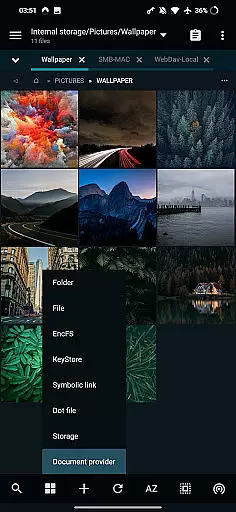
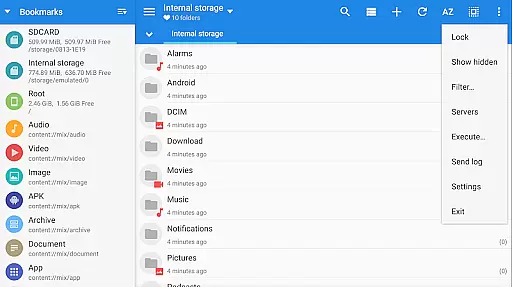
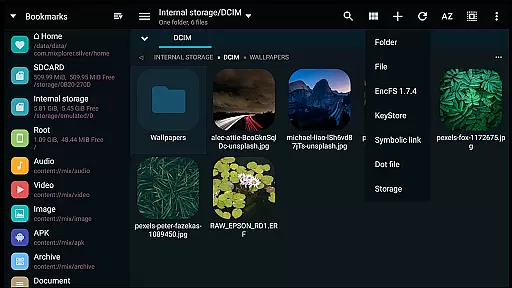
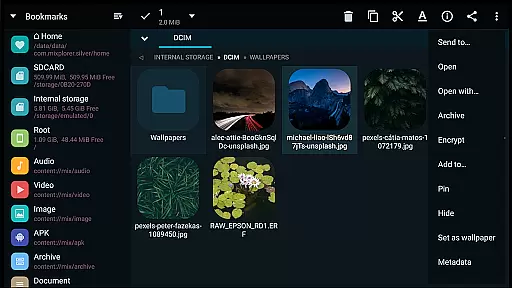
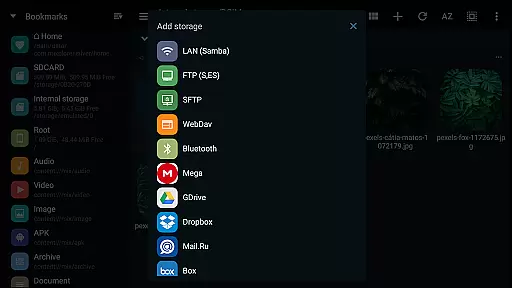
MiXplorer Silver is a comprehensive file management solution designed for productivity enthusiasts who need advanced tools in a single app. This premium version bundles the core MiXplorer file manager with powerful add-ons such as Archiver, Image Viewer, Tagger, and PDF Reader, making it an all-in-one tool for managing files efficiently.
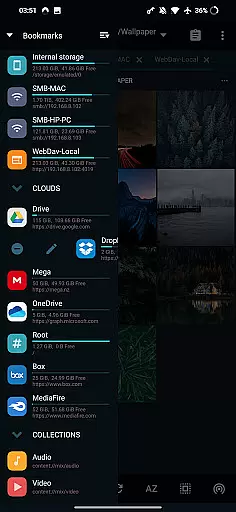
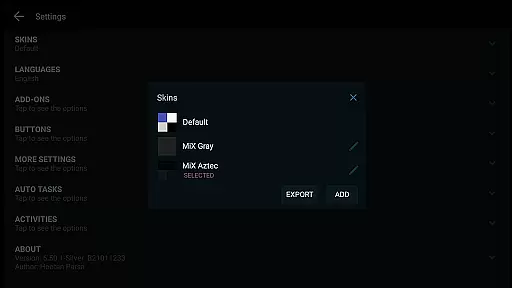
With support for cloud storage integration, root access, and EncFS volumes, this app caters to users seeking versatility and performance. Its customizable interface allows users to personalize themes, menu options, and action buttons, ensuring a tailored experience. Whether you're handling archives, multimedia, or encrypted files, MiXplorer Silver provides seamless functionality across various use cases.
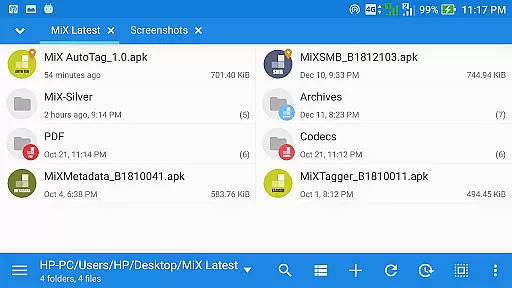
Ideal for professionals and tech-savvy individuals, MiXplorer Silver enhances workflow efficiency by offering multitasking capabilities, dual-panel browsing, and drag-and-drop operations. The app's extensive feature set ensures that users can manage their files with precision while enjoying a visually appealing and intuitive design.
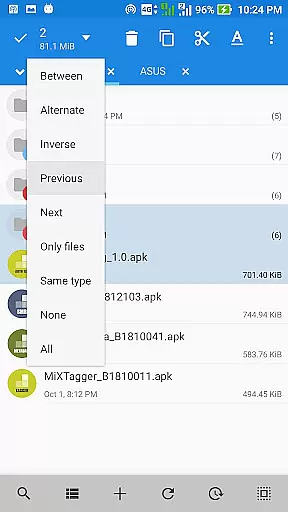
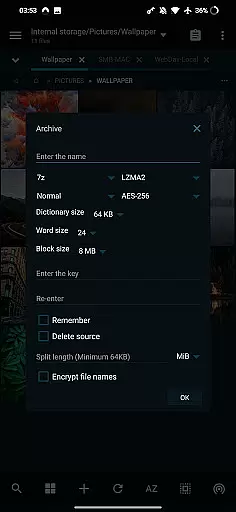
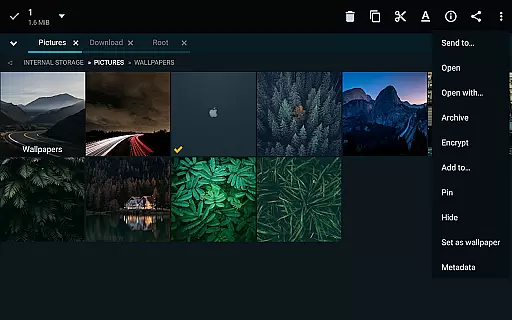
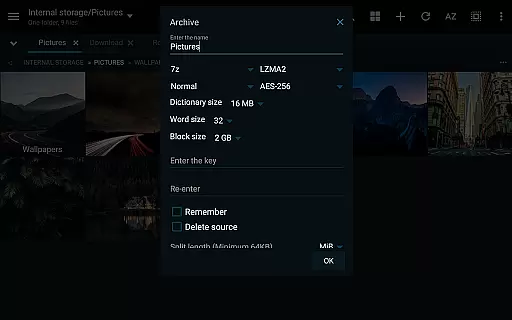
MiXplorer Silver stands out with its rich feature set tailored for advanced file management tasks. One of its key highlights is the ability to handle over 30 archive formats, including packing/unpacking for popular types like 7z, Zip, and RAR, as well as unpacking-only support for specialized formats such as DMG, ISO, and VMDK. This makes it indispensable for users dealing with compressed data regularly.
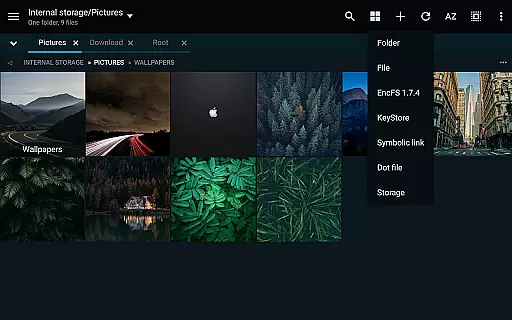
The app also excels in customization and usability. Users can modify themes, sort menu items, and enable/disable features according to their preferences. Additionally, its dual-panel mode in landscape orientation and multitasking task manager streamline complex operations. For media enthusiasts, built-in viewers for images, PDFs, and EPUBs, along with a capable media player, ensure smooth content consumption without needing external apps.
Cloud storage integration further amplifies its utility, supporting platforms like Google Drive, Dropbox, and Mega.nz. Advanced functionalities such as FTP servers, SAMBA clients, and file encryption using Aescrypt format cater to power users. These features collectively position MiXplorer Silver as a versatile tool that combines robustness with user-centric design.
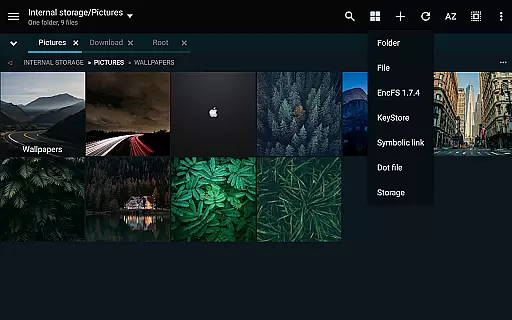
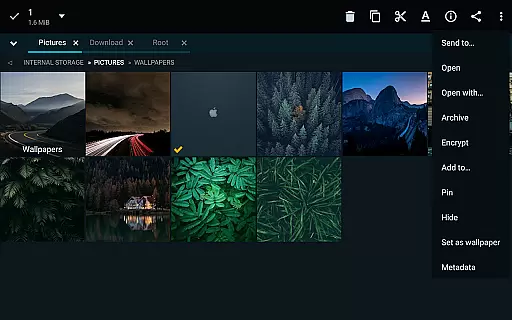
In the realm of file management, MiXplorer Silver excels with its robust core task management capabilities. This feature allows users to effortlessly handle multiple operations such as copying, moving, and other file manipulations through an intuitive task creation system.
Users can initiate and monitor various tasks simultaneously, ensuring that their workflow remains uninterrupted and efficient. The ability to multitask is crucial for productivity, especially when managing large volumes of files across different locations.
The app's design emphasizes ease of use without compromising on power. With customizable options for sorting and enabling menu actions, MiXplorer Silver ensures that each user can tailor the experience to fit their specific needs, enhancing both speed and precision in task execution.
MiXplorer Silver offers reliable cross-device synchronization, a vital feature for users who need consistent access to their files from multiple devices. This functionality supports real-time updates, ensuring that any changes made on one device are promptly reflected across all others.
Whether you're working on your smartphone, tablet, or computer, MiXplorer Silver maintains data integrity and consistency. This seamless integration is particularly beneficial for professionals who require constant access to up-to-date information regardless of the device they are using.
Moreover, the app provides extensive cloud storage options, including popular services like Google Drive, Dropbox, and OneDrive, further reinforcing its commitment to dependable synchronization. By leveraging these cloud solutions, MiXplorer Silver guarantees that your files are always accessible and securely backed up.
Highly customizable interface
Extensive archive format support
Integrated cloud storage access
Advanced encryption capabilities
Multitasking-friendly layout
Paid app with no free trial
Complex for beginners
Occasional bugs reported
Limited offline help resources
Heavy on system resources

A customizable calendar for your Wear OS watch
 4.20
4.20
Take control of your clipboard with Clipper!
3.90
Auto-shutoff Alarm with Sunrise, Sunset & Fixed Options.
3.50
Android Wallet Password Manager
4.80
Send files, sync SMS, notifications & clipboard across devices via local network
4.40
A lightweight JSON & XML files creator, editor and viewer (Premium Version)
4.40
⏰ Finally a timer app which can run multiple timers simultaneously on your watch
3.90
Simple and reliable communication between inmates, friends and family
3.20
Share files & memories safely. Keep your photos and videos secure.
4.40
8 custom complications. Custom Time Fonts. Beautiful color schemes. A++ Design.
5.00
Scientific calculator for Android - looks and operates like the real thing!
4.90
Quickly and easily keep track of your work shifts
4.70
When you Focus, so will your Bean in this cozy focus timer
4.30
Enjoy classic gameplay with customizable features and retro-style graphics.
4.30
Pwnagotchi companion app
4.20
Font maker keyboard with your own handwriting
4.10
Mega cloud explorer plugin for Solid Explorer
3.80
ID.me Authenticator is a simple and free Two Factor Authentication solution
3.50
Ads Free App! Editor, Hide File, Copy, Move, Delete and Rename.. all facility av
1.70


User Reviews