
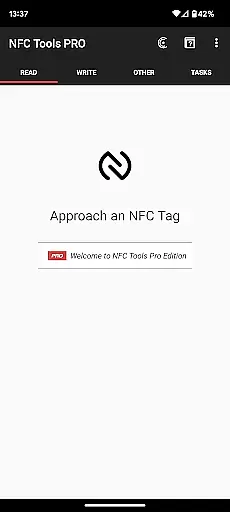
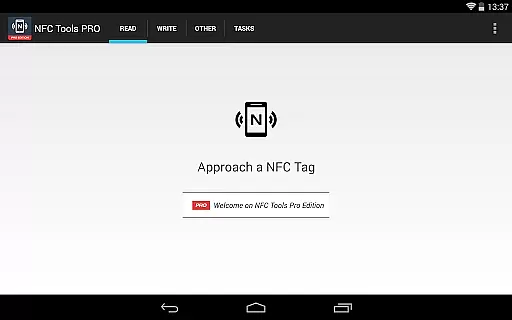
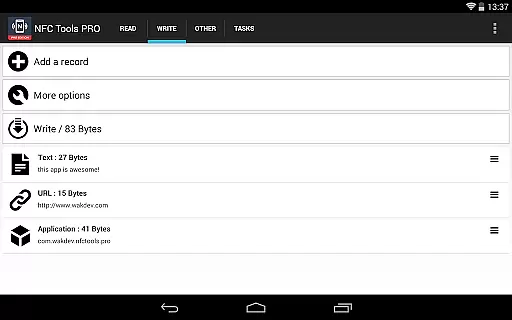
NFC Tools - Pro Edition is a powerful application designed to unlock the full potential of NFC technology. This tool allows users to read, write, and program tasks on NFC tags and compatible chips through a simple and lightweight interface. It offers unlimited access to all available tasks within NFC Tools, enabling users to create imaginative routines for both fun and utility.
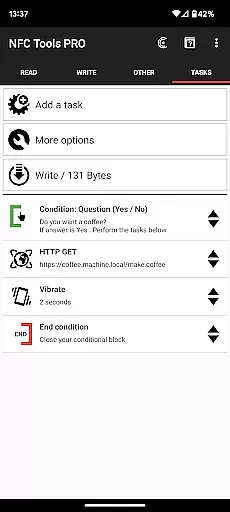
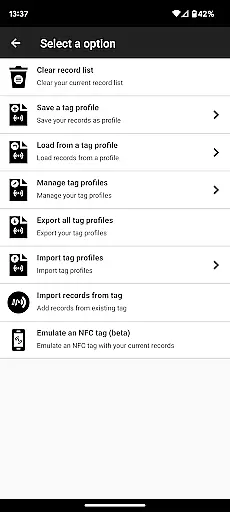
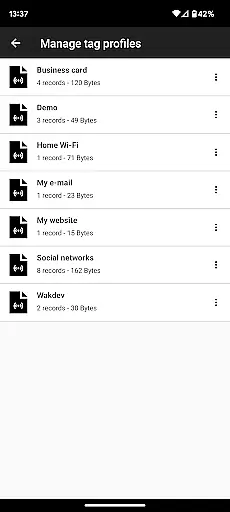
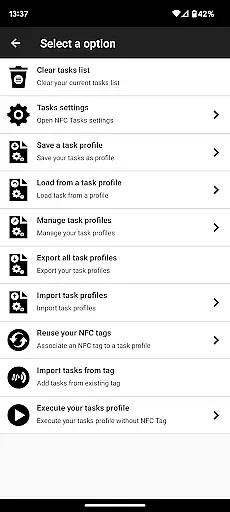
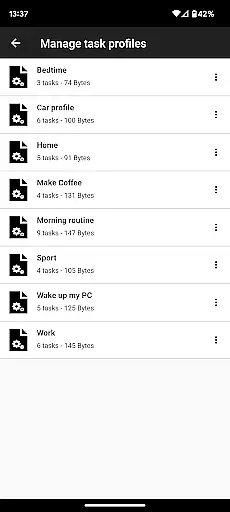
With the Pro Edition, users gain exclusive features such as profile management, importing from existing NFC tags, executing tasks without physical tags via home screen shortcuts, emulating NFC tags with their device, conditional blocks for complex actions, and over 200 tasks for infinite combinations. Whether you're automating daily tasks or creating interactive experiences, this app provides the tools necessary to bring your ideas to life.
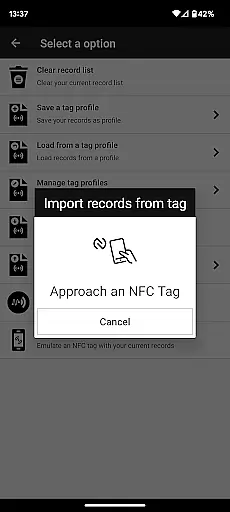
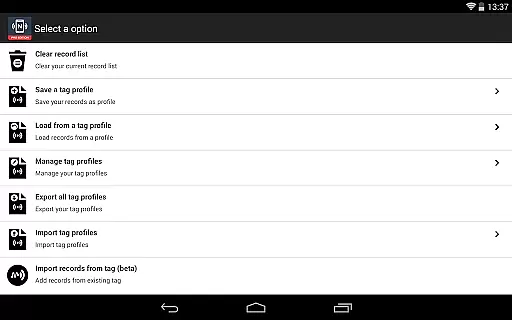
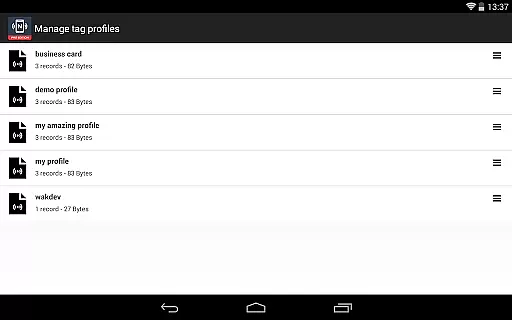
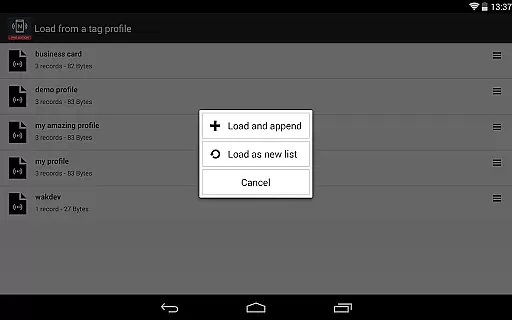
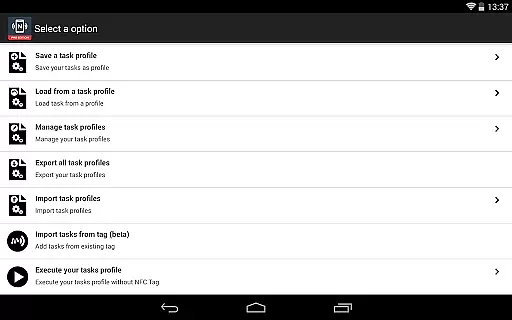
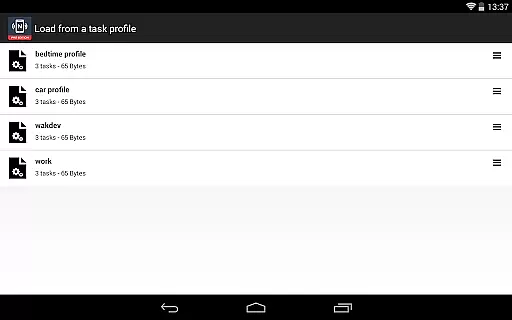
The standout feature of NFC Tools - Pro Edition is its extensive task library, offering more than 200 tasks that can be combined in countless ways. The app includes a profile management system, allowing users to save and reuse profiles consisting of records and tasks. Additionally, it supports importing data from existing NFC tags, making it easy to edit records or tasks quickly.
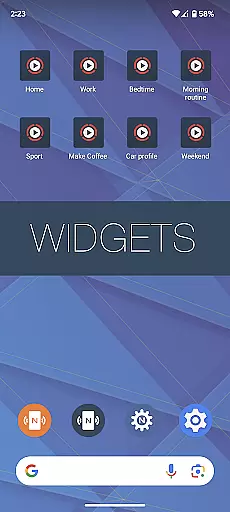
Another innovative aspect is the ability to execute tasks without needing an NFC tag by using shortcuts on the home screen. Users can also emulate NFC tags with their device, thanks to the NDEF emulation feature. Conditional blocks add another layer of complexity, letting users design intricate actions based on specific conditions. These robust features make NFC Tools - Pro Edition a versatile choice for anyone looking to maximize their NFC capabilities.
NFC Tools - Pro Edition is designed to provide users with the most accurate and effective NFC interaction experience possible. The app enables precise reading, writing, and programming of NFC tags without any limitations, ensuring that every task is executed exactly as intended.
With over 200 tasks available, the app supports infinite combinations for both simple and complex routines. Whether you're automating daily tasks or creating intricate conditional actions, the app ensures each command is processed reliably, offering a seamless experience across different NFC chips.
The inclusion of exclusive features such as profile management, tag emulation, and conditional blocks further enhances the core functionality. These tools allow users to save, reuse, and modify their NFC configurations with ease, providing both flexibility and precision in managing NFC interactions.
The user interface of NFC Tools - Pro Edition is crafted to offer a simple yet powerful experience. Despite the advanced capabilities of the app, the design remains lightweight and accessible, ensuring that even those new to NFC technology can navigate and utilize its features effectively.
All functions, from reading and writing NFC tags to executing complex tasks, are presented in an organized manner. This logical arrangement of features reduces the learning curve, allowing users to quickly become proficient in leveraging the full potential of their NFC devices.
Additionally, the app offers intuitive shortcuts, like executing tasks directly from the home screen without needing an NFC tag. Such conveniences highlight the app's commitment to simplifying high-tech processes, making NFC management both approachable and efficient for everyday use.
User-friendly interface
Extensive task library
Profile management system
Conditional block support
NFC tag emulation
Requires NFC-compatible device
Paid version necessary
Complex for beginners
Limited offline help
Additional app needed for task execution

 4.50
4.50
pdf merge, word to pdf, jpg to pdf, edit pdf, convert to pdf and much more!
4.20
1-Click close all background apps on Android TV
3.90
Create your own live wallpaper or check out thousands already made presets
3.90
The one-and-only remote control for PC, Mac, and Linux
4.70
Quickly check the frequency of the Earth
4.30
Screen Mirroring with sound for Samsung TV, LG TV, Sony TV, Smart TV and Browser
4.20
Button mapper, mouse toggle, sleep timer and a lot of another features
4.50
Screen recorder with audio to record high-quality videos and take screenshots.
4.40
Powerful collection of electronics tools and reference.A must for any enthusiast
4.90
Learn the vast amount of system information about device and monitor it's state
4.70
Small and simple app to Verify Root Access and BusyBox Install!
4.70
Fast Video Downloader, Movie Downloader, Torrent Downloader & Adblock Browser
4.70
Play your X-Box games remotely in 1080p with any controller and zero latency
4.60
Game Booster, GFX Tool is now compatible with newer game update
4.50
Forza Tuning Calculator App for Forza Horizon 5, Motorsport and Earlier Titles
4.40
Pro Emulator is an easy to use game console emulator for a range of consoles.
4.40
Carry a FTP server in your pocket and avoid USB cables for file transfer
4.20
Introducing Smart Printer, your ultimate destination for printing solutions!
4.00


User Reviews