
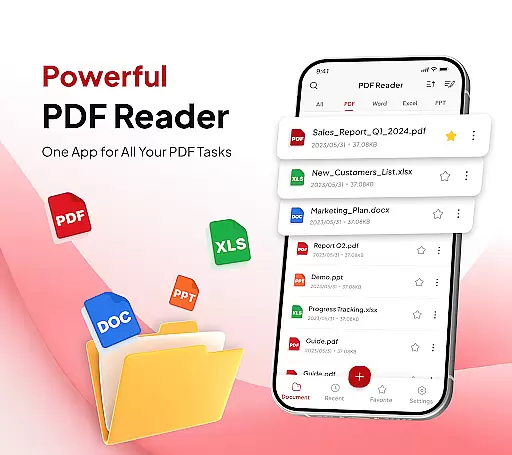
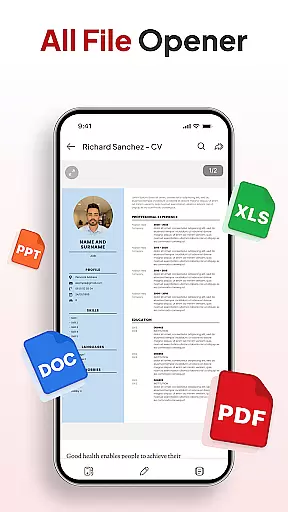
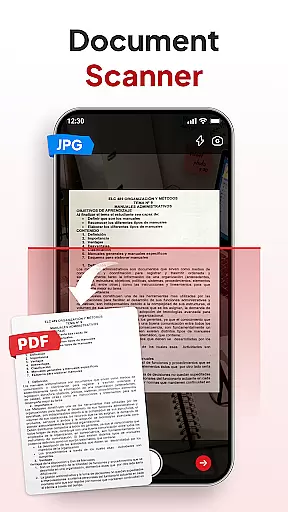
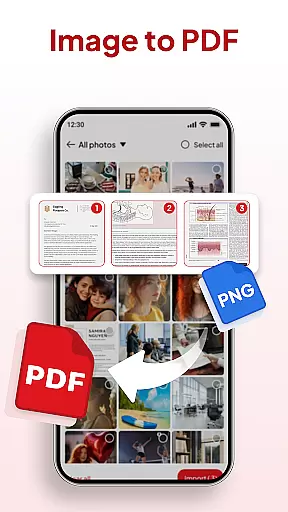
PDF Reader - Document Editor is a comprehensive productivity tool designed to streamline document management for students, professionals, and everyday users. This app allows you to read, edit, organize, and convert PDF files with ease, offering a seamless experience across multiple file formats including XLS, DOCX, and PPT.
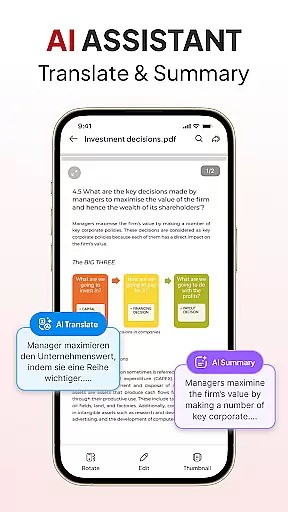
One of the standout features is its powerful conversion capabilities. You can instantly scan physical documents into PDFs or transform images into professional-quality documents. The app also includes AI-powered tools that help summarize or translate content, making it invaluable for users who work with multilingual documents.
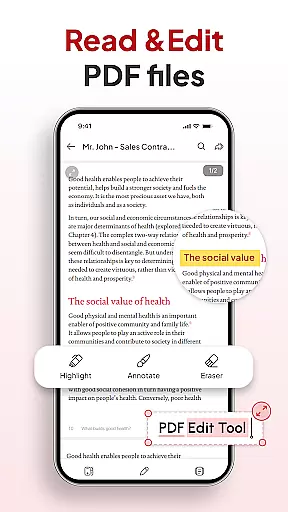
Whether you're annotating important sections, adding digital signatures, or organizing files through an intuitive folder system, this app ensures maximum efficiency. Its ability to handle complex tasks while maintaining a user-friendly interface makes it an essential tool for anyone dealing with digital documents regularly.
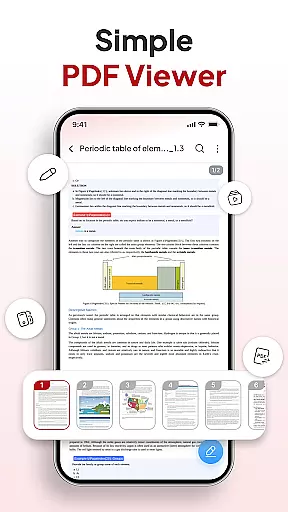
PDF Reader - Document Editor offers an extensive set of features tailored to enhance your document workflow. At its core, the app provides smooth PDF reading with lag-free scrolling and zoom functionality, ensuring a pleasant viewing experience regardless of file size.
The app's smart conversion tools are particularly noteworthy. With built-in document scanning and image-to-PDF conversion, you can digitize notes, receipts, contracts, or any other paper-based content in seconds. Additionally, advanced AI tools allow users to summarize lengthy documents or translate them into different languages, saving valuable time when working on international projects.
Productivity is further boosted by robust file management options. Users can create custom folders, sort documents by various criteria, and even search by name, date, or size. The inclusion of signature tools and instant sharing capabilities via popular apps ensures that collaboration remains effortless. These features collectively make the app a versatile solution for all document-related needs.
Task management is a cornerstone of productivity, and PDF Reader - Document Editor excels in providing users with robust tools to handle their document-related tasks efficiently. This app allows you to organize, edit, and manage PDFs with ease, ensuring that your workflow remains uninterrupted and productive.
The application's functionality extends beyond simple PDF reading. It incorporates features such as file organization, enabling users to declutter their digital space by sorting documents into folders and marking important ones as favorites. With options to search by name, date, or size, locating specific files becomes a swift process, thus enhancing overall task efficiency.
Moreover, the ability to add signatures and instantly share documents via various apps streamlines collaborative work environments. Users can convert different file types including XLS, DOCX, and PPT into PDFs, making it simpler to standardize and distribute content without compatibility issues.
By integrating AI tools for summarizing or translating documents, PDF Reader - Document Editor not only manages tasks but also enriches them with smart capabilities that save time and effort, proving itself as an indispensable tool for students, professionals, and anyone managing files daily.
In today's interconnected world, reliable cross-device synchronization is vital for maintaining productivity across multiple platforms. PDF Reader - Document Editor addresses this need by offering seamless integration between devices, ensuring that your documents are always up-to-date and accessible wherever you go.
This app supports real-time updates, which means any changes made on one device will automatically reflect on all others linked to the same account. Whether you're switching from your phone to a tablet or desktop, you'll find that your files, annotations, and organizational structures remain consistent and intact.
Furthermore, the support for various file formats like XLS, DOCX, and PPT ensures that no matter where you access your documents from, they retain their original formatting and quality. The inclusion of cloud services enhances this feature further, providing secure storage solutions that contribute to synchronization reliability.
With its focus on delivering a cohesive user experience, PDF Reader - Document Editor stands out as an essential tool for those who value uninterrupted access to their documents. Its dedication to synchronization excellence guarantees peace of mind when transitioning between devices during busy workdays or while traveling.
User-friendly interface
Powerful AI tools
Multi-format support
Efficient file organization
Instant sharing options
Limited free features
Occasional bugs
Ads in free version
Premium subscription cost
Large file slowdown

A customizable calendar for your Wear OS watch
 4.20
4.20
Native client for Forgejo and Gitea
5.00
Wake up & get tasks done! Add alarms & reminders on the Clock Launcher.
4.00
Functional QR scanner and barcode reader that requires little storage space.
4.60
All document reader, all in one file viewer read PDF, DOCX, XLS, PPT, TXT files.
4.60
Calendar 2023 widget for Android. Appointment scheduler, planner, and reminder
4.60
A Pixel Art watchface inspired by other iconic 90s designs for Wear OS devices!
4.40
Browse and view your photos and videos from the phone with photo & video hide.
4.10
Note taking, handwriting, record audio, PDF annotation, planner & journal
4.20
Scan paperwork into PDF/JPG, generate your own e-signature and send fax or email
4.70
A simple Whisper AI keyboard for reliable speech transcription and rewording
4.60
Planet Free VPN - The best Fast Unlimited and Secure VPN Without Logs
4.50
Secure your apps with lock screens, use custom themes and different features.
4.40
When you Focus, so will your Bean in this cozy focus timer
4.30
Automates browsing any website and notifies you of important changes or events
4.30
Easily read and manage all your PDF files
4.10
Device's storage information in a simple and clear graphical form (infographics)
4.10
Access your phone's notifications, calls, apps, photos & texts on your PC
3.90
Find and delete junk files & block unwanted notifications & manage files
3.70


User Reviews