
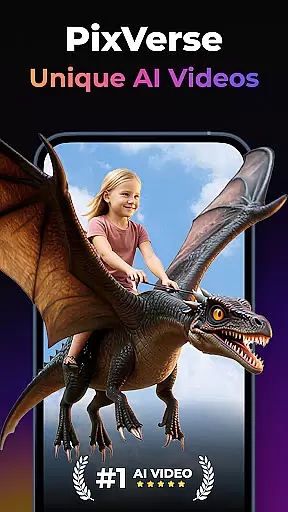

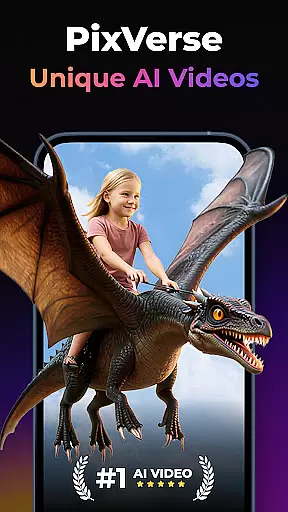
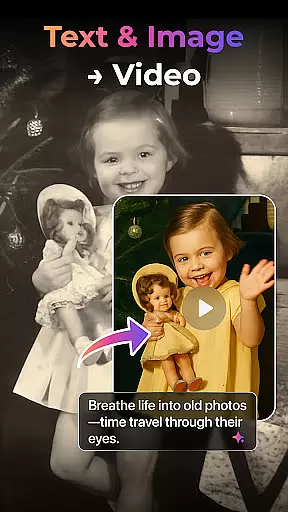

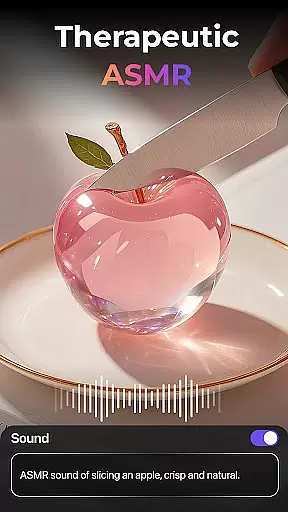
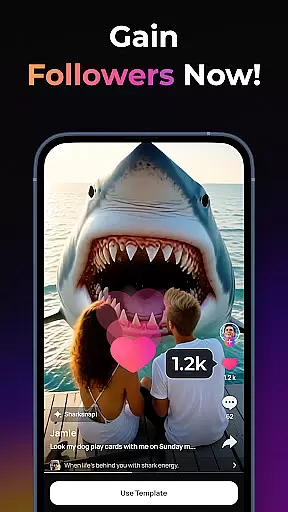
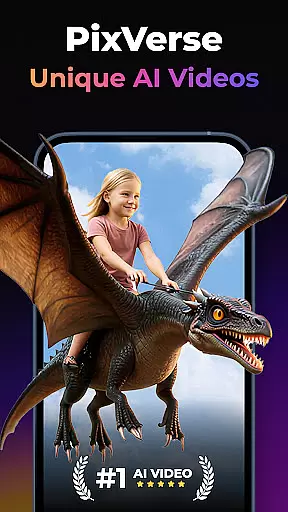

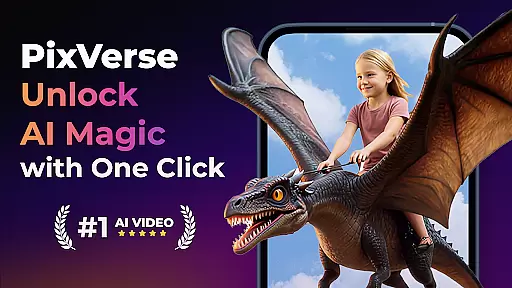
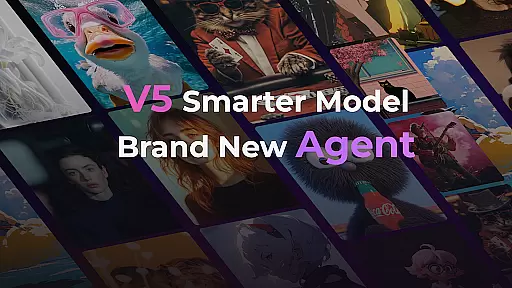
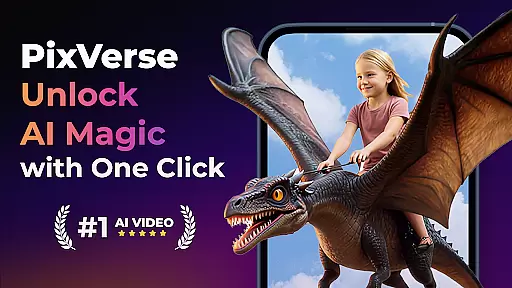
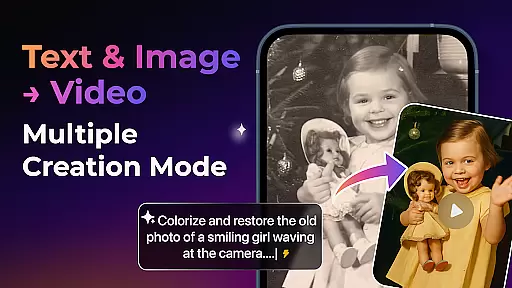
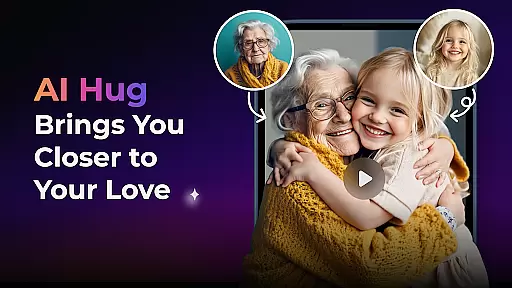
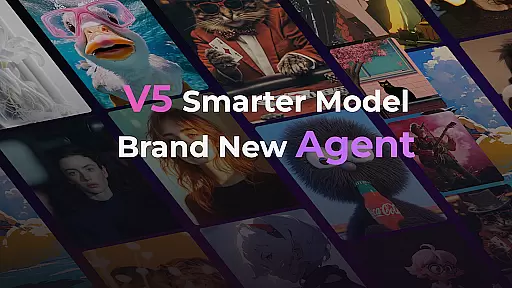
PixVerse is an innovative AI-powered video creation suite that empowers users to transform photos, text, and videos into captivating content within seconds. With its advanced V5 model, the app ensures perfect prompt alignment, lifelike details, and smooth animations, making it a top choice for creators seeking professional-grade results.
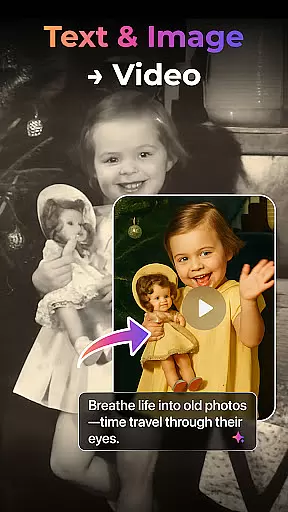
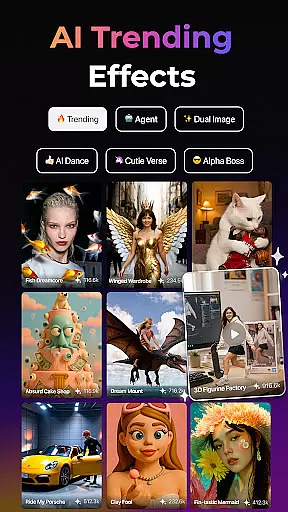
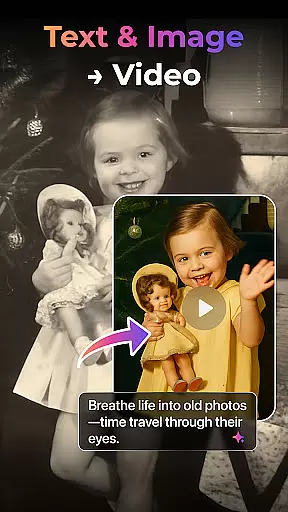
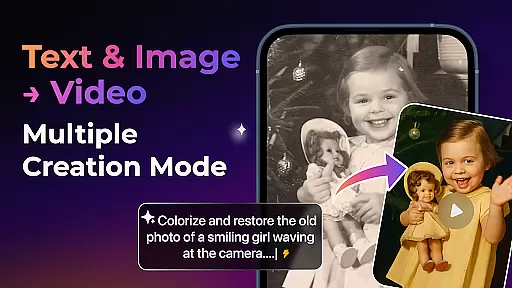
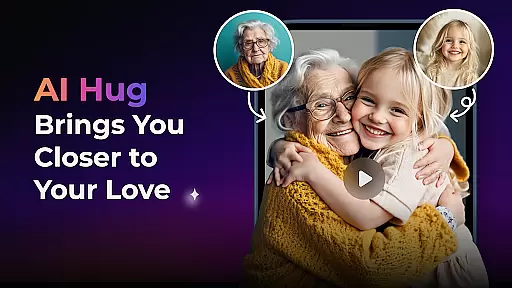
The app offers multiple creation modes including Image to Video, Text to Video, and Video Extension, along with unique AI effects like Old Photo Revival and AI Dance Revolution. These features allow users to explore endless creative possibilities while maintaining high-quality output. Whether you're reviving cherished memories or crafting viral content, PixVerse provides the tools to bring your ideas to life effortlessly.
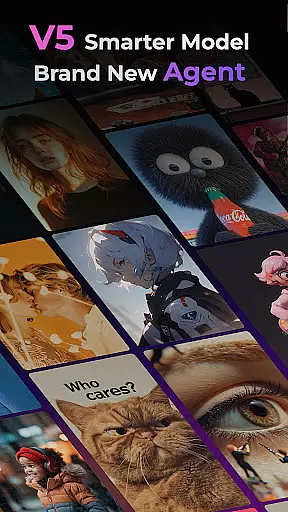
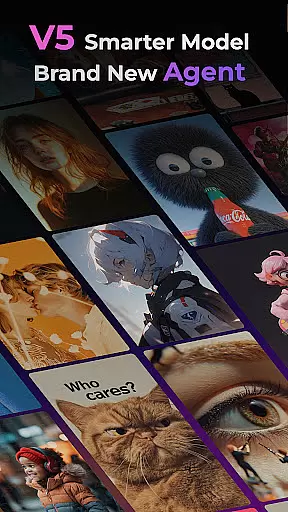
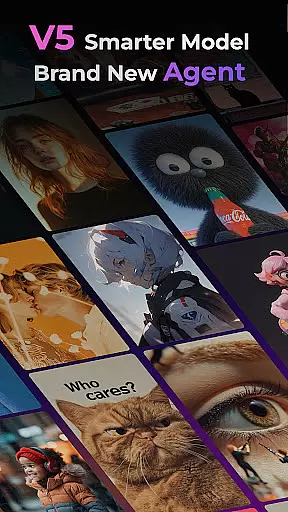
PixVerse stands out with its cutting-edge features designed to enhance creativity. The Smarter V5 Model delivers unparalleled realism through advanced physics simulations and natural motion rendering. Additionally, the Brand New Agent acts as a creative co-pilot, streamlining the content creation process with remarkable precision.
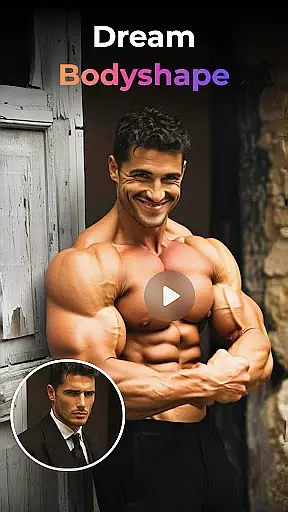
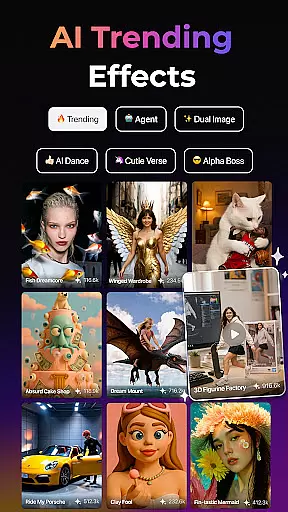
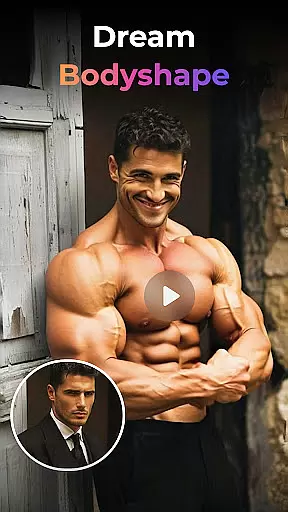
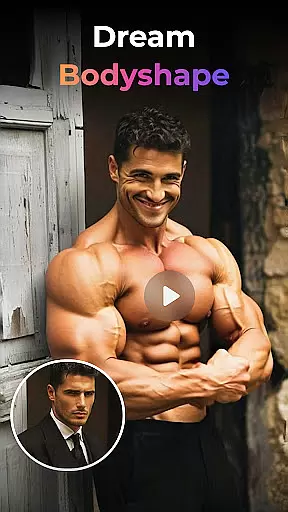
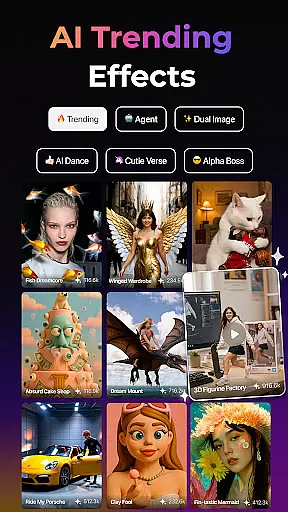
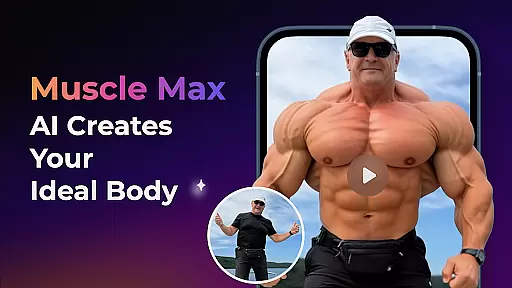
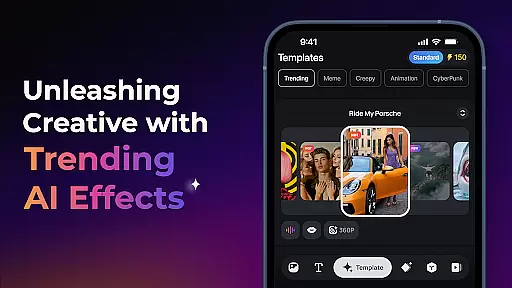
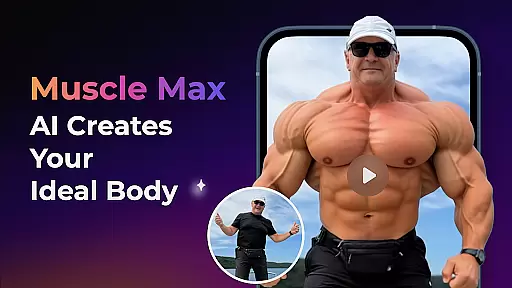
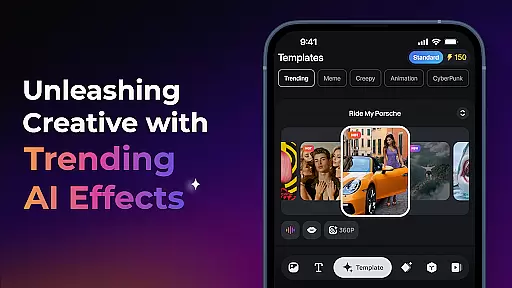
Users can leverage Multi-Creation Modes such as Image to Video, Text to Video, and Video Extension, alongside Trending AI Effects like Earth Zoom Challenge and Muscle Max. The Key Frame Control feature allows custom uploads for seamless video generation, while Fusion combines up to three images into one stunning video. These robust capabilities ensure PixVerse remains at the forefront of AI-driven storytelling.
Real-time capture and preview functionality is essential for ensuring that every photo or video taken meets the user's expectations without delay. PixVerse offers an advanced real-time capture system that leverages AI to provide instantaneous previews, allowing users to adjust settings on the fly before finalizing their content creation.
The app's cutting-edge technology ensures that what you see in the preview is what you get in the final output. This feature is particularly beneficial when utilizing PixVerse's AI-powered animations and effects, as it allows creators to visualize the transformation of static images into dynamic videos instantly.
Users can benefit from this immediate feedback loop, which enhances the creative process by saving time and reducing the need for post-production edits. The ability to preview changes in real-time empowers creators to experiment with confidence, knowing they can fine-tune their work until it perfectly matches their vision.
In the realm of photography, AI beauty and enhancement features are designed to elevate the aesthetic quality of images while maintaining a natural look. PixVerse stands out with its sophisticated AI algorithms that enhance facial features, skin texture, and overall image clarity without compromising authenticity.
The application provides tools such as Old Photo Revival and Muscle Max, which utilize hyper-real AI to bring memories back to life or sculpt physiques with precision. These enhancements are applied with subtlety, ensuring that the results remain believable and true to the original subject.
By choosing PixVerse for photo enhancement needs, users gain access to cinematic-quality outputs that preserve the essence of the moment captured. This balance between enhancement and naturalness not only boosts the visual appeal but also respects the integrity of the original content, making it ideal for storytellers who value both creativity and realism.
Lightning-fast processing
Cinematic HD quality
Advanced AI effects
Multi-creation modes
User-friendly interface
Limited free features
Subscription costs
Occasional bugs
High system requirements
Learning curve for beginners

Photo Album Watch Face shows your favorite pictures as a Watchface.
 1.90
1.90
An interval timer to automate photo taking process for timelapse
2.90
Create & Edit with AI: AI Remove, Enhance, Retouch, Filter
4.10
Virtual makeup, hair filters & body tuner—edit from face to full body!
4.20
AI photo editor with hair editor, retouch tools, hair color changer & filters!
4.50
Create AI Photos, Improve and restore quality of blurry, old or damaged pics.
4.20
See your baby AI baby face generator AI baby maker Face generator babymaker fun!
4.70
Easily view, share, delete photos with Gallery.
4.70
Discover How to Plan any Sun, Moon and Milky Way Photo You Imagine in Seconds
4.70
Gallery show photo, video, slideshow, is perfect 3D effect private photo albums.
4.80
Android Native system HD camera app. Never been so simple and faster.
4.70
The original Rarevision VHS look seen everywhere!
4.70
Transform photos into videos! Create realistic or anime-style images easily!
4.50
Movie camera, supports pro recording settings for filming. Try it and be amazed!
4.50
Search, tag and rate your way to an organized image gallery
4.40
Edit like a pro with Hypic. Apply filters, AI effects, & magic touch.
4.40
Smart, light, and fast photo and video gallery
4.30
Photo editor: face & body editor, beauty cam, filters and quality enhancer.
4.00
Turn photos into cartoons & avatars! - Photo Editor, Cartoon Face!
3.90


User Reviews