
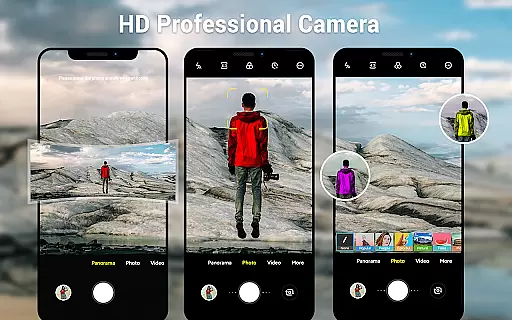
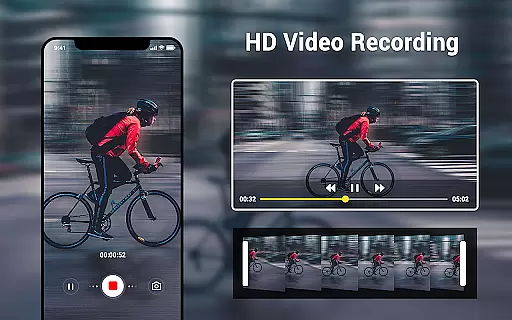
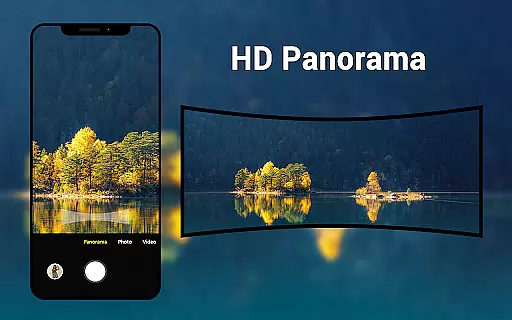
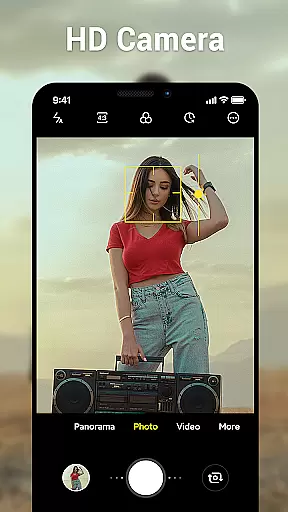
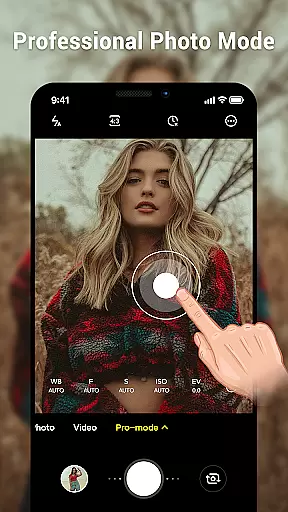
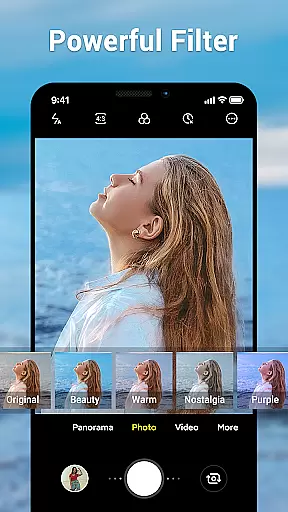
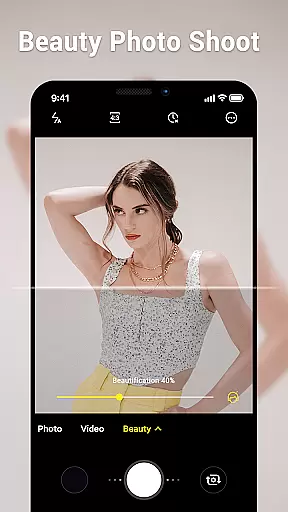
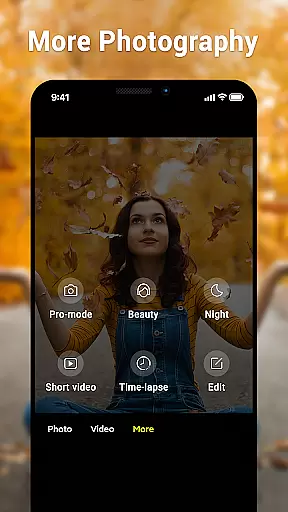
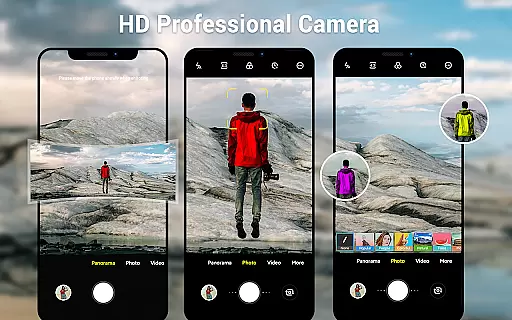
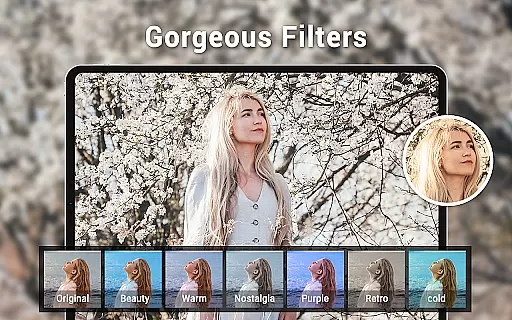
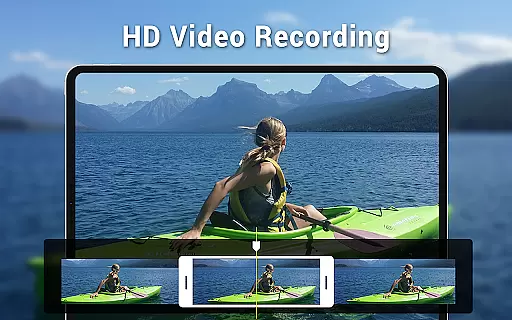
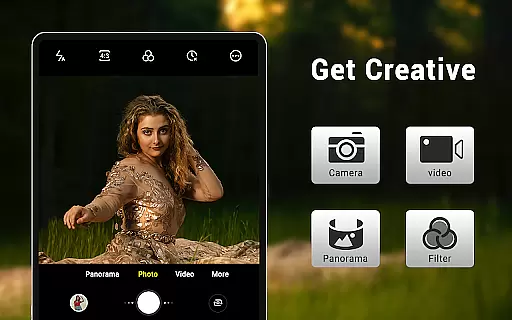
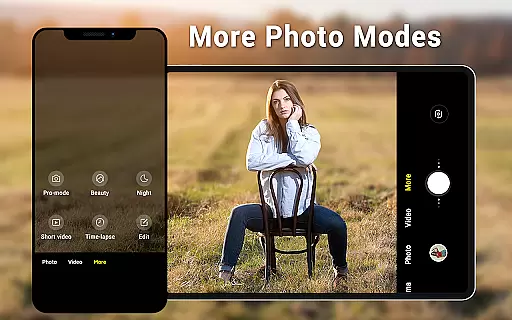
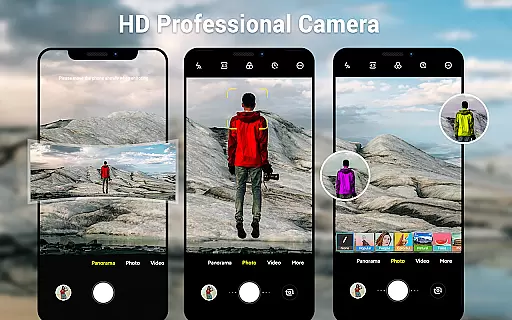
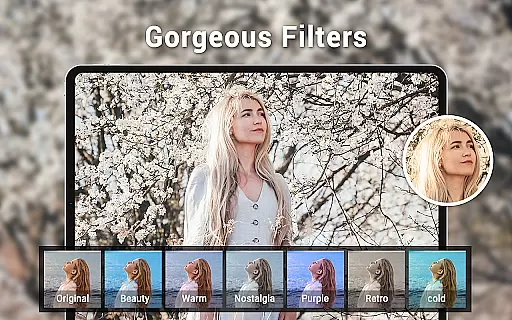
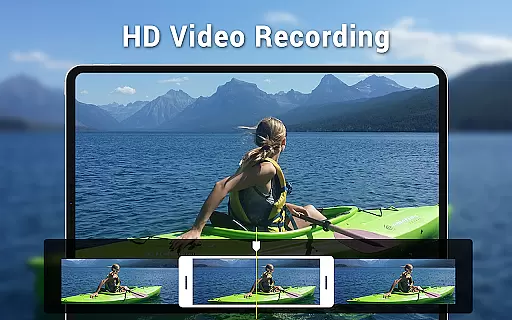
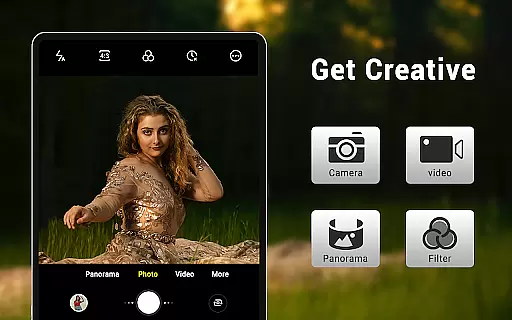
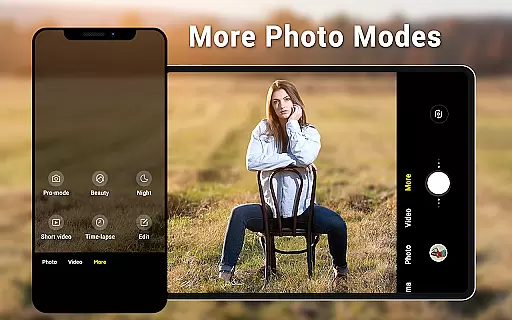
Camera for Android is a native HD camera application designed to provide users with a simple and efficient way to capture high-quality photos and videos. The app supports multiple shooting modes including standard photo capture, video recording, and smart panorama functionality.
Key features of the app include pinch-to-zoom capability, countdown timer, dynamic user interface adaptable to both phones and tablets, and advanced settings such as white balance, exposure control, and location tagging. These features ensure users can fully utilize their device's camera capabilities while enjoying a seamless experience across different devices.
Ideal for everyday photography needs, this app offers an intuitive interface that allows users to easily adjust settings like picture quality, screen mode, and volume key configurations. Whether capturing casual moments or creating professional-looking panoramas, Camera for Android delivers excellent performance and reliability.
Camera for Android stands out with its comprehensive feature set tailored for photography enthusiasts. The app provides three distinct modes - camera, video recorder, and panorama - each optimized for specific use cases. Its HD camera functionality ensures crisp, clear images while the smart panorama shooting creates stunning wide-angle shots.
One of the app's notable strengths is its customizable settings. Users can fine-tune parameters such as white balance (Incandescent, Fluorescent, Auto, Daylight, Cloudy), screen modes (Action, Night, Sunset, Play), and exposure levels. The inclusion of a countdown timer and pinch-to-zoom functionality adds convenience and precision to the photography experience.
The app's dynamic user interface automatically adjusts to different screen sizes, providing optimal viewing on both phones and tablets. Additional features like location targeting and configurable volume keys enhance usability, making it a versatile tool for various photography scenarios. These robust features make Camera for Android a reliable choice for capturing life's moments.
Real-time capture and preview functionality is essential for ensuring that users can accurately frame and capture their desired shots without delay. The Camera for Android app leverages the native system's HD camera capabilities to provide instantaneous feedback, allowing users to adjust their shots on the fly.
This application offers a dynamic user interface that adapts to both phone and tablet formats, ensuring that the preview window maximizes the screen real estate available on the user's device. With features like pinch to zoom and exposure settings, users have precise control over how their images will look before they even press the shutter button.
Users benefit from the app's ability to shoot excellent photos utilizing all the advantages of their devices, including wide-screen picture modes and various white balance settings. This ensures that every captured moment reflects the true colors and lighting conditions as perceived by the human eye.
AI beauty and enhancement features are becoming increasingly popular in photography apps, offering users the ability to refine and beautify their photos instantly. The Camera for Android app incorporates smart panorama shooting and configurable settings that allow users to enhance their images naturally without over-processing.
With options such as countdown timers and location targeting, users can prepare for the perfect shot while the app works behind the scenes to ensure enhancements are applied smoothly and realistically. These features cater to those who seek to maintain authenticity in their photos while still benefiting from modern editing tools.
The app stands out by providing an additional option for devices not equipped with Android's native camera software, ensuring that all users can access high-quality photo enhancements. By basing its functionality on native Android camera code, it delivers a familiar yet improved photography experience.
User-friendly interface
High-quality images
Customizable settings
Wide compatibility
Free to use
Limited creative filters
No advanced editing tools
Basic panorama options
Occasional stability issues
Ads in free version

Perfect photos with body shaping, BG changer and object remover.
 3.70
3.70
Easily stitch panoramas from multiple photos or video.
4.40
How old age camera Gender Swap App Face Shape Hairstyle App Hair Styler App fun!
4.00
Transform photos into videos! Create realistic or anime-style images easily!
4.50
Future baby face generator: AI kids generator, kid face! What my baby look like?
4.40
AI-powered video creator by MiniMax - Where ideas meet cinema
4.20
RAW video capture with advanced controls
4.40
A light meter for true photographers.
4.20
Remote control the phone camera shutter from your smartwatch and take a picture
1.60
Collage your moments in one tap: 1000+ layouts, filters, stickers, and texts.
4.90
Easily view, share, delete photos with Gallery.
4.70
The original Rarevision VHS look seen everywhere!
4.70
Take videos and pictures with the popular TikTok TIME WARP SCAN filter.
4.60
Automatically backup your photos and videos to computer, NAS and Cloud services
4.60
Discover & download millions of art for The Frame TV or Hisense CanvasTV
4.60
Smart, light, and fast photo and video gallery
4.30
Professional photography on your mobile phone
4.20
Professional quality photo edits with the new Snapseed.
4.00
Pet Camera
3.70


User Reviews