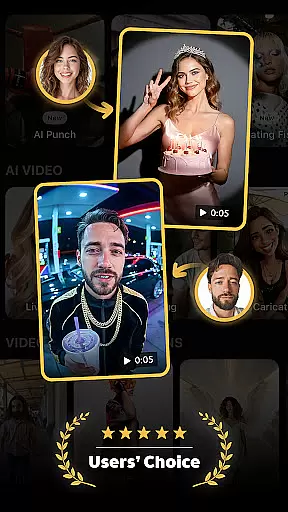
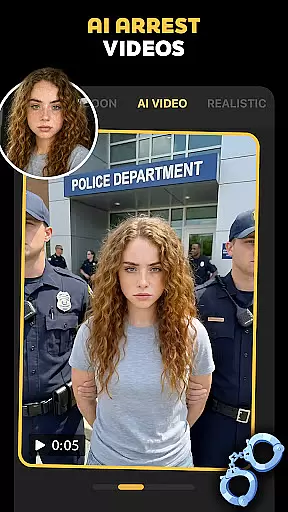
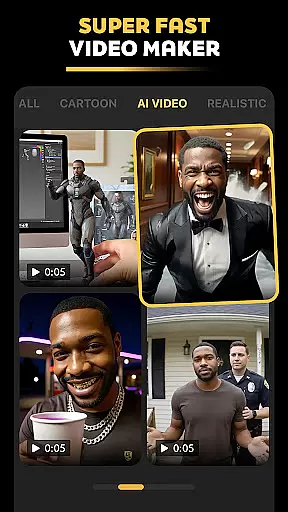
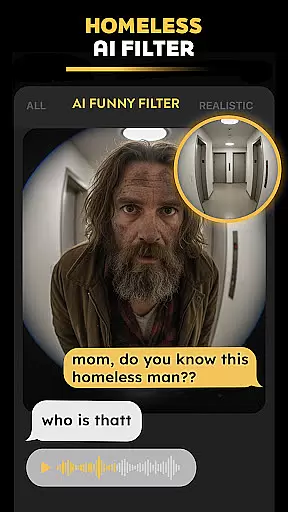
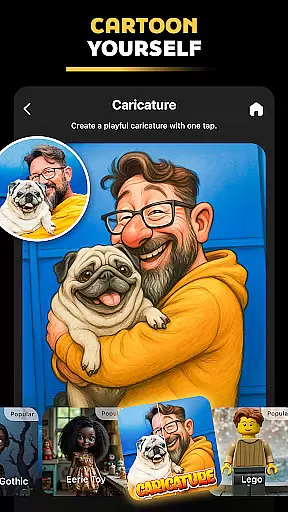

Pose is an innovative AI-powered photo and video editing application designed to help users create high-quality, viral content for social media platforms. This versatile app offers a wide range of features including AI photo transformations, video generation, and specialized filters that allow users to produce professional-grade content with ease.
The app's standout capabilities include the AI Birthday Photo Shoot, Rain & Snow AI Photo Remake, and the Viral Polaroid AI Filter. These features enable users to transform ordinary photos into extraordinary visual stories, from glamorous birthday shoots to cinematic seasonal portraits. Additionally, Pose provides unique options like the Ghostface Y2K Portrait effect and AI Action Figure Maker, catering to diverse creative needs.
Whether you're looking to enhance your social media presence or create engaging content for professional purposes, Pose delivers the tools necessary to produce impressive results. Its intuitive interface and powerful AI capabilities make it an ideal choice for content creators, marketers, and anyone seeking to elevate their digital storytelling.
Pose distinguishes itself through its comprehensive suite of AI-driven photo and video editing tools. The app's AI Birthday Photo Shoot feature allows users to convert simple portraits into elaborate birthday-themed photoshoots complete with luxurious backgrounds and professional lighting effects.
One of the app's most remarkable aspects is its weather transformation capabilities. Through the Rain & Snow AI Photo Remake function, users can add realistic weather effects to their images, creating moody rain scenes with reflections or serene winter landscapes with soft snowfall. The level of detail in these transformations is exceptional, maintaining natural-looking results while adding dramatic visual impact.
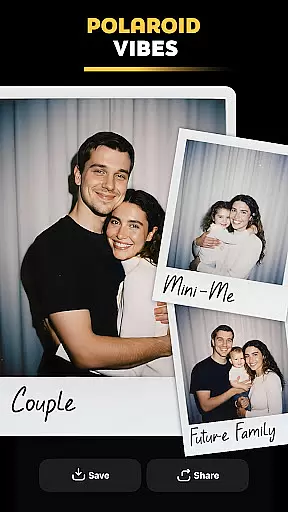
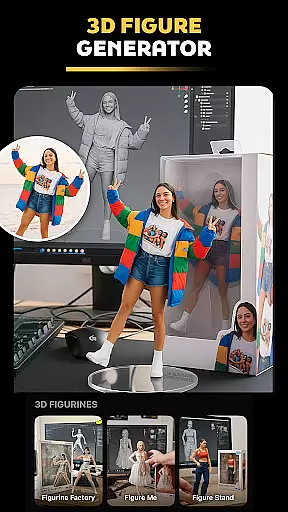
The Viral Polaroid AI Filter brings nostalgic charm to modern photography, enabling users to create authentic-looking retro Polaroid shots. Combined with other features like the AI Video Generator and AI Action Figure Maker, Pose offers unparalleled creative possibilities. From generating lifelike AI characters to transforming selfies into 3D action figures, these tools demonstrate the app's commitment to pushing the boundaries of AI-powered content creation.
Real-time capture and preview functionality is essential for photography applications as it allows users to see exactly what the camera is capturing before taking a shot. Pose, with its advanced AI capabilities, offers an intuitive real-time preview that ensures every photo or video taken meets high-quality standards.
The app leverages sophisticated algorithms to provide instant feedback on lighting, composition, and effects applied in real time. This means users can adjust settings such as exposure, contrast, and apply various trendy filters like AI snow video or Polaroid AI without any lag, ensuring the final output aligns perfectly with their creative vision.
For content creators aiming to produce viral content on social media platforms, this feature is invaluable. It not only saves time by reducing the need for post-production editing but also enhances creativity by allowing immediate experimentation with different styles and effects. Whether you're crafting professional business headshots or playful Y2K portraits, Pose's real-time capture and preview ensure your images are ready to impress right from the start.
AI beauty and enhancement features have become a staple in modern photography apps, offering tools to refine and perfect images. Pose stands out by focusing on natural-looking enhancements that preserve the authenticity of the subject while elevating their best features.
Utilizing cutting-edge AI technology, Pose provides a suite of beautification options including skin smoothing, blemish removal, and facial structure adjustments. These enhancements are carefully calibrated to avoid the over-processed look often associated with digital retouching. Instead, they aim to highlight natural beauty, making subtle improvements that enhance rather than overshadow.
From creating realistic AI-generated characters to applying moody cinematic rain effects, Pose ensures every modification looks genuine and seamless. The app's commitment to maintaining the natural essence of photos makes it an ideal choice for users who value authenticity alongside aesthetic appeal. By delivering polished yet true-to-life results, Pose empowers users to share high-quality, visually appealing content across all social media platforms with confidence.
User-friendly interface
Wide range of AI effects
High-quality output
Frequent updates
Cross-platform compatibility
Some features require premium
Occasional processing delays
Limited free usage
Steep learning curve
Large file sizes

A collection of tools and reference tables for DPs, ACs, DITs and Operators.
 4.70
4.70
Gallery show photo, video, slideshow, is perfect 3D effect private photo albums.
4.80
Shooting photos and records video easily and efficient with professional Camera
4.30
1M influencer's special filter
4.60
Gallery Slideshow is slideshow maker app for slideshow from your gallery photos.
3.90
Enhance, retouch & create your story - Share the moment with Photoshop Express.
4.60
Easily view, share, delete photos with Gallery.
4.70
Easily create custom gifts, cards, photo books & more on the Shutterfly app!
4.60
Unblur, enhance & restore photos with powerful AI photo enhancer tools.
4.60
Collage your moments in one tap: 1000+ layouts, filters, stickers, and texts.
4.90
Find time and duration of different sunlight phases at any location
4.90
Take videos and pictures with the popular TikTok TIME WARP SCAN filter.
4.60
Automatically backup your photos and videos to computer, NAS and Cloud services
4.60
AI photo editor with hair editor, retouch tools, hair color changer & filters!
4.50
AI-powered video creator by MiniMax - Where ideas meet cinema
4.20
Professional camera app that brings DSLR manual photography controls to Android.
4.20
Turn photos into cartoons & avatars! - Photo Editor, Cartoon Face!
3.90
Create amazing frames with up to five photos. Rounded corners, effects and more!
3.60
GCamera allows all GCam features on all phone models! Better photos with GCamera
3.30


User Reviews