
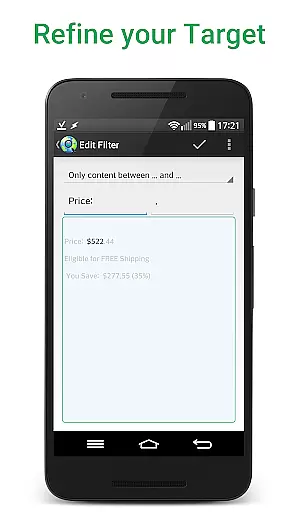
Web Alert (Pro) is a powerful productivity tool designed for professionals in web development and automation. This premium version offers advanced monitoring capabilities, allowing users to track webpage changes with precision. With features like parallel checks, custom frequency settings, and text filtering, it provides detailed change notifications tailored to specific needs.
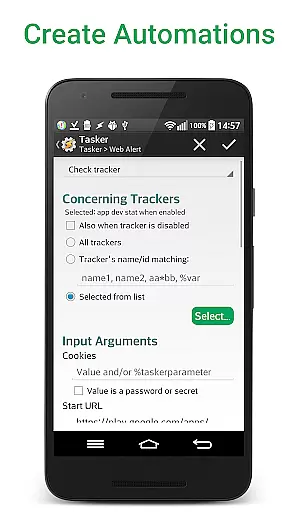
The app excels in monitoring critical web elements such as price changes or keyword appearances. Its sophisticated filtering options include RegEx, CSS selectors, and HTML source code tracking. The Tasker plugin integration makes it highly programmable, while professional features like website version exporting and alert restoration cater to power users seeking comprehensive monitoring solutions.
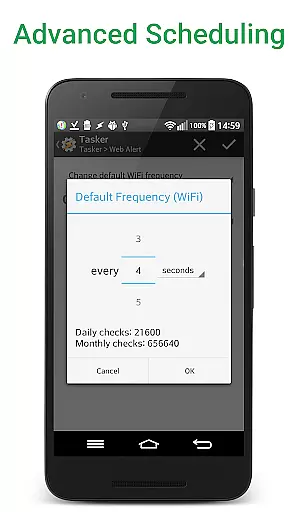
Web Alert (Pro) stands out with its extensive feature set tailored for professional use. The app allows setting custom check frequencies as low as every 5 seconds, with parallel processing for multiple alerts. Advanced filtering options enable precise monitoring through RegEx patterns, CSS/jQuery selectors, and HTML source code tracking.
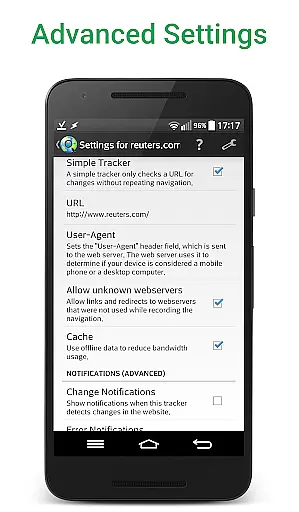
Unique capabilities include percentage-based change detection, SSL certificate problem handling, and downtime monitoring. The app maintains website links within detected changes and offers programmable automation through its Tasker plugin. Professional features like alert exporting/importing, accidental deletion protection, and zip archive exports make it an indispensable tool for serious web monitoring tasks.
Web Alert (Pro) excels in core task management by offering users the ability to monitor web pages for changes with precision and flexibility. This feature is crucial for professionals who need to stay updated with specific web content, such as price drops in online stores.
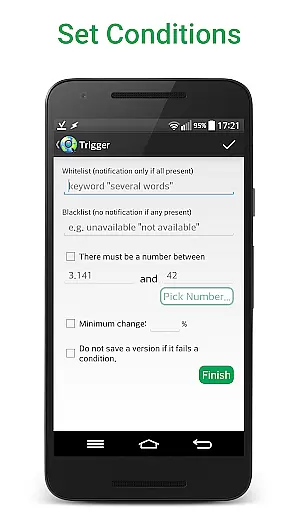
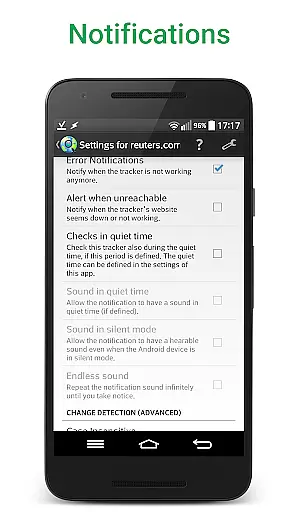
The app allows setting custom frequencies for checks, filtering text, and monitoring numbers for changes. Users can define time ranges without checks or notifications, ensuring they receive alerts only when necessary. These capabilities provide a tailored experience that meets individual monitoring needs.
With options like change notifications based on keyword presence, access to websites with SSL issues, and limiting alerts to a minimum change percentage, Web Alert (Pro) ensures users get relevant and timely updates. This level of customization enhances productivity by focusing on significant changes.
Cross-device synchronization is vital for users who operate across multiple devices. Web Alert (Pro) ensures reliable synchronization, allowing seamless integration and data consistency between devices.
Features such as exporting and importing alerts, modifying alert URLs, and restoring accidentally deleted alerts contribute to this reliability. Users can maintain their monitoring tasks without worrying about data loss or inconsistencies across devices.
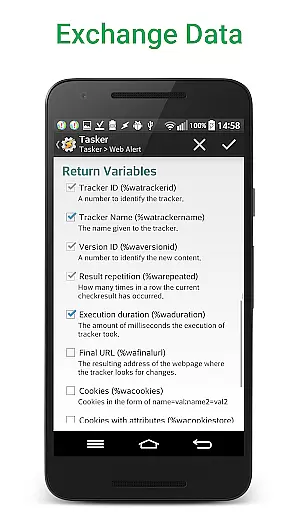
Additionally, the app's extensive Tasker plugin makes it programmable even for those without programming knowledge. This ensures that all parts of the app are synchronized and function smoothly across different platforms, enhancing user convenience and efficiency.
Advanced monitoring features
Highly customizable settings
Professional-grade tools
Tasker plugin integration
Comprehensive automation options
Requires separate free app
Complex for casual users
Premium price point
Technical knowledge needed
Not beginner-friendly

A lightweight JSON & XML files creator, editor and viewer (Premium Version)
 4.40
4.40
All in One PDF Reader: Manage, Read and Edit your Documents
4.20
Activate Two Factor Authentication (2FA or Multi OTP), Password manager and more
4.10
Access, manage and transfer files on Android, PC, Mac, NAS and cloud storages.
4.30
A beautiful digital clock with autostart and many other functions
4.70
Ultimate Virtual AI Character for immersive Roleplay Chat. Perfect Companion
3.90
Use powerful, industry-leading AI tools to generate visual charts from any data
4.80
Lightweight PDF, Word, Excel reader.
4.60
QuickEdit is a fast, stable and full featured text and code editor.
4.20
Protect and view your important info on your phone and tablet with eWallet®
4.80
aCalendar+ makes your day, week and month
4.70
Scan paperwork into PDF/JPG, generate your own e-signature and send fax or email
4.70
A simple Whisper AI keyboard for reliable speech transcription and rewording
4.60
When you Focus, so will your Bean in this cozy focus timer
4.30
The ultimate file manager for rooted devices. The original and still the best.
4.00
Access your phone's notifications, calls, apps, photos & texts on your PC
3.90
Mega cloud explorer plugin for Solid Explorer
3.80
Code on-the-go with VScode for Android. Edit,debug and collaborate from mobile!!
3.10
The upgraded version of Name Wheel with AI and the power to add your own wheels.
4.3


User Reviews