
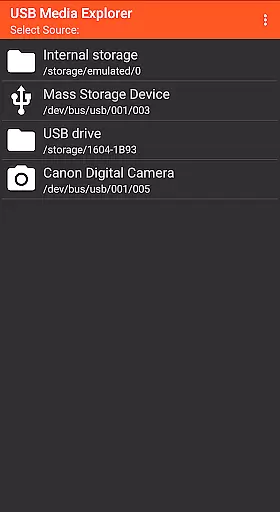
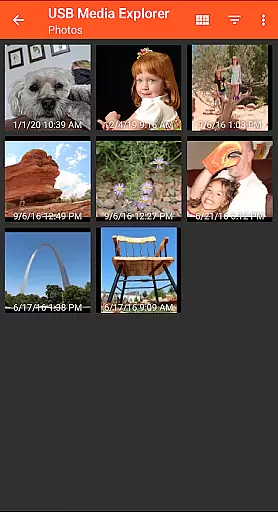
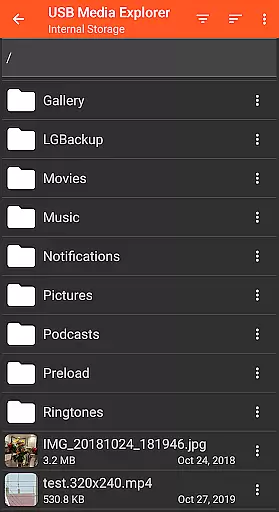
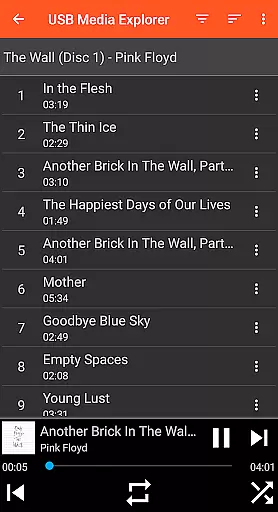
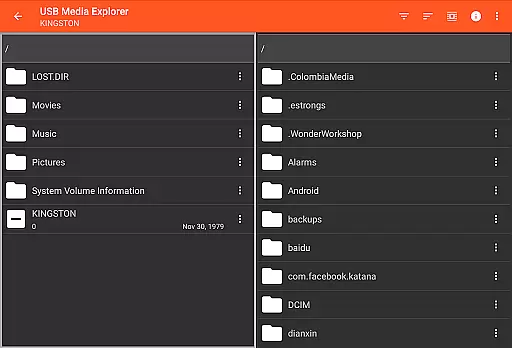
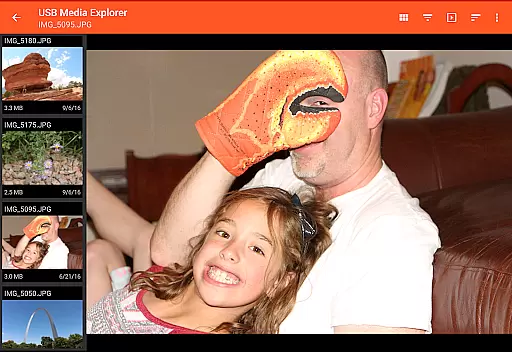
USB Media Explorer (UME) is a versatile photography app that enables users to view photos, stream videos, listen to music, and manage documents from various USB storage devices. The app supports multiple file formats including Jpeg, Raw, AVI, and more, making it an ideal tool for photographers and content creators who need to access their media files on the go.
With specialized viewing modes for different media types and seamless file management capabilities, UME allows users to copy files between devices and view full-size media without importing. Whether you're working with flash drives, card readers, or external hard drives, this app provides a comprehensive solution for managing your digital assets directly from your mobile device.
USB Media Explorer stands out with its specialized screens for different media types - photos, videos, music, and documents - each optimized for the best user experience. The app's intuitive interface allows users to easily navigate through files and folders, while its robust file management system enables seamless copying of files to and from connected USB devices.
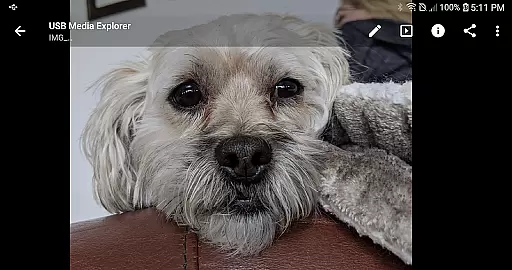
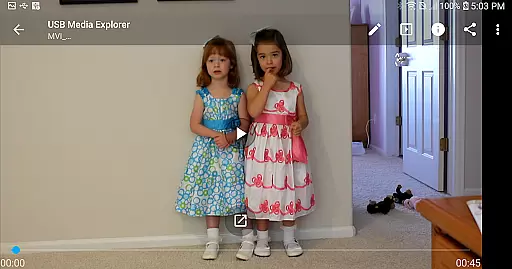
One of the key features is the ability to view full-size photos and videos without the need for importing, saving valuable time and storage space. The app also supports various Android devices in MTP/File Transfer Mode and works with select DVD drives that support AV Connect mode. For unsupported video formats, integration with third-party players like VLC ensures maximum compatibility.
USB Media Explorer offers a unique real-time capture and preview feature that allows users to view photos and stream videos directly from USB storage devices without the need for importing files. This functionality is crucial for photographers and videographers who require immediate access to their media files on the go.
The application supports both Jpeg and Raw photo formats, ensuring that professionals can work with high-quality images directly from their cameras or storage devices. The ability to view full-size photos and videos without importing saves valuable time and storage space on your Android device.
Users benefit from specialized viewing screens tailored for different media types, providing an optimized experience whether they are browsing photos, watching videos, or managing files. This ensures that creative professionals can efficiently review and select the best shots from their shoots, enhancing their workflow efficiency.
While USB Media Explorer does not focus heavily on AI beauty enhancements, it provides essential tools for managing and viewing media files with natural quality preservation. The app ensures that all photos and videos retain their original quality when viewed or transferred, maintaining the authenticity of the content creator's work.
For unsupported video and audio formats, the app recommends using third-party players like VLC, which can handle advanced codecs while preserving the natural essence of the media. This approach respects the integrity of the original files, offering users a transparent and unaltered viewing experience.
By supporting a wide range of devices including flash drives, card readers, and hard drives, USB Media Explorer enables users to maintain the natural state of their media across various storage solutions. This flexibility empowers creators to manage their digital assets effectively without compromising on quality or authenticity.
User-friendly interface
Wide device compatibility
Efficient file management
Full-size media viewing
Specialized media screens
Limited camera support
No native AVI support
Hard drive power issues
iDevice incompatibility
DVD format restrictions

Trendy TikTok time warp scan funny filter app brings you unique photos & videos.
 4.40
4.40
Edit like a pro with Hypic. Apply filters, AI effects, & magic touch.
4.40
Cartoon and artistic effects for your photos and videos
4.70
Enhance, retouch & create your story - Share the moment with Photoshop Express.
4.60
Easily create custom gifts, cards, photo books & more on the Shutterfly app!
4.60
Use AI Video Generator to turn your words to ai generated videos.
4.50
Turn photos into cartoons & avatars! - Photo Editor, Cartoon Face!
3.90
Your personal guide to the sun and moon. Plan ahead, visualize and predict!
4.70
Unlock the full potential of your DJI drone with Litchi
4.50
Unblur, enhance & restore photos with powerful AI photo enhancer tools.
4.60
AI photo editor with hair editor, retouch tools, hair color changer & filters!
4.50
HD Camera Pro with HD Video shooting, Panorama, Photo editor , Beauty Camera.
4.50
Create AI Photos, Improve and restore quality of blurry, old or damaged pics.
4.20
A light meter for true photographers.
4.20
Transform Photos: Edit, Beautify and Craft Memories & Make Collages!
4.10
Astrophotography with your smartphone, photo live stacking and much more!
3.90
Create amazing frames with up to five photos. Rounded corners, effects and more!
3.60
Application for remote controlling DSLR
3.00
Photo Album Watch Face shows your favorite pictures as a Watchface.
1.90


User Reviews