



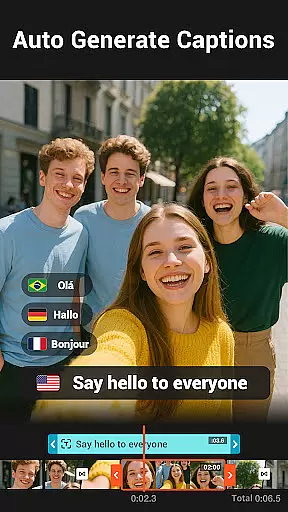
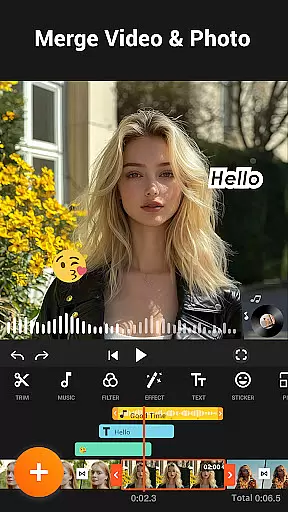

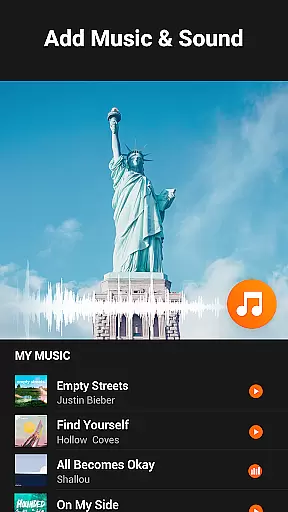
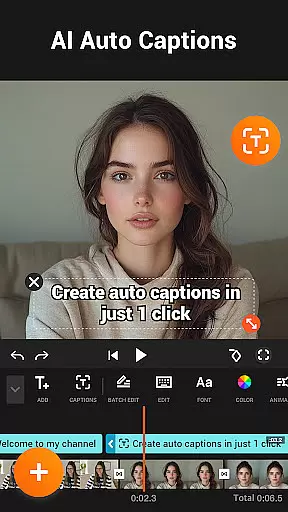
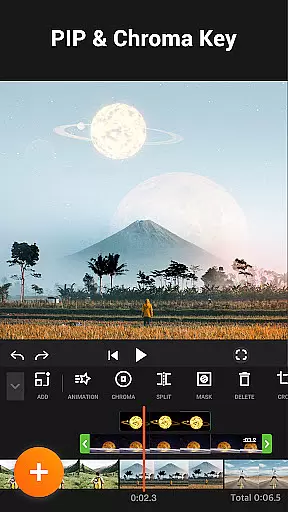

YouCut is a dynamic video editor and maker tailored for social media enthusiasts and content creators. It offers a suite of powerful editing tools including AI Video Boost, which provides features like Auto Captions and background removal. This ensures users can create high-quality, professional videos with minimal effort.
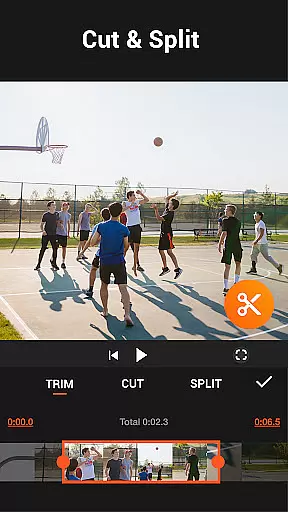
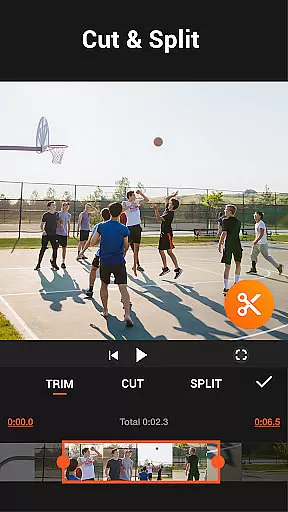
The app supports essential editing functions such as cutting, trimming, merging, and slicing videos. It also allows users to adjust video speed, apply filters, and change aspect ratios. With capabilities like chroma key and video compression, YouCut delivers a complete package for video enhancement without watermarks.
Designed for Android devices, YouCut is ideal for those looking to enhance their video content for platforms like YouTube and Instagram. Its intuitive interface and extensive feature set make it a valuable tool for producing captivating videos efficiently.
YouCut stands out as a comprehensive video editing tool designed for both beginners and experienced creators. The app offers an array of robust features that cater to various video editing needs.
One of its key highlights is the AI Video Boost, which includes functionalities such as Auto Captions, instant background removal, and video enhancement. These AI-powered tools allow users to create professional-looking videos effortlessly. Additionally, the app provides precise control over video speed, ranging from 0.2× to 100×, enabling unique fast and slow-motion effects.
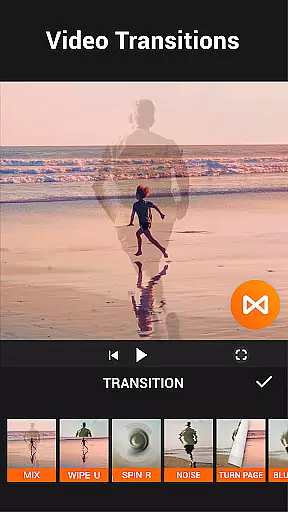
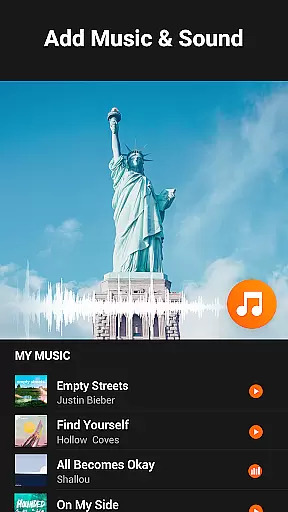
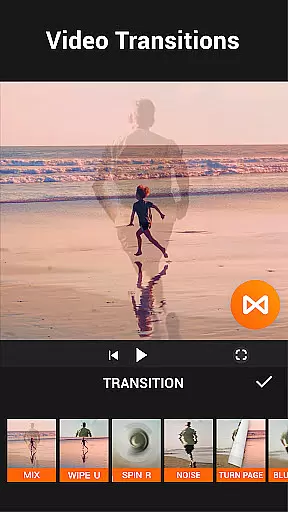
YouCut also excels in utility with features like Video Merger, Cutter, and Slicer, allowing seamless manipulation of video clips. Users can merge multiple videos, trim unnecessary parts, and split videos into separate clips. Moreover, the Photo Slideshow Maker lets users combine images and videos, adding music and transitions to produce engaging multimedia presentations.
Video format compatibility is a crucial feature for any video editing application, ensuring that users can work with a wide range of video files without conversion hassles. YouCut stands out by supporting multiple formats, allowing creators to import and export videos in their desired resolutions and codecs.
The app's ability to handle high-resolution footage up to 4K ensures that professionals and amateurs alike can achieve excellent video quality. This flexibility empowers users to create content for various platforms, from social media to professional presentations, without worrying about format restrictions.
YouCut also provides options for compressing videos, which is essential for sharing on platforms with file size limits. By reducing file sizes by up to 90% without significant quality loss, the app makes it easier to distribute content widely while maintaining visual integrity.
Furthermore, the inclusion of features like video speed control and filters enhances the user experience by offering creative freedom within a compatible framework. These tools ensure that regardless of the original format, every video can be transformed into a polished final product ready for sharing across different channels.
AI-powered editing features represent a significant advancement in video editing technology, streamlining complex processes and making professional-quality edits accessible to all users. YouCut incorporates several AI-driven tools that enhance both efficiency and creativity in video production.
One standout feature is Auto Captions, which uses speech-to-text technology to automatically generate subtitles for talking videos. This not only saves time but also improves accessibility for viewers who prefer or require text accompaniment. The accuracy and speed of this process make it an invaluable asset for content creators.
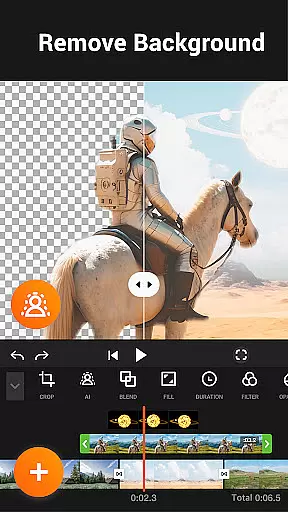
Another innovative tool is the background remover, which allows users to erase video backgrounds instantly. This feature opens up possibilities for green screen effects and creative compositions without needing advanced technical skills. Additionally, the AI enhancement options for videos and photos ensure that even amateur footage can achieve a professional look with minimal effort.
YouCut's AI capabilities extend to smooth slow-motion effects, enabling buttery-smooth playback at various speeds. These intelligent features collectively transform the editing experience, allowing users to focus on storytelling and artistic expression rather than technical limitations. By integrating such sophisticated tools, YouCut positions itself as a leader in modern video editing solutions.
AI-powered tools
User-friendly interface
No watermark
Free to use
Extensive format support
Limited advanced features
Occasional bugs
Ads between edits
Basic speed options
No desktop version

Client application for NextPVR software
 3.00
3.00
This app was created to edit the metadata of music files.
4.20
High-Quality USB Camera Viewer & HDMI Display
4.70
AirMirror Receiver - Screen mirroring/cast web videos to Android TV by AirPlay.
4.40
Fast & easy HD video downloader for all formats, support 4K playback & download.
4.60
IPTV Loader, loads your own Playlist. DOES NOT CONTAIN ANY LIST OR CHANNELS
4.60
#1 Torrent App on Android ** No Ads Ever + Battery Saver **
4.80
VLC for Android is the best open source video and music player, fast and easy!
4.10
Enjoy your favorite videos and channels with the official YouTube app.
3.90
Play ALL formats in 4K & HD. Video downloader, MP3 player, Chromecast & more.
4.80
Pro video editor app for Instagram, edit video with song, AI, effect & slowmo.
4.80
Viddo: Generate Action Figure, AI Anime, AI kiss, AI hug Video from image & text
4.40
Video player, file manager for all formats, 4K/HD media player supports subtitle
4.30
Movie maker & video editing app with AI effects and green screen
4.30
Stream Web Videos to Chromecast, Samsung, LG, Sony, Roku, Fire TV, DLNA + more
4.00
All in one multi protocols stream receiver for AirPlay, Cast and DLNA.
3.60
This app is an emulator of some specific IPTV boxes
3.50
Video player with powerful streaming playback and various convenient features.
2.10
The smartest M3U IPTV Player your playlists have ever seen.
4.1


User Reviews