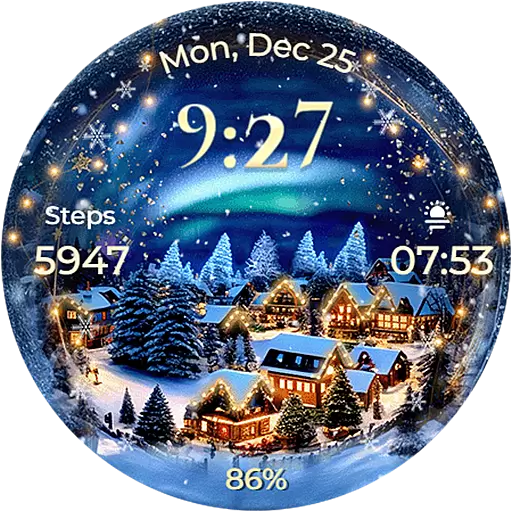
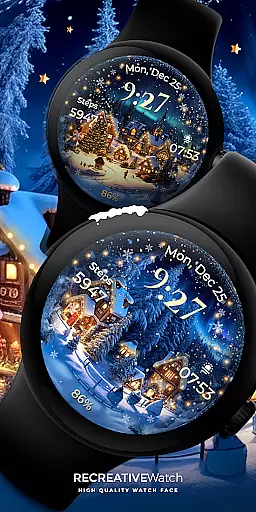
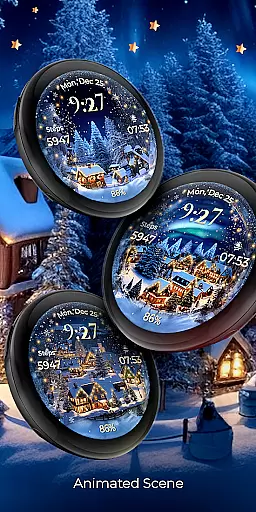
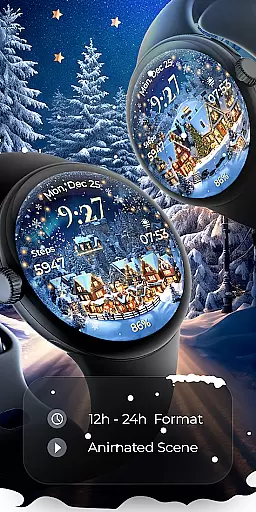
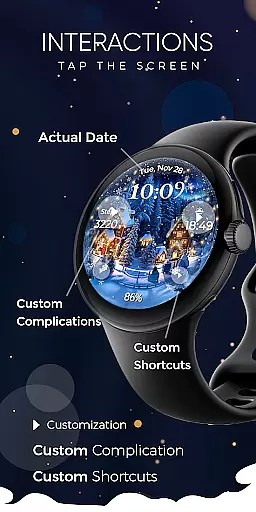
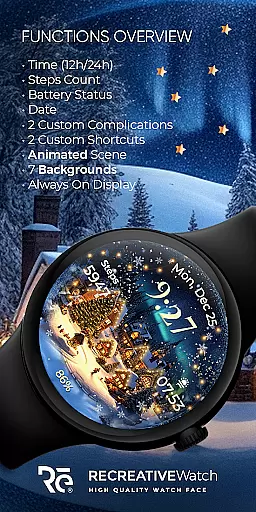
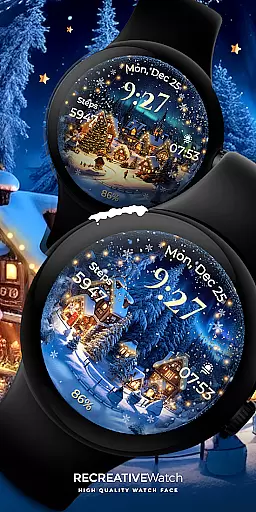
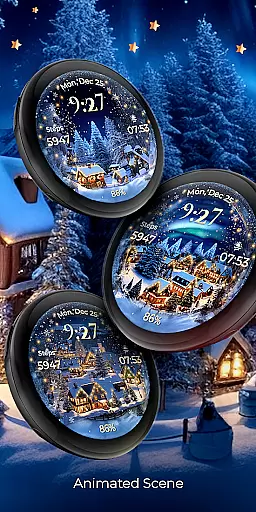
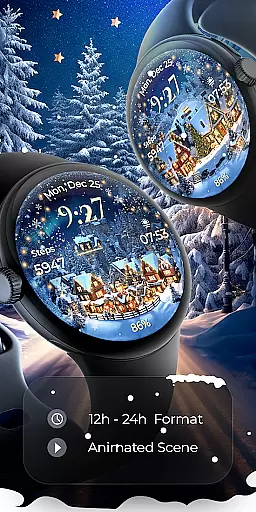
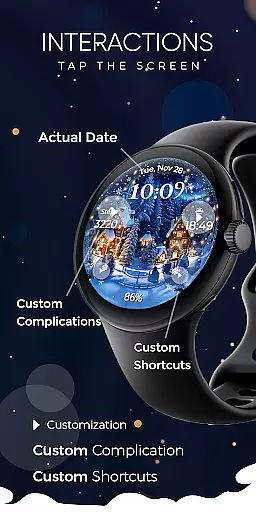
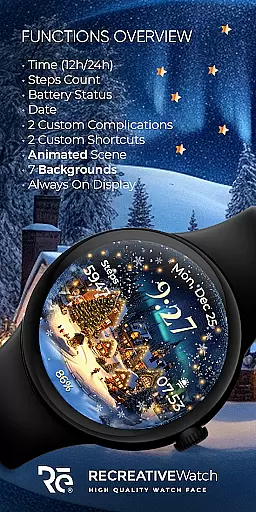
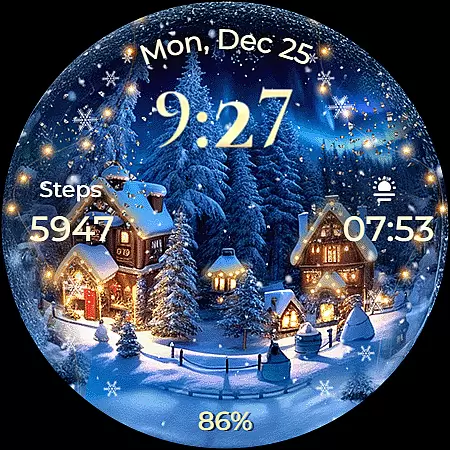
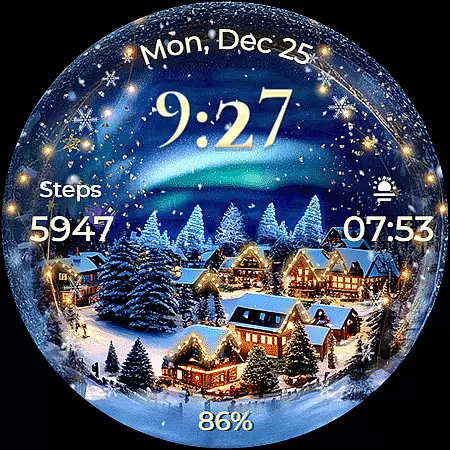
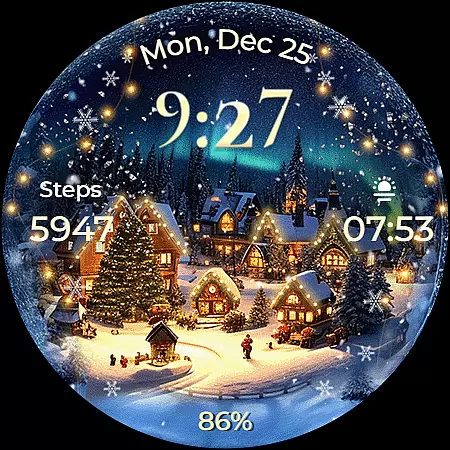
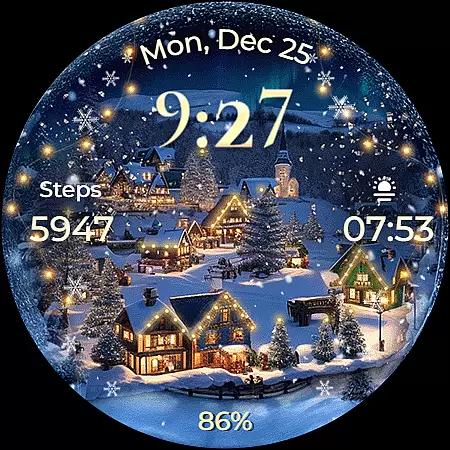
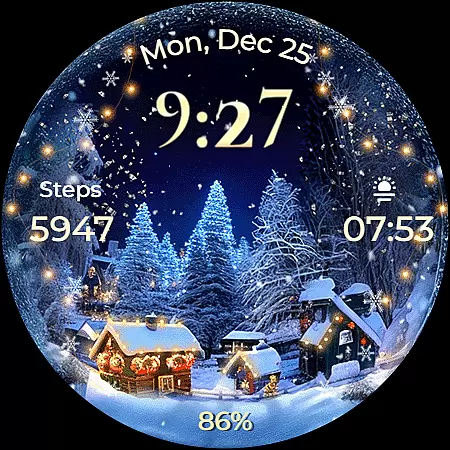
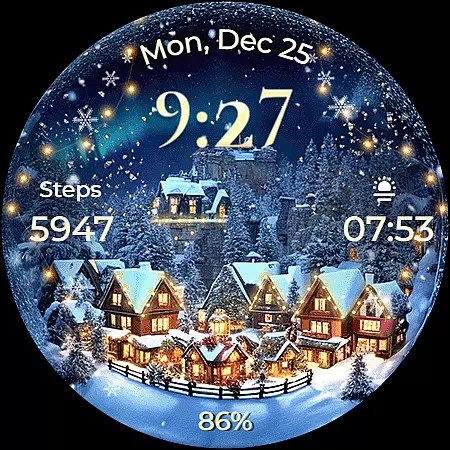
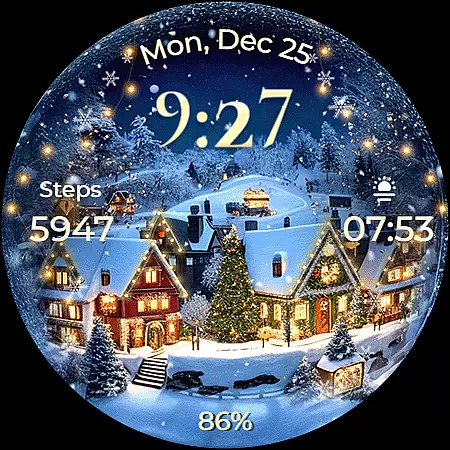
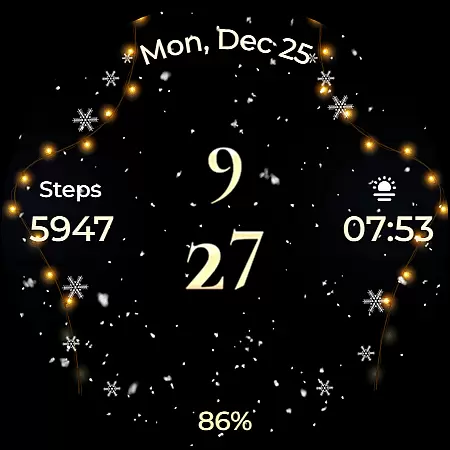
Animated North Pole Christmas is a festive Wear OS watch face that brings winter magic and holiday cheer to your wrist. Featuring animated snowfall and magical sparkles, it captures the essence of Santa's journey through snowy landscapes. The watch face displays essential information such as 12/24h digital time, date, battery status, and step count while offering customization options including two complications, two shortcuts, and seven background choices.
This app supports Always ON Display with changeable colors and modes, ensuring both functionality and style. Compatible with API level 33+ devices like Google Pixel and Galaxy Watch series, this watch face provides users with an engaging way to embrace the Christmas spirit every time they check their smartwatch.
The Animated North Pole Christmas watch face stands out with its unique combination of festive aesthetics and practical features. The animated snowfall and magical sparkle effects create an immersive holiday atmosphere on your wrist. Users can customize their experience by choosing from seven different backgrounds and setting up two complications with any data they prefer.
Additional functionalities include 12/24h digital time display, date tracking, battery monitoring, and step counting. The Always ON Display feature allows for continuous access to important information while maintaining energy efficiency when enabled properly. With support for customizable shortcuts and compatibility across various Wear OS models, this application ensures both personalization and convenience during the holiday season.
Companion app integration is essential for ensuring seamless functionality between a smartwatch and its paired mobile device. Animated North Pole Christmas offers a dedicated phone app that simplifies the installation process and helps users locate the watch face on their Wear OS devices.
The phone app acts as a facilitator, enabling users to efficiently manage and customize their watch face settings. This ensures that all features, such as animated snowfall, time display, and customizable complications, function harmoniously with the wearable device.
By streamlining the setup and personalization process, users can enjoy an enhanced experience without technical difficulties. The companion app's role in maintaining synchronization ensures that wearers can embrace the winter magic of the North Pole with a Christmas vibe right on their wrist.
Ensuring compatibility with various devices is crucial for any Wear OS application. Animated North Pole Christmas is designed to work seamlessly with API level 33+ Google Pixel, Galaxy Watch 4, 5, 6, and other Wear OS models, offering broad compatibility across popular smartwatches.
This compatibility allows users to experience the festive watch face's full range of features, including animated snowfall, magical sparkle effects, and customizable complications. The wide support across different devices guarantees that more users can enjoy the holiday cheer regardless of their specific Wear OS device.
For optimal battery performance, it's recommended to disable the Always On Display mode. This thoughtful optimization demonstrates the app's commitment to providing both functionality and efficiency across supported devices.
Holiday-themed design
Customizable features
Always ON Display
Animated effects
Wide device compatibility
Battery consumption
Limited free options
Ads in mobile app
Complex setup
Few complications

Wear Os Watch Face - Animated Snow Effect & Christmas Lights
 4.2
4.2
Highly customizable hybrid watch face for Wear OS, perfect for everyday use.
4.60
A watch face that fuses motorsport precision with contemporary smartwatch design
4.2
Sleek, highly customizable watch face inspired by Galaxy Watch Circle Dashboard.
4.0
Digital, flexibly customizable watch face. For Wear OS 5.0, API 34+ and later.
5.00
Stylish digital watch face for Wear OS devices with customizable features
4.5
Digital watch face. For Wear OS devices.
4.40
Stylish, Energizing and Modern Watch Face crafted by Dominus Mathias.
4.50
Toyota app currently supports 2010 or newer vehicles (2018 or newer for Hawaii).
4.50
Christmas - Festive - Christmas Village - Winter - Christmas lights
5.00
Beautiful, colorful and practical watch face. For Wear OS devices.
5.00
Gym & home workout plans with strength training, exercise tracking, HIIT & more.
4.60
Simple, helpful messaging by Google
4.60
Deck out your Wear OS Watch face with a beautifully decorated pine wreath!
4.50
A white realistic classic analog watch face with many customization options.
4.40
Calming & relaxing sounds for sleeping and stress relief. Stay focused all day!
4.20
Wear Os Watch Face - Animated Snow Effect & Magic Spark - 6 Scenes
4.10
Your local weather forecast, storm tracker, radar maps & live weather news
3.40
Christmas and New Year - Themed Watchface
4.5


User Reviews