
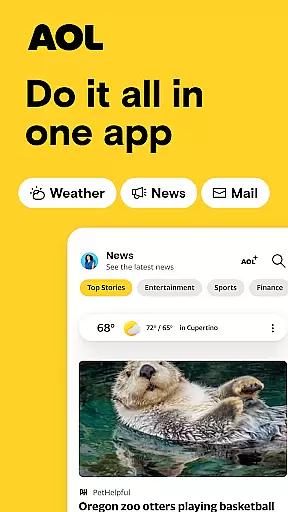
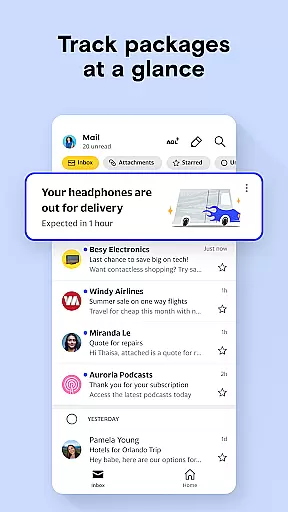


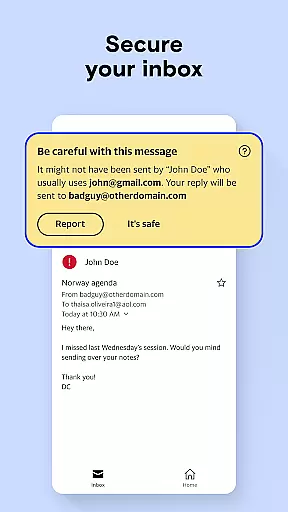
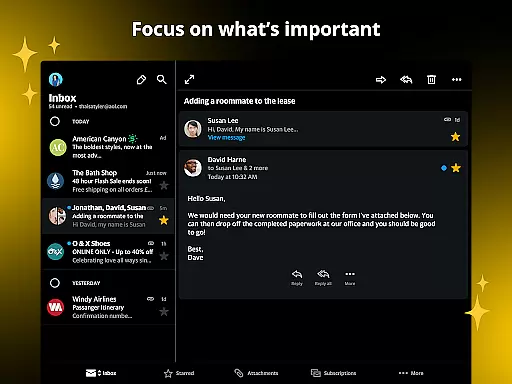

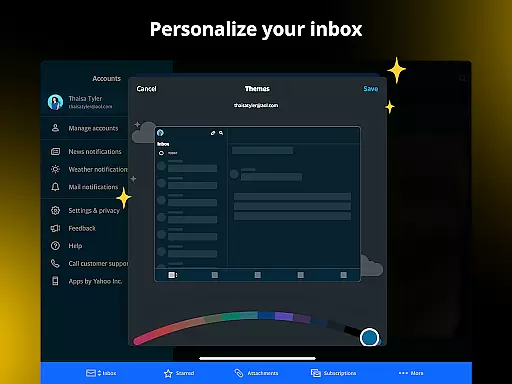

The AOL app is a comprehensive productivity tool that combines essential features like email, news aggregation, and weather updates into one seamless platform. Designed for users seeking an all-in-one solution, this app provides a fast and reliable email service with 1 TB of storage, ensuring you never run out of space for your important messages and attachments. Its intuitive interface makes it easy to navigate between checking emails, reading the latest news, and accessing detailed weather forecasts.
What sets AOL apart is its commitment to keeping users informed and organized. The app aggregates news from trusted sources like ABC News, NBC News, CNN, and BBC, offering diverse perspectives on politics, finance, entertainment, and more. Additionally, practical features such as saving articles for later and organizing digital documents make it a versatile tool for managing both personal and professional tasks. Whether you're at home or on the go, AOL ensures you stay connected and up-to-date with the information that matters most.
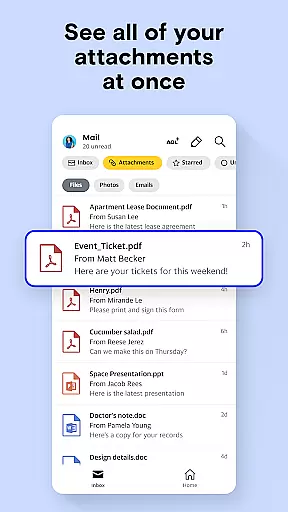
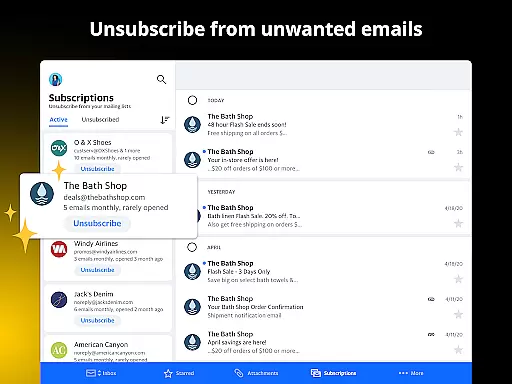
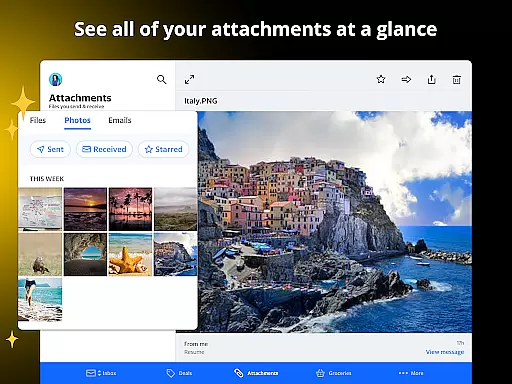
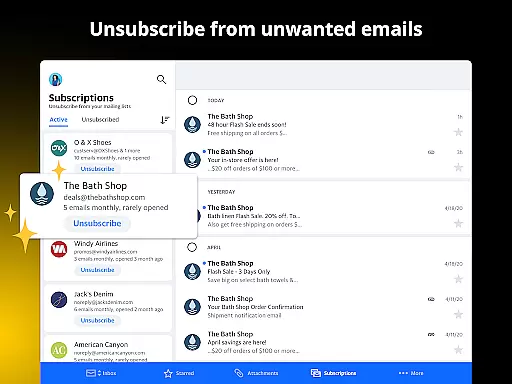
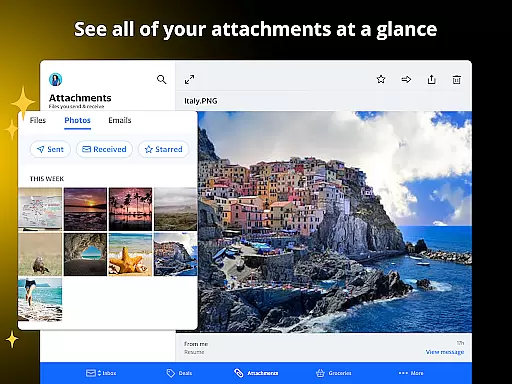
AOL stands out with its robust feature set tailored for productivity enthusiasts. The app's email service offers advanced functionalities such as attachment previews, auto-sorting of gift cards and coupons, and one-tap unsubscribe options, streamlining your inbox management. With 1 TB of storage, users can archive extensive correspondence without worrying about space limitations, making it ideal for both casual and power users.
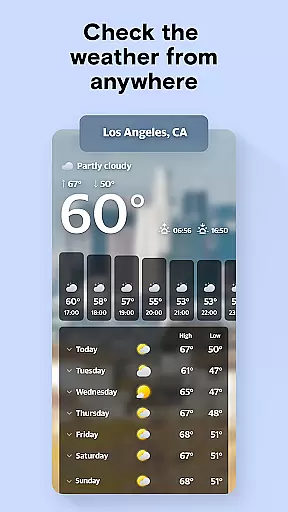
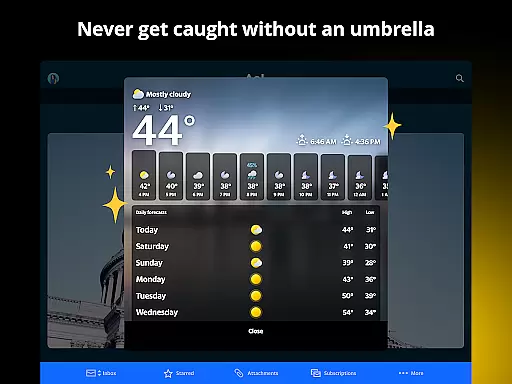
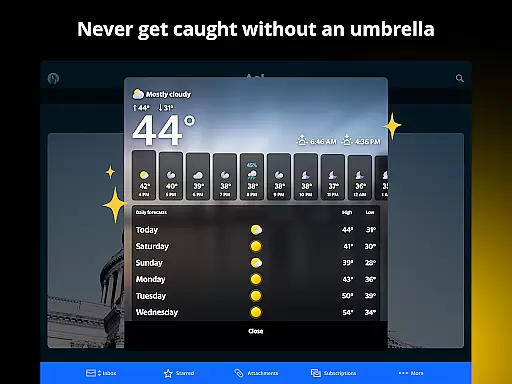
Beyond email, AOL delivers a rich news experience by curating content from top-tier sources like Reuters and USA Today. This ensures users receive well-rounded coverage on various topics. The app also includes a weather module that provides hourly and daily forecasts, customizable notifications, and global coverage—perfect for travelers or those needing regular updates. Additional features like saved articles, coupon tracking, and 24/7 customer support further enhance its value, positioning AOL as a complete digital organization tool.
Task management is a cornerstone of productivity applications, and the AOL app excels in providing users with robust tools to manage their digital lives efficiently. The app integrates email, news, and weather updates into a seamless interface that allows users to prioritize and organize their daily tasks effectively.
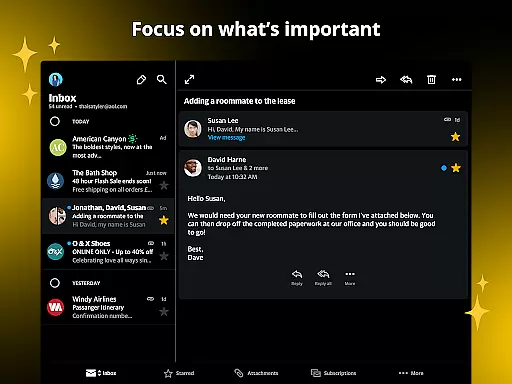
The AOL app's email feature offers smart organization options such as intuitive shortcuts, auto-sorting of gift cards and coupons, and an easy unsubscribe option, which collectively contribute to a clutter-free inbox. With 1 TB of storage, users can maintain extensive correspondence without worrying about space constraints, ensuring all important communications are accessible.
Additionally, the saved articles feature enables users to store interesting news stories for later reading, ensuring they stay informed without disrupting their workflow. This functionality supports efficient time management by allowing users to allocate specific periods for catching up on news, thus enhancing overall productivity.
By combining essential productivity tools with user-friendly navigation, the AOL app ensures that users can handle their core tasksu2014whether it's managing emails, staying updated with the latest news, or planning around weather forecastsu2014with minimal effort and maximum efficiency.
Cross-device synchronization is vital for users who operate across multiple devices, and the AOL app delivers reliable performance in this aspect. Whether switching between a smartphone, tablet, or desktop, users can expect their data to be consistently updated and accessible, ensuring a seamless experience regardless of the device in use.
The app's synchronization capabilities extend to its email service, where users benefit from real-time updates. This means that any action taken on one deviceu2014such as sending an email or organizing the inboxu2014is instantly reflected across all other devices. Such reliability is crucial for maintaining workflow continuity and ensuring users are always up-to-date.
In addition to email, the AOL app synchronizes saved articles and news preferences, allowing users to pick up where they left off on any device. This feature is particularly beneficial for those who read news or manage emails during commutes or while traveling, as it eliminates the frustration of lost progress or duplicated efforts.
With its commitment to providing a dependable cross-device experience, the AOL app ensures that users enjoy uninterrupted access to their essential services, thereby enhancing both convenience and productivity in their daily routines.
User-friendly interface
Massive email storage
Diverse news sources
Advanced email features
Reliable weather updates
Limited offline functionality
Occasional sync issues
Ads in free version
Heavy on storage
Complex setup for beginners

Secure, fast, open-source, VNC and SSH Remote Desktop for Windows, Linux and Mac
 4.70
4.70
AI Video AI Image Private LLM AI Browser Llama Gemma Ollama Connect LLM Studio
4.1
QuickBooks Workforce lets teams view pay info and track time in one place.
4.70
Native client for Forgejo and Gitea
5.00
Absolutely the best CNC machinist speed and feed calculator around. fswizard.com
4.60
Docker, Kubernetes management over Portainer Mobile
4.40
Quickly and easily keep track of your work shifts
4.70
Experience and share your SolidWorks designs on your Android® phone and tablet.
2.50
Okta MFA
4.70
Protect and view your important info on your phone and tablet with eWallet®
4.80
To do list widget with a notebook organizer, checklist, simple shopping list
4.60
CalenGoo is a very flexible and feature-rich calendar app
4.40
Share files & memories safely. Keep your photos and videos secure.
4.40
When you Focus, so will your Bean in this cozy focus timer
4.30
Make apps & sites with natural language prompts
4.10
Font maker keyboard with your own handwriting
4.10
The upgraded version of Name Wheel with AI and the power to add your own wheels.
4.4
IP Camera Viewer - Android TV : RTSP Surveillance camera viewer for Android TV
4.2
A comprehensive suite of tools designed specifically for Lactation Consultants
4.1


User Reviews