
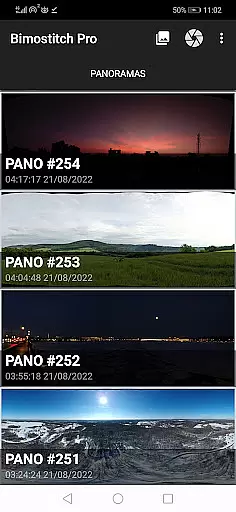
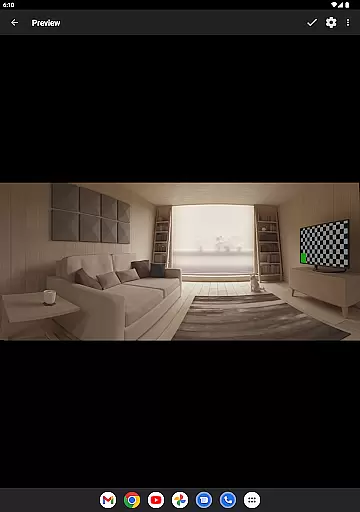
Bimostitch Panorama Pro is a powerful photography app designed for creating high-resolution panoramic images directly on your mobile device. The app utilizes advanced on-device stitching algorithms to automatically align and blend overlapping photos into stunning panoramas, supporting both single-row and multi-row stitching. Whether you're capturing landscapes, cityscapes, or 360-degree views, this app ensures professional-quality results without the need for additional equipment.
One of the standout features of Bimostitch Panorama Pro is its ability to handle ultra-high-resolution outputs of up to 1 Gigapixel, making it ideal for photographers who demand exceptional detail. Additionally, the app supports video-to-panorama conversion, allowing users to transform videos of panning motions into seamless panoramic images. With intuitive controls, automatic exposure balancing, and lens distortion compensation, this app caters to both amateur and professional photographers seeking convenience and precision in their work.
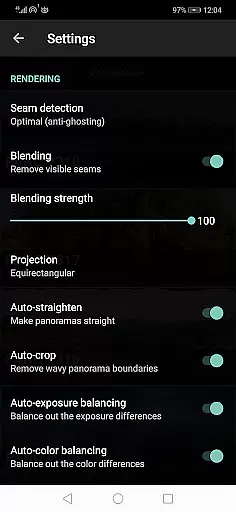
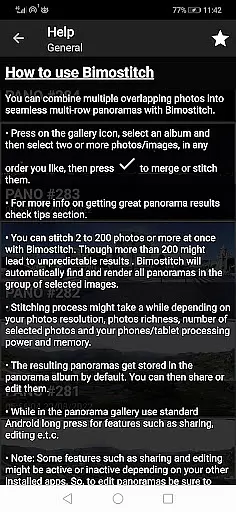
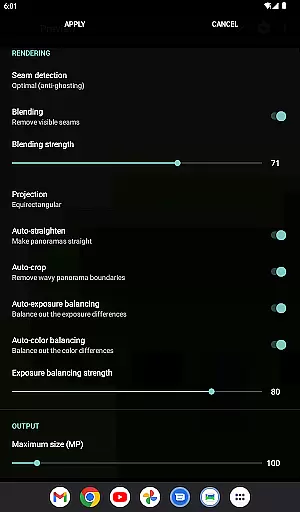
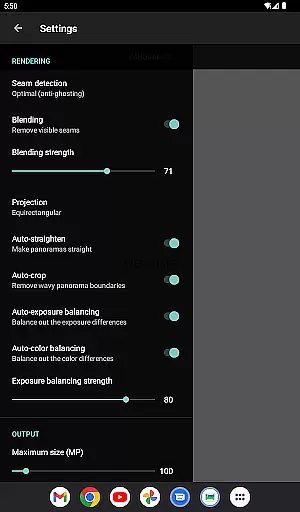
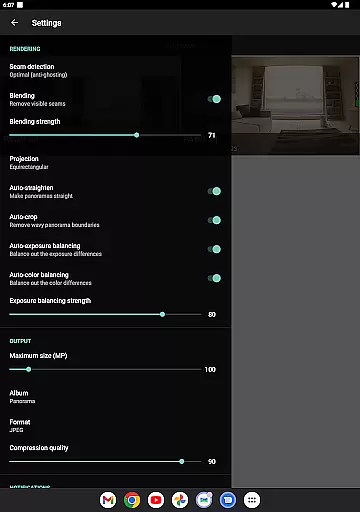
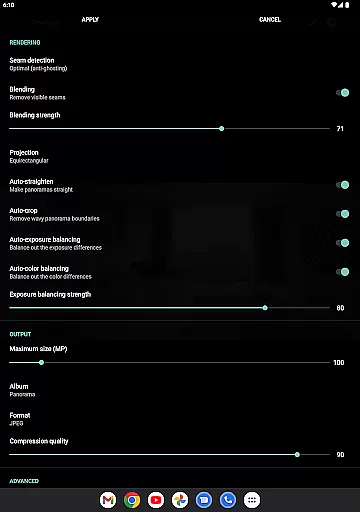
Bimostitch Panorama Pro offers an extensive range of features tailored for panoramic photography enthusiasts. The app allows users to stitch between 2 to 200+ overlapping photos into breathtaking wide-view panoramas with minimal resolution loss. It includes advanced functionalities such as auto-exposure balancing, automatic straightening, and seam detection modes that ensure optimal cuts for high-quality output. Users can also adjust blending intensity and control color balancing to achieve the desired visual effect.
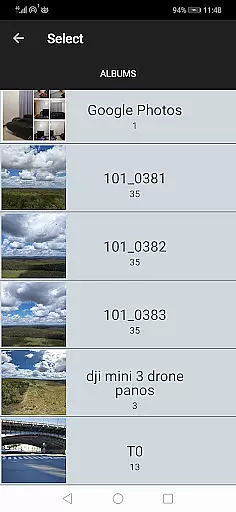
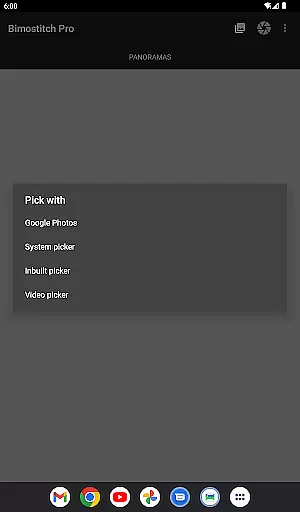
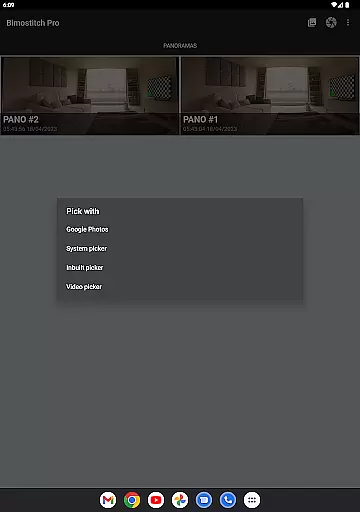
For professionals, the app provides pro-level tools like ultra-high-resolution output, JPEG or PNG format options, and compression settings to save device storage. The built-in photo picker simplifies image selection, while drone compatibility expands creative possibilities. Additionally, the app works offline, requires no special sensors, and supports photos from any source, including DSLR cameras and drones. These features collectively make Bimostitch Panorama Pro a versatile and indispensable tool for panoramic photography.
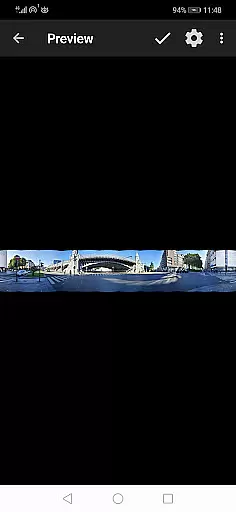
Real-time capture and preview functionality is essential for ensuring that every moment is captured accurately. Bimostitch Panorama Pro offers users the ability to stitch high-resolution panoramas directly on their device, providing immediate visual feedback. This feature allows photographers to see the results of their work instantly, making necessary adjustments on the spot.
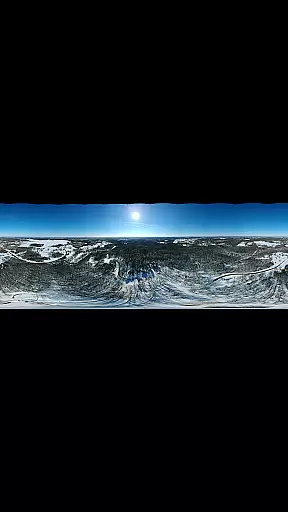
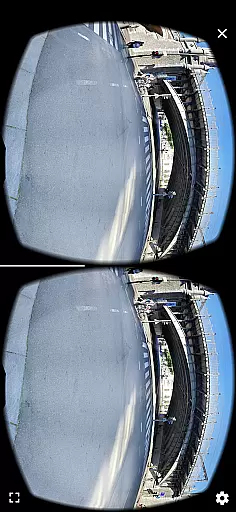
The app supports stitching of single-row, multi-row, vertical, horizontal, 360u00b0 panoramas, or photospheres, accommodating a variety of photographic needs. By enabling real-time previews, users can ensure that all desired elements are included in the final image, enhancing the overall quality of the panorama. The automatic exposure balancing and straightening further refine the captured scenes, delivering professional-grade outputs.
With seamless integration of advanced algorithms, Bimostitch ensures that even complex images with overlapping sections are aligned perfectly. Users benefit from the app's capability to handle up to 200+ photos, creating impressive wide-view panoramas without any reduction in resolution. This makes it an indispensable tool for both amateur and professional photographers looking to produce stunning panoramic images effortlessly.
AI beauty and enhancement features have become a staple in modern photography apps, offering users the ability to enhance their images naturally. Bimostitch Panorama Pro leverages AI technology to provide automatic color balancing, seam detection, and blending intensity controls. These features ensure that the final panorama maintains the authenticity and natural beauty of the original photos.
The app's auto-lens calibration compensates for lens distortion, which is particularly useful when stitching images captured with wide-angle or fisheye lenses. This ensures that the final output is free from distortions, preserving the integrity of the scene. Additionally, the app offers various output formats such as JPEG or PNG, allowing users to choose the best format for their needs while maintaining high-quality standards.
Bimostitch also includes pro features like ultra-high resolution output of up to 1 Gigapixel, video-to-panorama conversion, and adjustable seam detection quality. These advanced capabilities enable users to create breathtaking panoramas with minimal effort. Whether you're a professional photographer or an enthusiast, the app's AI-driven enhancements will elevate your panoramic photography to new heights, ensuring that every detail is captured beautifully and naturally.
High-quality stitching
Intuitive interface
Offline functionality
Wide compatibility
Advanced customization
Requires 4GB RAM
Paid pro features
Complex for beginners
Large file sizes
Limited free options

All-in-One Editor & AI Photo Enhancer, Collage, Cartoonify, Funny Stickers & BGS
 4.10
4.10
Superimpose one photo on top of another using the original Superimpose app!
3.20
A must-have app for landscape photographers
4.60
Photo editor & gallery. Crop pictures & edit photos offline, no wifi!
4.50
Unblur, enhance & restore photos with powerful AI photo enhancer tools.
4.60
Your personal guide to the sun and moon. Plan ahead, visualize and predict!
4.70
The original Rarevision VHS look seen everywhere!
4.70
Discover How to Plan any Sun, Moon and Milky Way Photo You Imagine in Seconds
4.70
Edit photos with the picture generator: PS2 & AI Clay filters, cartoon effects.
4.50
Collage your moments in one tap: 1000+ layouts, filters, stickers, and texts.
4.90
Photo prints, cards, & gifts at Walgreens. Easy ordering & fast local pickup !
4.80
See your baby AI baby face generator AI baby maker Face generator babymaker fun!
4.70
RAW video capture with advanced controls
4.40
Virtual makeup, hair filters & body tuner—edit from face to full body!
4.20
Create AI Photos, Improve and restore quality of blurry, old or damaged pics.
4.20
Luminar: Photo Editor - easy picture editing with AI
4.20
Transform Photos: Edit, Beautify and Craft Memories & Make Collages!
4.10
Hair color changer, AI haircut app, fun hair editor and buzz cut filter for all!
3.80
Remote control of the phone camera from your Wear OS smartwatch
3.70


User Reviews