
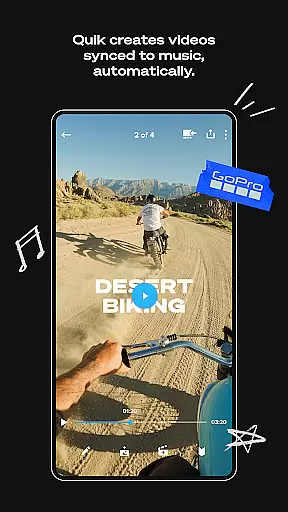
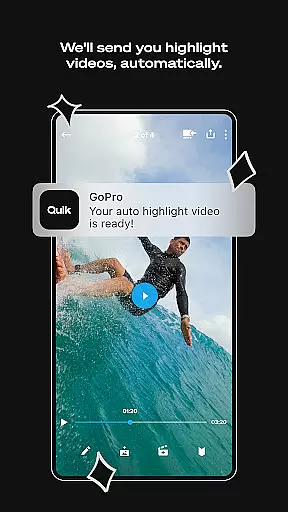
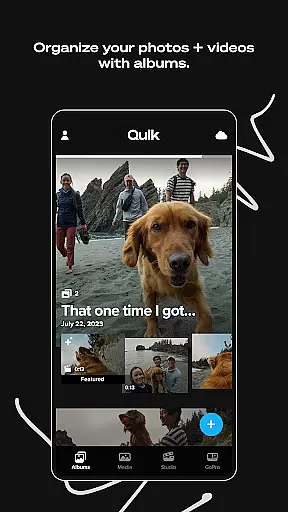
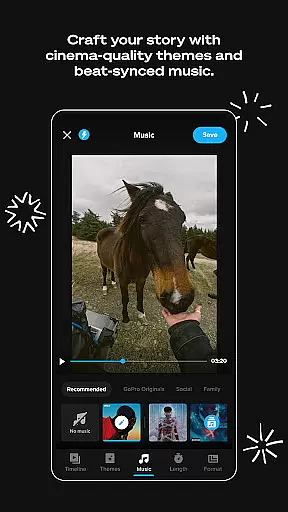
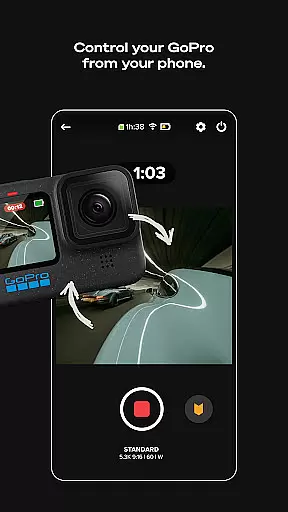
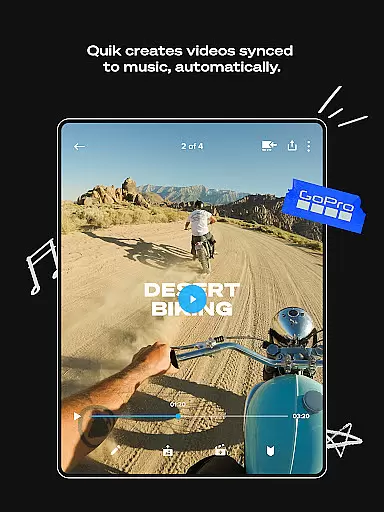
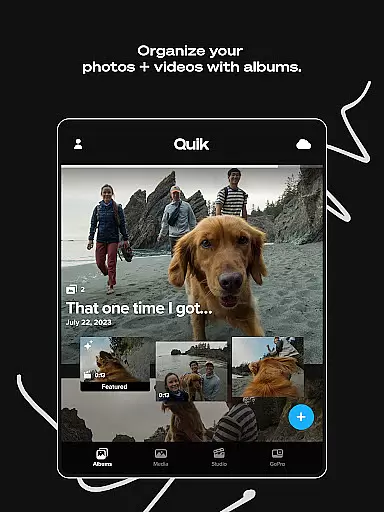
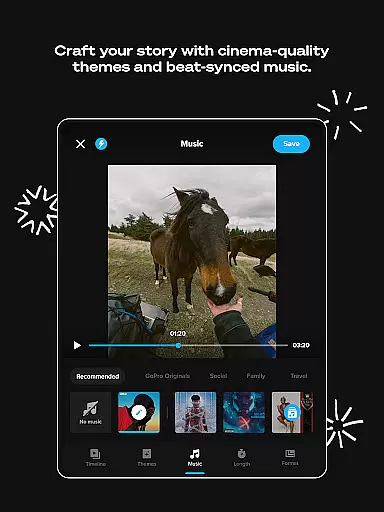
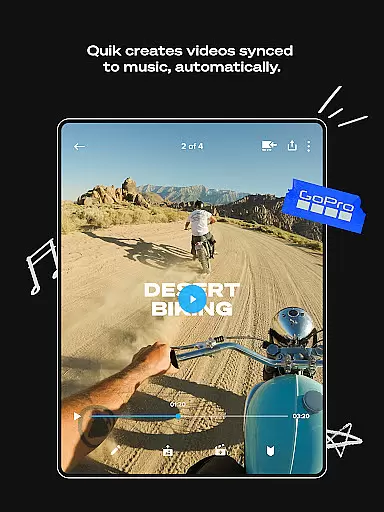
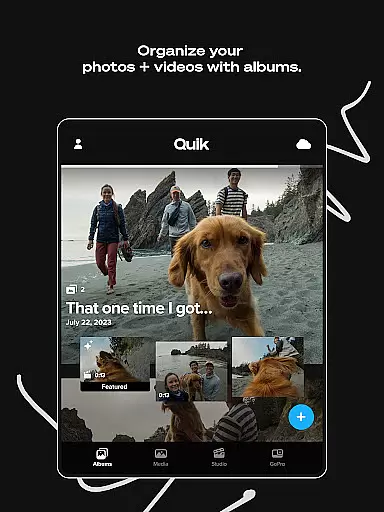
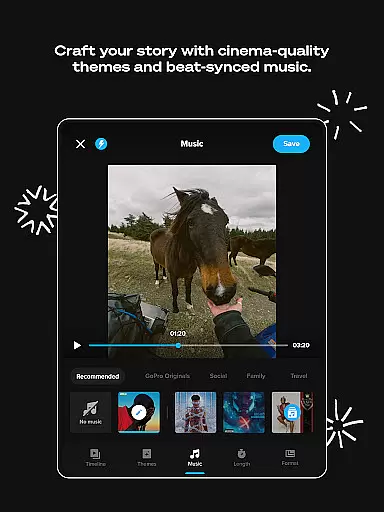
GoPro Quik is a powerful video editing application designed to simplify the process of creating professional-quality videos. The app's standout feature is its automatic editing capability, which intelligently selects your best shots, syncs them to music, and adds polished transitions to generate captivating videos with minimal effort. Beyond editing, GoPro Quik offers unlimited cloud storage for GoPro footage at 100% quality, ensuring that all your media is securely backed up and accessible across devices. This cross-device synchronization allows users to seamlessly edit and manage content on-the-go, making it an ideal tool for adventurers, vloggers, and content creators who need reliable access to their media anytime, anywhere.
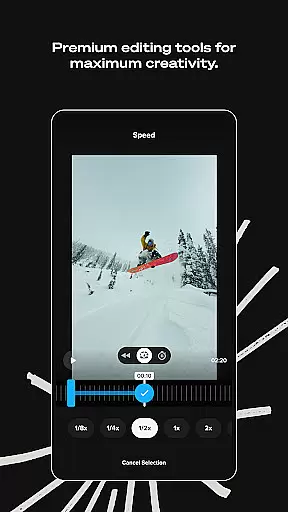
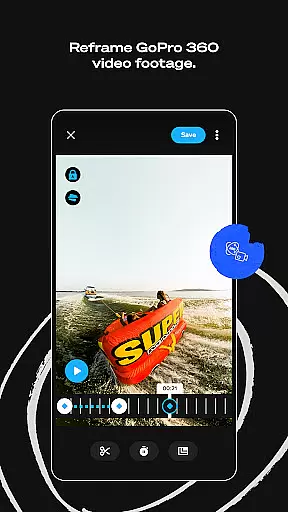
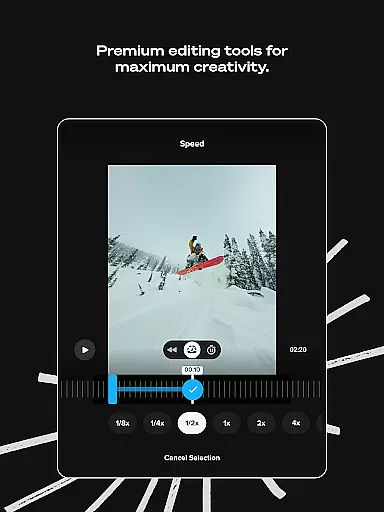
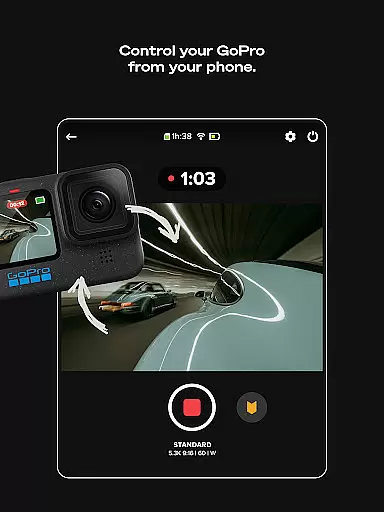
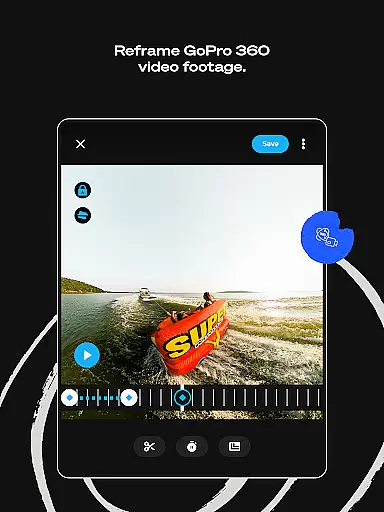
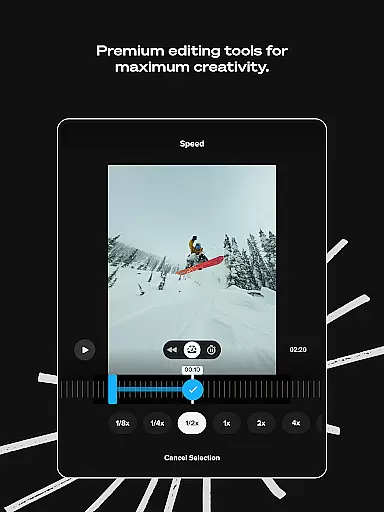
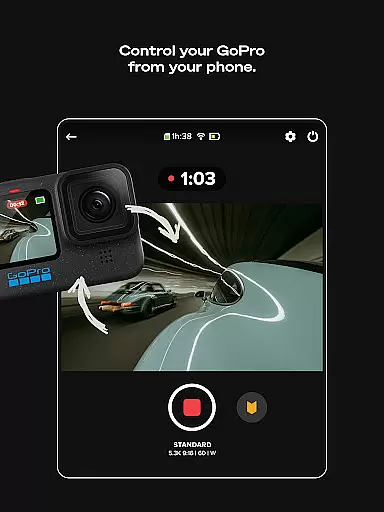
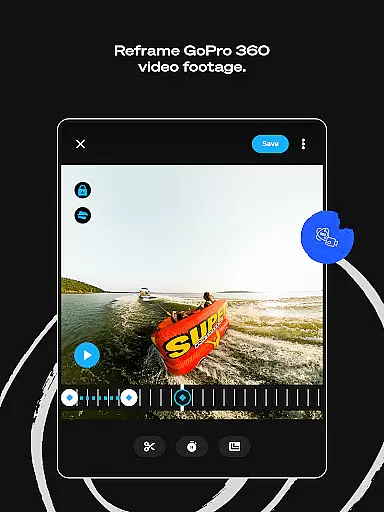
In addition to its automated features, GoPro Quik provides a robust suite of premium editing tools. These include advanced options like color correction, trimming, text overlays, and exclusive filters optimized for specific environments such as snow and water. For GoPro camera owners, the app enhances usability by offering features like Auto GoPro Detection, which facilitates quick media transfers, and Reframe, which transforms 360-degree footage into traditional video formats. Whether you're looking to create dynamic highlight reels or meticulously refine individual clips, GoPro Quik delivers both convenience and creative control, empowering users to produce stunning videos effortlessly.
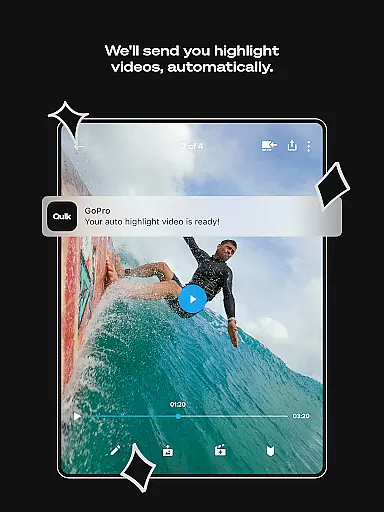
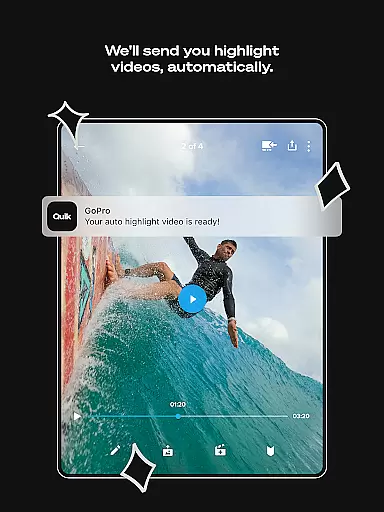
GoPro Quik stands out in the Video Players & Editors category due to its comprehensive feature set tailored for both casual users and professionals. One of its most notable capabilities is Automatic Highlight videos, where the app analyzes your footage to identify key moments, syncing them to music beats and applying cinematic transitions. This feature drastically reduces the time and effort required to produce engaging videos. Additionally, the app offers unlimited cloud storage with a Premium or Premium+ subscription, allowing users to store all their GoPro footage at full quality while also accommodating up to 500GB of non-GoPro media. This ensures that users never lose precious memories and can access their files from any device.
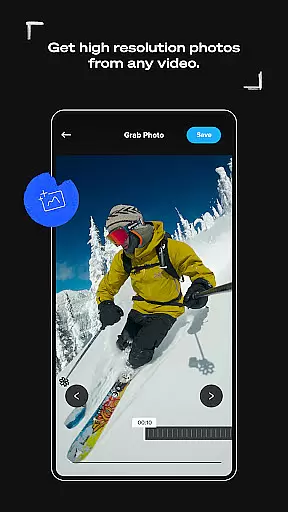
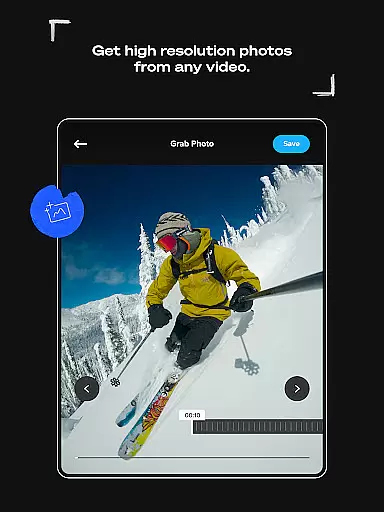
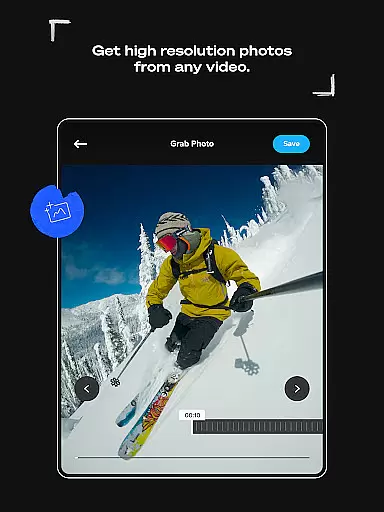
For those seeking more hands-on control, GoPro Quik provides an array of advanced editing tools. Users can experiment with color grading, trim video length, add stickers, emojis, and text overlays, and apply specialized filters designed for activities like skiing or diving. Another innovative feature is Reframe, which enables users to extract traditional videos or high-resolution photos from 360-degree footage. Furthermore, GoPro camera owners benefit from functionalities like Auto GoPro Detection, which simplifies media transfers, and Preview Shots, which lets users review and delete unwanted files directly from their camera's SD card. These thoughtful additions make GoPro Quik not just an editor but a complete media management solution.
GoPro Quik stands out with its exceptional video format compatibility, ensuring that users can work with a wide range of file types without any hitches. The app supports footage captured not only from GoPro cameras but also from other devices, making it versatile for various user needs.
The application automatically detects and imports videos in multiple formats, allowing seamless integration into your editing projects. This feature is particularly beneficial for content creators who use different devices to capture their moments, as they can consolidate all their media within a single platform.
With a Premium or Premium+ subscription, users gain access to unlimited cloud storage for GoPro footage and up to 500GB for non-GoPro content. However, it's important to note that while the app offers broad compatibility, certain specialized formats may have limitations. For a comprehensive list of supported file types, users are encouraged to visit the official website.
This extensive compatibility empowers users to focus on their creative process without worrying about technical constraints, ultimately enhancing productivity and creative freedom.
GoPro Quik incorporates advanced AI-powered editing features that revolutionize how users create and edit their video content. At the core of these capabilities is the Automatic Highlight function, which intelligently identifies the most compelling moments from your footage and transforms them into engaging shareable videos.
The AI engine doesn't stop there; it syncs selected clips to music beats, adds professional transitions, and applies appropriate effects, creating a polished final product with minimal user input. This automation significantly reduces editing time while maintaining high production quality standards.
Additionally, the Beat Sync feature demonstrates the app's sophisticated AI algorithms by perfectly timing video elements to match musical rhythms. These smart tools enable both novice editors and experienced creators to produce cinematic-quality videos effortlessly.
While these powerful AI features require a Premium or Premium+ subscription, available in select countries, they represent a substantial advancement in mobile video editing technology, making professional-grade editing accessible to everyone.
User-friendly interface
Automatic video editing
Unlimited cloud backup
Premium editing tools
Cross-device sync
Premium features locked
Subscription required
Limited file support
Occasional bugs
High storage demand

A full editing room to accompany your Insta360 cameras and handheld gimbals.
 3.30
3.30
Connect 2 UVC devices for recording and broadcast video/audio stream
3.90
Cast Videos from Web Browser, IPTV to Roku, Chromecast, DLNA, Smart TV +more
4.60
Play ALL formats in 4K & HD. Video downloader, MP3 player, Chromecast & more.
4.80
Support 1000+ Video Format, Subtitle Download, mp3 & Background Play, Cast On TV
4.60
Fast & easy HD video downloader for all formats, support 4K playback & download.
4.60
Play and download HD videos from all sources — fast, simple, and all-in-one.
4.1
A Simple app to download Video & Music from the Internet.
4.70
Manage your YouTube channel on the go
4.40
VLC Remote lets you control your VLC Media Player on Mac, PC or Linux.
4.60
Watch IPTV on your Android device
4.60
Browser + Remote for Roku to stream webvideos, online movies and livestreams
4.60
Video Downloader is an utility that can save videos and music from web sites
4.20
Powerful video player with advanced hardware acceleration and subtitle supports
4.20
Powerful, professional, versatile teleprompter. Developed by an active film crew
4.00
IPTV-Smarters Player Pro M3U - Watch Live Stream TV Channels with Chromecast
4.00
All in one multi protocols stream receiver for AirPlay, Cast and DLNA.
3.60
Mix with Virtual DJ directly from your phone or tablet !
3.10
Video player with powerful streaming playback and various convenient features.
2.10


User Reviews