
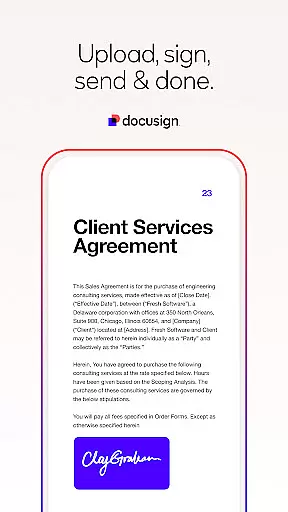
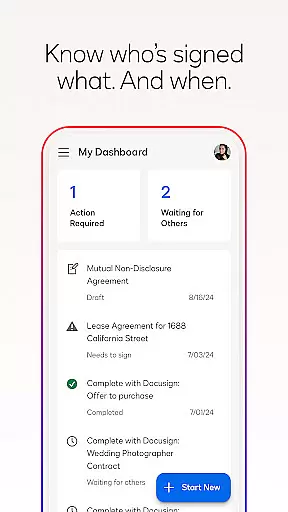

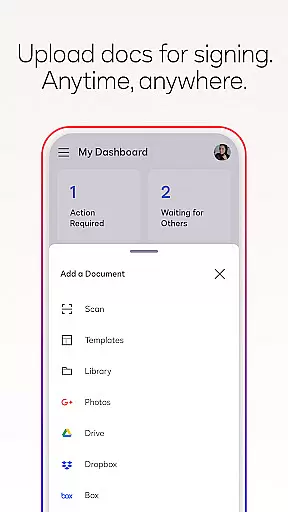
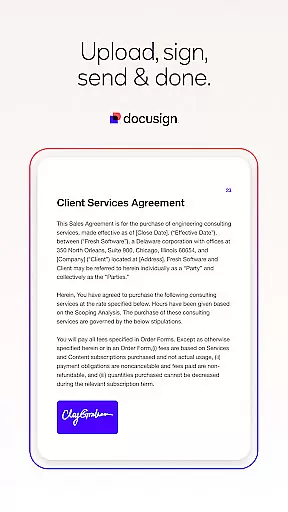
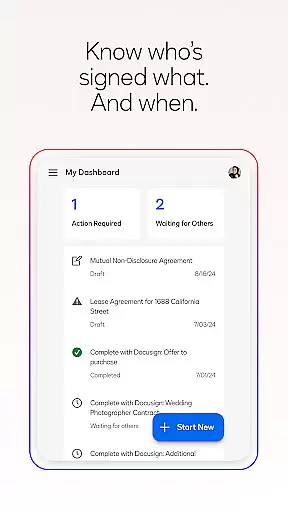

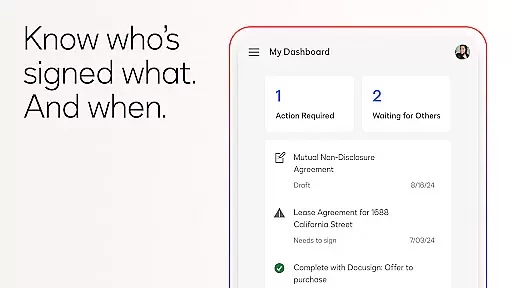
Docusign is the world's leading eSignature solution, enabling businesses and individuals to securely manage agreements from anywhere, at any time. The app simplifies the entire agreement process by offering easy-to-use tools for creating digital signatures, uploading documents, and managing workflows.
With Docusign, users can sign PDFs, forms, and contracts on the go, while enjoying features like real-time notifications, unlimited free signing, and secure encryption. Trusted by millions globally, it supports multiple document formats and provides a streamlined experience for sending, tracking, and signing agreements.
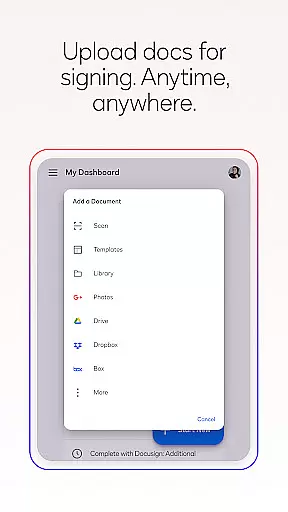
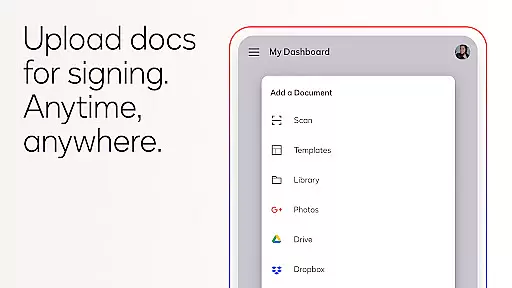
Docusign stands out with its robust functionality tailored for productivity. Users can upload files via email, Google Drive, Dropbox, or photo scanning, making document preparation seamless. Its responsive signing feature adapts documents to any device size, ensuring an optimal signing experience.
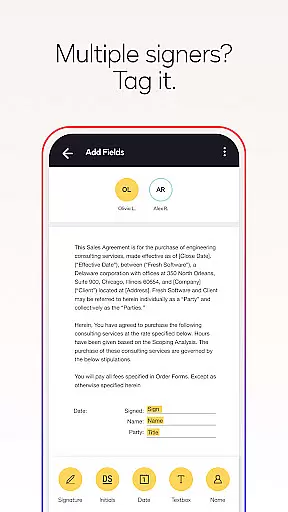
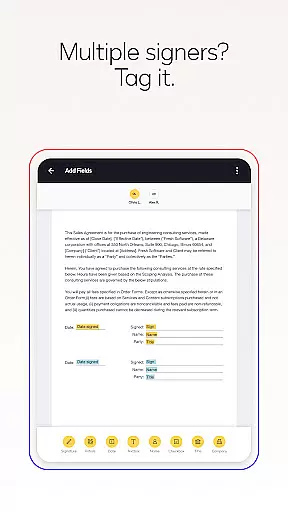
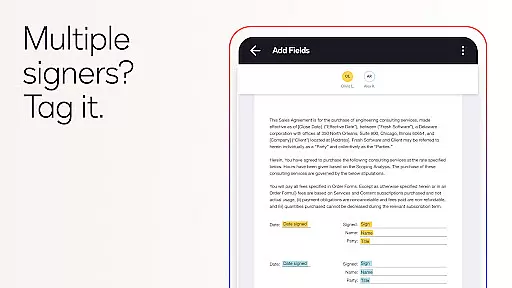
The app also allows users to set precise signing workflows, including tagging fields for signatures and initials, customizing signer order, and sending reminders. Advanced security measures, such as encryption and compliance with the eSign Act, ensure that all agreements are legally binding and protected against unauthorized access.
In the realm of productivity, core task management is pivotal for organizing and executing work efficiently. DocuSign excels in this area by providing users with a streamlined process to handle agreements and documents.
DocuSign's application allows users to create customized digital signatures, upload documents from various sources, and manage them directly from their device. The app simplifies the agreement workflow by enabling users to prepare documents with specific tags that guide signers on where to sign or initial, thus ensuring an orderly and efficient signing process.
For users, this means having complete control over the lifecycle of their documents. They can send reminders, void documents, and receive real-time notifications when documents are signed. This comprehensive management suite empowers businesses and individuals to maintain an organized approach to document handling, which is crucial for productivity.
The value of DocuSign's task management capabilities lies in its ability to save time and reduce complexity, allowing users to focus on more strategic activities while ensuring that all transactions are secure and compliant with legal standards.
Cross-device synchronization is essential for maintaining consistency and reliability across multiple platforms, especially in productivity applications like DocuSign.
DocuSign ensures that all actions taken on one device are accurately reflected across all others. Whether you're uploading a document via email, Google Drive, or scanning a photo, these files are synchronized in real-time, so you have access to the most current version of your documents regardless of the device you're using.
This seamless synchronization provides peace of mind for users who need to switch between devices without losing progress or encountering discrepancies in their document status. It supports a flexible work environment where tasks can be initiated on one device and completed on another without interruption.
Ultimately, DocuSign's reliable cross-device synchronization enhances user experience by providing uninterrupted access to critical documents and agreements, thereby supporting a dynamic and mobile workforce.
User-friendly interface
Secure encryption protocols
Unlimited free signing
Real-time notifications
Wide format compatibility
Premium plans required for advanced features
Limited offline functionality
Subscription auto-renews
No cancellations mid-cycle
Basic plan has restricted sending limits

Experience Reading - Night Mode for Documents
 4.40
4.40
All in one sketching tool. Technical and General drawing. Online Maps support.
3.70
Direct Chat without saving contacts & Dual WA Account on Single Device
4.70
Easily read and manage all your PDF files
4.10
The Pro Version of Android's tiniest Notepad app. Just 0.3MB but feature-packed!
4.60
This small app MUST BE INSTALLED after purchase, else license won't work
4.40
Lightweight PDF, Word, Excel reader.
4.60
Daily processing of PDF documents.
4.40
Note taking, handwriting, record audio, PDF annotation, planner & journal
4.20
Mind Map and brainstorm, note taking and idea collection
4.80
The AI assistant that thinks with you - write, code, and solve complex tasks
4.60
To do list widget with a notebook organizer, checklist, simple shopping list
4.60
Professional calendar app for Google Calendar, MS Outlook & Exchange
4.20
Font maker keyboard with your own handwriting
4.10
Customizable calendar widget for seamless event sync, planning & scheduling.
4.00
Secure, open-source, SPICE and SSH Remote Desktop for QEMU KVM virtual machines
4.00
Make your handwriting beautiful, even more than pen on paper.
3.60
AI Video AI Image Private LLM AI Browser Llama Gemma Ollama Connect LLM Studio
4.1
IP Camera Viewer - Android TV : RTSP Surveillance camera viewer for Android TV
4.5


User Reviews