
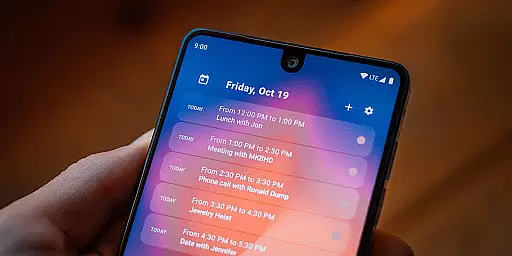
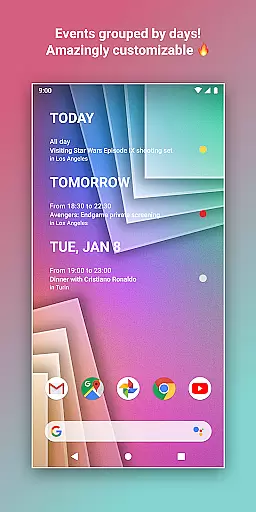
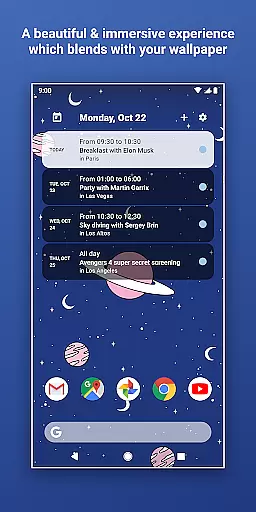
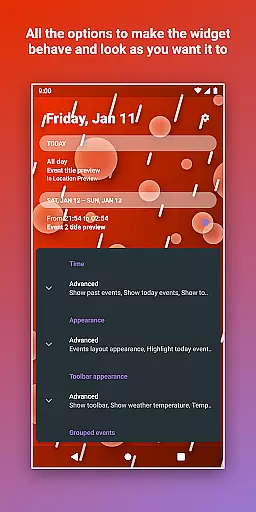
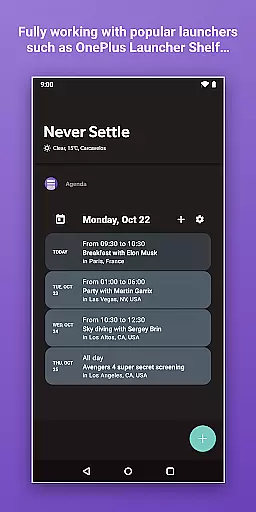
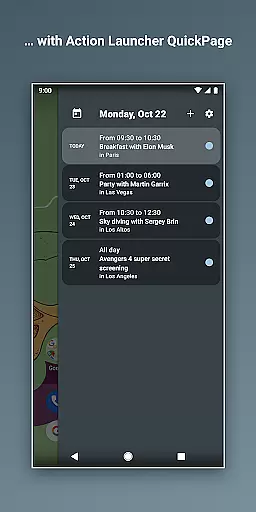
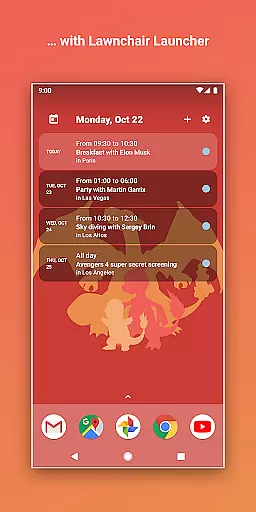
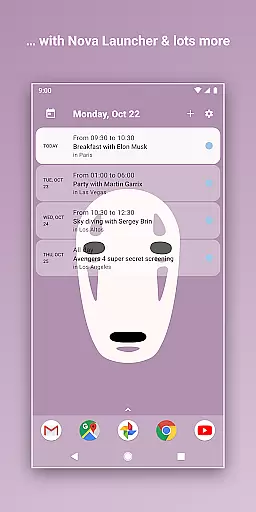
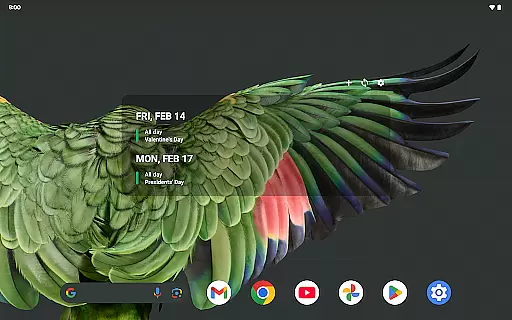
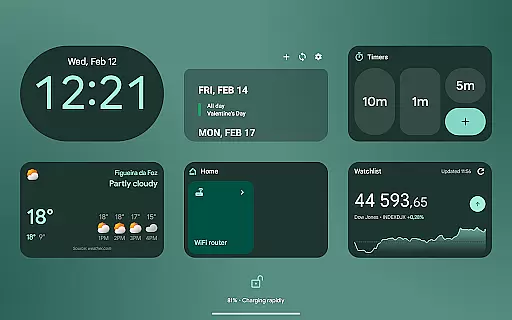
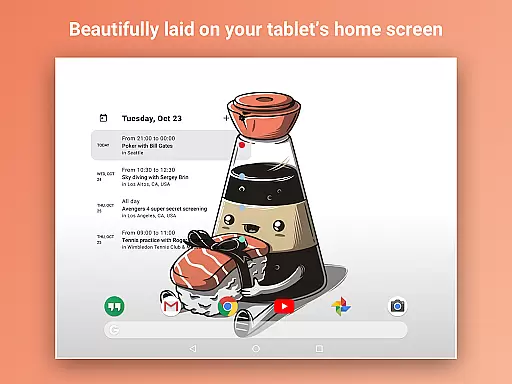
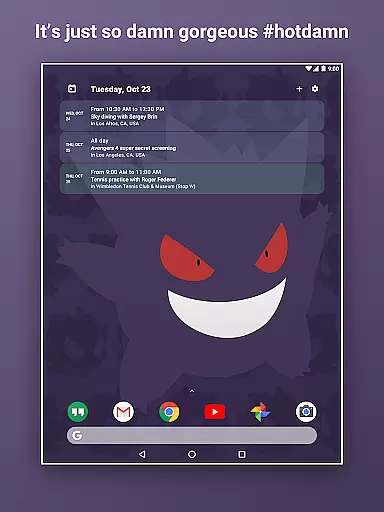
Home Agenda is a feature-rich productivity app designed to help users manage their schedules effectively through its customizable calendar widget, agenda, and planner functionalities. This Android app allows seamless synchronization with popular calendar services like Google Calendar and Outlook, ensuring that all events are up-to-date and easily accessible directly from the home screen.
One of the standout features of Home Agenda is its custom design capability, which lets users personalize the appearance and size of their widgets to match their preferences. The app also offers instant event syncing, enabling users to quickly view, add, and edit events as needed. With its low battery impact and optimized performance, Home Agenda ensures that users can stay organized without compromising their device's efficiency.
Whether you need to keep track of daily tasks or long-term plans, Home Agenda transforms your home screen into a dynamic planning hub. Its modern interface and real-time notifications ensure that you never miss an important event. Additionally, the app prioritizes user privacy by operating locally without tracking data or displaying ads, making it a secure choice for managing personal schedules.
Home Agenda stands out in the productivity category due to its extensive customization options and seamless integration capabilities. Users can create personalized themes and adjust widget sizes to fit their unique style and needs. This flexibility ensures that the app not only serves its functional purpose but also enhances the aesthetic appeal of the home screen.
The app supports instant synchronization with multiple calendar services, including Google Calendar and Outlook. This feature allows users to effortlessly manage their events across different platforms, ensuring that all information is current and accurate. Furthermore, Home Agenda provides easy planning tools that enable users to swiftly view, add, and edit events, thus streamlining their scheduling process.
Another notable aspect of Home Agenda is its commitment to user privacy and device performance. Unlike many other calendar apps, Home Agenda operates 100% locally, meaning it does not track user data or display ads. This approach gives users full control over their personal information. Additionally, the app is optimized for minimal battery consumption, ensuring that it runs smoothly throughout the day without draining the device's resources.
Task management is at the heart of productivity applications, enabling users to organize their daily activities effectively. Home Agenda excels in this area by providing a customizable calendar widget that syncs seamlessly with Google Calendar, Outlook, and other popular platforms.
The app allows users to instantly view, add, and edit events, ensuring they stay on top of their schedules. With real-time notifications and an intuitive interface, managing tasks becomes effortless and efficient.
What sets Home Agenda apart is its optimization for performance, offering a low battery impact while maintaining robust functionality. This ensures users can rely on the app throughout the day without worrying about excessive energy consumption.
Cross-device synchronization is crucial for users who need consistent access to their schedules across multiple devices. Home Agenda addresses this need by offering reliable syncing capabilities with major calendar services like Google Calendar and Outlook.
This ensures that whether you're at your desk or on the go, your events are always up-to-date and accessible. The app's instant sync feature means changes made on one device appear immediately on others, keeping all your devices aligned.
Moreover, Home Agenda prioritizes user privacy by operating locally without tracking data or displaying ads. This commitment to privacy gives users peace of mind knowing their personal information remains secure and under their control.
User-friendly interface
Highly customizable widgets
Instant event syncing
Privacy-focused design
Low battery usage
Limited reminder functionality
No public API access
Premium features require payment
Occasional sync delays
Complex setup for beginners

Secure, fast, open-source, VNC and SSH Remote Desktop for Windows, Linux and Mac
 4.70
4.70
The upgraded version of Name Wheel with AI and the power to add your own wheels.
4.1
The Pro Version of Android's tiniest Notepad app. Just 0.3MB but feature-packed!
4.60
Make your handwriting beautiful, even more than pen on paper.
3.60
Todo reminder
4.10
Subscribe to Webcal & .ics calendars and keep them up-to-date!
4.50
Calendar 2023 widget for Android. Appointment scheduler, planner, and reminder
4.60
This small app MUST BE INSTALLED after purchase, else license won't work
4.40
Share files & memories safely. Keep your photos and videos secure.
4.40
Multilingual translator for text, voice, and image translation!
4.90
Absolutely the best CNC machinist speed and feed calculator around. fswizard.com
4.60
Functional QR scanner and barcode reader that requires little storage space.
4.60
Lightweight PDF, Word, Excel reader.
4.60
PDF scanner & converter for files, photos, lottery, QR codes. One swipe away!
4.50
Secure your apps with lock screens, use custom themes and different features.
4.40
Professional calendar app for Google Calendar, MS Outlook & Exchange
4.20
* block pre-roll ads, pop-up and forced redirect ads * Samsung certification app
4.00
Easiest event planning, volunteer signups & parent teacher conference scheduling
2.20
AI Video AI Image Private LLM AI Browser Llama Gemma Ollama Connect LLM Studio
4.1


User Reviews