
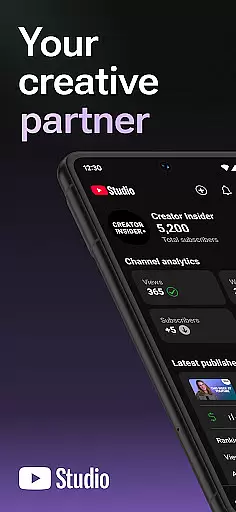
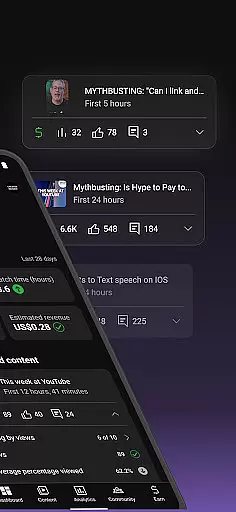
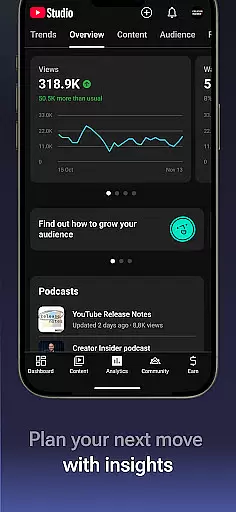
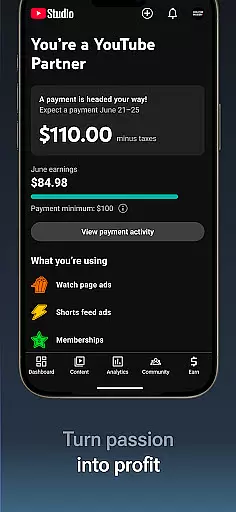
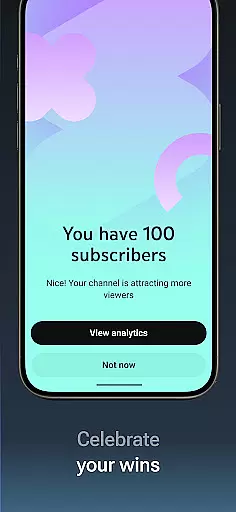
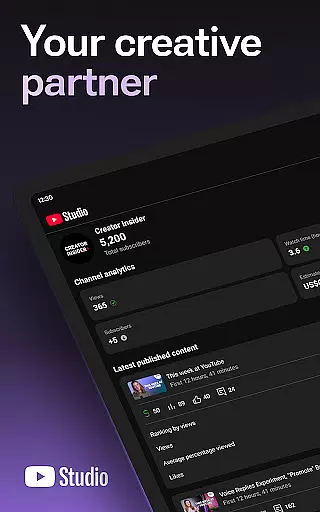
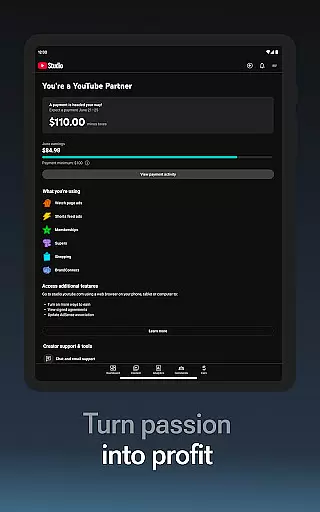

YouTube Studio is the official mobile app designed for content creators to manage their YouTube channels effectively. The application provides a comprehensive suite of tools that empower creators to monitor channel performance, engage with their audience, and customize content settings directly from their mobile devices. With features like the Channel Dashboard, detailed Analytics, and comment management, it serves as an all-in-one solution for YouTubers looking to optimize their channel's growth and community engagement.
The app is particularly useful for creators who need to stay connected with their audience while on the go. Whether you're tracking video performance metrics or responding to comments, YouTube Studio ensures you have the necessary tools at your fingertips. Additionally, its monetization features allow users to apply for the YouTube Partner Program, opening up opportunities to generate revenue through their creative efforts.
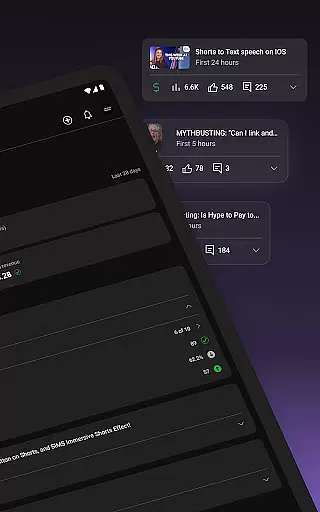
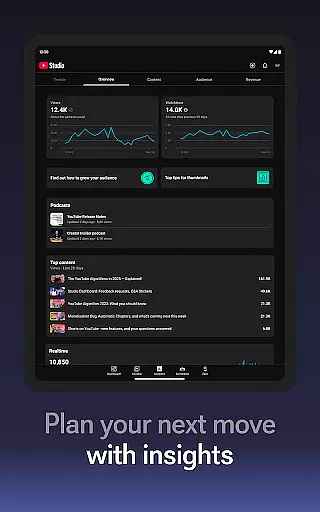
YouTube Studio offers a robust set of features tailored for content creators. One of its standout capabilities is the Channel Dashboard, which provides a quick snapshot of your channel's overall performance. This includes key metrics such as views, watch time, and subscriber growth, giving creators immediate insights into how their content is resonating with viewers.
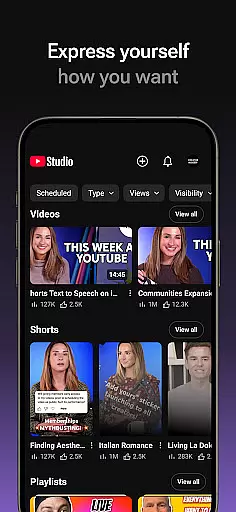
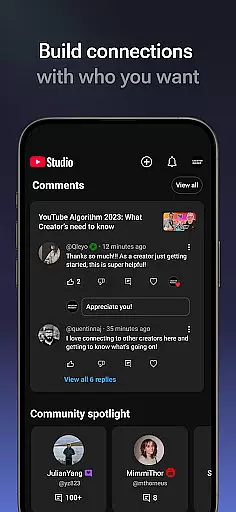
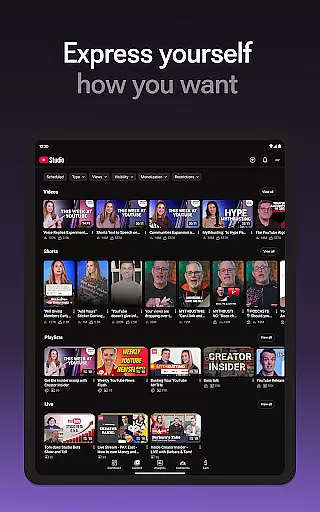
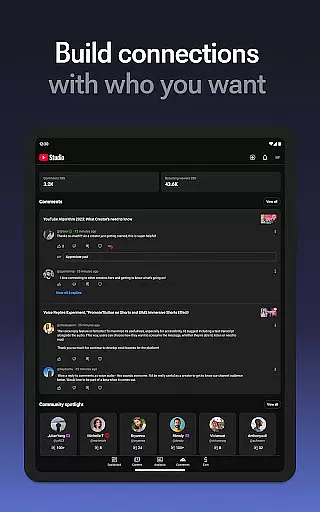
Beyond basic analytics, the app also delivers detailed performance reports. Creators can dive deep into specific types of content, such as videos, shorts, and livestreams, to understand what drives engagement. The app also allows sorting and filtering of comments, making it easier to prioritize important conversations. Furthermore, users can update video information, change thumbnails, and adjust channel settings, ensuring complete control over their content's presentation and accessibility.
Video format compatibility is a crucial feature for any video player and editor, including YouTube Studio. This app supports a wide range of video formats, ensuring that creators can upload and manage content without worrying about format restrictions.
YouTube Studio allows users to update video information, manage Shorts, and handle livestreams seamlessly. The flexibility in format compatibility means you can focus on creating and engaging with your audience rather than being limited by technical constraints.
By supporting various formats, YouTube Studio enhances user experience, providing the freedom to experiment with different types of content. Whether it's high-definition videos or short clips, the platform ensures that all media types are accommodated, thus broadening creative possibilities.
AI-powered editing features represent a significant advancement in video editing technology, and YouTube Studio incorporates these innovations to streamline content management. With AI assistance, users can quickly sort and filter comments, making it easier to engage with their community and prioritize important conversations.
The app also leverages AI to provide detailed analytics, giving creators insights into how different types of content perform. These smart analytics help optimize video strategies by highlighting trends and viewer preferences, ultimately enhancing channel growth.
Additionally, AI-driven tools assist in managing the look and feel of your channel, from updating video details to refining content presentation. This technological edge not only simplifies tasks but also empowers creators to maintain a professional and appealing presence on the platform.
User-friendly interface
Comprehensive analytics
Real-time performance tracking
Effective comment management
Monetization opportunities
Limited advanced editing
Occasional syncing issues
Basic video editing tools
Restricted desktop features
Ads in the free version

Client application for NextPVR software
 3.00
3.00
HD Video player all format, HD Videos, Cast & Subtitle. No annoying ads.
4.60
AirMirror is Receiver for Screen Mirroring and Casting from Apple Devices.
3.60
High-Quality USB Camera Viewer & HDMI Display
4.70
An easy-to-use and all-round screen recorder with audio
4.80
Movie maker & video editing app with AI effects and green screen
4.30
Make your own Animations, Video and Photo Edits, Visual Effects, and more!
4.00
LumaFusion: The Ultimate Storytelling Experience for Video Editing
4.10
Fast private browser with secure, seamless access & supported video downloads!
4.00
Download videos and play them offline
4.70
IPTV Loader, loads your own Playlist. DOES NOT CONTAIN ANY LIST OR CHANNELS
4.60
Cast movies, tv shows and live streams to Chromecast, Roku, DLNA, Fire TV & more
4.60
Auto video maker with music & exclusive filters. Video editing made simple.
4.50
KMPlayer Plus (Divx Codec) officially support Divx codec.
4.30
Web Browser for LG TV to stream webvideos, online movies and livestreams in HD
4.20
Video player with 4K & 1080P support, popup play, background play and subtitle.
4.20
Your media, on your terms.
4.10
Cast to Smart TV, Fire TV. Cast video, photo - Fast & Stable!
3.90
The smartest M3U IPTV Player your playlists have ever seen.
4.0


User Reviews