


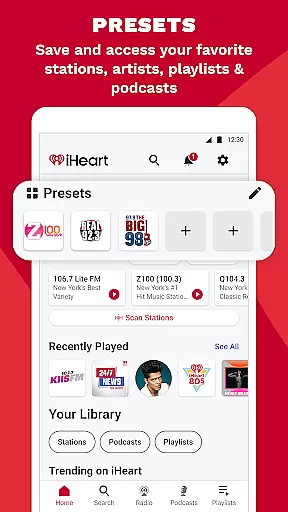
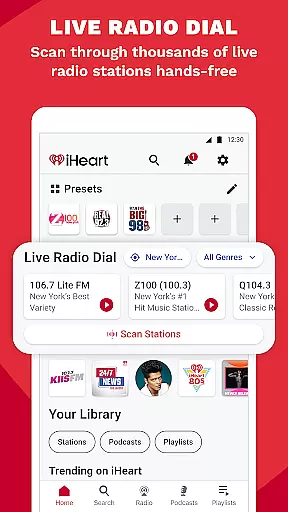
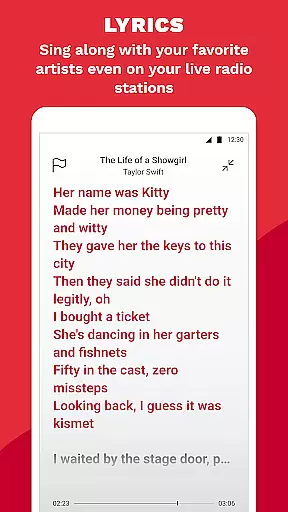
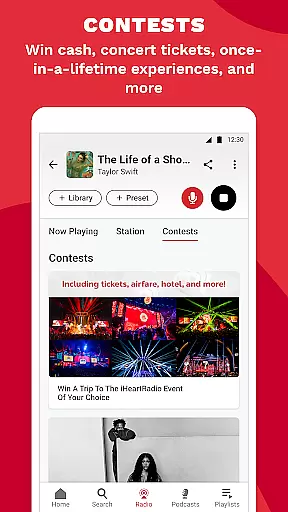

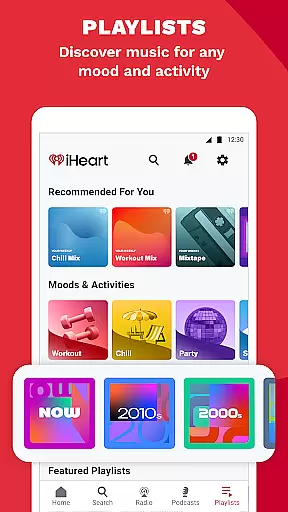
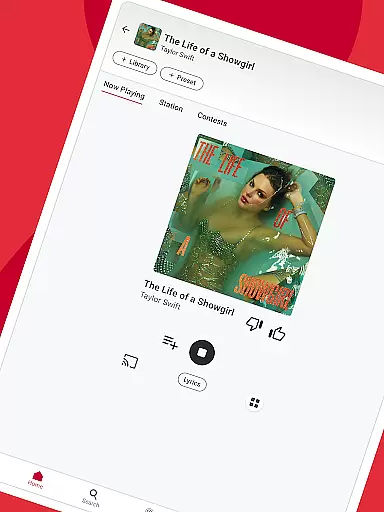

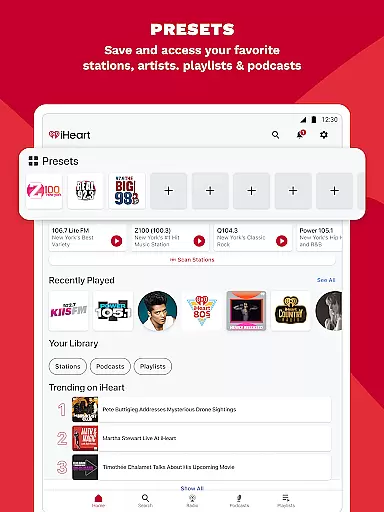
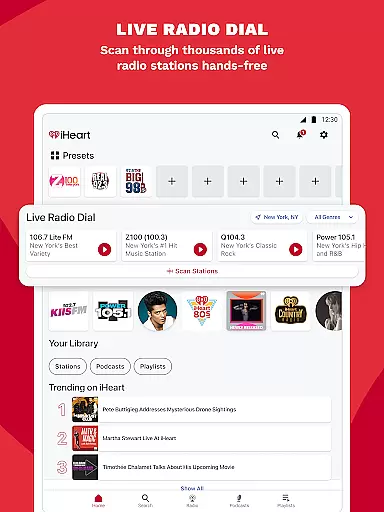
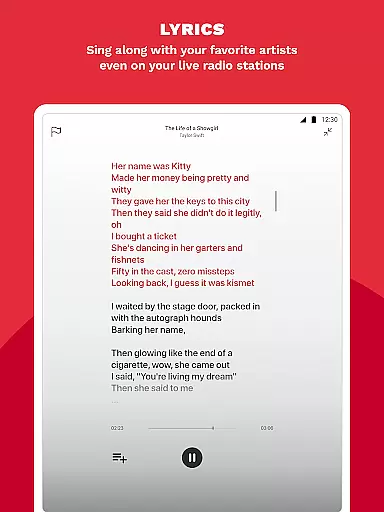
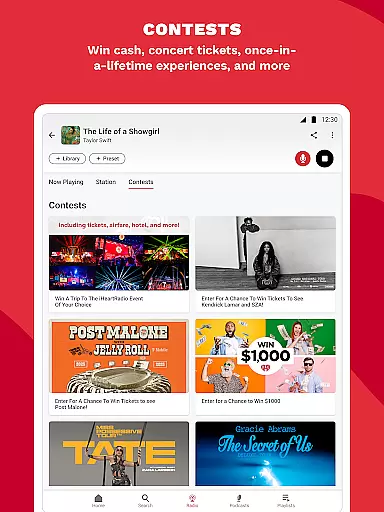
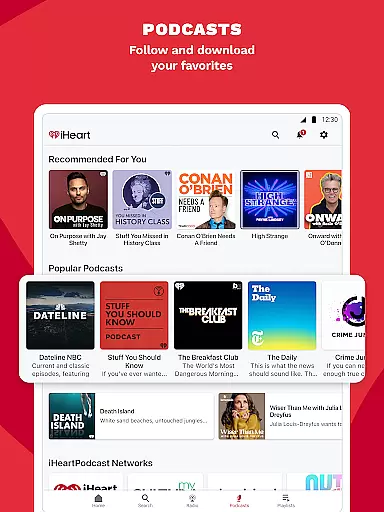
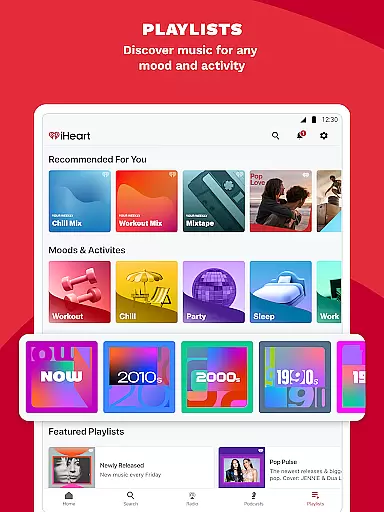
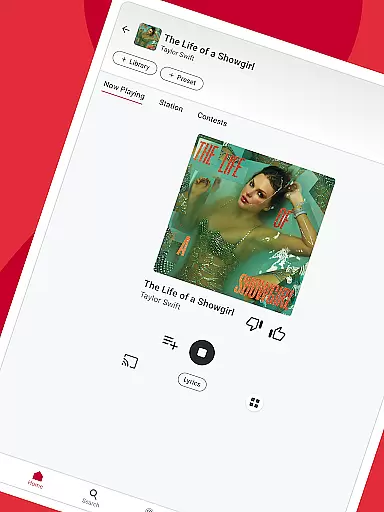

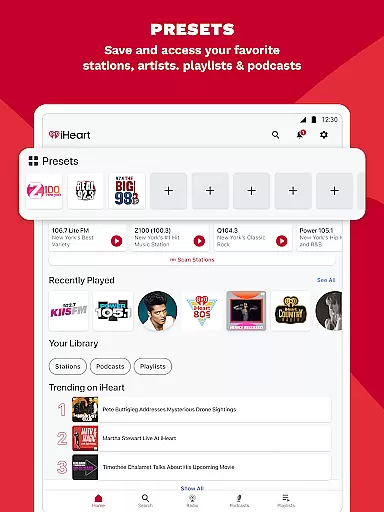
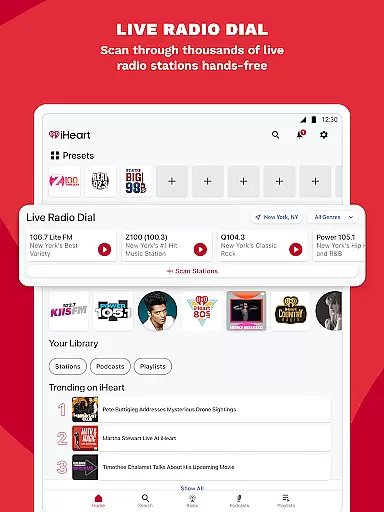
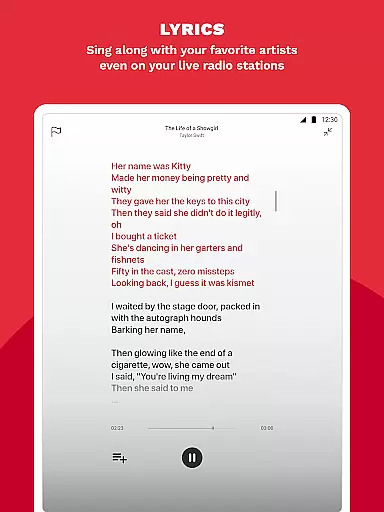
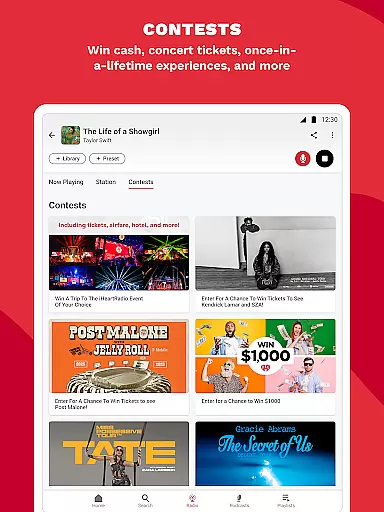
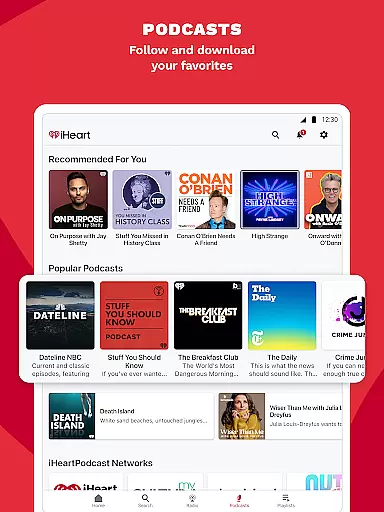
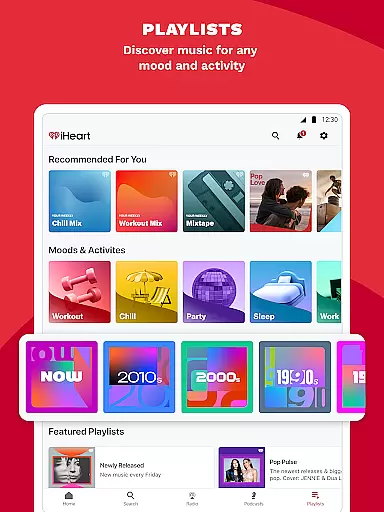
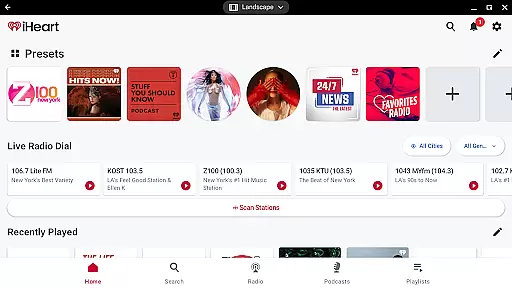
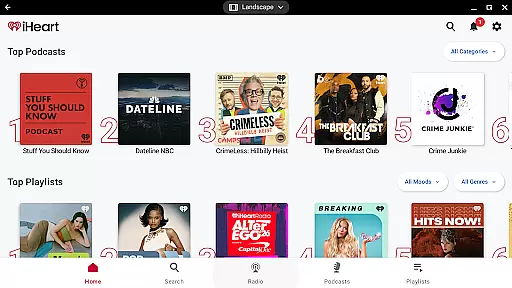
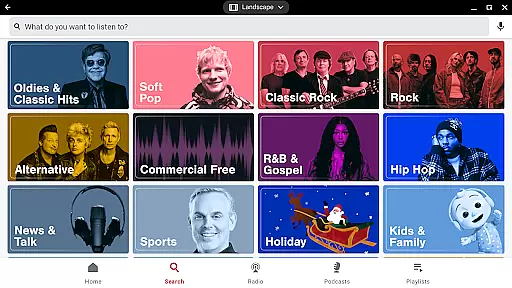
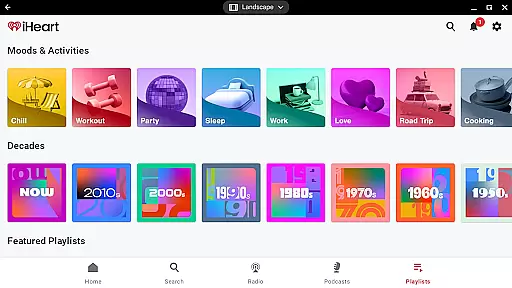


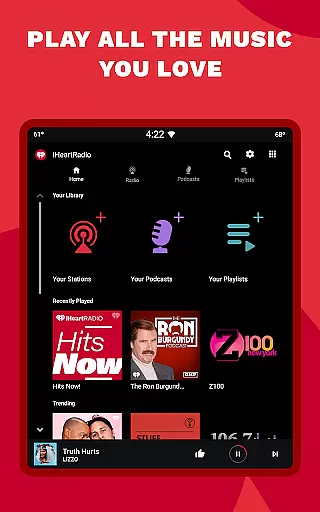
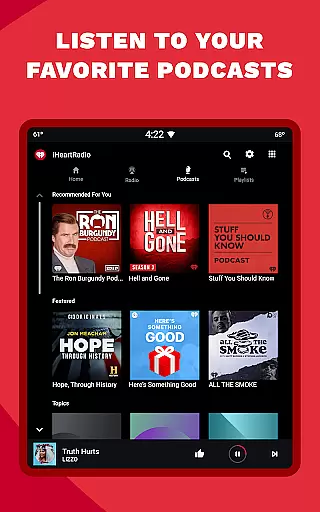
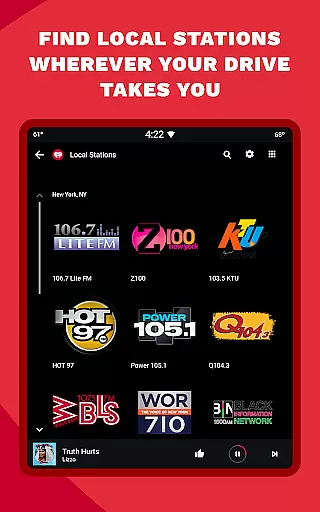
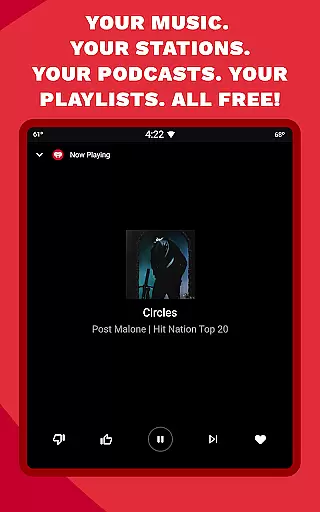
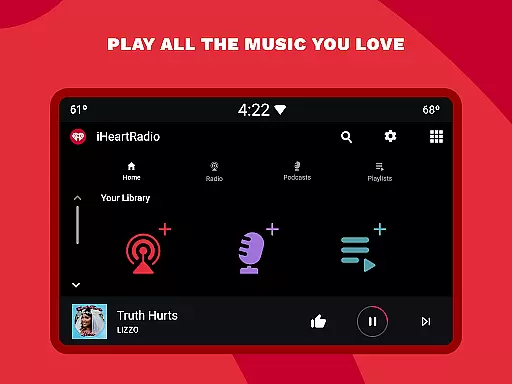

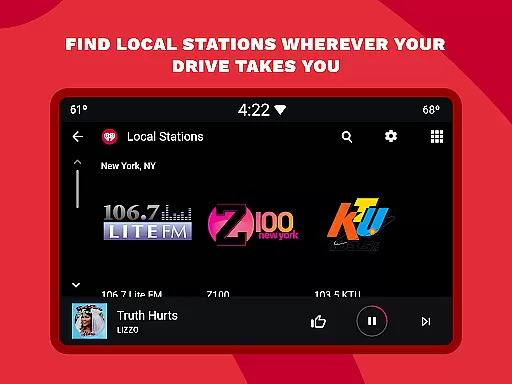
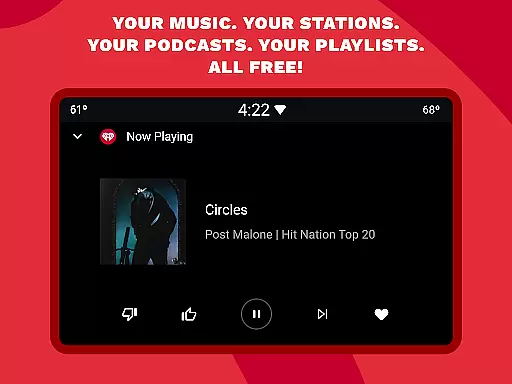
iHeartRadio is a versatile app that combines music, radio, sports news, and podcasts into one platform. It offers thousands of live radio stations, curated playlists, and ad-free listening options. Users can enjoy personalized music stations, trending podcasts, and live sports commentary from popular networks like ESPN and Fox Sports Radio.
The app supports offline listening and integrates with Android Auto for on-the-go entertainment. With features like Talkback mic interaction and customizable playlists based on mood or genre, iHeartRadio delivers an engaging audio experience across devices. Whether you're looking for holiday music, breaking news, or niche podcasts, this app provides comprehensive content for all interests.
iHeartRadio stands out with its diverse feature set catering to various audio preferences. The app provides access to over 1000 live radio stations, including local AM/FM channels and global streams. Its podcast library includes popular shows like On Purpose with Jay Shetty and Crime Junkie, with adjustable playback speed.
Sports enthusiasts can tune into dedicated sports radio stations featuring live play-by-play commentary for major leagues including NFL, NBA, and MLB. The app's music discovery tools help users find new artists through personalized recommendations and curated playlists. Premium subscribers benefit from ad-free listening, unlimited skips, and offline downloads across multiple devices.
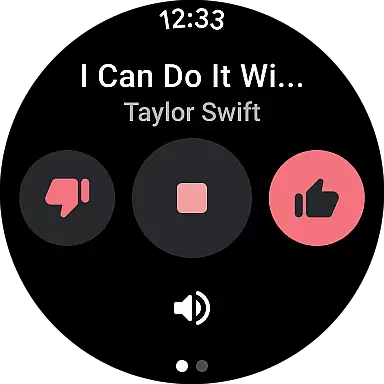
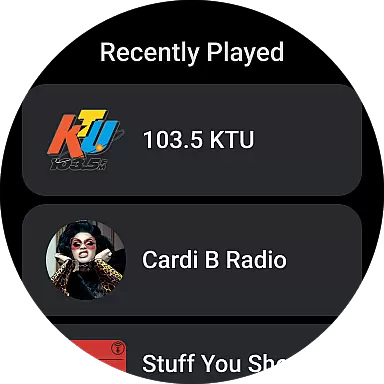
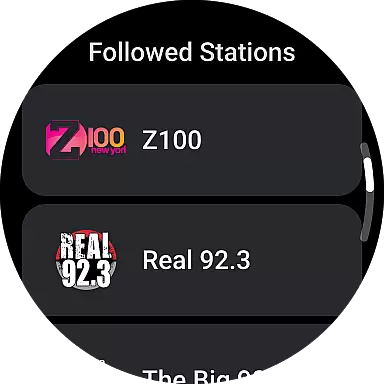
Companion app integration is essential for a seamless wearable experience. iHeartRadio excels in this area by offering robust synchronization between its mobile app and Android Wear devices.
The application ensures that your music, podcasts, and radio stations are always available on your smartwatch. This allows users to control their audio content directly from their wrist without needing to access their phone constantly.
Through the companion app, users can manage playlists, browse stations, and even download content for offline listening. This feature is particularly useful during workouts or when users find themselves in areas with poor phone connectivity.
By maintaining consistent functionality across devices, iHeartRadio provides an uninterrupted entertainment experience. Users can enjoy their favorite content anytime, anywhere, making it an ideal choice for those who value convenience and flexibility.
Ensuring broad device compatibility is crucial for any Wear OS application. iHeartRadio demonstrates excellent support for various Wear OS devices, making it accessible to a wide range of users.
The app is optimized to work seamlessly across different smartwatch models and screen sizes. Whether you're using a Fossil, Samsung, or other Wear OS devices, you'll experience consistent performance and user interface quality.
Moreover, iHeartRadio takes advantage of Wear OS-specific features such as voice commands and notification integration. These enhancements allow for hands-free operation and quick access to important information like upcoming shows or new podcast episodes.
Regular updates ensure that the application remains compatible with the latest Wear OS versions and devices. This commitment to compatibility guarantees that users will continue to enjoy optimal performance regardless of their chosen wearable technology.
User-friendly interface
Extensive station variety
Offline listening option
Live sports coverage
Podcast speed control
Frequent audio ads
Limited free skips
High data usage
Premium subscription cost
Occasional buffering

an Analog Watch Face for winter season with freeze winter background for Wear OS
 4.5
4.5
A heartwarming Christmas scene featuring a cute image of Santa and Rudolf
4.2
Elegant animated Christmas tree with multiple customization options
4.20
Monitor health with the stress test and pulse checker in the heart rate app.
4.60
Find EV charging stations
4.30
The Chevron App allows you to pay for fuel from the comfort of your car!
4.80
A realistic hybrid watch face with many customization options.
4.60
Connect, create, and collaborate with Gmail, part of Google Workspace.
4.10
Track airplanes and follow flights with our real-time flight tracker
4.50
Christmas - Festive - Christmas Village - Winter - Christmas lights
5.00
Simple, helpful messaging by Google
4.60
Ideal for surviving in the wasteland left after nuclear fallout
4.50
A white realistic classic analog watch face with many customization options.
4.40
The ultimate destination for kids ages 3-8 to explore the Marvel Universe!
4.30
Authentic military-tactical design with ZULU time! Realistic and functional!
3.80
Precision analog watch face with 7 complications and style options
4.2
A watch face that fuses motorsport precision with contemporary smartwatch design
4.4
Artistic Digital Watchface
4.3
Funny animated watch face for Thanksgiving
4.2


User Reviews