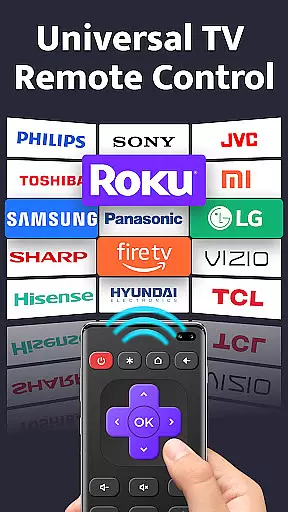
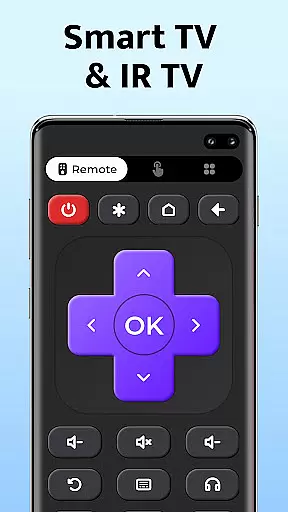
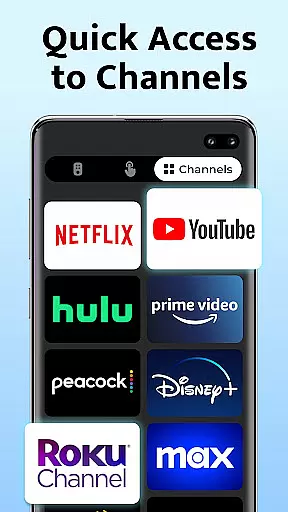
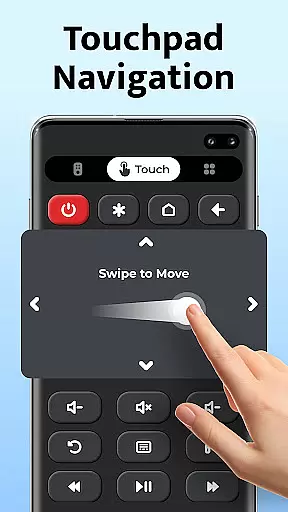
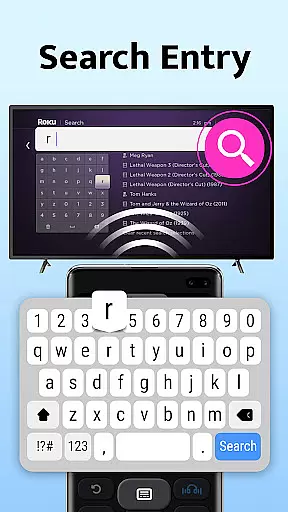
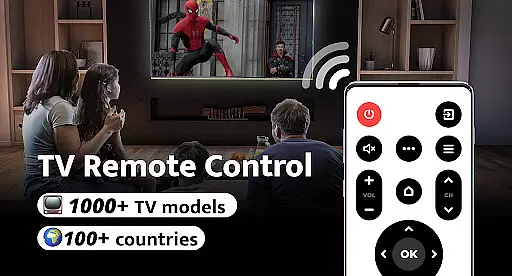
Remote Control for TV is a universal remote control application designed to replace traditional TV remotes. With compatibility across 1000+ TV models and support in over 100 countries, this app transforms your smartphone into an all-in-one remote control solution. The app offers essential functions such as power control, volume adjustment, channel switching, and navigation controls.
The primary value of Remote Control for TV lies in its ability to simplify the user experience by eliminating common inconveniences associated with physical remotes. Users no longer need to worry about drained batteries or lost remotes. Its intuitive interface ensures that users can easily set up and connect to their TVs with just one click, making it an ideal tool for modern living rooms.
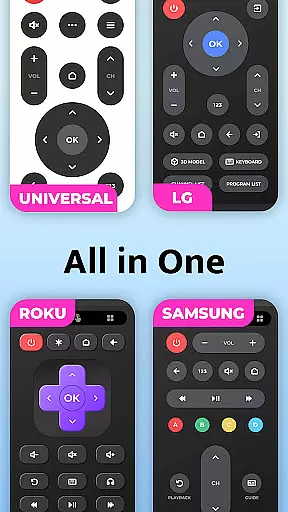
Remote Control for TV stands out due to its comprehensive feature set tailored for ease of use. It includes power and volume controls, mute functionality, channel digit buttons, and directional navigation among others. These features are designed to cater to all major TV brands including Samsung, LG, Sony, and more.
One of the key innovations of this app is its seamless setup process. Users simply select their TV brand and are ready to go. The app's user-friendly design ensures that even those who aren't tech-savvy can navigate effortlessly. Additionally, the universal compatibility means you can consolidate multiple remotes into one convenient app, streamlining home entertainment management.
For a universal TV remote control app, core function accuracy and effectiveness are paramount to ensure seamless interaction with various TV models. Remote Control for TV delivers on this front by providing precise infrared (IR) signals that match the requirements of over 1000 TV models across 100+ countries.
The app's comprehensive functionality covers essential TV operations such as power control, volume adjustment, channel navigation, and even advanced menu interactions. Each feature is designed to replicate or surpass the capabilities of traditional remotes, ensuring users experience reliable and responsive control.
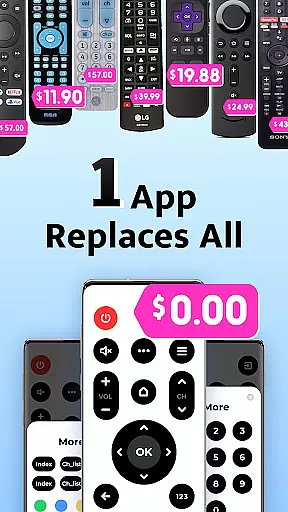
Users benefit from the app's ability to replace multiple remotes with a single device, streamlining their home entertainment setup. The intuitive interface allows for easy setup and one-click connectivity, making it accessible even to those who may not be tech-savvy.
Ultimately, the effectiveness of Remote Control for TV lies in its ability to simplify the user's life. By consolidating remote functions into a smartphone app, it eliminates common frustrations like lost remotes or dead batteries, offering a practical solution that enhances the overall user experience.
A simple and intuitive interface is crucial for any tool app, especially when it comes to something as frequently used as a TV remote control. Remote Control for TV excels in delivering an interface that is both straightforward and user-friendly, allowing users to effortlessly navigate through its features.
Upon opening the app, users are greeted with a clean layout that prominently displays all essential remote functions. The design prioritizes ease of use, with clearly labeled buttons for power, volume, channel digits, and navigation controls. This logical arrangement ensures that even first-time users can quickly adapt to using their smartphones as universal remotes.
The app's simplicity extends beyond just aesthetics; it encompasses the entire user journey. From selecting a TV brand to establishing a connection, each step has been optimized for minimal user input and maximum efficiency. This approach significantly reduces the learning curve associated with adopting new technology.
By focusing on interface simplicity and intuitiveness, Remote Control for TV transforms a complex technical solution into an accessible everyday tool. Users can enjoy the convenience of controlling their TVs without needing to understand the underlying IR technology, resulting in a more satisfying and engaging user experience.
User-friendly interface
Wide device compatibility
Quick and easy setup
Comprehensive remote functions
Free to use
Requires IR blaster
Limited to supported devices
No voice command feature
Dependent on phone battery
Occasional connectivity issues

Quickly switch to an encrypted DNS server on Android TV
 4.50
4.50
A convenient photo, video, and file recovery tool.
4.00
Connect instantly to a fast, encrypted VPN with one tap
4.60
Fluid navigation gestures for all of us!
4.30
Making emulation easy for everyone!
4.30
Remote Play with FSR upscaling, low latency & full controller support
4.80
Button mapper, mouse toggle, sleep timer and a lot of another features
4.50
Fun lie-detection pranks for friends and parties.
3.80
Mobile Security with Scam Protection | Malware & Virus Cleaner | Safe Browser
4.70
The Ultimate Flex Drivers Utility App - Convenient Tapping & Block Filters
4.70
App to pay for FUTO Keyboard
4.60 4.50
4.50
Screen Mirroring for Roku Sticks, Roku TCL TV and Roku Hisense TV
4.50
Mirror your screen to Fire TV - Super fast and simple
4.40
Clean up large files and similar photos, fast and easy to use
4.40
Effortlessly run ADB commands directly on your device without a PC.
4.20 4.10
4.10
Detect hidden spy camera with advanced scanning {{ Premium version }}
4.00
Family Locator, Share location, StayConnect with your family in real time
3.90


User Reviews