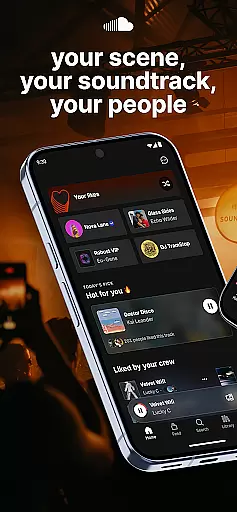
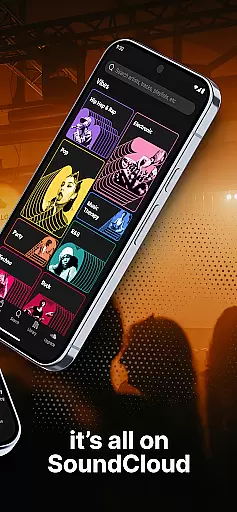


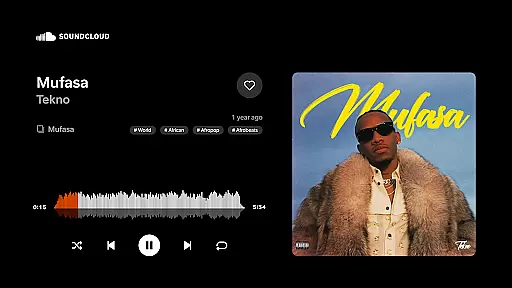
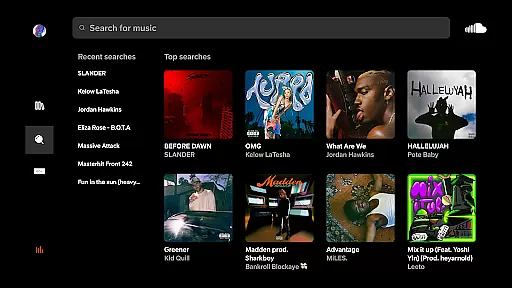
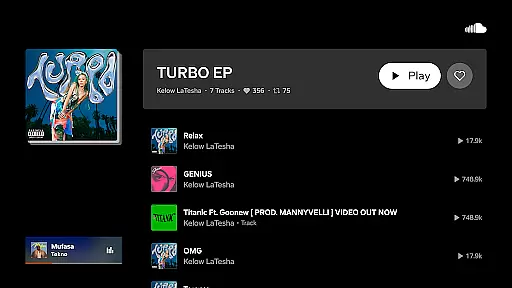
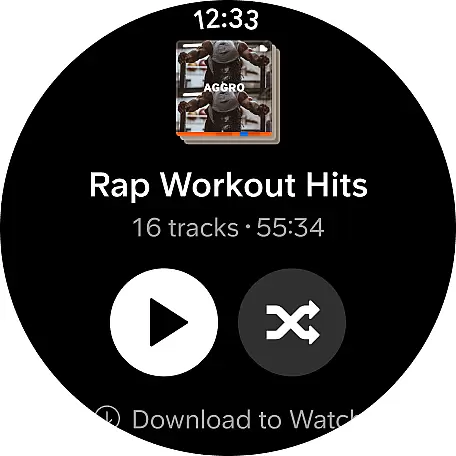
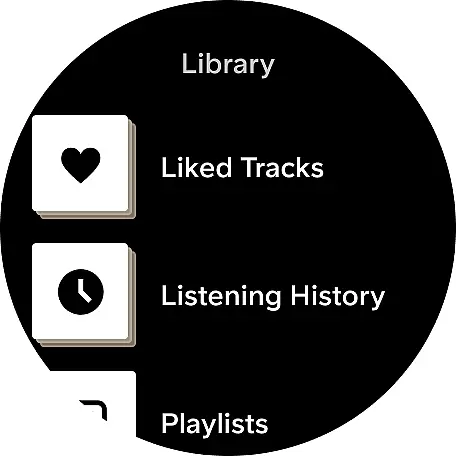
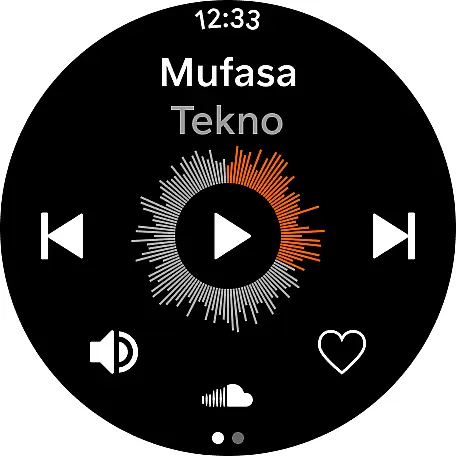
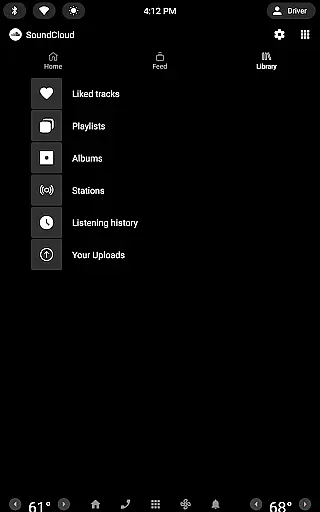
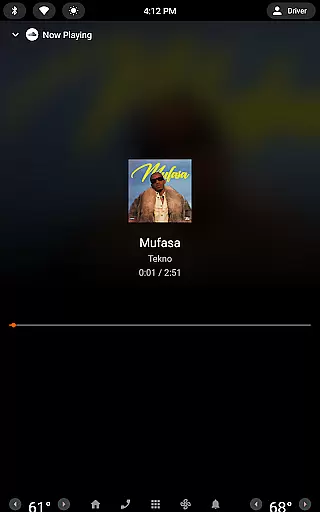
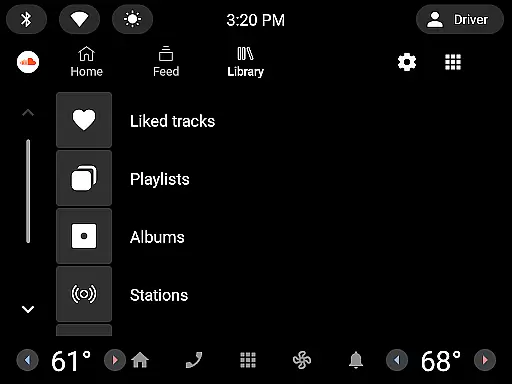
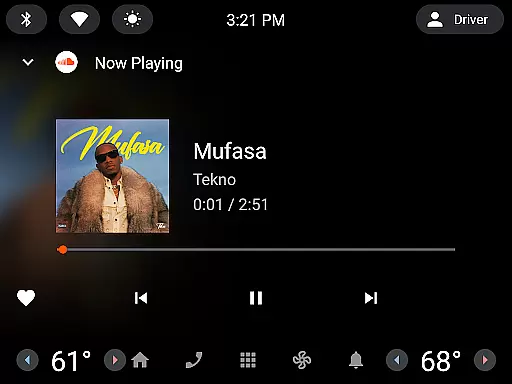
SoundCloud is the premier destination for music discovery and community engagement, allowing users to explore a vast array of tracks across genres. With its unique features tailored for Android Wear, it brings the experience closer to users, literally on their wrists.
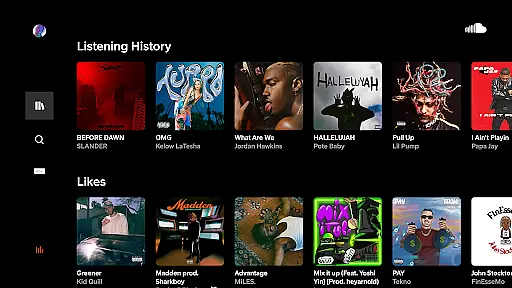
The app's core functionality lies in its powerful music streaming capabilities, enabling users to access millions of tracks, discover new artists, and connect with fellow music enthusiasts. It also offers personalized recommendations through the Discover Feed, ensuring that every user finds music that resonates with their taste.
Whether you're commuting, working out, or simply relaxing at home, SoundCloud keeps you connected to your favorite tunes and introduces you to new sounds that can become the soundtrack of your life.
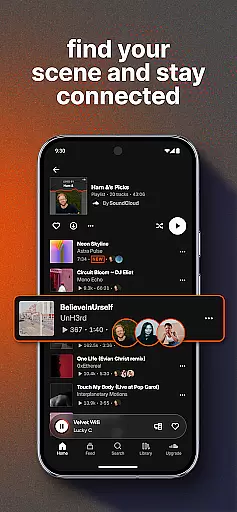
SoundCloud stands out with its innovative features designed to enhance user interaction and music exploration. The Suggested Follows and Messaging Bubbles facilitate connections between users, making it easy to share music and communicate with friends directly from the app.
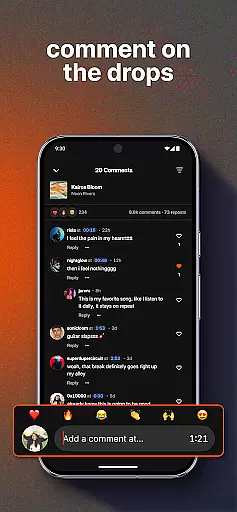
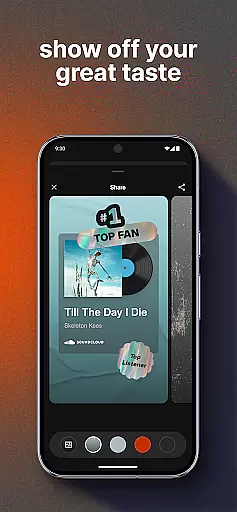
Listeners can express their appreciation for tracks through Quick Reactions and Comments, fostering a supportive community around artists. Additionally, the First & Top Fans list recognizes dedicated fans, encouraging deeper engagement with the music and its creators.
For those looking to extend their listening experience beyond their phone, Cast to Devices allows seamless playback on external speakers, perfect for creating an immersive atmosphere at gatherings or parties.
Companion app integration is essential for a seamless experience between wearable devices and smartphones. SoundCloud offers robust connectivity that ensures your music and interactions are synchronized across all your devices.
The app provides real-time updates, allowing users to manage their playlists, messages, and notifications directly from their wearable device. This means you can send Quick Reactions, drop Comments, and even share tracks without needing to reach for your phone.
With Messaging Bubbles and the ability to browse Suggested Follows, SoundCloud keeps you engaged with your community no matter where you are. This interconnected ecosystem enhances user convenience and enriches the overall listening experience.
Ensuring compatibility with Wear OS and various devices is crucial for providing an uninterrupted user experience. SoundCloud is optimized to work flawlessly with Wear OS, offering users the flexibility to enjoy music on different devices.
The app supports features like Cast to Devices, which allows you to play music on speakers or other audio systems directly from your wearable. This feature creates opportunities for IRL moments by bringing people together through shared musical experiences.
Additionally, SoundCloud's compatibility extends to recognizing user activity across platforms, ensuring that interactions such as liking tracks or engaging with artists are reflected everywhere. This comprehensive device support makes it easy for users to stay connected to their favorite scenes and soundtracks at all times.
User-friendly interface
Extensive music library
Personalized recommendations
Active artist community
Social sharing capabilities
Limited offline functionality
Occasional connectivity issues
Ads in free version
Subscription cost
Interface complexity

"PER27 Galaxy Digital" is a digital Wear OS watch face designed by PERSONA
 4.10
4.10
A customizable Christmas watch face for Wear OS with a countdown.
4.20
Christmas and New Year - Themed Watchface
4.5
an Analog Watch Face for winter season with freeze winter background for Wear OS
4.0
Bold, Modern Hybrid Watch Face for Wear OS. 10 Colors, Rich Info Display.
4.30
Digital watch face. For Wear OS devices.
4.40
The #1 source of faces for your smartwatch!
4.00
Premium hybrid watch face with many customizations for Wear OS devices.
4.40
Start and succeed with PAP
4.10
Period, ovulation & pregnancy tracker. Fertility insights & menstrual calendar.
4.90
A modern hybrid informative watch face for Wear OS designed by BALLOZI
4.80
Your second brain for organizing your life: to-do, calendar, reminder.
4.70
Nutrition, Macro tracker: Food, fitness & healthy diet tracking for weight loss
4.60
Retro digital watch face with customizable colors and a unique lighting effect
4.60
Ideal for surviving in the wasteland left after nuclear fallout
4.50
Hyper-Realistic Airplane Dashboard Watch Face With 10 Skins and Custom AOD
4.00
Watch face designed for Thanksgiving Day. 7 Background Styles included.
3.20
3 Complications. All shadow on/off. 30 Themes color palette...
4.2
Stylish digital watch face for Wear OS devices with customizable features
4.3


User Reviews